
Spinning Wheel App
This Flutter project implements a customizable spinning wheel feature, ideal for games, random selections, or decision-making tools. The project demonstrates advanced state management, weighted random selection, and responsive layouts.
Screenshots
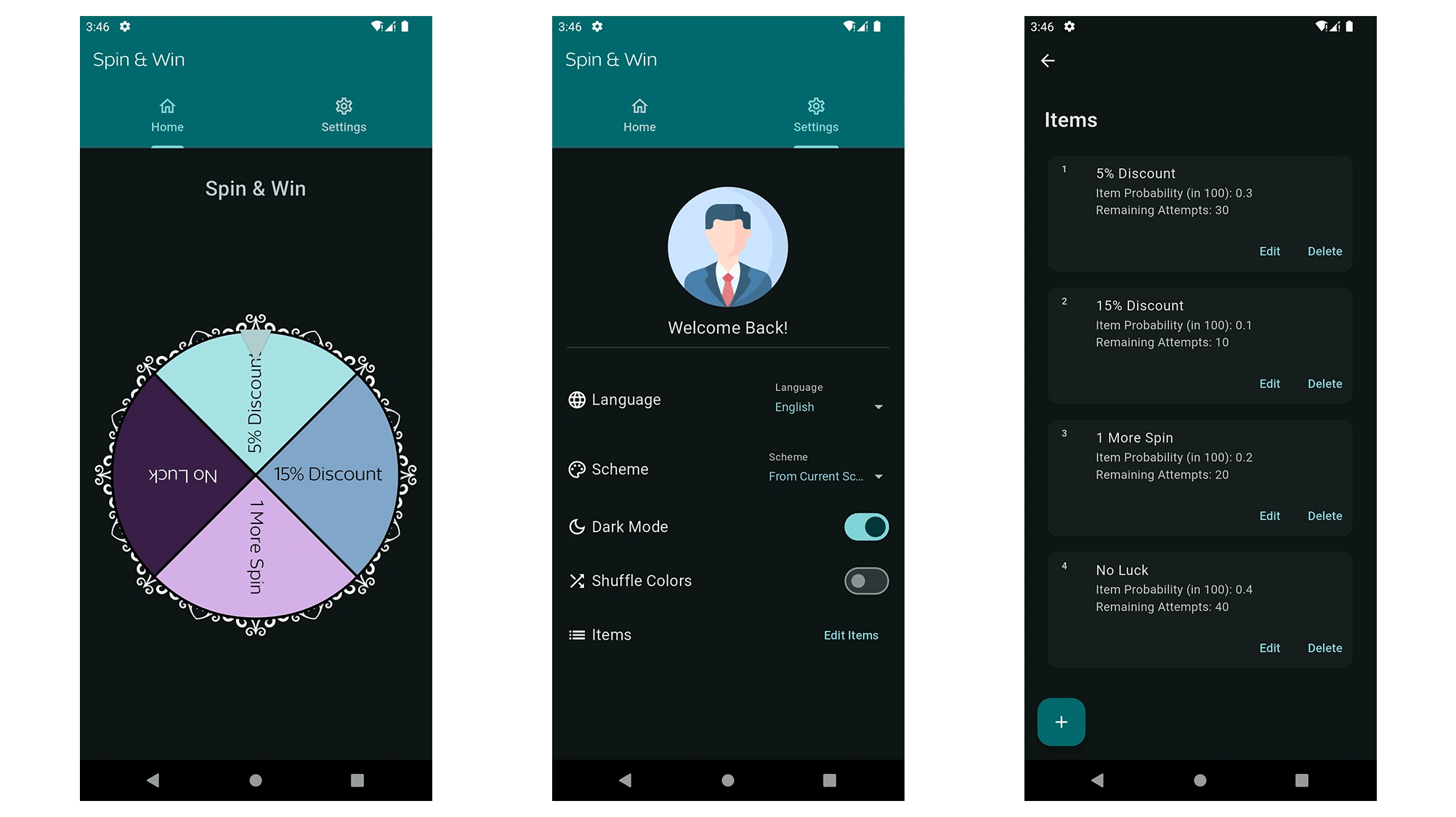
Home - Settings - Item Details
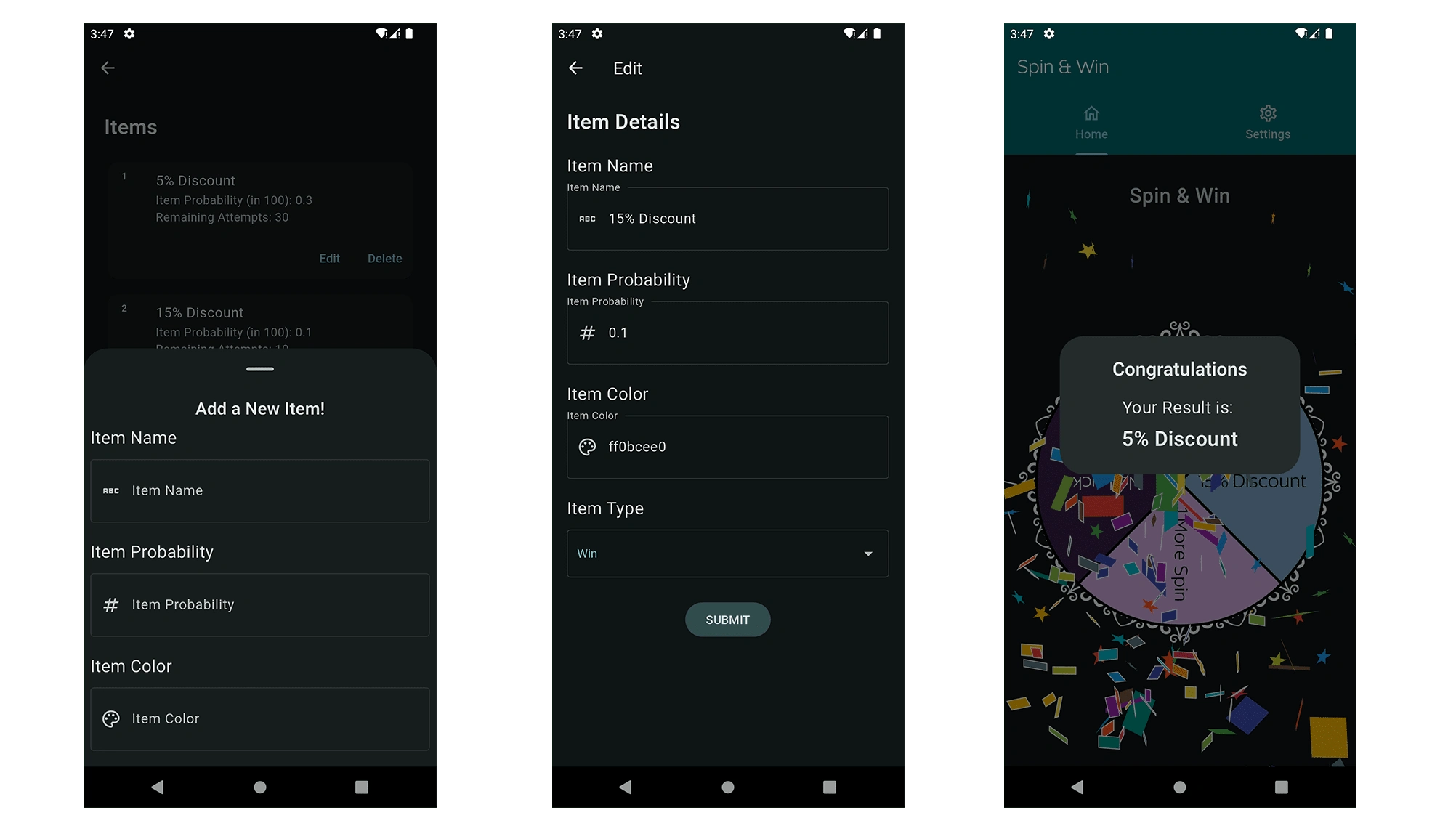
Add an Item - Edit an Item - Spin Result
Installation
Clone the repository:
2. Navigate to the project directory:
cd spinning-wheel
3. Install dependencies:
flutter pub get
4. Run the app:
flutter run
Usage
Add items to the spinning wheel through the
AppCubit class.Assign probabilities to each item in the list for weighted selection.
Press the Spin button to activate the wheel.
The result will be displayed via a snack bar message.
Project Structure
lib: Contains the main source code.layout/: Defines the main layout and state management cubit.models/: Holds the data model for items on the spinning wheel.modules/: Contains feature-specific modules (e.g., Home, Items, Settings).shared/: Includes shared components, styles, and utilities.Customization
Items: Modify the
Items list from Settings.dart to customize the labels and probabilities.Audio: Replace the spinning wheel sound file in
assets/sounds/ with your own sound.Localization: Update
languages.dart to add or modify language strings.Modes: Light & Dark Mode themes.
Dependencies
Key packages used in this project:
flutter_bloc for state management.
flutter_fortune_wheel for the spinning wheel component.
audioplayers for sound effects.
0 likes · 20 views · Dec 23, 2024
This Flutter project implements a customizable spinning wheel feature, ideal for games, random selections, or decision-making tools.

