FoneStream

Ciaran Moore
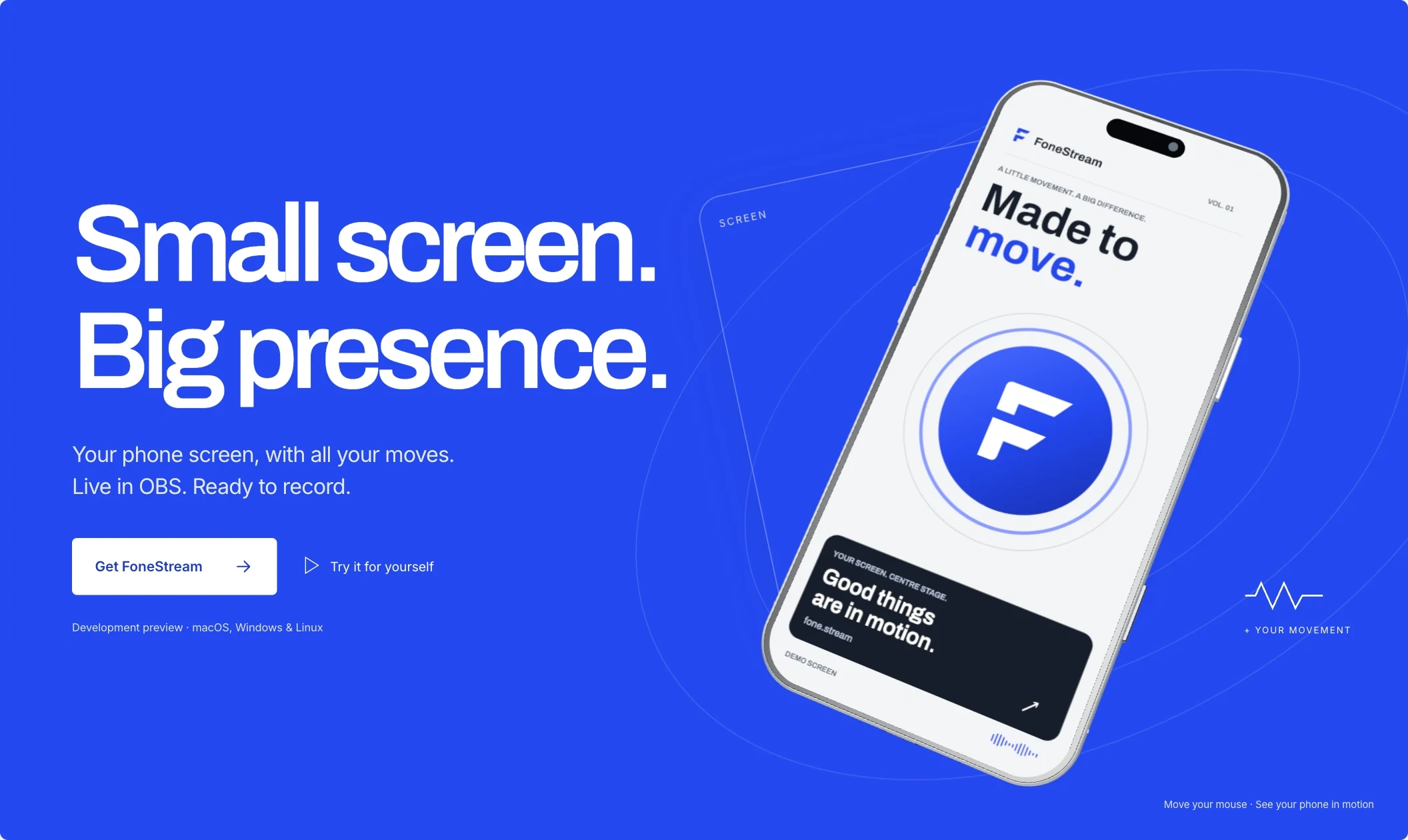
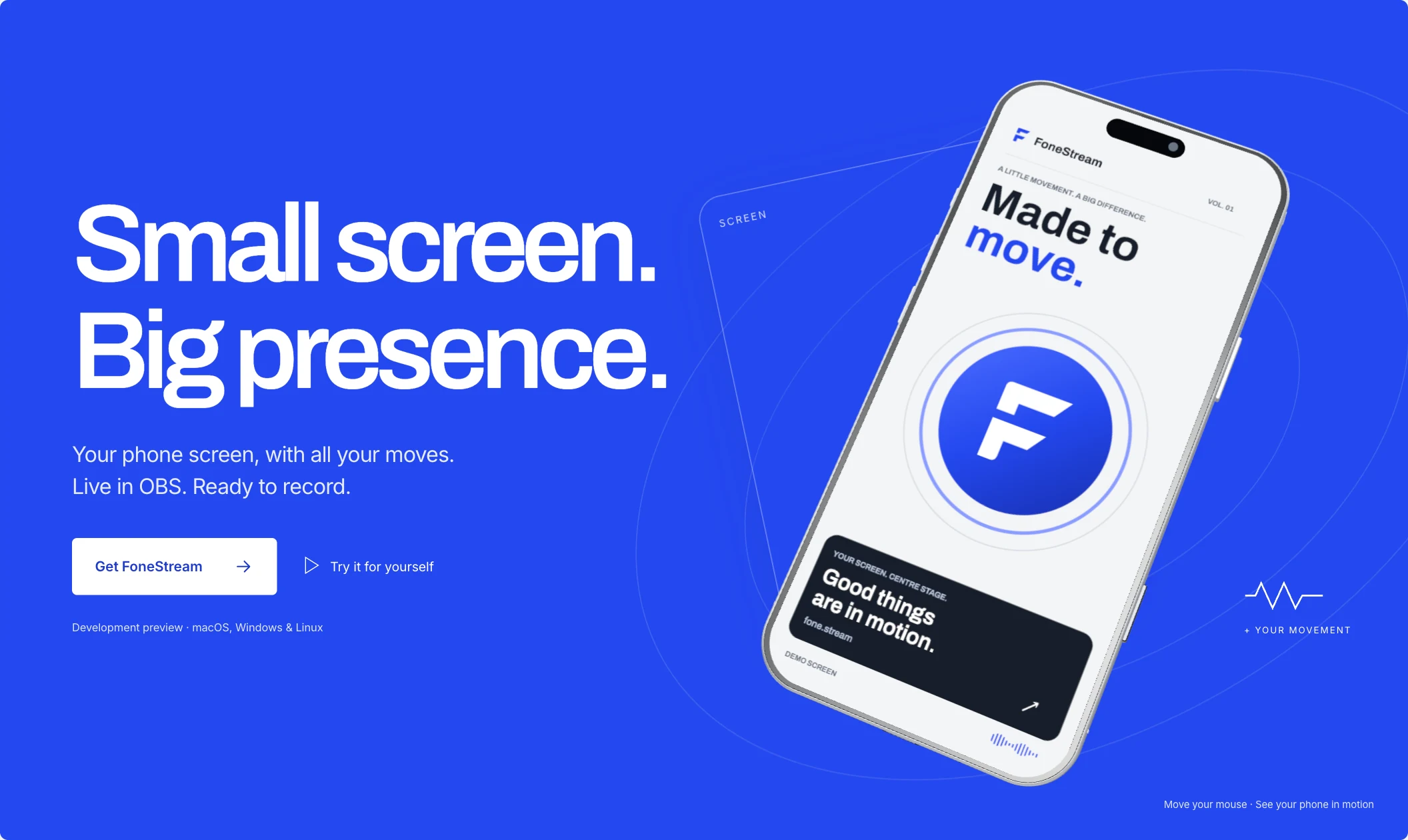
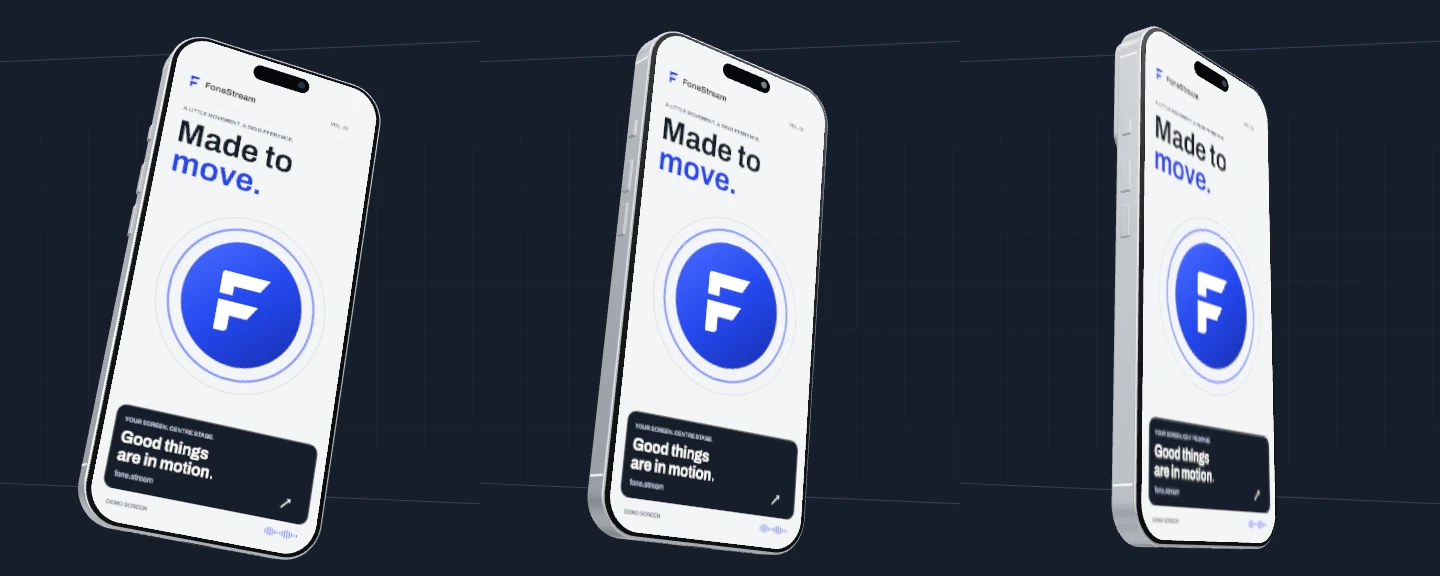
01 / The cobalt hero · 6-second pointer-response loop · Play to view View full-resolution still ↗
01 / Phone to production
Pair locally.Compose on desktop.
Pair your phone, approve screen capture and choose a flat screen or 3D device. Adjust the movement, then record or connect to OBS.
We built the desktop receiver, iOS and Android companions, renderer and OBS integration. Capture runs over your local network without a cloud relay or product account.
The local architecture
Combining screen and motion.
Implemented capture path · local network and local outputs
Phone companionScreen capture + motion sensors
Trusted local connectionPairing → WebRTC video & motion data
Desktop rendererScreen texture + calibrated pose → 2D or 3D composition
OutputComposite MP4 · OBS Browser Source · native OBS source
Pairing and access
Pairing uses a single-use offer and securely stored credentials. You can revoke a device’s access.
Motion has its own timing
Video and motion arrive separately. Timestamped sensor data keeps the pose aligned; calibration sets a comfortable holding position.
Record the composition people see
Record the composition as an MP4, with audio when available. OBS connects through a private local URL.
02 / The main interaction
From 2D to 3D.
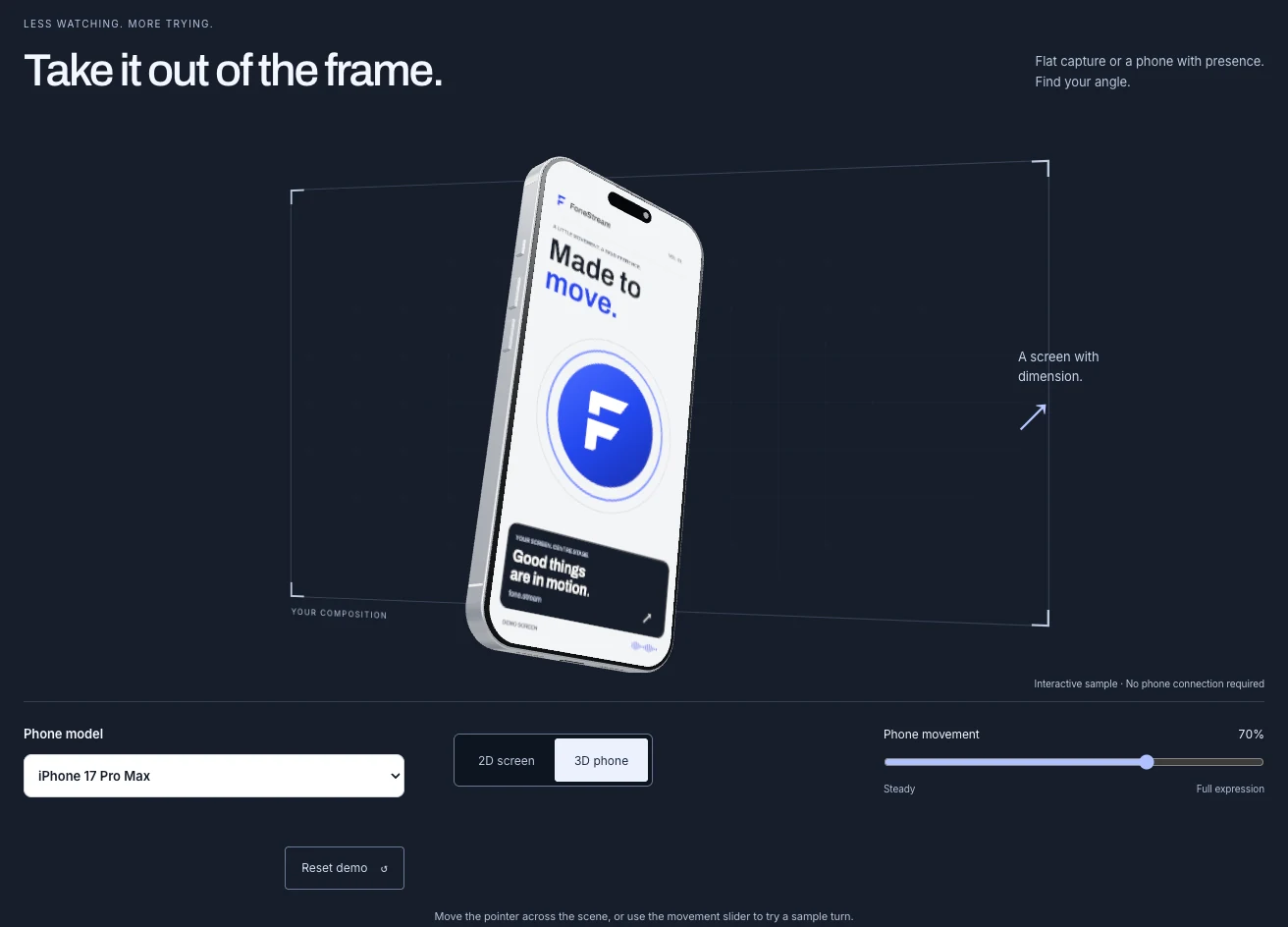
Scroll to turn the flat screen into a 3D phone. Both views use the same renderer.
Switch between 2D and 3D to compare.
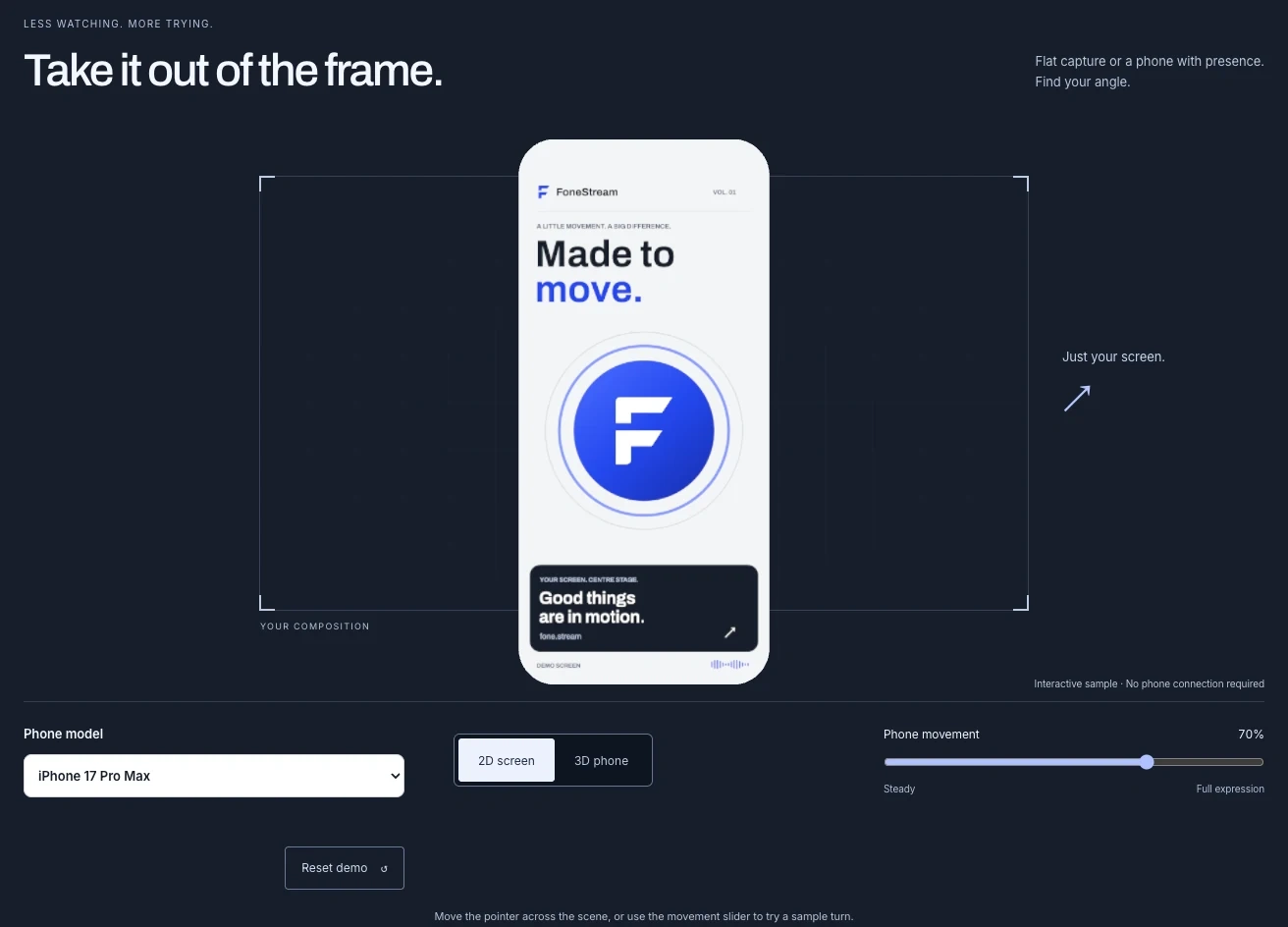
Scroll transition, then manual 2D / 3D switching · 7 seconds · Silent recording View 3D still ↗
Compare the flat and dimensional stills
2D / The screen, on its own.
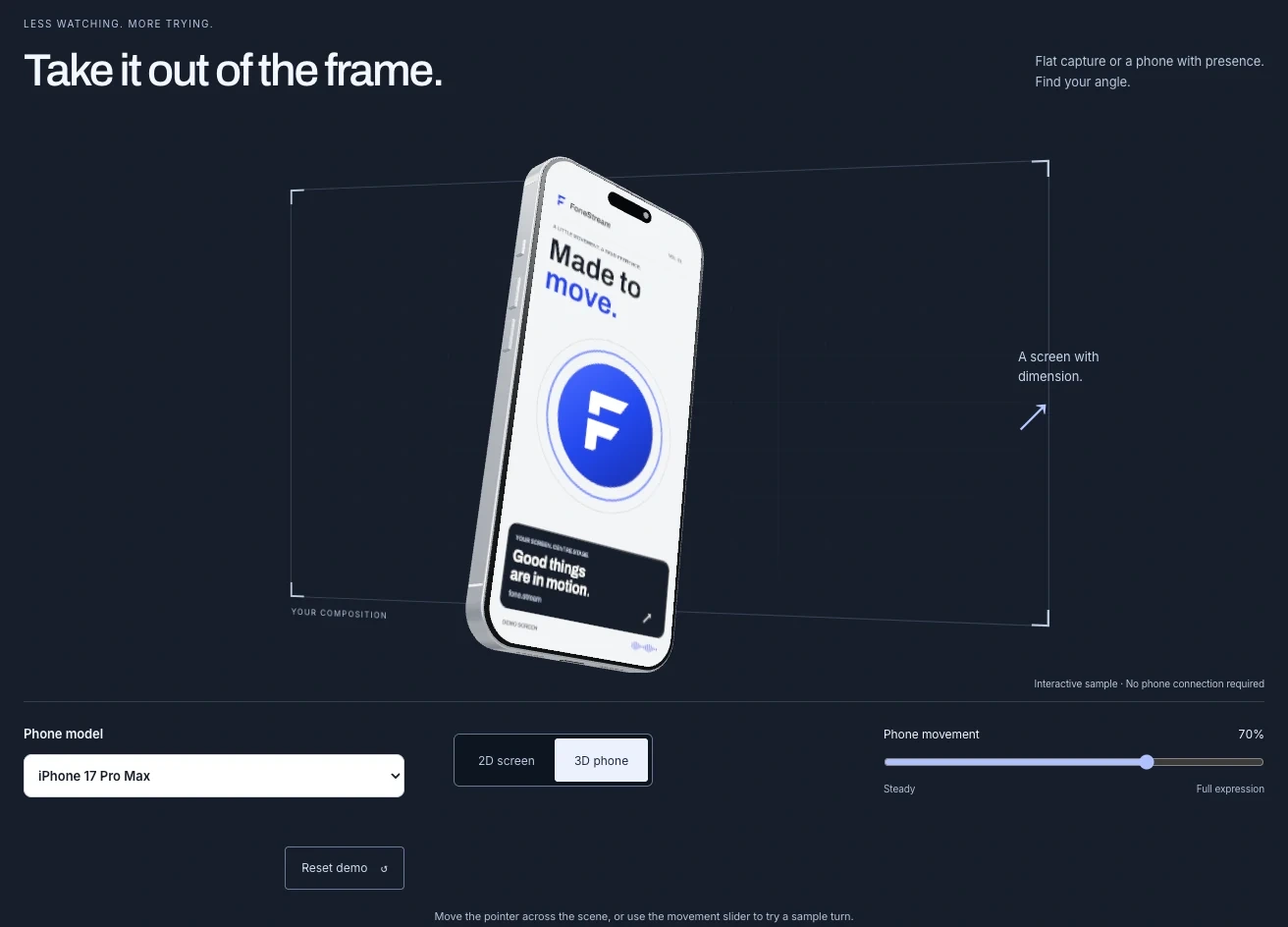
3D / A frame, an angle, a physical presence.
03 / One understandable control
Control the movement.
At 0%, the phone holds still. At 50%, movement is restrained. At 100%, it follows the full turn.
All three views repeat the same simulated motion. This demo doesn’t measure hardware latency.
0%Steady
50%Measured movement
100%Full expression
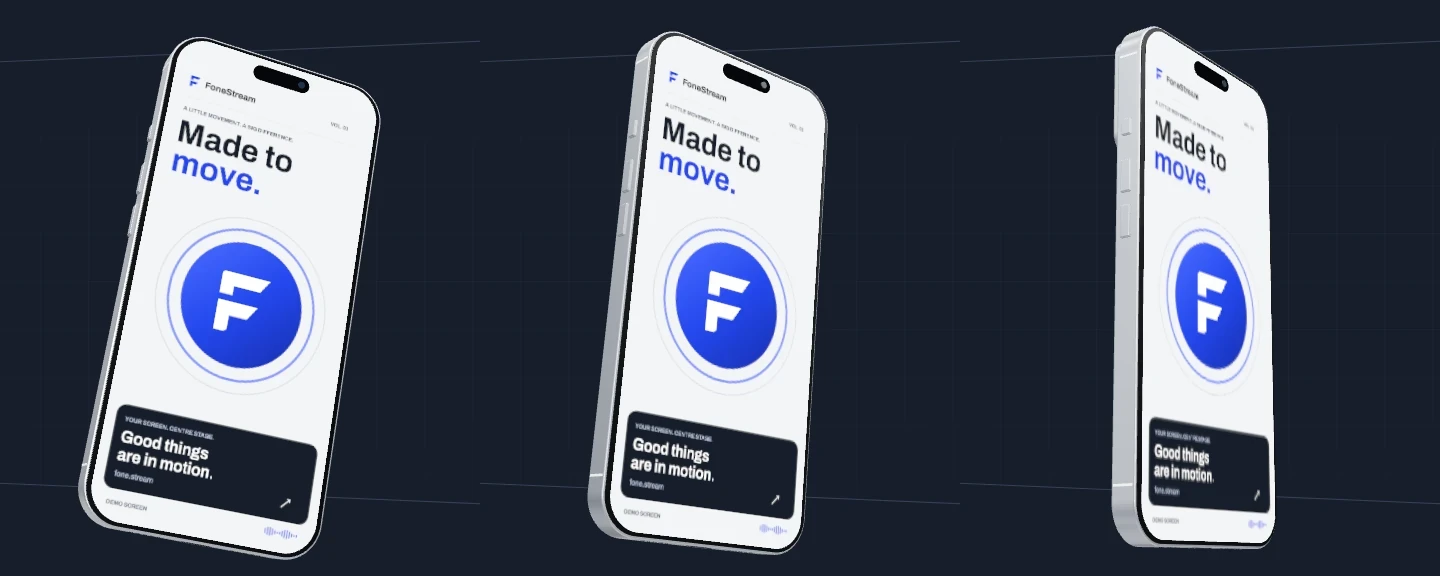
Simulated motion · Same sample path and timing · 5-second loop View comparison still ↗
04 / Across the experience
Website, desktop and mobile.
Cobalt controls, silver panels and a graphite canvas carry through the website, desktop app and phone companion.
The website and desktop share a renderer. On mobile, the focus is pairing and permission to share.
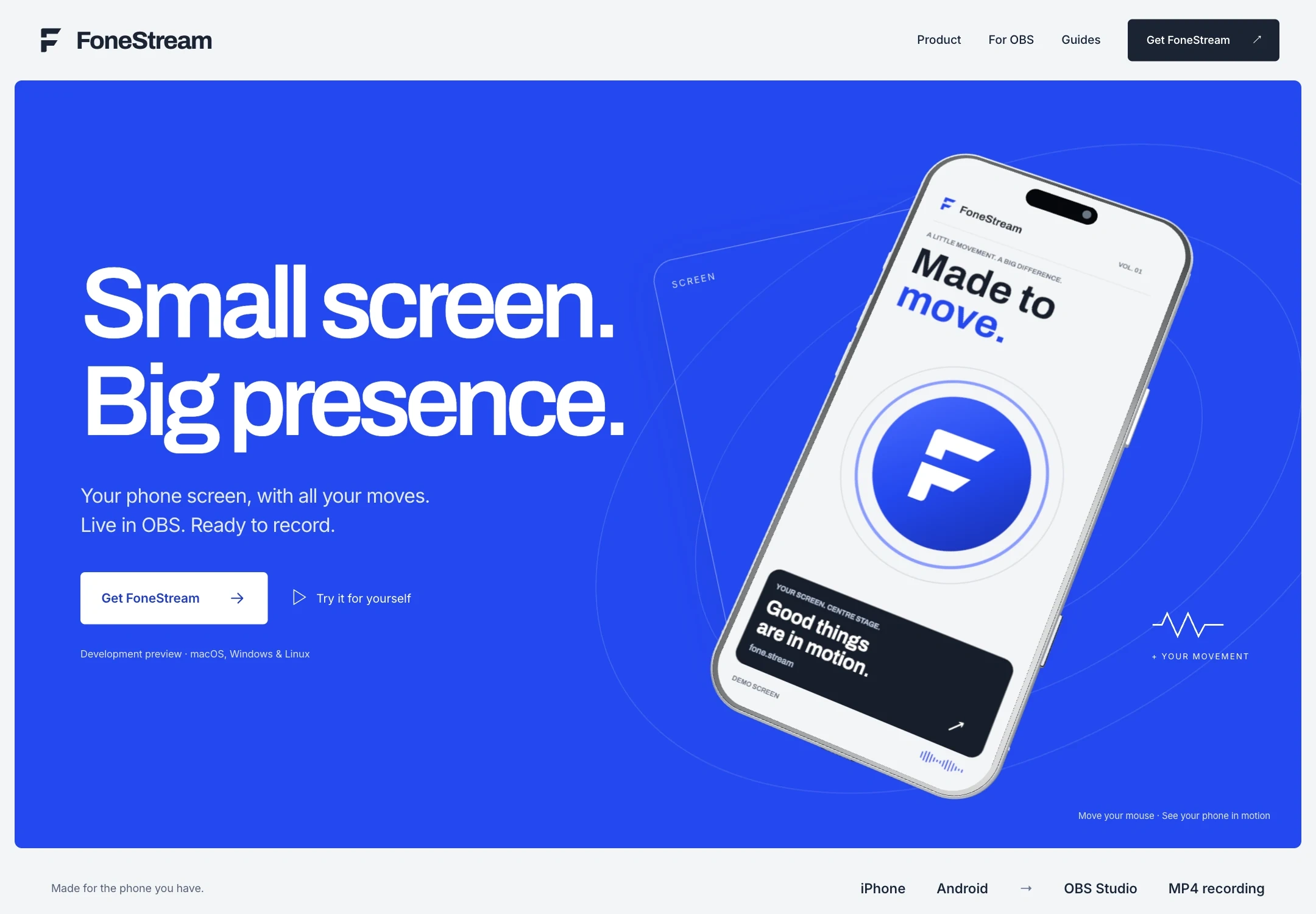
Website / Fresh browser capture · 6 September 2026
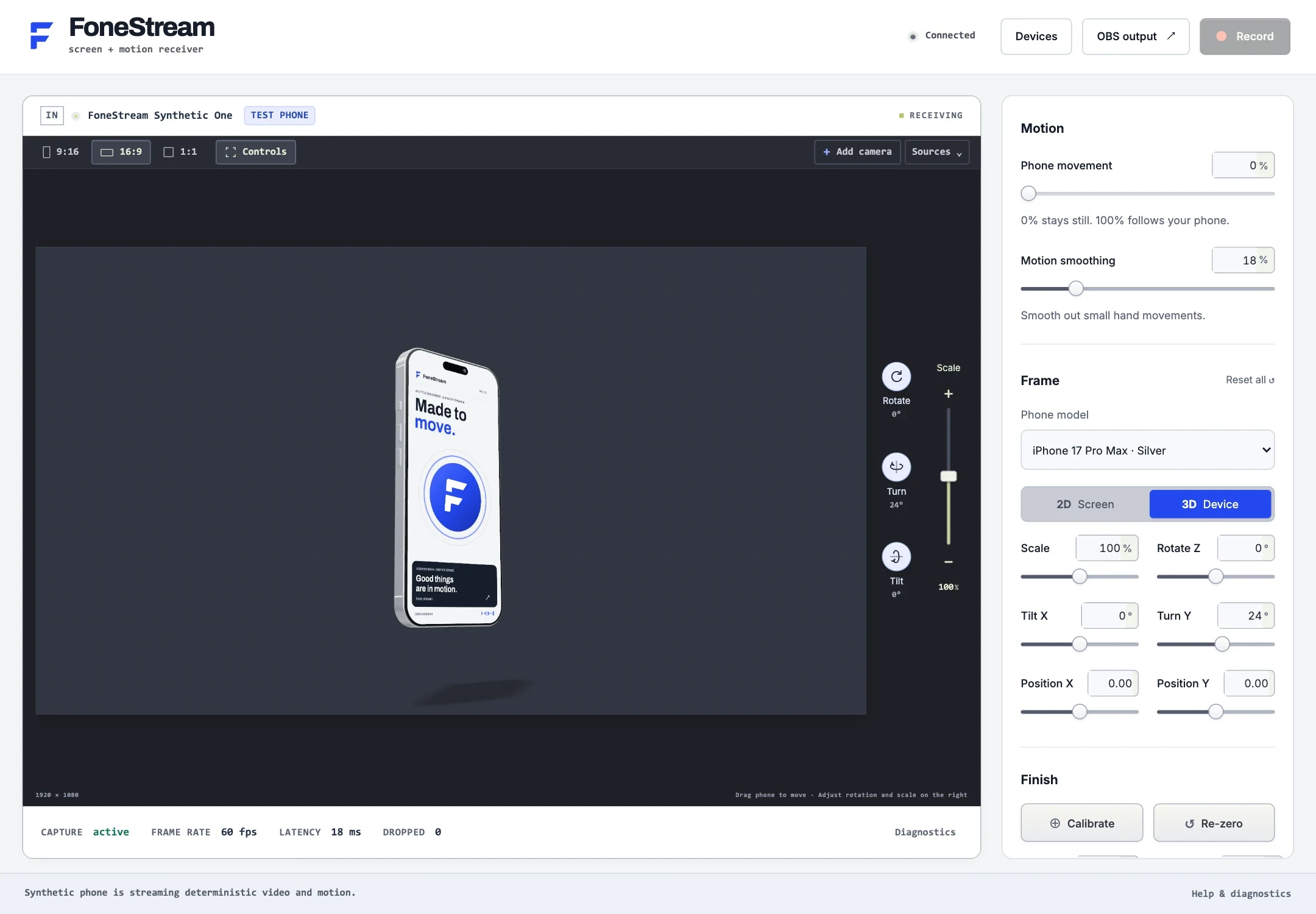
Desktop / Fresh browser preview with a synthetic test phone. On-screen telemetry is test data.
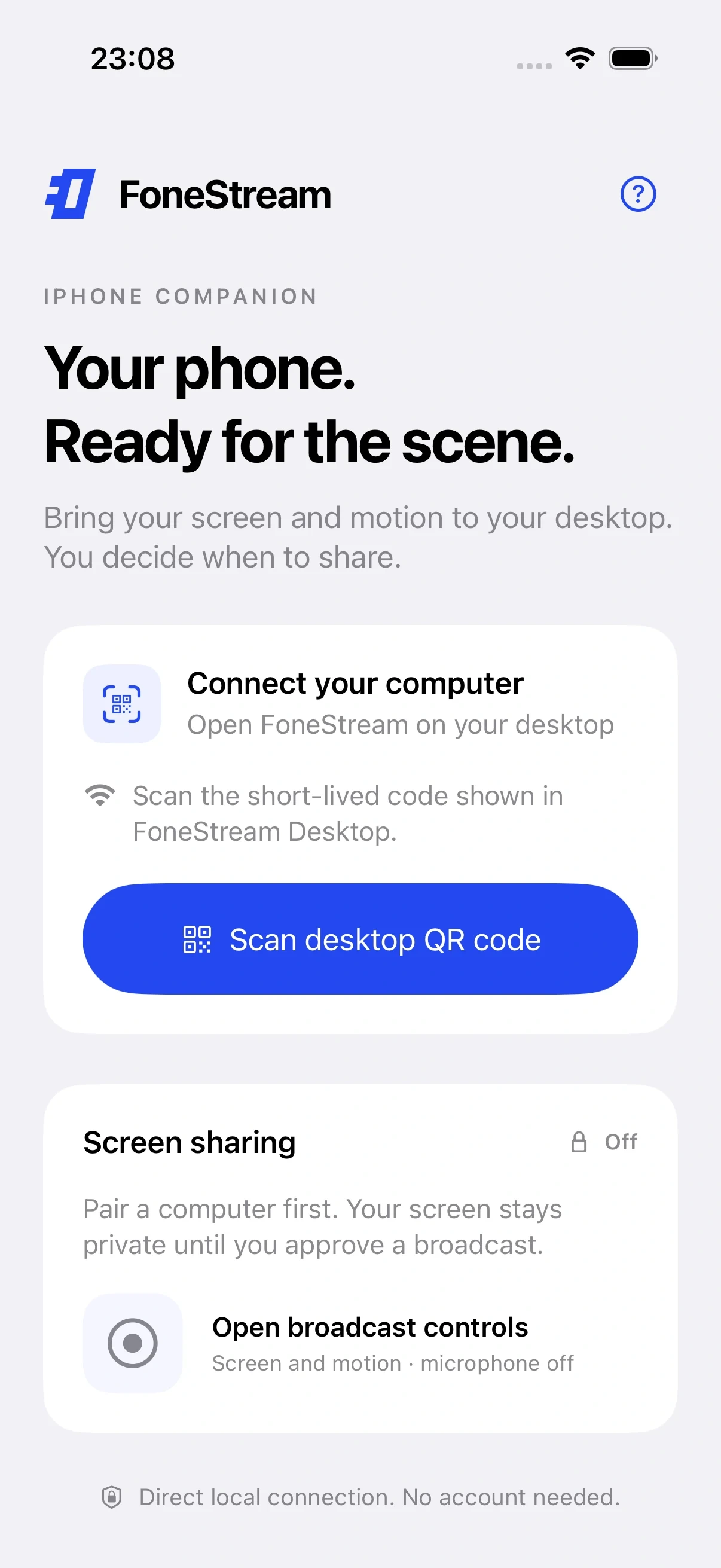
Mobile pairing / iOS simulator capture · 5 September 2026 · No physical phone connection
CobaltSilverGraphiteBold type / Shared screen artwork
05 / A small UX decision
Take your settings with you.
Choose 3D and 50% movement, and those settings appear in copyable setup notes alongside the pairing and OBS steps.
The notes are setup instructions. They don’t import settings or connect a phone.
3D phone · 50% movement
“Choose 3D device. Set Phone movement to 50%. Calibrate with your phone in a comfortable position.”
Read the captured setup instructions
My FoneStream setup 1. Install the desktop receiver and phone companion. Connect both to the same local network, pair, and approve screen capture. 2. Choose 3D device. Set Phone movement to 50%. Calibrate with your phone in a comfortable position. 3. In OBS output, copy the Browser Source URL. Add it to OBS and use the dimensions shown for your selected layout. Keep this private URL off stream. Installation: https://fone.stream/docs/installation/ This note records demo settings, not a live device connection or an importable preset.
Demonstrations use simulated motion, a test phone and an iOS simulator. On-screen telemetry is test data.
FoneStream / Local capture, native companions,product design and media engineering.
Like this project
Posted Sep 18, 2026
FoneStream — detailed product page describing pairing, local capture pipeline, 2D→3D composition, renderer, and OBS integration with desktop and mobile companions.
Likes
0
Views
1