KLUB: CMS Architecture for Event Businesses

Andrew Norman

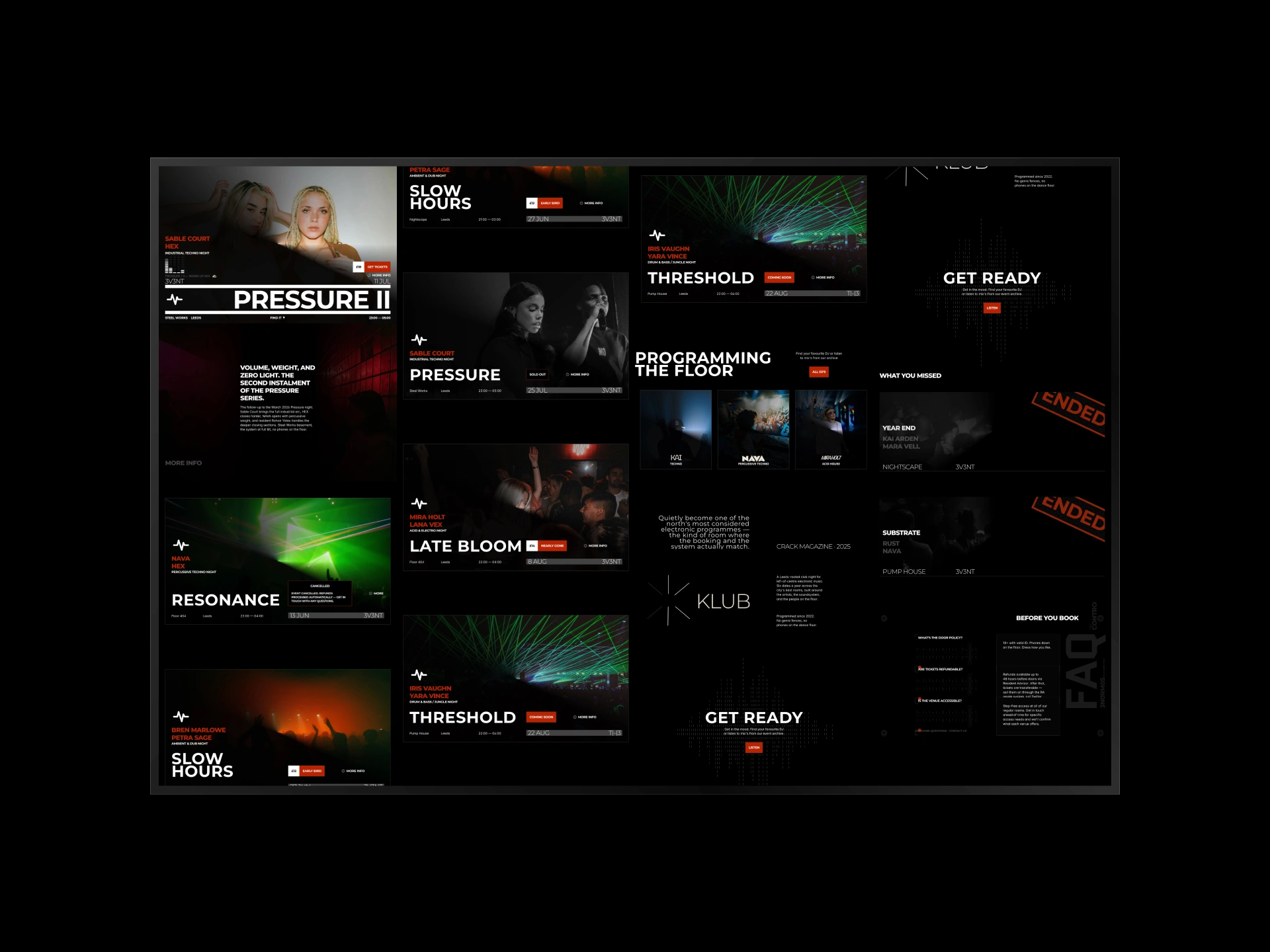
KLUB Cover
The Operational Problem
Running an event business means content changes constantly. New events go live, lineups shift, DJs get added or swapped, ticket links update, and event statuses move from upcoming to sold out to past. On most websites, every one of those changes means opening the design editor, finding the right section, updating it, then checking three other pages where the same information appears.
For a venue running weekly club nights or a promoter managing a festival calendar, that workflow breaks fast. Staff either can't make the updates themselves (so they pay a developer for every small change) or they make edits that break the layout. The website becomes a bottleneck instead of a tool.
The CMS-First Solution
I built KLUB to prove that an event website can be fully operated from the CMS. The principle: if it changes, it lives in the CMS. If it's connected to something else, the CMS handles that relationship.
The architecture runs on 8 interconnected CMS collections covering events, DJs, music, lineups, venue settings, design tokens, page content, and site configuration. Every collection is structured with simple data entry fields, image uploads, toggles, and dropdown selectors. No code, no design layers.
The key architectural decision was making the data relational. A DJ isn't just a name on a page. They're a CMS entry linked to events, music tracks, and profile pages. Enter them once, and they appear everywhere they're referenced. Update their photo, and it changes across the entire site.
Template overview
What Running the Site Looks Like
This is what day-to-day management looks like for the person running the site:
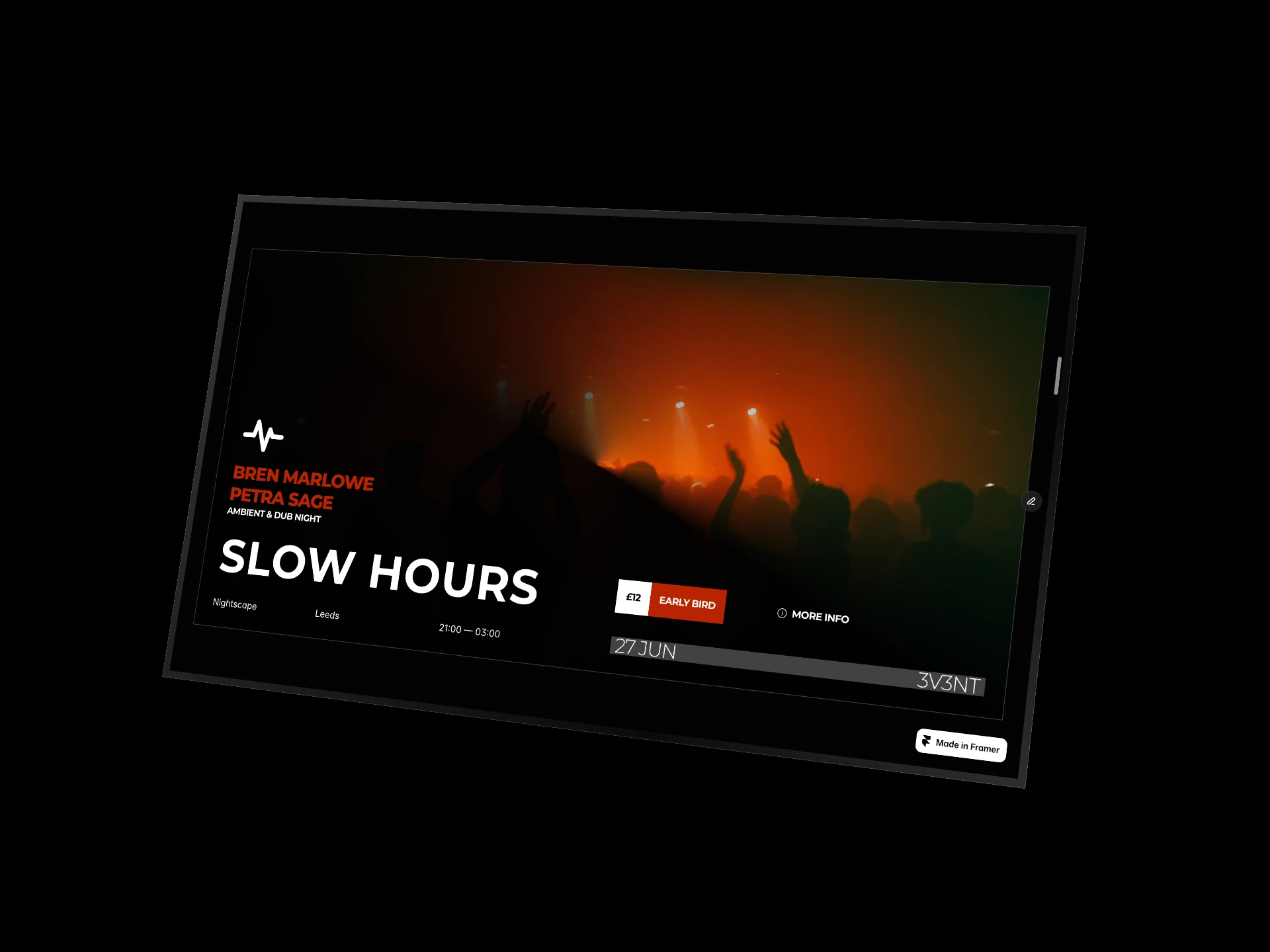
Adding a new event: Open the Events collection, fill in the date, venue, description, ticket link, and featured image. Assign DJs from the existing DJ collection. The event appears on the homepage, the events listing page, and each assigned DJ's profile page. No design work.
Updating an event status: Toggle the status field from "upcoming" to "sold out." The CTA button text and link update automatically across every page where that event appears. Toggle it to "past" and it moves to the archive.
Adding a new DJ: Create a new entry in the DJ collection with their name, photo, bio, and music links. Assign them to events. They appear on the DJ listing page, on each event page they're assigned to, and in filtered views. One entry, every page updated.
Changing the site design: Colours, fonts, and layout tokens are stored in a dedicated CMS collection. Swap a primary colour or update a font, and it cascades across the entire site without touching a single design element.
Event pages
The Architecture in Detail
8 CMS collections structured for complete site control
Relational data mapping so content entered once flows to every page where it belongs
Automatic status CTAs that update button text and links based on event state
DJ-to-event linking with bi-directional references across pages
Music-to-DJ and music-to-event linking for integrated audio content
Design token collection for site-wide visual changes from the CMS
Multi-page layout with filtered views for events, DJs, and music
Responsive across all devices with no separate mobile configuration needed
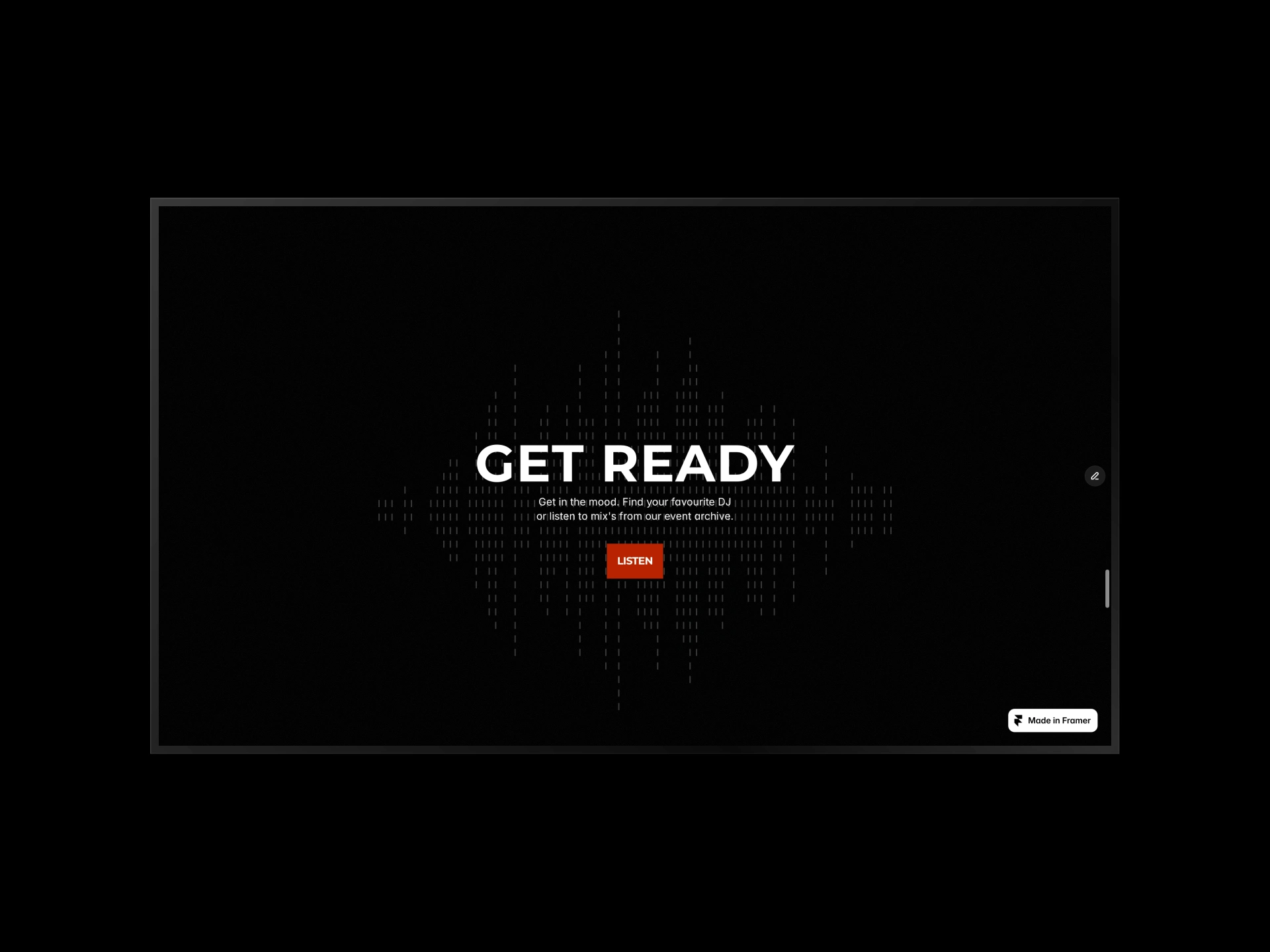
Template details
Why This Approach Works for Any Event Business
The architecture isn't locked to club nights. The same CMS structure adapts to festivals, conferences, wedding venues, experience companies, live performance series, or any business where events, people, and content are interconnected.
The CMS collections can be renamed, extended, or simplified depending on the business. A festival might need artist tiers and stage assignments. A conference might need speaker tracks and session times. The relational data model handles all of it because the principle stays the same: structure the data right, and the site takes care of itself.
The Result
A production-ready Framer website that an event manager can operate without a developer. Adding events, assigning talent, updating statuses, and managing content all happen from structured CMS fields. The relational data model keeps the site consistent and accurate as it scales, whether that's 5 events or 500.
If you can edit a spreadsheet, you can run this site.
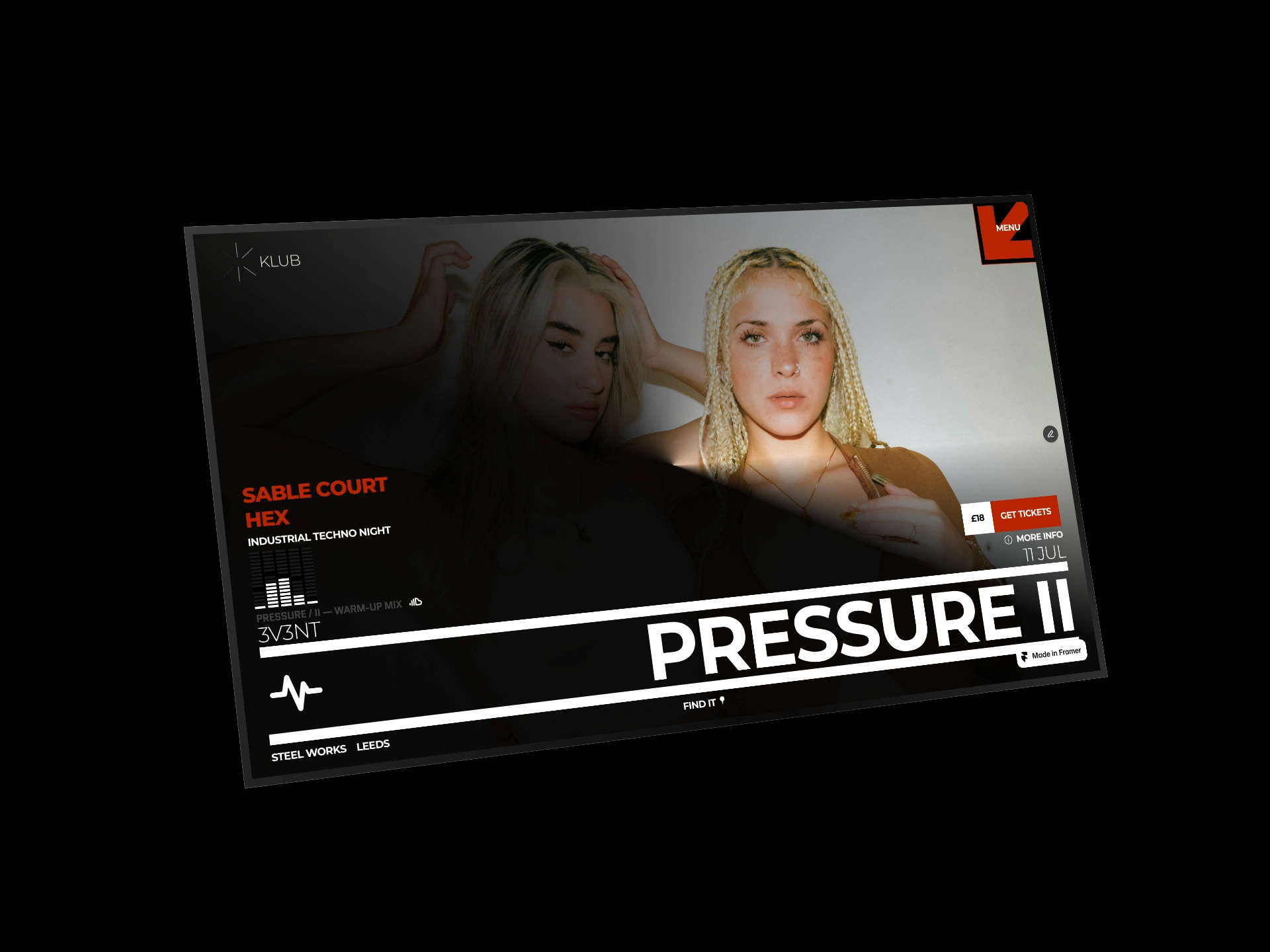
CMS integration
Need a CMS-driven event website for your business? Get in touch
Like this project
Posted May 20, 2026
How I built a CMS-first Framer website where event managers run their entire site from structured data fields. 8 collections, relational mapping, zero design edits needed.
Likes
1
Views
18