Built with Framer

Summary
Revitalized the TryOnify Help Center with a more intuitive layout and a clear left-hand navigation. New help pages were added and existing ones were rebuilt from scratch with more accurate instructions and full window screenshots to avoid losing context.
Process
TryOnify's help pages were in dire need of new life. The existing website was put together hastily which is to be expected from a bootstrapped startup. It satisfied the bare minimum.
Before starting work on the new Help Center, I stumbled upon an excellent template called Doks, made by the crafty folks over at Goodspeed. It was the perfect solution for our documentation use case. It had a nifty left-hand navigation menu, with the main view dedicated for help articles. Articles could be easily be created and grouped together using Framer's native CMS which the template was already integrated with. The left-hand navigation combined with the previous and next links at the bottom of each article, made this a no-brainer choice for the new Help Center. Users would be able to quickly find help with whatever problem they were having. It even had a search feature!
After getting things setup, I painstakingly went through each help article from the old website and documented the instructions for each topic again. I made sure to go even deeper in detail and provide new screenshots that captured the full window for context and indicated where the user needed to click so they wouldn't get lost.
Preview
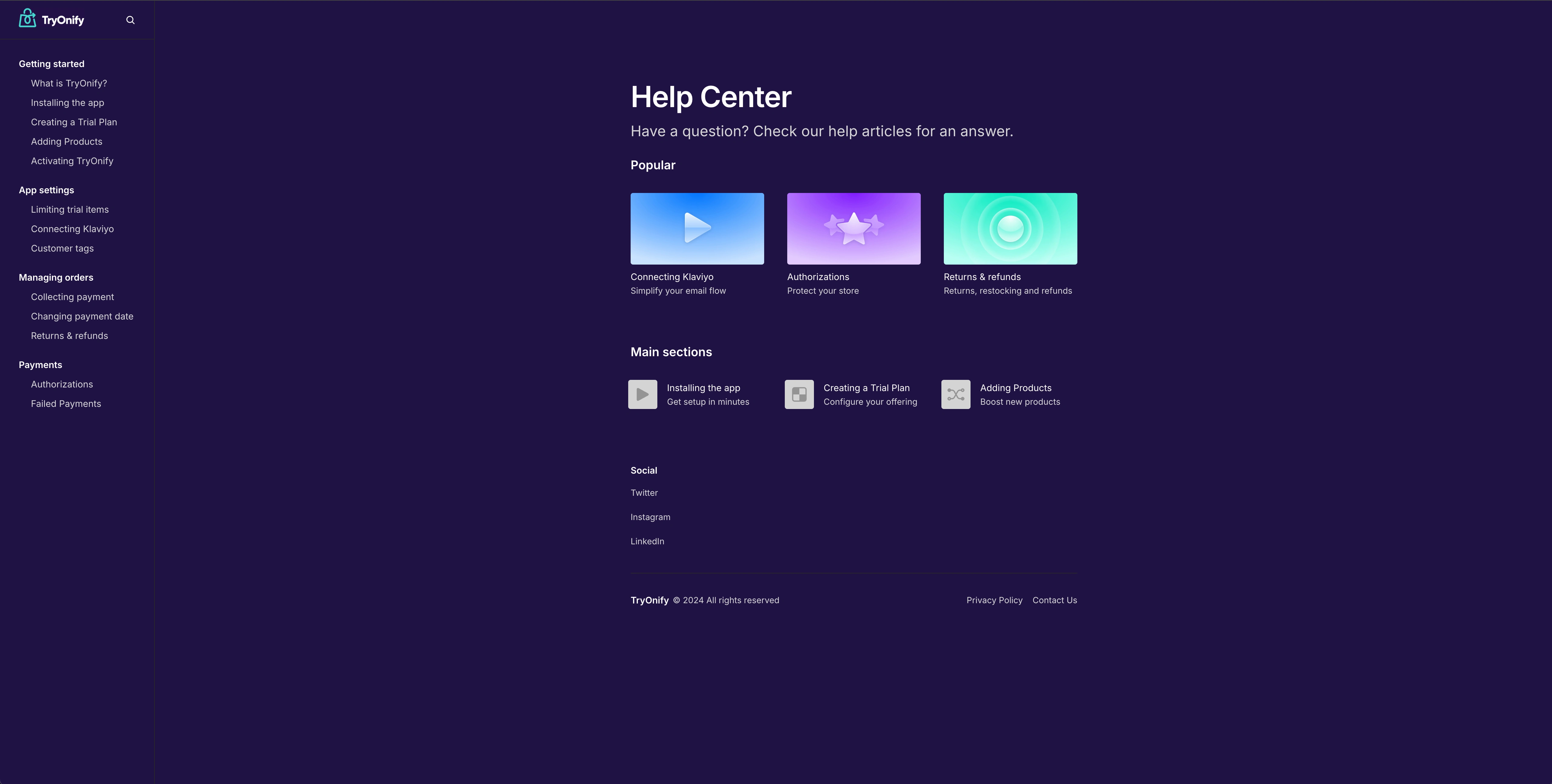
TryOnify Help Center homepage
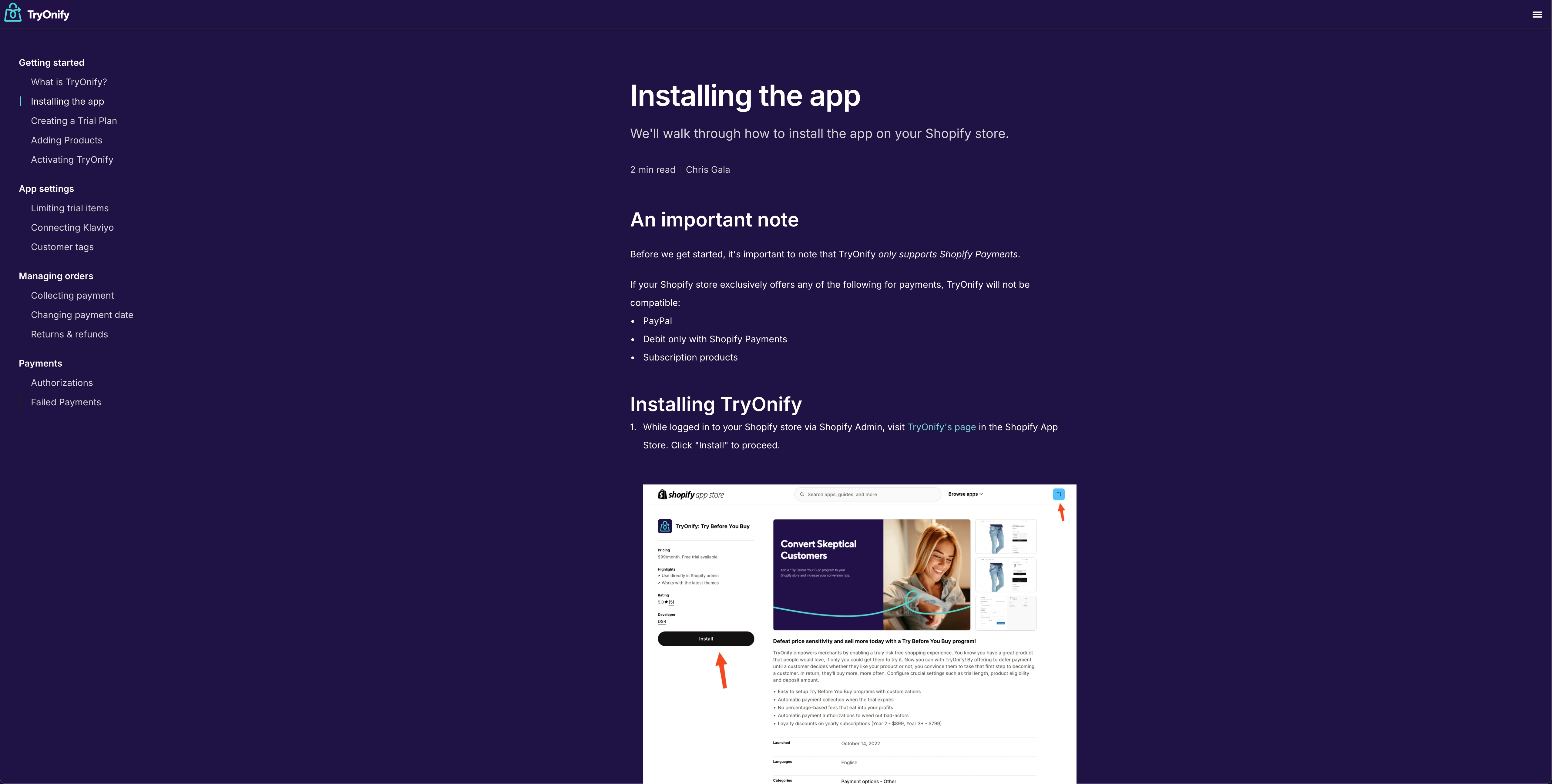
TryOnify help article
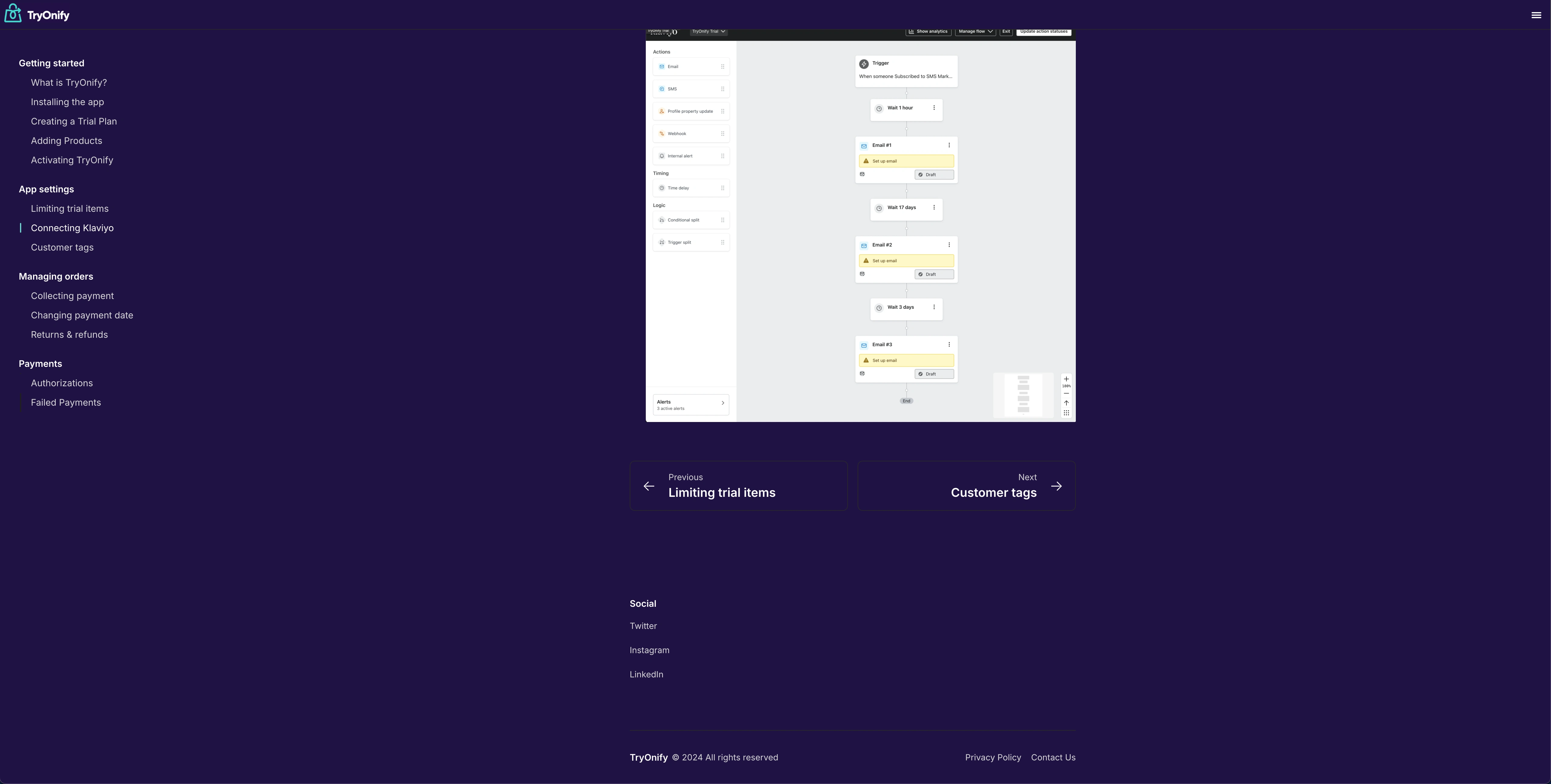
TryOnify help article footer with navigation links
1 like · 19 views · Jan 14, 2025
TryOnify's new Help Center, rebuilt in Framer with a layout dedicated to documentation sites.
