Timecard Solution App

Ron Mansolo

What is the Timecard Template?
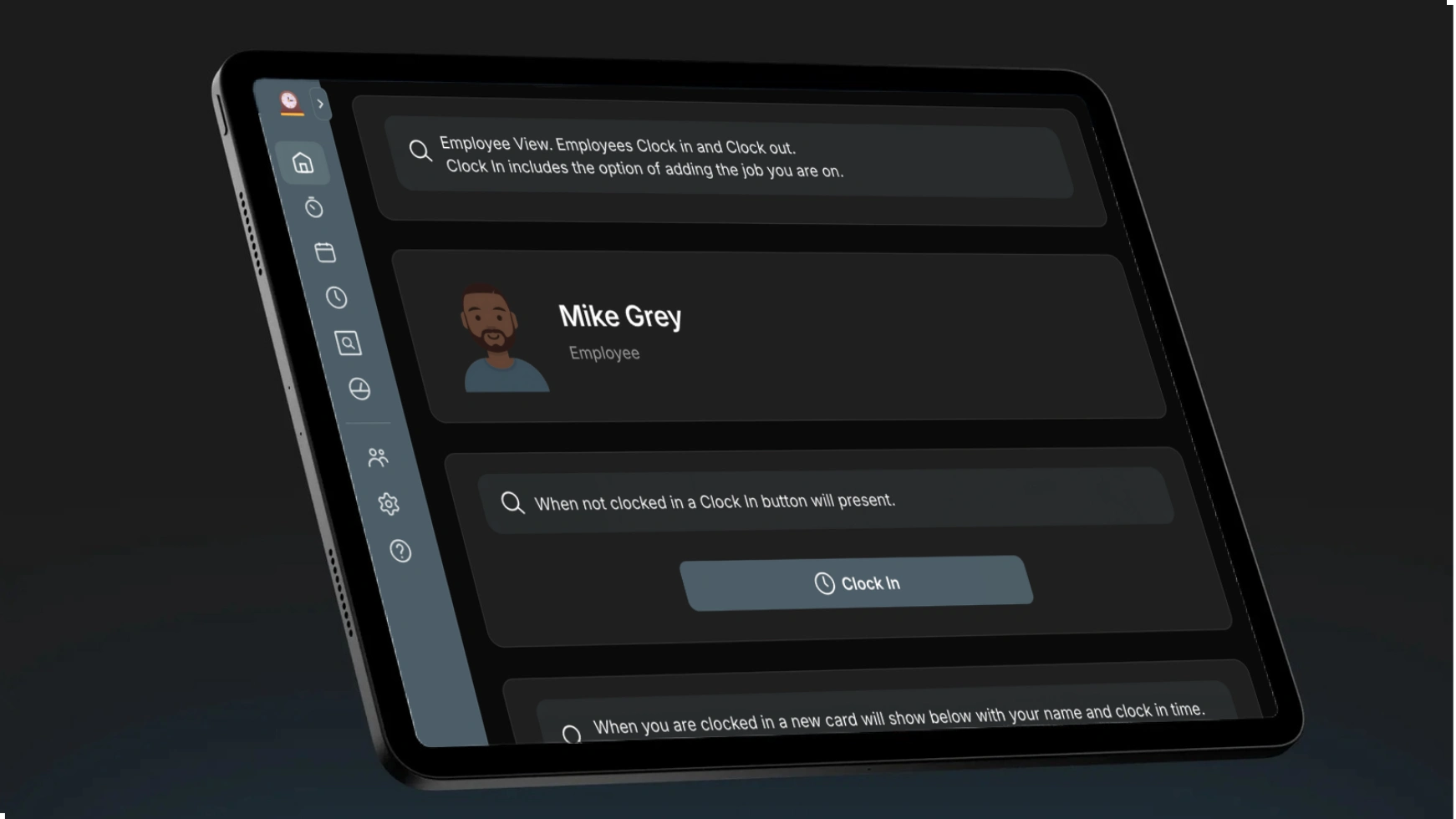
The Timecard template allows employees to clock in and out of work efficiently.
Employees can easily record their clock-in and clock-out times.
Clocking in includes an option to add the job they are working on.
Filter timecards by date to create a PDF report.
Add and edit employee information.
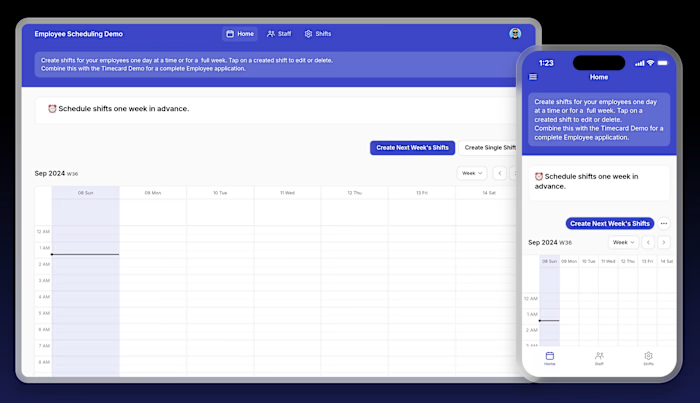
Option to add a Scheduling demo for a complete employee application.
Try the Timecard template today.
Why you should use the Timecard Template with Glide
A Timecard template built with Glide makes tracking work hours easy and efficient. It lets employees clock in and out, add job details, and generate timecard reports by date, all from one place.
Glide connects to your existing data, from Google Sheets to SQL databases, enabling you to create interfaces on top of your data without the hassle of migration.
Integrated Data & Layout Builder: Switch smoothly between managing your data in a familiar spreadsheet-like interface and designing your app’s layout, speeding up development.
Pre-Built UI Elements: Glide’s design system includes pre-built themes, layouts, and components, providing a cohesive and professional look for your app.
Try the Timecard template today and simplify your employee time tracking while leveraging the powerful features Glide offers.
Who should use the Timecard Template
Human Resources Director
As a Human Resources Director, this Timecard Demo helps you manage employee time tracking efficiently.
Employees can easily clock in and out, reducing time theft and payroll errors.
Job tracking allows you to monitor project labor costs accurately.
Filtering timecards by date range simplifies payroll processing and reporting.
Manage employee records centrally, eliminating manual data entry.
Like this project
Posted Sep 3, 2025
Developed a Timecard template for efficient employee time tracking using Glide.
Likes
0
Views
12