Graf-Id: Developer Context Recovery Tool

Jozsef Csordas


Have you ever returned to a project after a few days, weeks, or even months away and wondered:
"What was I working on again?"
Graf-ID is a local-first desktop application designed to help developers quickly restore project context and get back to work.
The application scans project documentation, session notes, and project metadata to generate a clear, human-readable summary of the project's current state. Instead of digging through folders, README files, notes, and commits, developers can quickly understand what happened, where they left off, and what to work on next.
Features
Project context restoration
Human-readable project summaries
Where You Left Off view
Project Snapshot
End-session notes
Project history tracking
Import / Export support
Offline-first architecture
Privacy-friendly local processing
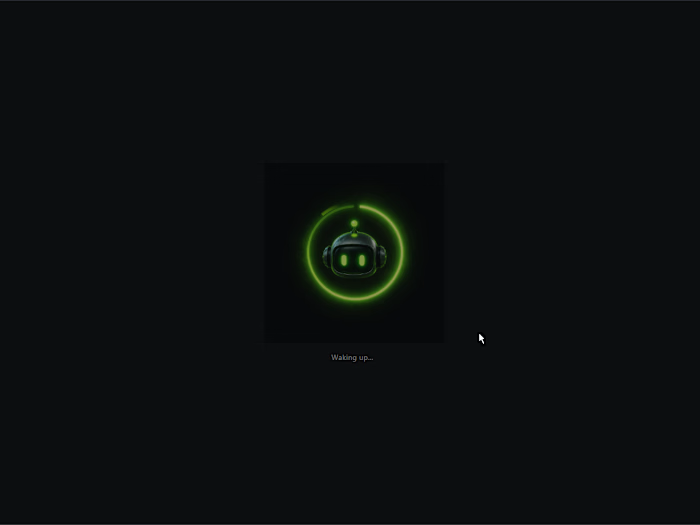
Step 1: Project Wake
Every session starts here. When opening a project, Graf-ID presents a dedicated Project Wake transition designed to bridge the gap between project selection and active development.
The goal is to restore context before launching the development environment rather than immediately opening files.
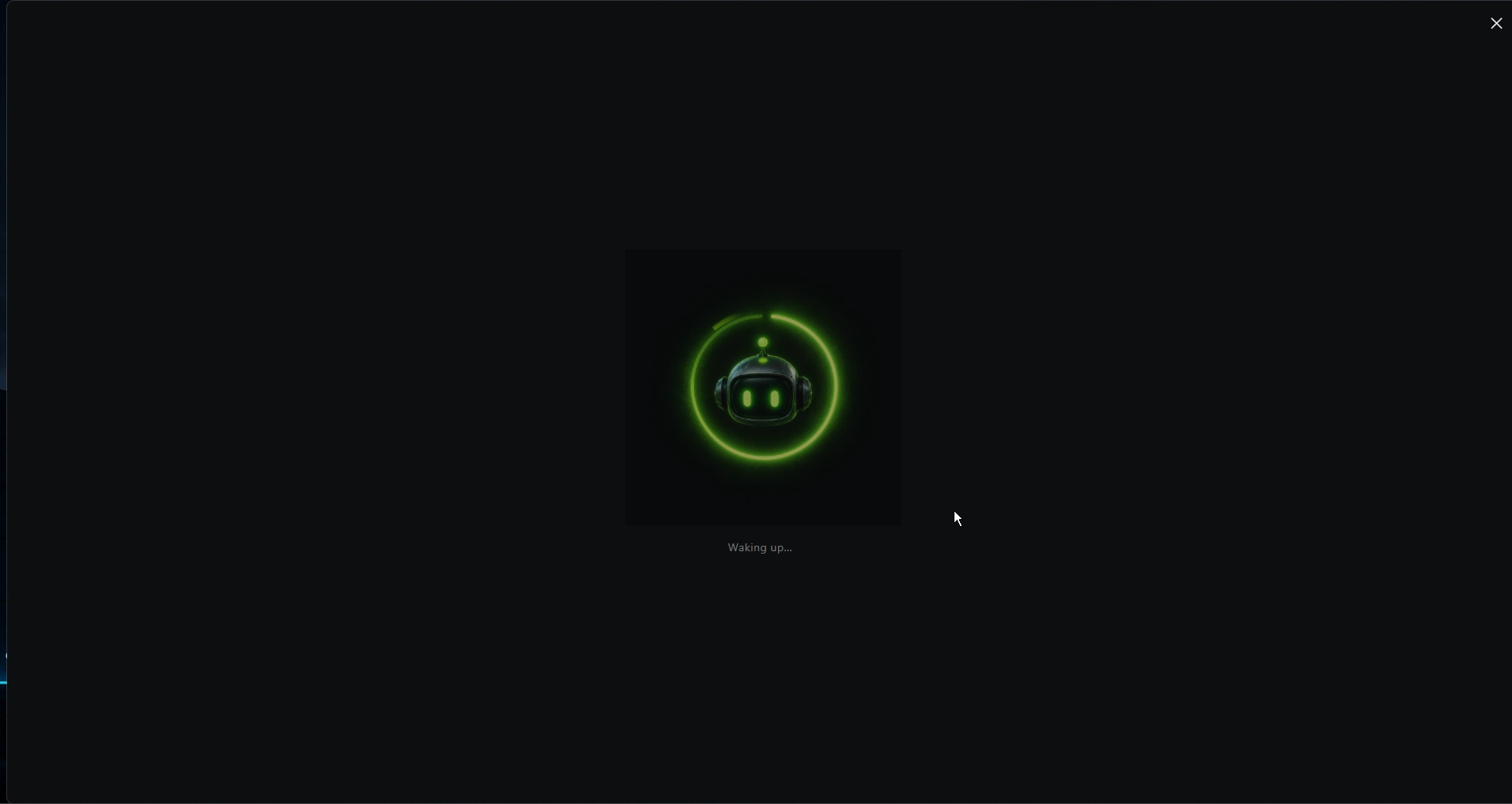
Project Wake
The Problem
A common challenge in software development is context loss.
After switching projects, handling client work, or taking time away from a codebase, developers often spend significant time trying to answer questions such as:
What was I working on?
What remains unfinished?
What is the next logical step?
Are there any blockers?
Which notes or decisions are still relevant?
Traditional documentation tools help store information, but they rarely help restore working context efficiently.
The Solution
Graf-ID acts as a project continuity system.
Instead of simply opening a project folder, the application analyzes project information and presents a structured "Where You Left Off" summary that highlights the most relevant context before development begins.
The workflow focuses on helping developers regain momentum quickly and continue work with minimal context recovery effort.
Step 2: Where You Left Off
The resume summary panel provides a concise project overview, including:
Current project state
Recent progress
Suggested next steps
Active sessions
Important notes and findings
This allows developers to understand the state of a project within seconds.
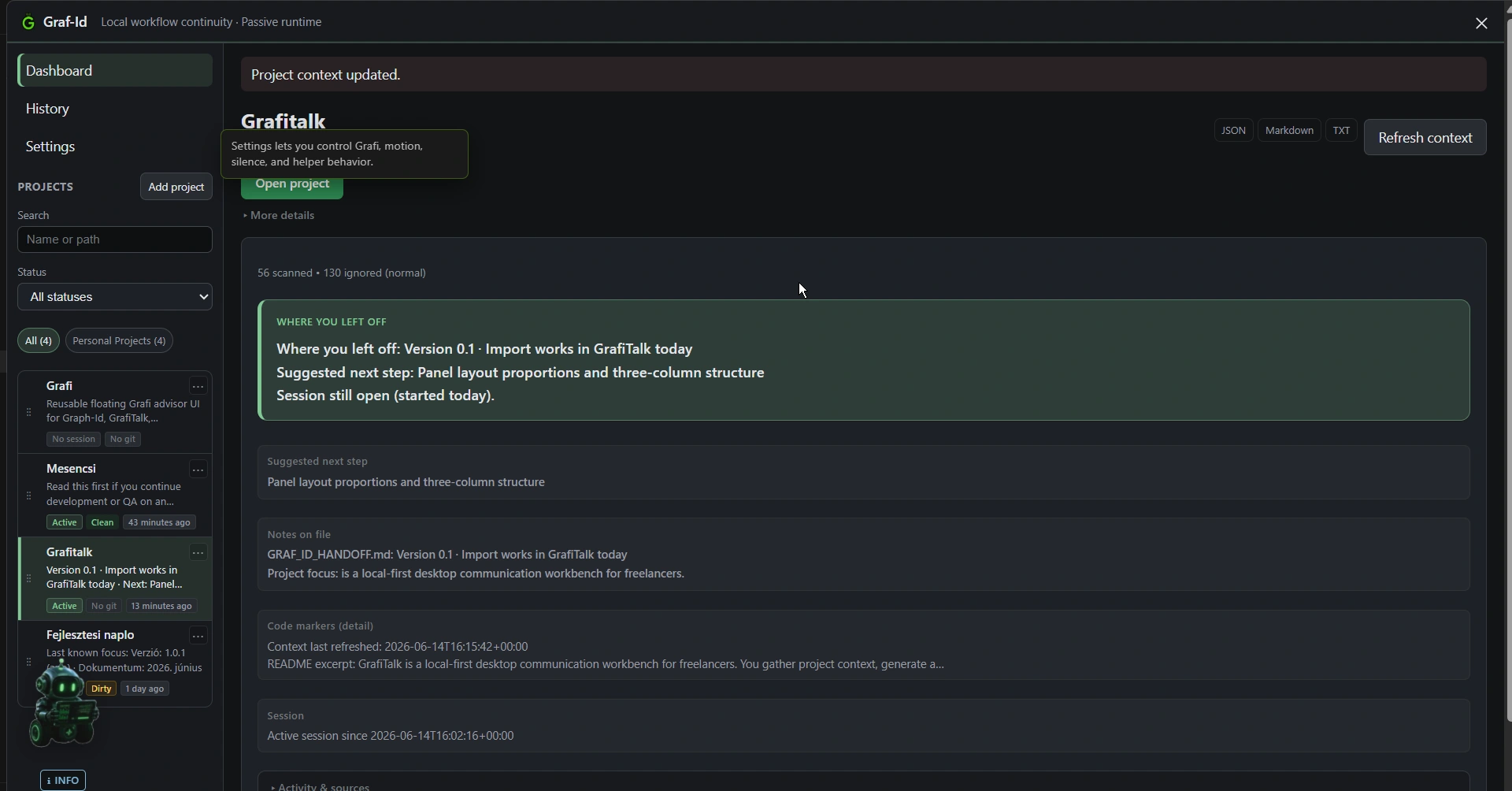
Where You Left Off
Step 3: Project Context Scanning
Graf-ID gathers information from multiple project sources, including:
README files
Project notes
Session information
TODO and FIXME markers
Project metadata
Structured handoff documents
The scanner focuses on useful development signals while intentionally ignoring noisy directories such as node_modules, .git, build artifacts, and virtual environments.
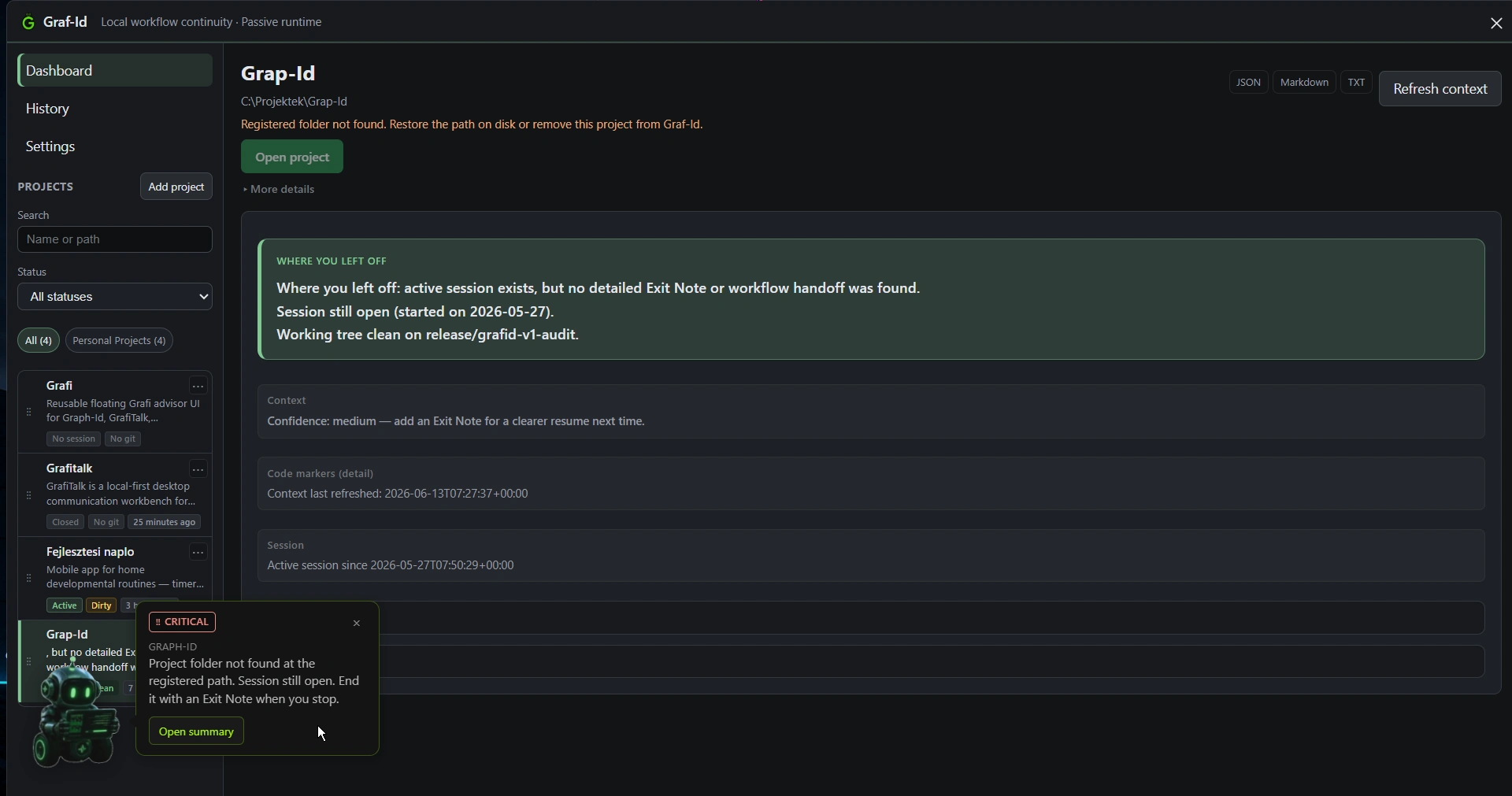
Project Graph View
Step 4: Dashboard
The central hub where all project context comes together. From here, developers can review their projects, access session history, and launch directly into their IDE.
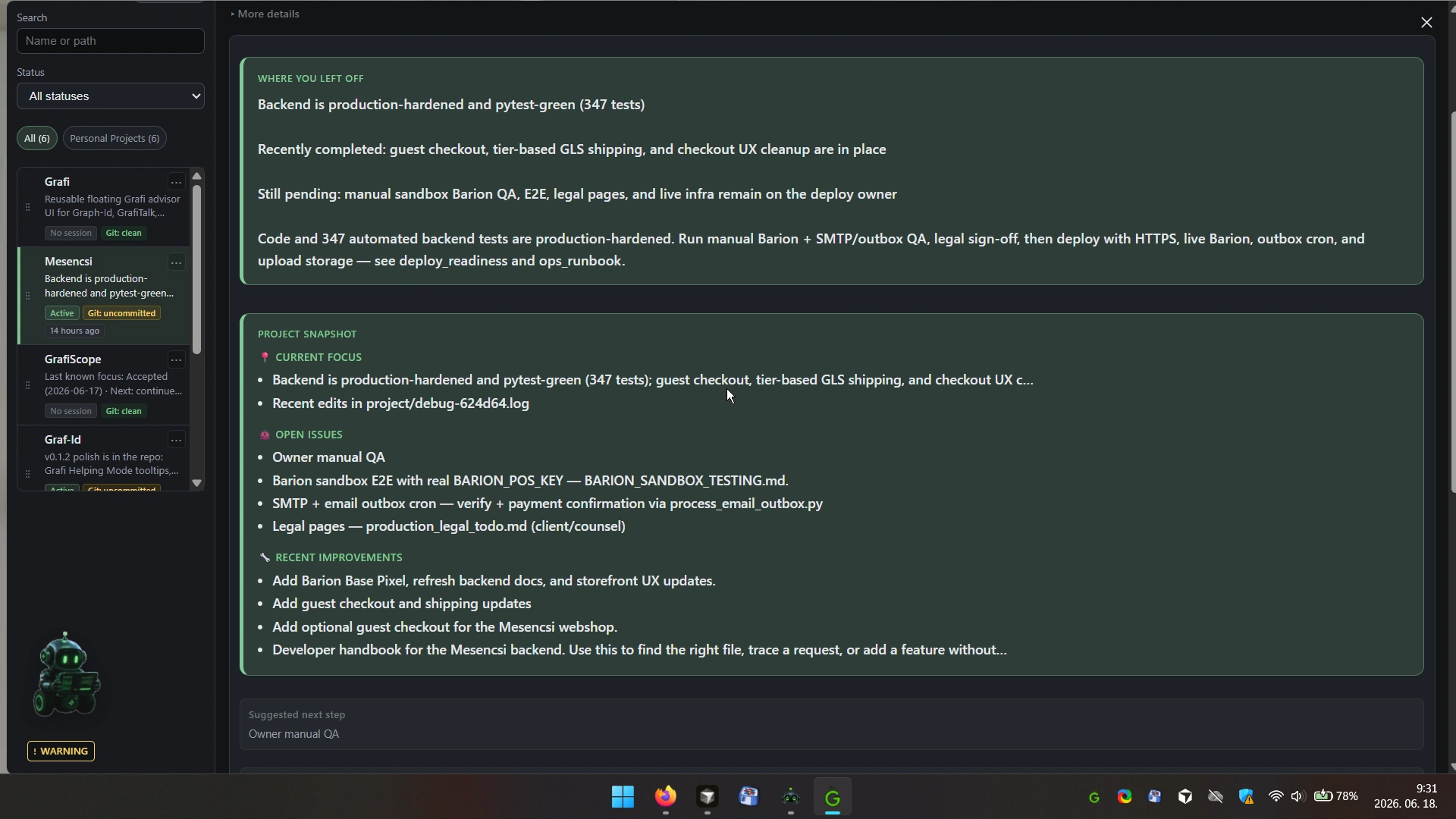
Dashboard
Grafi Advisor
Graf-ID includes Grafi, a lightweight project companion that provides contextual tips and guidance while remaining unobtrusive during daily development work.
IDE Integration
Projects can be launched directly into supported development environments, allowing developers to move seamlessly from project review into active coding.
Video Walkthrough
See how a developer can return to a project weeks later and recover context in seconds.
Video Preview
Step 5: End Session
Before ending a work session, developers record:
Completed work
Current blockers
Planned next actions
These notes become part of the project's future context and help maintain continuity across sessions. The cycle closes here and feeds back into the next Project Wake.
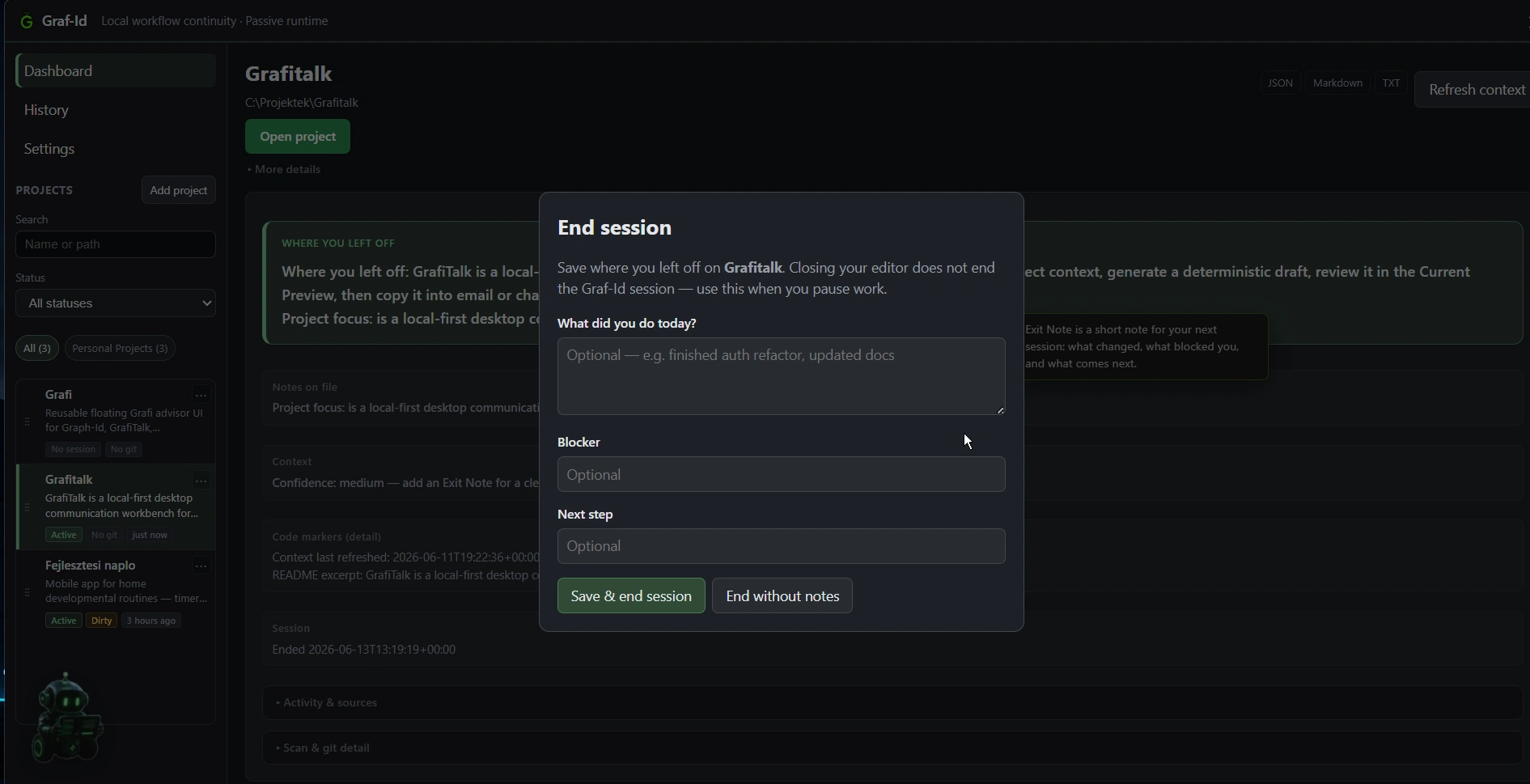
End Session
Why I Built It
As someone working on multiple projects, I repeatedly found myself losing time trying to reconstruct my previous thinking after a break.
Graf-ID was built around a simple goal:
Spend less time remembering and more time building.
Technical Architecture
Layer | Stack |
|---|---|
Frontend | React, TypeScript |
Desktop Runtime | Tauri 2, Rust |
Analysis Layer | Python |
Storage | SQLite |
Design Philosophy
Local-First — All project information remains on the user's machine.
Offline-Capable — The application does not depend on cloud services to provide core functionality.
Workflow-Oriented — The goal is not project management but project continuity.
Human-Centered — The application focuses on helping developers recover context rather than replacing decision-making with automation.
Like this project
Posted Jun 14, 2026
Have you ever returned to a project after days or weeks away and wondered: "What was I working on?" Graf-ID restores project context so developers spend less time remembering and more time building.
Likes
0
Views
50