Built with Framer

Overview
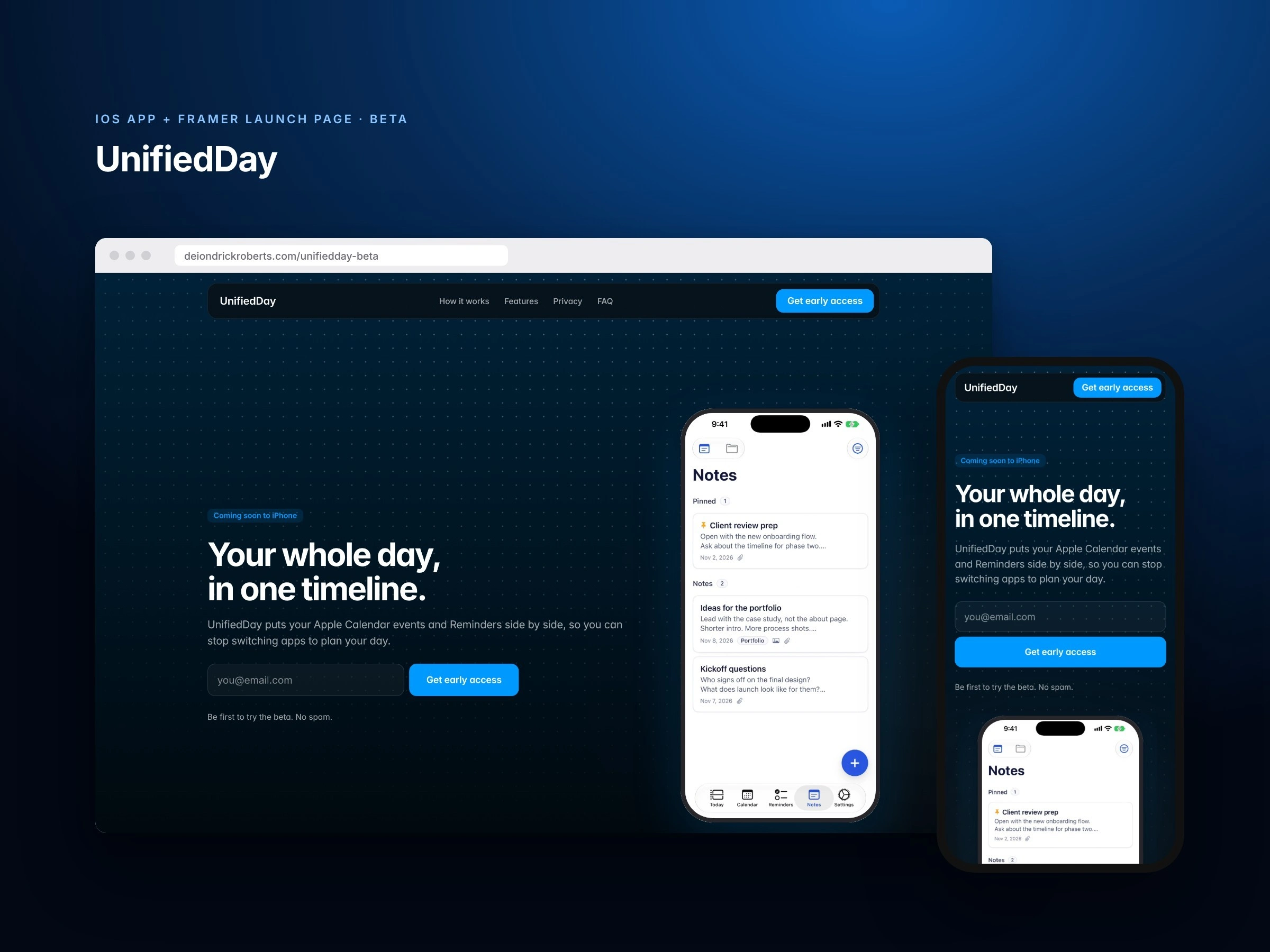
UnifiedDay is an iOS app I'm designing and building for myself first. Meetings live in Calendar and to-dos live in Reminders, so neither shows the full picture of a day. UnifiedDay puts fixed events next to flexible tasks, in the order the day actually happens.
The app is in progress: I'm testing it on my own iPhone daily, and the beta launch page is live to collect a waitlist.
Product design decisions
Nothing to set up: no account. Open the app, allow Calendar and Reminders, and your existing events and reminders are already there. The app explains why before it asks for permissions.
Works on top of Apple's apps, not instead of them: changes sync both ways, so nothing has to be migrated
Nothing quietly disappears: overdue reminders stay pinned at the top of Today until they're done or moved
Fast triage: swipe a reminder to push it to tomorrow or next week, tap the circle to complete it
Notes that live with your plans: attach one note to as many events and reminders as you need, like prep notes that show up right on the meeting
Private by design: no server and no account. Events and reminders stay in Apple's apps, and notes stay in the app and the user's private iCloud.
The beta launch page
I designed and built the launch page in Framer on my own site. It walks through the problem, a three-step how-it-works, eight core features, the privacy story, a public roadmap, an about-the-maker section and an FAQ, with waitlist signups in the hero and the closing call to action.
Building in public
The roadmap is public and I share progress on Threads. Next up: Home Screen and Lock Screen widgets, then Notion task sync, Google Drive attachments, Zoom and Google Meet links, and creating Reminders lists in the app.
0 likes · 0 views · Nov 14, 2026
An iOS app I'm designing and building that puts Apple Calendar events and Reminders in one daily timeline, plus its Framer beta launch page. Currently in private testing.

