Built with Rive
FigJam-like Stamp Tool in Rive

Nikita Wibisono

For the Rive #characterchallenge, they wanted us to make characters that feelThis first started out as me wanting to make a simple radial menu in Rive, but I wanted to give it an actual use case instead of making one with no context.
I was using FigJam to brainstorm website designs for another project at the time, so I thought: FigJam stamps.
SPAWNING STAMPS
In FigJam, you can select a stamp from a radial menu and click anywhere on the canvas to place it. I want to recreate this in Rive.
Each Stamp is a Component, and I wrote a Script that allowed me to spawn instances of it on the canvas.

In a nutshell, the script checks the View Model to see which stamp is selected, duplicates that Component into memory, and uses Rive's instance:draw() method to render it directly at the mouse coordinates.
It tracks all active stamps in a central array, storing their coordinates, scale level, rotation, and render order, so Rive can draw every instance in sequence on each frame.
REALISTIC IMPERFECTIONS
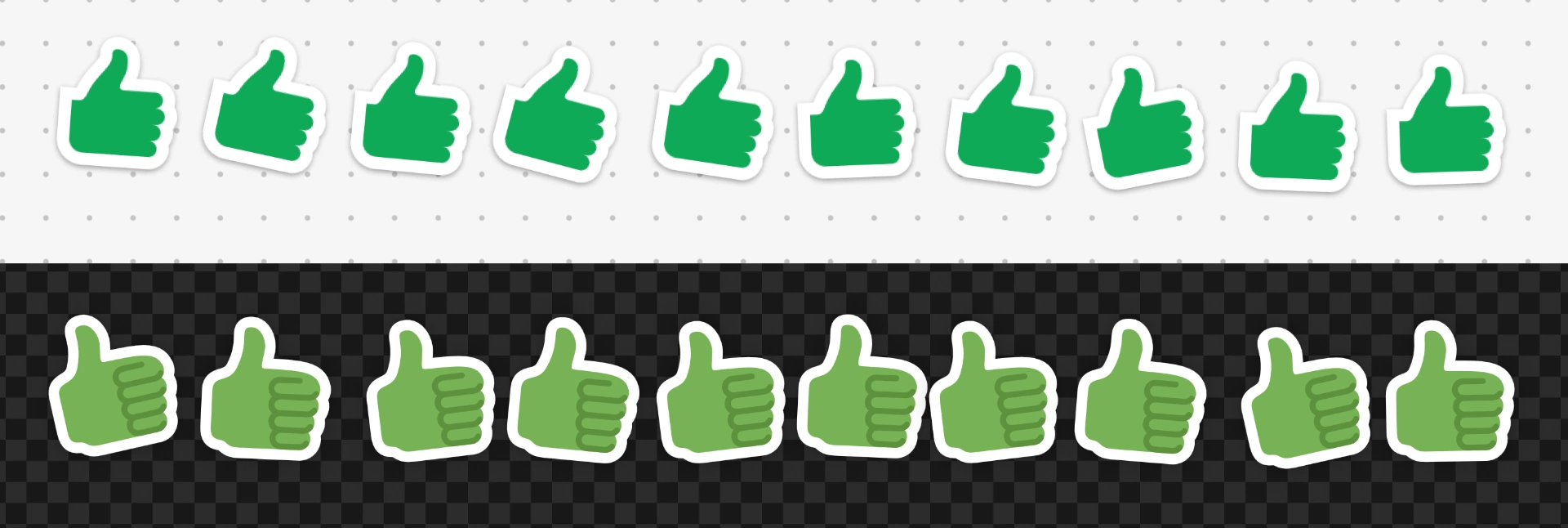
One of the details I liked about FigJam is that stamps don’t appear perfectly aligned, which makes them feel more like physical stamps being placed onto a board than perfectly positioned digital objects.
In Rive, it's as simple as having the script spawn each stamp at a random rotation within a defined range.
THE GHOST PREVIEW
There’s also a semi-transparent preview of the stamp following the cursor before you place it, so you know what you're about to place.
In Rive, it's a Component layer data-bound to an Artboard Property, which swaps the Component automatically to reflect which stamp is actually selected.
It's also data-bound to the cursor's coordinates. A State Machine sets its opacity to 30% when the Stamp Tool is active, or 0% if it's not.
THE POP EFFECT
FigJam stamps also have this bit of visual and audio feedback with the pop effect.
In Rive, I used the same draw() method I use to spawn the stamps to spawn a pop animation Component, which auto-plays once when loaded, then removes itself from the render array.
The sound is controlled by a State Machine, which triggers when a stamp is placed. If I had more time, I would've made a more complex one, which could play different sounds for different stamps.
THE RADIAL MENU
Then comes the radial menu, which was actually the easy part. It’s a nice way to switch between stamps quickly.
Every segment is just an instance of one Component, complete with its own View Model and Listeners. It detects hovers and clicks and holds a reference to its assigned stamp.
When clicked, the selected segment's View Model updates the main View Model's selected stamp to match. This is how the radial menu is able to change the currently loaded stamp.
The radial menu appears when you hold the cursor still for 300ms while the Stamp Tool is active. Any shorter leads to accidental triggers, while any longer feels unresponsive.
Once the script detects a pointer-down event, it starts an internal timer. If you hold without dragging past a small deadzone, it opens the radial menu at your cursor’s exact location.
The way it appears is animated, using Timelines and easing from the State Machine itself.
Another small bit of defensive design is boundary clamping.
The radial menu spawns centered at your cursor, but if you trigger it near the edge of the canvas, parts of it could overflow offscreen.
Boundary clamping constrains the menu's coordinates so it stays fully visible and interactive anywhere on the viewport.
BONUS FEATURE: GIANT STAMPS!
In FigJam, you can hold down your mouse to make a stamp bigger before you place it. Our Stamp Tool works a bit differently, so instead of holding to scale, we made stamps grow by stacking them.
If you try to slap a stamp right on top of an identical one, it won't just dump a duplicate in the exact same spot. Instead, it absorbs the new stamp, grows a size bigger, and pops right to the top layer.
I think this is actually better than how FigJam does it. You're almost never trying to stack two identical stamps in the exact same spot anyway, so turning a redundant click into a useful leveling-up mechanic just makes sense.
CONCLUSION
What started as a simple experiment in building a radial menu turned into a fully interactive Stamp Tool, with dynamically spawned Components, cursor tracking, audio-visual feedback, and a few little quality-of-life features along the way.
There’s still more I could get into, particularly the UX considerations behind radial menus, how they compare to linear menus, and some of the other design decisions I made along the way. I’ll save those for another post.
Like this project
Posted Sep 4, 2026
A FigJam-inspired Stamp Tool built in Rive! Click and hold to bring up a radial menu, pick a stamp, place them, even stack them to make it GIANT.