
Mubeen Nawaz
Full-Stack Dev | Google & Office Add-ins | MERN & .NET Core
New to Contra
Mubeen is building their profile!

GhostWriter Pro
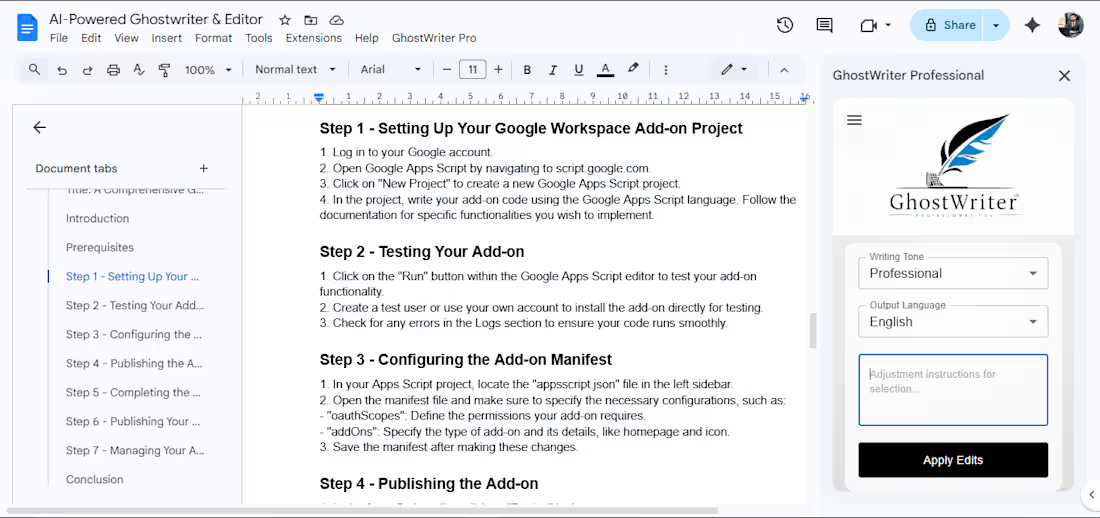
GhostWriter Pro is an advanced Google Docs add-on designed to help users write, edit, and understand content with step-by-step AI guidance.
It allows users to rewrite selected text, generate detailed explanations, and interact through an expert chat system. The tool supports multiple tones and languages, automatically formats content inside the document, and maintains a smart history system for quick access to previous queries.
With this tool, users can improve writing quality, simplify complex topics, and create structured content with ease.
0
20
AI Slide Designer: Automated Presentation Engine
The Goal:
To revolutionize the way presentations are created by converting complex topics or lengthy reports into structured, professional Google Slides decks instantly using AI.
The Challenge:
Professionals and students spend hours summarizing content and manually creating layouts for their slides. Standard AI tools often provide just the text, but the user still has to copy-paste it into slides, which is inefficient.
The Solution:
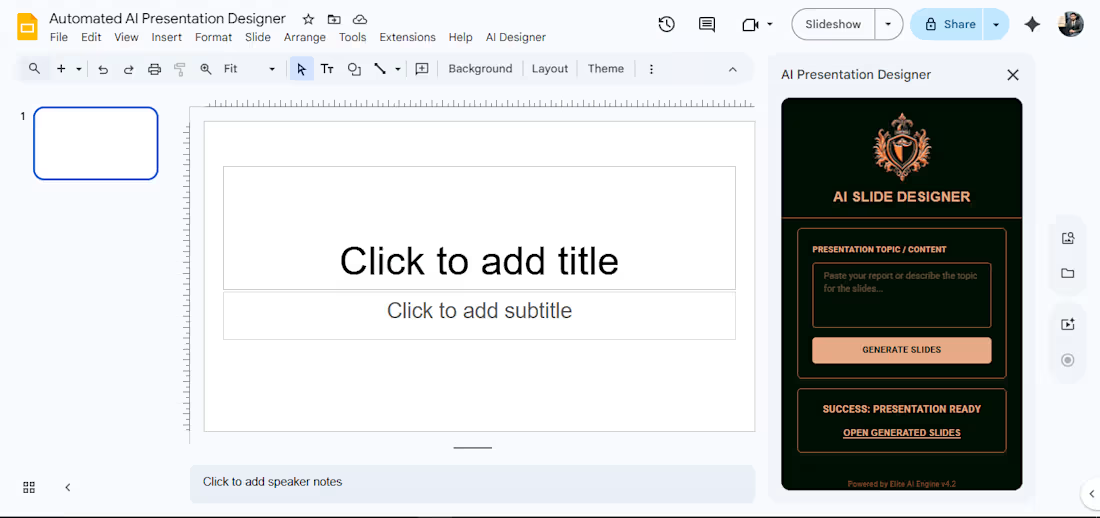
I engineered an AI Presentation Architect integrated directly into Google Slides via a React-powered sidebar.
Neural Content Structuring: Uses GPT-4o to analyze a topic and intelligently break it down into a logical 5-slide sequence (Title, Introduction, Core Points, and Conclusion).
Automated Deck Creation: The script doesn't just write content; it programmatically generates a brand-new Google Slides file, creates slides, and applies predefined layouts.
Dynamic Placeholders: Automated logic to detect and fill Title, Subtitle, and Body placeholders with concise, impactful bullet points.
Modern React UI: A sleek "Dark Mode" sidebar built with Material UI (MUI) featuring real-time status updates like "Architecting Neural Layouts..."
The Result:
Users can generate a complete, ready-to-present draft in under 20 seconds, allowing them to focus on the delivery rather than the design.
0
17
AI Cold Email Assistant: Smart Gmail Outreach
The Goal:
To streamline B2B lead generation by generating high-converting cold emails directly within the Gmail compose window using OpenAI.
The Challenge:
Writing personalized cold emails that actually get replies is a skill that takes time. Business owners often struggle to find the right balance between being professional and persuasive, leading to low open and response rates.
The Solution:
I developed a custom Gmail Add-on using the Google Apps Script Card Service.
Native Gmail Integration: Unlike external tools, this assistant lives inside the Gmail Compose UI.
Context-Aware Generation: Users provide a simple one-line context (e.g., "Offering SEO to a Law Firm"), and the AI handles the rest.
Tone Control: Built-in dropdown to switch between 'Professional', 'Friendly', and 'Short & Crisp' styles.
Automated Drafting: The engine doesn't just write text; it automatically creates a formatted Gmail Draft with a compelling subject line and structured body (including bullet points).
OpenAI GPT-4o Integration: Fine-tuned prompts to ensure the output is industry-grade and free from "AI-ish" fluff.
The Result:
Sales teams and agencies can now generate 10-15 personalized outreach drafts in the time it used to take to write just one, significantly increasing their sales pipeline velocity.
0
18
GhostWriter Pro
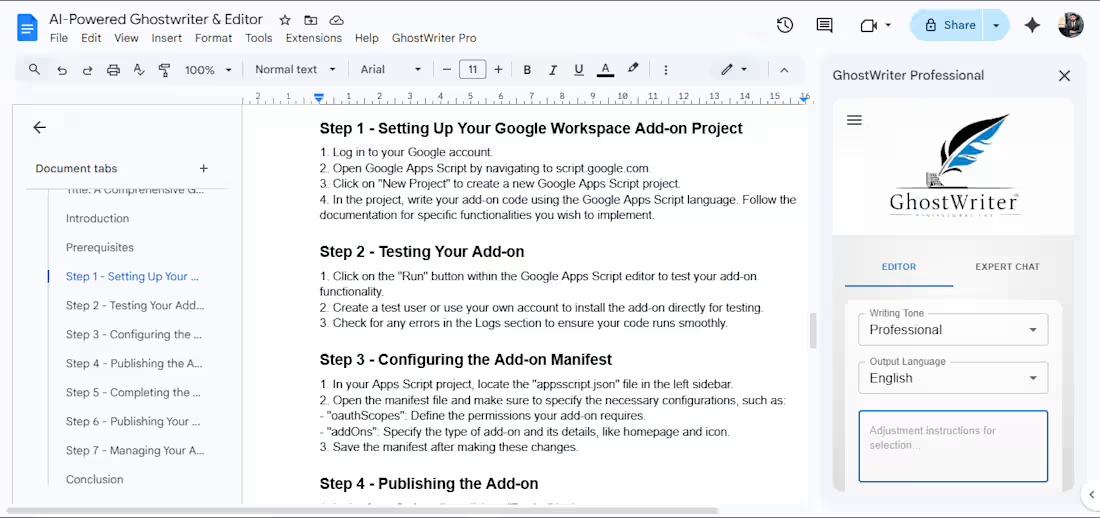
GhostWriter Pro is an advanced Google Docs add-on designed to help users write, edit, and understand content with step-by-step AI guidance.
It allows users to rewrite selected text, generate detailed explanations, and interact through an expert chat system. The tool supports multiple tones and languages, automatically formats content inside the document, and maintains a smart history system for quick access to previous queries.
With this tool, users can improve writing quality, simplify complex topics, and create structured content with ease.
0
23
BI Intelligence Dashboard
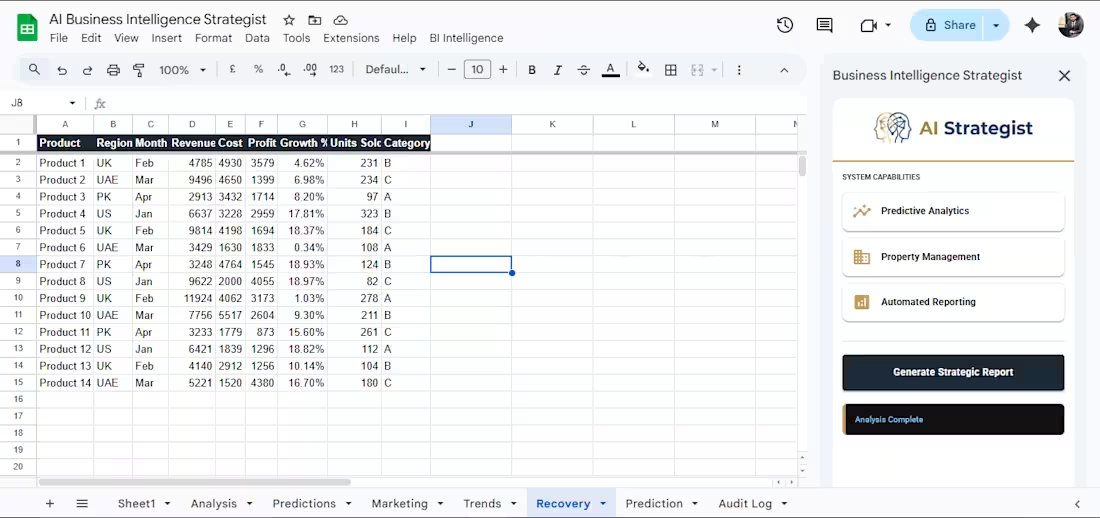
I Intelligence Dashboard is a smart Google Sheets-based solution designed to automate business data analysis and generate structured reports with a single click.
It integrates a custom sidebar interface within Google Sheets, allowing users to run full analysis including trends, predictions, marketing insights, and performance reports. The system automatically creates well-formatted sheets, generates sample data, and maintains an audit log for tracking each step of the process.
With this tool, users can simplify reporting, improve productivity, and make data-driven decisions without using complex BI platforms.
0
27