
Lacian Panton
AI Growth, Marketing & Business Systems Builder


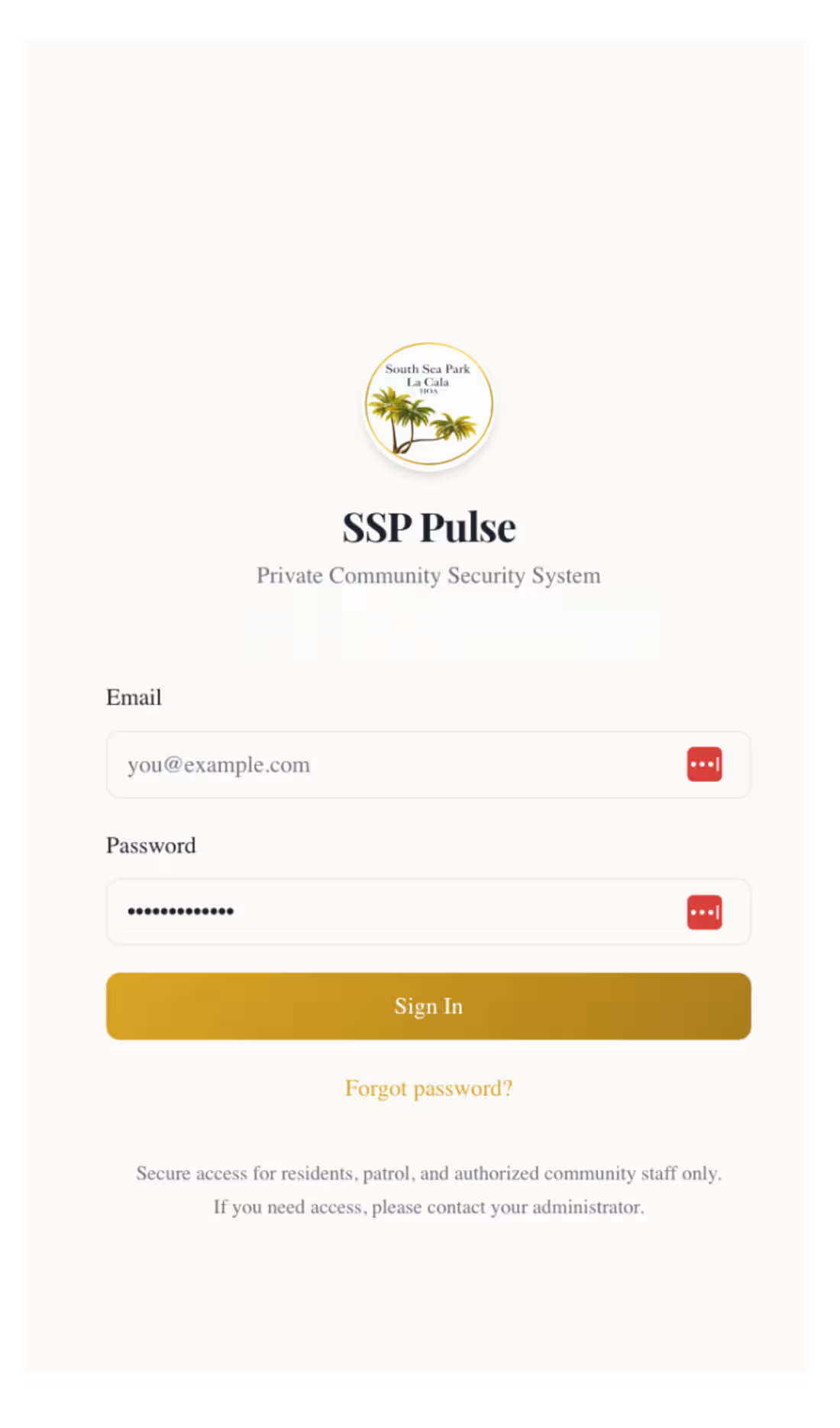
🔐 SSP Pulse is a private invite only community security and operations platform designed to bring residents, patrol teams and administrators into one coordinated system.
The challenge wasn’t simply to create a security dashboard.
It was to think through what happens when something actually goes wrong, who needs to know, who can take action, what information they need, and how every step is recorded.
🚨 From alert to response
One of the most important features is the panic button.
In an urgent situation, a resident shouldn’t have to search for a number, work out who is on duty or explain everything through multiple messages.
The panic flow is designed to get an urgent alert into the security operation quickly, with the relevant context available to the people responsible for responding.
That same thinking runs through the rest of the platform:
🚨 Incident and emergency reporting
📍 Location-aware information
📸 Supporting media and evidence
📲 Real-time operational notifications
🛡️ Escalation and response workflows
🚓 Patrol operations
SSP Pulse also supports the day-to-day work behind community security.
Patrol teams can work with:
🗺️ Assigned patrol routes
📍 Route checkpoints
✅ Check-ins and checkpoint verification
⚠️ Exceptions when something prevents a normal check-in
🚶 Patrol session status and progress
📋 Clear assignment and accountability
The aim is to make patrol activity easier to coordinate while giving administrators a reliable view of what is actually happening on the ground.
👥 Different people. Different permissions.
Security systems contain sensitive information, so access couldn’t be an afterthought.
SSP Pulse is designed around role-based permissions, allowing residents, patrol personnel, patrol administrators and system administrators to see and do only what is appropriate for their role.
That thinking extends across the product. From patrol actions and incident information to administrative controls and operational records.
🚗 Community operations
The platform brings other security-related activity into the same environment, including:
🚘 Visitor and vehicle records
👥 Resident and security-team workflows
📲 Alerts and notifications
🧾 Audit history and accountability
📊 Operational visibility for administrators
Instead of security information being spread across calls, chats, notebooks and separate systems, the goal is to create one dependable operational picture.
🧠 My role
I worked across the product from system design through implementation, including:
✨ Product and workflow design
🧩 Role and permission architecture
🚨 Emergency and incident flows
🗺️ Patrol routes and checkpoint logic
📍 Location-aware functionality
📲 Notification workflows
🔐 Security and access controls
📊 Administrative and operational UX
🧪 Testing, validation and edge-case handling
A lot of the work was less about making another screen and more about asking:
“What should happen next, and who should be allowed to make it happen?”
🛡️ The bigger idea
SSP Pulse is about turning security activity into a coordinated operating system for a private community.
Not just reporting incidents.
Not just showing patrols on a screen.
But connecting alerts, people, permissions, routes, response and accountability so the system supports the real work happening behind the scenes.
Private by design. Server-enforced permissions. Site-isolated. Auditable. Resilient offline. Operationally reliable. Tested against misuse, not merely happy-path tested.
0
23
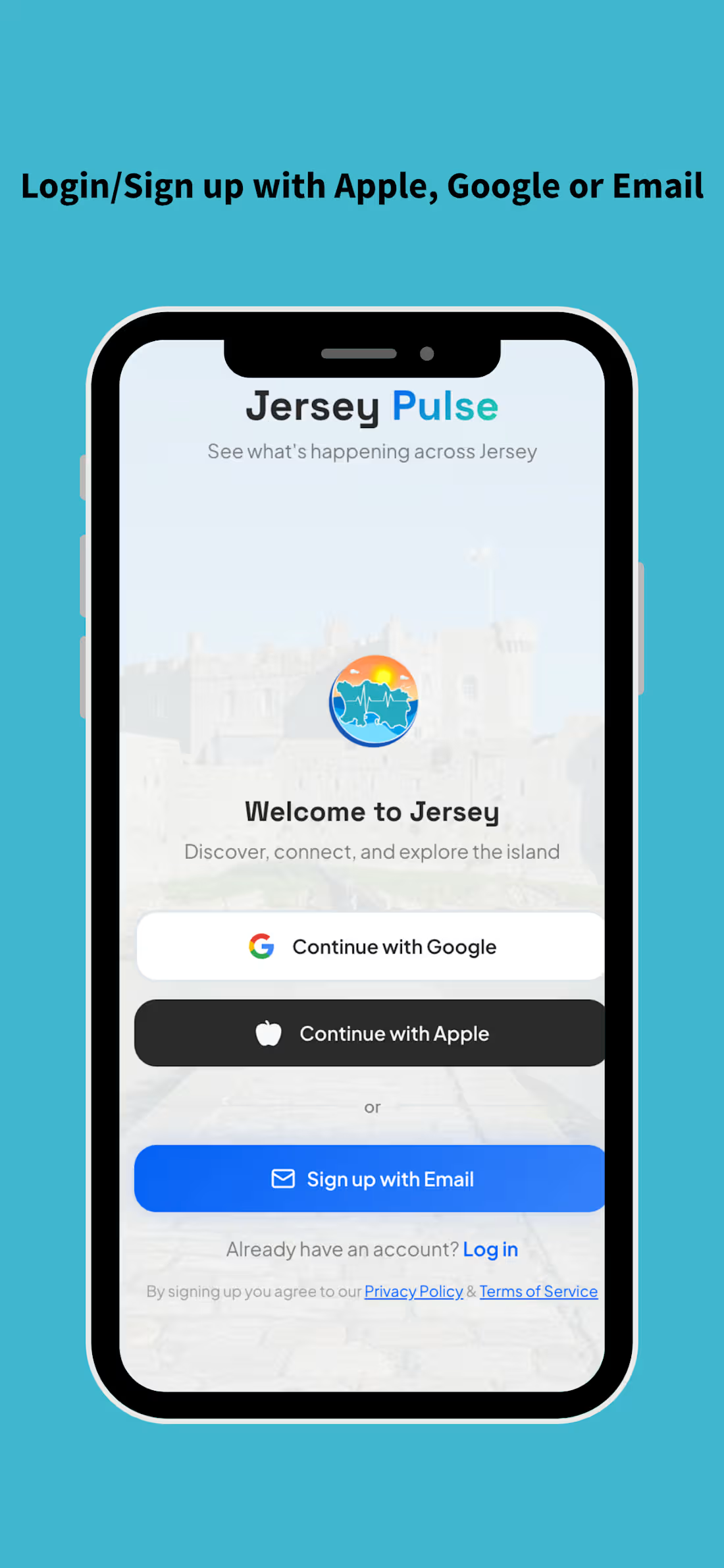
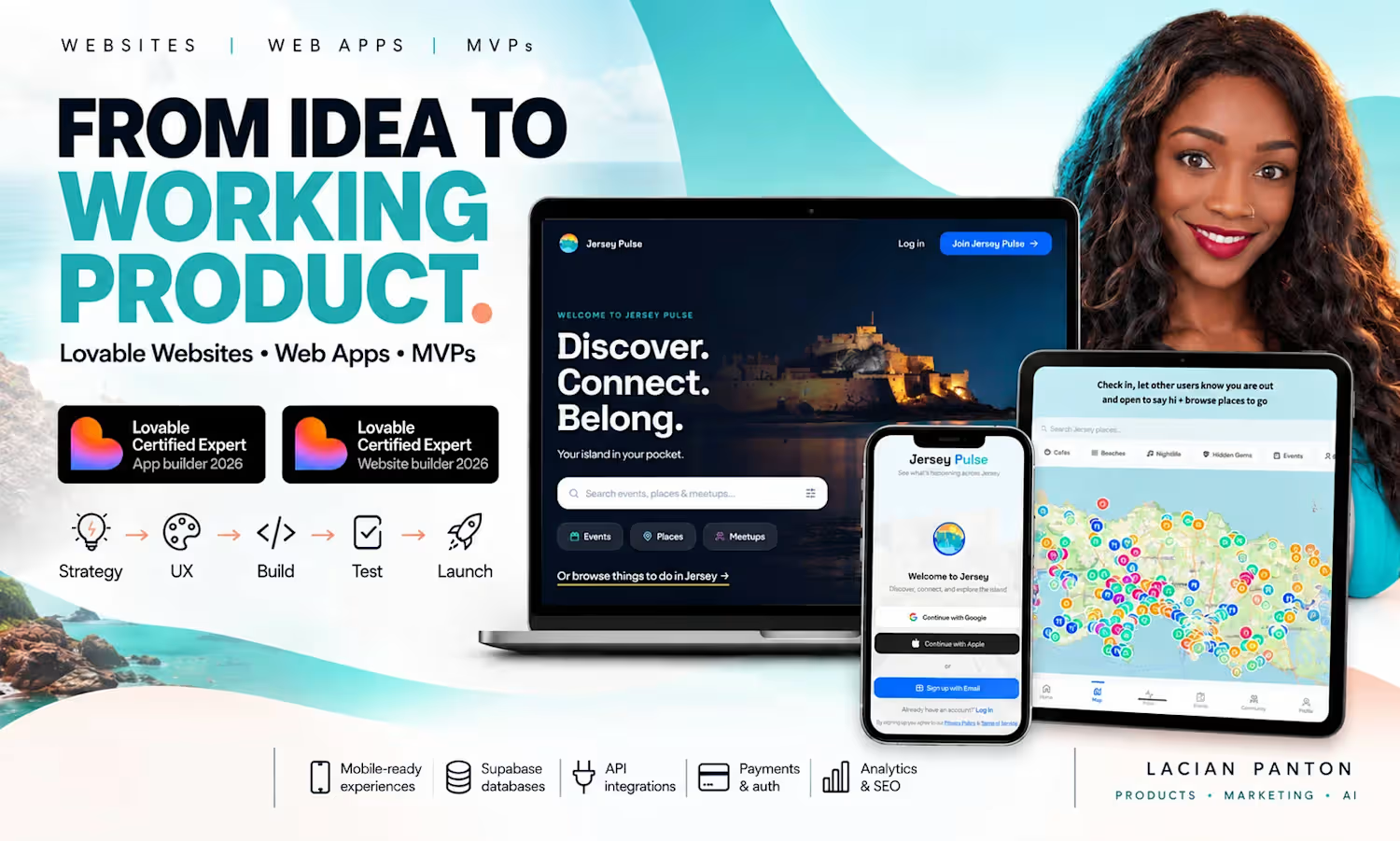
🌍 Jersey Pulse is a community discovery platform built to help people in Jersey find things to do, places to go, events to attend and people to connect with.
The idea came from a very real problem: moving somewhere new can feel surprisingly isolating, especially when you work from home and don’t already have an established social circle.
I wanted to build something that made the island feel easier to explore — and easier to belong in.
💡 What I built
Jersey Pulse brings together:
📍 Places around the island
🎟️ Events and things to do
🤝 Meetups and community activity
🗺️ Map-based discovery
👥 Social and community features
📱 Mobile-first experiences across web and app
The product was designed to feel useful whether someone has lived in Jersey for years or arrived last week.
🧠 My role
I took Jersey Pulse from idea → product → launch, covering:
✨ Product strategy
🎨 Brand and UX direction
🧩 Feature planning and user flows
💻 Web and app development (Available on Android and IOS)
🗺️ Place and map experiences
📊 Analytics and product decisions
📣 Community growth and marketing
⚙️ Backend, database and operational workflows
🧪 Testing, iteration and launch
I wasn’t interested in building a static directory. I wanted Jersey Pulse to feel alive! Something people could actually use to decide what to do, where to go and who to meet.
📱 Product thinking
A big part of the work was designing around real behaviour.
People don’t always know exactly what they’re looking for, so discovery needed to be flexible.
That meant building experiences around:
🔎 Browse and search
📍 Location and proximity
🗺️ Interactive maps
🎉 Events
🤝 Meetups
🏖️ Places and local discovery
👤 Profiles and community interaction
The product also had to work naturally across desktop, tablet and mobile, with the mobile experience treated as a core product rather than an afterthought.
💙 Growing into a real platform
Jersey Pulse has grown beyond an idea into a live platform with real users actively using and enjoying it.
As the community grew, and feedback came in, I moved further and launched Pulse Dating as a monetised layer within the wider ecosystem.
It extends the same goal of connection into dating, with its own profiles, matching, messaging, paid membership and referral mechanics, while still sitting inside Jersey Pulse.
That evolution has let me test not just product features, but community growth, monetisation, user behaviour and real world APP marketing.
0
30
Hi Everyone,
I’ve already submitted my Lovable Challenge entry, but I wanted to share a little more about how I interpreted the brief, because this was actually my favourite part of the challenge.
The brief was simple:
“Can I book with you?” → “You’re booked.”
With as little effort from the owner as possible.
And it gave us two ways to approach it:
🚪 Fix the front door
Make it effortless for customers to check availability, request a time, and get confirmed.
🔁 Fix the follow-through
Reduce the confirmations, reminders, rescheduling, and lead follow-up that normally falls back on the owner.
I decided I wanted to solve both.
🎈 The business
I created Little Wild Jersey, a fictional children’s party hire business run by Mia.
Before building anything, I spent time social listening in Facebook groups and looking at how party-hire businesses actually operate.
One thing kept standing out:
The front door often isn’t the website.
It’s Facebook Messenger.
It’s Instagram DMs.
It’s a parent messaging at 9 pm:
“Hi, are you free for a party next Saturday?”
💬 So I started with the real front door
I could have used something like ManyChat for the social messaging layer.
But I wanted Mia to own those conversations inside her own platform, rather than constantly jumping between different tools.
So I connected Little Wild directly to Facebook Messenger and Instagram DMs through Meta’s developer tools.
If an incoming message looks like a booking enquiry, Little Wild can recognise that intent and immediately send the customer into the booking flow.
Mia can also reply directly to the customer from inside Little Wild, without opening Facebook or Instagram.
So instead of:
📱 Instagram
📱 Facebook
📅 booking system
📧 email
📝 notes
Everything comes back into one operational system.
📅 But a free calendar slot doesn’t mean the party can actually happen
This was probably the most important part of the build for me.
The system doesn’t just ask:
“Is 2 pm empty?”
It asks:
“Can we genuinely deliver this party at 2 pm?”
That can depend on:
👥 team availability
🎪 equipment availability
🚐 vehicles
📍 travel time
🛠️ setup time
📦 pack-down
🧼 reset/turnaround time
🎉 the package being booked
🗓️ plus everything else already happening that day
If the requested time won’t work, the system will offer alternatives instead of creating another message thread for Mia to manage. If a customer is genuinely fixed on that date and time, they can join the waitlist.
💳 Once the customer books
When the customer chooses a workable time and pays the deposit:
✅ The booking is confirmed
📧 The customer receives a branded confirmation email
📲 Mia receives a push notification
📋 The booking enters the operations system
👥 Assigned team members receive their own booking email with the work window, event address, and calendar link
🚐 The resources needed to fulfil the booking are accounted for
So Mia isn’t manually messaging the team with:
“You’re on this one Saturday, here’s the address…”
The system already knows who is assigned and sends the information automatically.
🔁 Then I tackled the follow-through
Because getting the booking is only half the admin.
After that, the system automatically handles:
💰 outstanding balance reminders
📧 payment follow-up emails
🗓️ customer reschedule/cancellation requests
➕ customer add-ons and small booking changes
⏳ waitlist recovery when capacity opens
👥 team availability and time-off
📦 operational changes that affect fulfilment
Customers can manage routine changes themselves instead of starting another DM thread.
And Mia doesn’t need to monitor every little thing the system has done.
The principle became:
Automate the predictable. Surface the exceptional.
Mia should only need to step in when something genuinely needs Mia.
🧪 Want to test the real social integration?
I’d genuinely love people to try it.
📘 Facebook:
https://www.facebook.com/littlewildjersey
📸 Instagram:
https://www.instagram.com/littlewildjersey/
Send a normal booking-style enquiry and see what happens. 👀
🌐 Explore the project story:
https://littlewildjersey.lovable.app
My goal wasn’t to build another pretty booking form.
I wanted to see how much of the actual work between “Can I book?” and “party delivered” I could remove from the owner’s plate.
✨ Less admin. More magic.
Built for the Lovable × Contra Challenge.
1
235
Just want to say huge thanks to @Lovable and @Contra for the amazing opportunity to enter the challenge. Alas, after 3 days of sleepless nights, I still had fun doing what I love!
I wanted to add a bonus video to show my process, from how I got the idea (which came from a real problem) to going on to connecting Meta to Lovable, so Mia's Instagram and Facebook inquiries not only came directly to her dashboard, but also auto-replied, and she can also jump in and reply from her PWA app without going to FB, IG, or Business Manager.
And yes, I could have used ManyChat for the messenger automation, but I wanted Mia to own the conversations inside her platform.
I am running on fumes, and this is as far as I got. lol, Good Luck to all the participants.
2
213