
Khan Nakhat
Founder at NextGen Annotator | AI Data Annotation | QA.


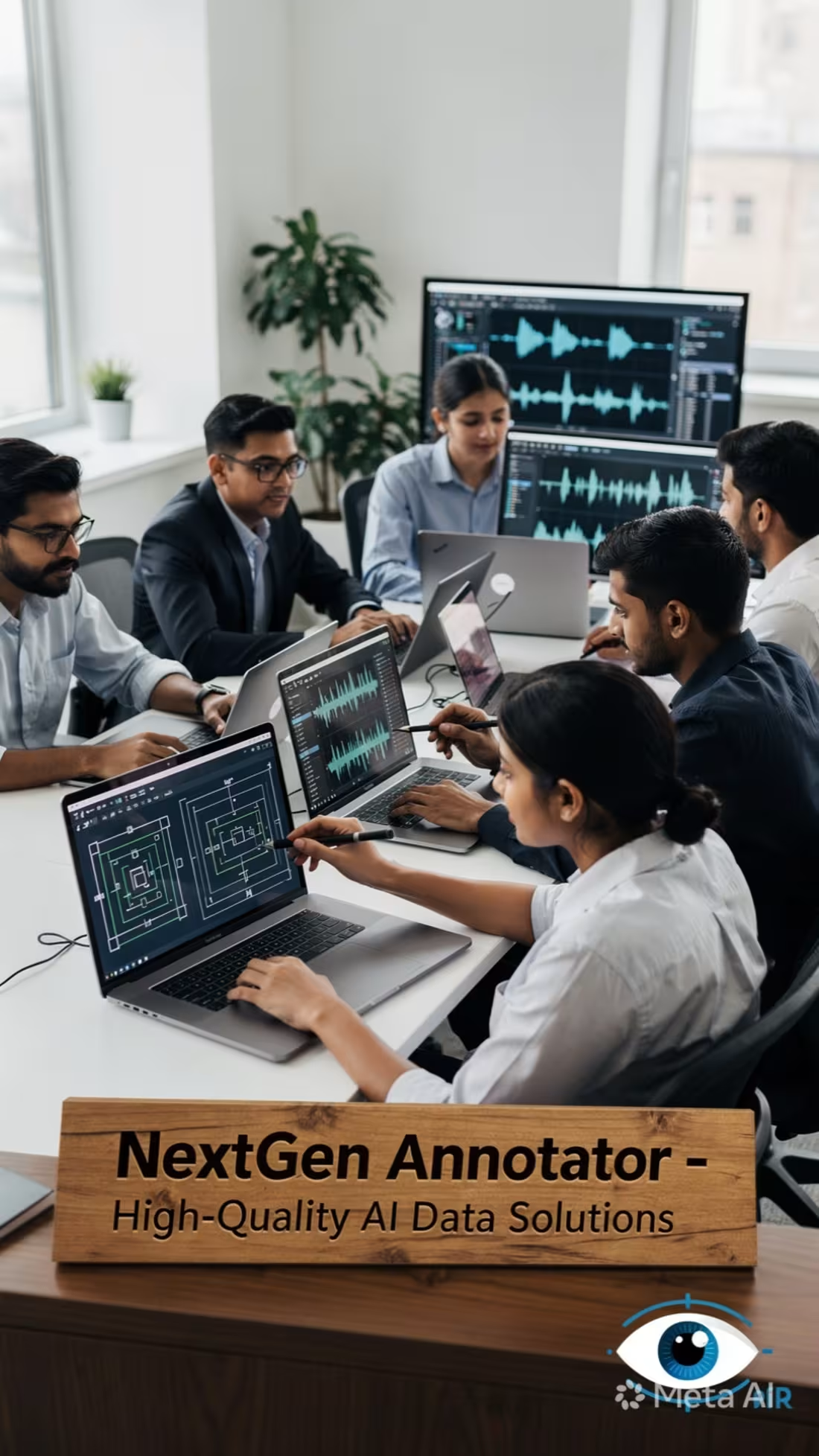
🚀 Scaling Your AI Models or Data Operations? Let Our Team of 40 Handled the Heavy Lifting!
Hey Contra Community! 👋
Are you struggling to keep up with massive datasets, messy annotations, or slow image verification pipelines?
If you are an AI startup, tech agency, or enterprise looking for a reliable partner to handle high-volume data tasks, we are here to help! I manage a structured, fully trained team of 40 data annotation and QA specialists ready to deploy immediately.
⚙️ What We Bring to the Table:
Massive Volume, Fast Delivery: With 40 people working in sync, we can process thousands of images, posts, or data rows daily without breaking a sweat.
Flawless Quality Control: We don’t just annotate; we implement a strict internal QA layer to ensure 99%+ accuracy before final delivery.
Versatile Expertise: Experienced in Image QA/Review (like matching AI outputs to inputs), Data Labeling (Bounding boxes, tagging), and Large-scale Data Entry (CSV/Sheets management).
💼 Flexible Setup:
Whether you have a 1-week urgent sprint or need an ongoing monthly workforce, we scale according to your project requirements.
Let's remove the bottleneck from your operations. DM me directly to discuss your project requirements or to set up a quick sample/pilot task! Let’s build something great together. 📈
0
88
🚀 Looking for Large-Scale Data Annotation or Bulk Image QA Projects!
Hello Contra Community! 👋
I manage a highly efficient, dedicated team of 40 experienced data annotation and visual QA specialists. We are fully equipped to handle bulk workloads with top-tier accuracy and fast turnaround times.
What We Specialize In:
🖼️ Image QA & Review: Evaluating AI-generated outputs against source images (bounding boxes, tagging, and multi-outcome classification).
🏷️ Data Annotation & Labeling: Large-scale categorization, metadata tagging, and object recognition.
📋 Bulk Data Entry & Verification: Managing and organizing massive datasets seamlessly into structured formats (CSV, Sheets, etc.).
Why Partner With Us?
Scalability: With 40 trained specialists, we can scale up immediately to meet tight deadlines and high volumes.
Quality Assurance: Dual-layer review process to ensure 99%+ accuracy before final delivery.
Flexible Models: Ready for short-term pilot tasks or long-term ongoing contract operations.
If your company, AI startup, or agency is looking to outsource large annotation or image vetting pipelines, let’s connect! DM me directly or invite us to your project. 💼
My email: k.nazish2924@gmail.com (mailto:k.nazish2924@gmail.com)
2
209

Designed a premium brand wallpaper for Oz Golden Rush using Meta AI for custom assets and Canva for professional typography. The design focuses on a luxury aesthetic (Gold & Swiss watches) to align with the brand's identity as Australia's first mobile pawn broker.
0
53
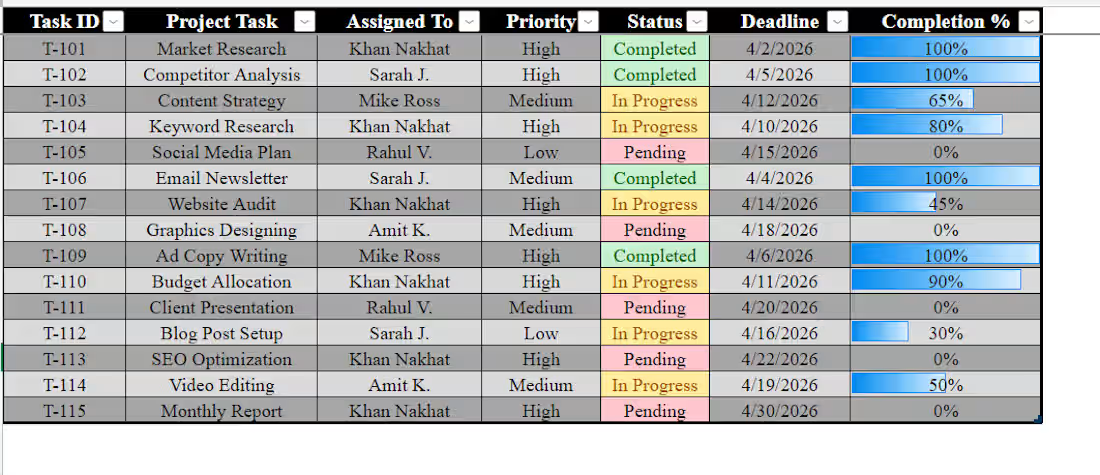
"I just finished building this Dynamic Task Tracker in Excel! 📊
To make project management easier, I’ve added:
✅ Visual Status: Green/Yellow/Red indicators for instant updates.
✅ Progress Bars: Automated bars to show task completion at a glance.
✅ Organized Workflow: Structured by priority and deadlines.
If you need help organizing your business data or creating custom Excel dashboards, I’m available for new projects! 🚀"
2
4
206