
Kayode Clement
AI App Developer | Mobile & Web Apps
- 16
- Followers


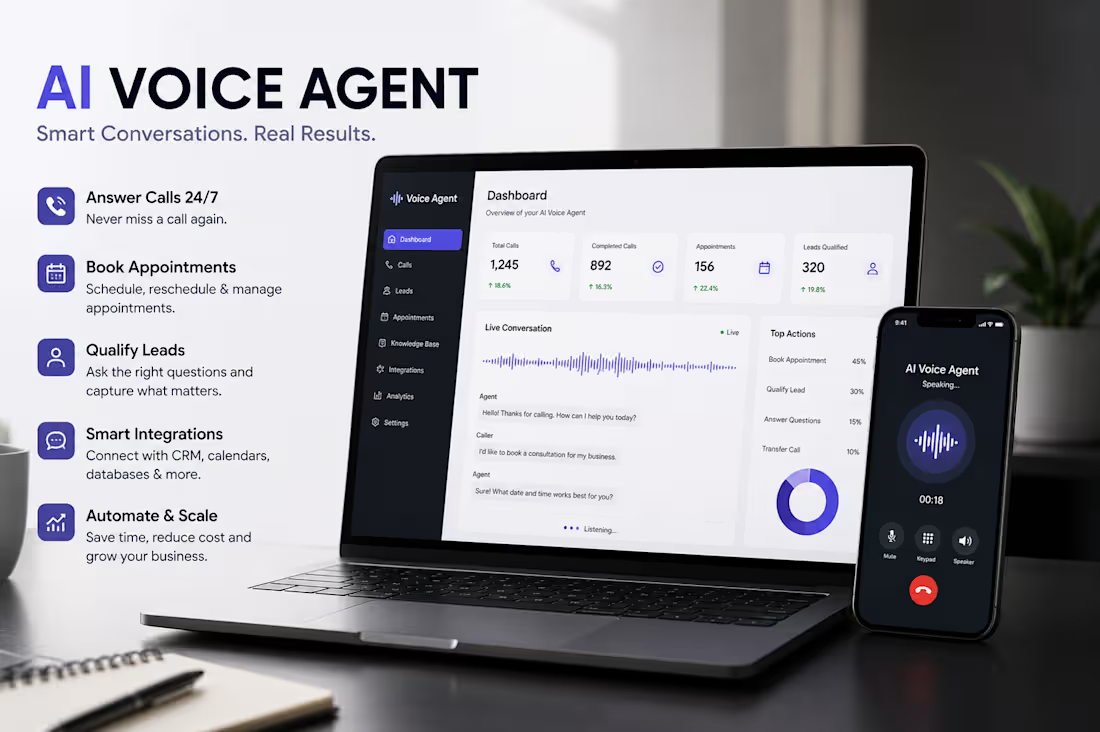
AI voice agents are becoming a practical way for businesses to handle customer calls, qualify leads, book appointments, and provide support without requiring someone to answer every call manually.
However, building a reliable voice agent comes with challenges. Common issues include unnatural responses, long response delays, interruptions, incorrect answers, poor call handling, and broken API or CRM integrations.
Fixing these problems requires more than changing the voice. The conversation flow needs to be properly structured, the agent's instructions need to be clear, knowledge sources must be accurate, and integrations need to be tested under real call conditions. Adding fallback logic and human handoff also helps prevent the agent from getting stuck when it encounters something unexpected.
Lesson Learned: A successful AI voice agent should sound natural, but reliability matters even more. Good conversation design, accurate information, fast responses, and strong integrations are what turn a voice AI demo into a useful business tool.
#AIVoiceAgent #VoiceAI #ConversationalAI #AIAutomation #AIAgent #VoiceAutomation #AIReceptionist #CustomerSupport #LeadGeneration #AppointmentBooking #AIDevelopment #Automation #SaaS #Tech
1
36
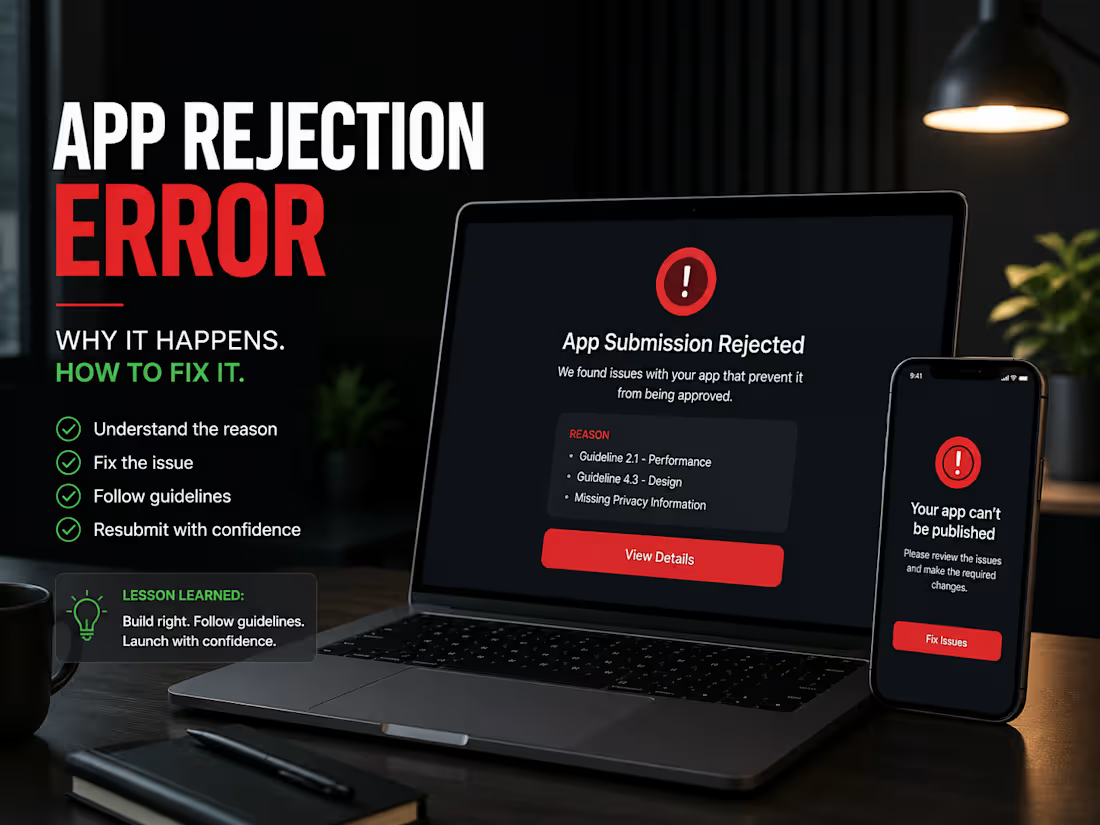
App Rejection Errors: Causes, Fixes & Lessons Learned
App rejection is a common part of the publishing process and often occurs when an app doesn't fully meet store guidelines, privacy requirements, or technical standards. Common reasons include incomplete metadata, missing permissions, unstable functionality, policy violations, or an inconsistent user experience.
The best way to resolve these issues is to carefully review the rejection report, update the app to comply with the platform's guidelines, thoroughly test all features, and resubmit with the necessary improvements.
Lesson Learned: App publishing isn't just about building a great app—it's about delivering a secure, reliable, and compliant experience. Following platform guidelines from the beginning helps reduce delays and leads to faster approvals.
#AppPublishing #AppReview #AppRejection #MobileDevelopment #AppStore #GooglePlay #iOSDevelopment #AndroidDevelopment #BugFixing #SoftwareDevelopment #FullStackDeveloper #AIApps #Tech #AppLaunch #Development
5
140
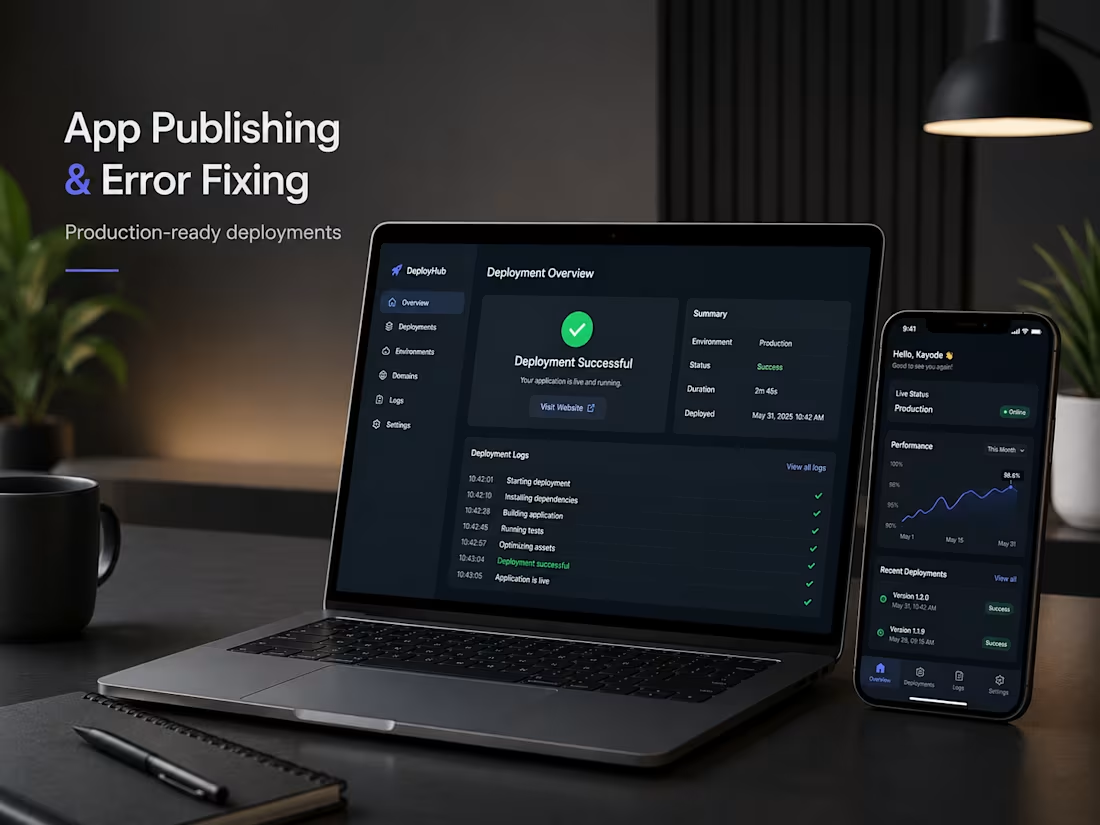
Publishing an application is more than clicking a Deploy button. It's the process of making your app stable, secure, and accessible for real users in a production environment.
Many developers and startups encounter issues during deployment, such as failed builds, incorrect environment variables, API connection errors, authentication problems, or broken database configurations. These challenges can delay launches and affect the user experience if not handled properly.
The key to successful publishing is testing production builds early, managing environment variables securely, monitoring deployment logs, and validating every integration before going live. A well-deployed application isn't just functional—it's reliable, scalable, and ready to support business growth.
Great software isn't defined only by how it's built, but by how confidently it runs in production.
#AppPublishing #Deployment #ErrorFixing #WebDevelopment #FullStackDeveloper #DevOps #CloudDeployment #NextJS #React #NodeJS #SoftwareEngineering #BugFixing #ProductionReady #Tech #AIApps
1
7
249
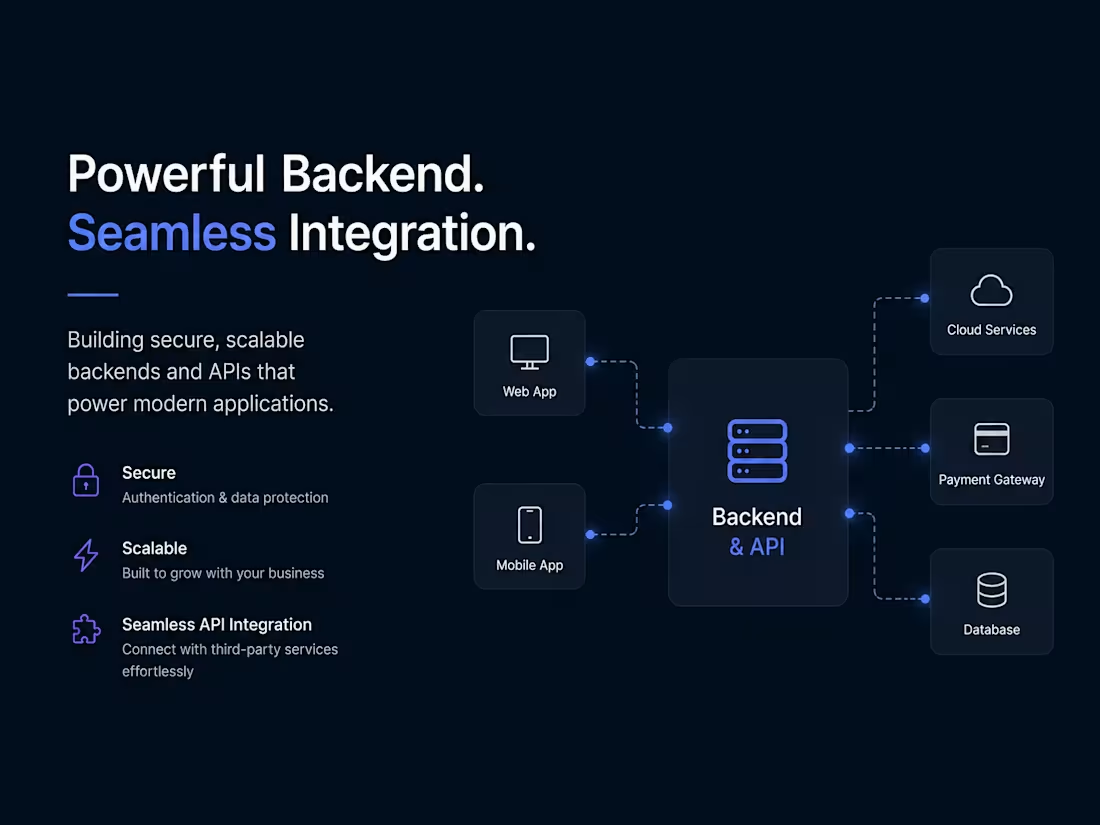
A great-looking application is only as reliable as the backend behind it. While users interact with the frontend, the backend handles authentication, databases, business logic, payments, notifications, and API communication.
One of the biggest challenges businesses face is slow performance, unreliable integrations, and scaling issues caused by poor backend architecture. Building secure APIs, optimizing databases, and following a scalable architecture ensures your application remains fast, reliable, and ready for growth.
A strong backend isn't just about writing code—it's about creating a foundation that supports your business today and scales with your success tomorrow.
#BackendDevelopment #APIIntegration #FullStackDeveloper #WebDevelopment #SoftwareEngineering #NodeJS #RESTAPI #DatabaseDesign #AIApps #SaaS #React #NextJS #MobileAppDevelopment #Tech #Startup
10
13
463