
Hmad Afzal
AI/ML Developer | LLMs, Fine-tuning & RAG
New to Contra
Hmad is ready for their next project!
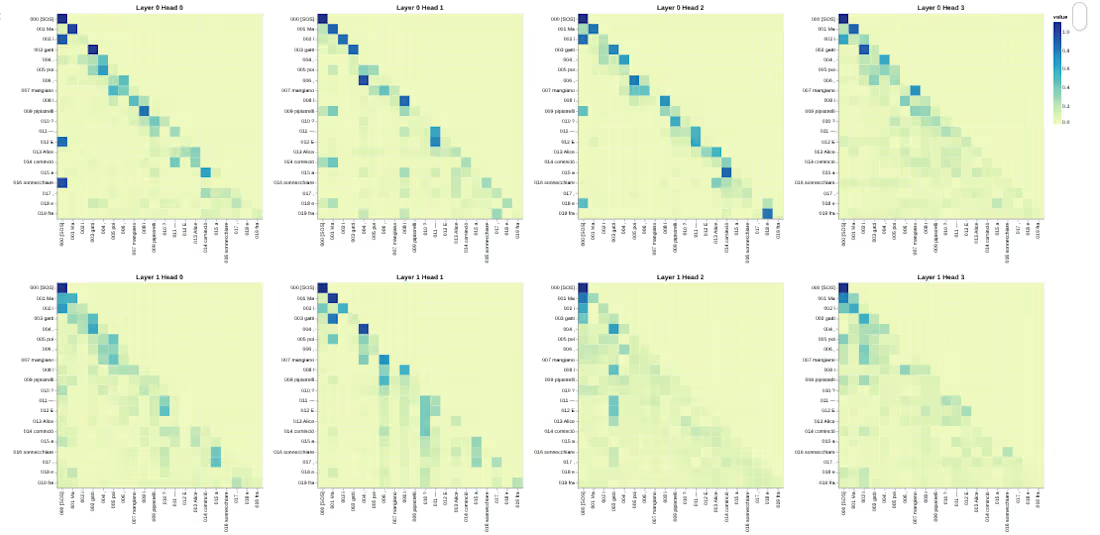
This project implements the Transformer architecture from scratch in PyTorch for bilingual neural machine translation.
This implementation follows the original paper: Attention Is All You Need – Vaswani et al., 2017 https://arxiv.org/abs/1706.03762
Instead of relying on high-level libraries like Hugging Face Transformers, every architectural component is implemented manually to demonstrate a deep understanding of attention mechanisms, masking, and sequence modeling.
1
8
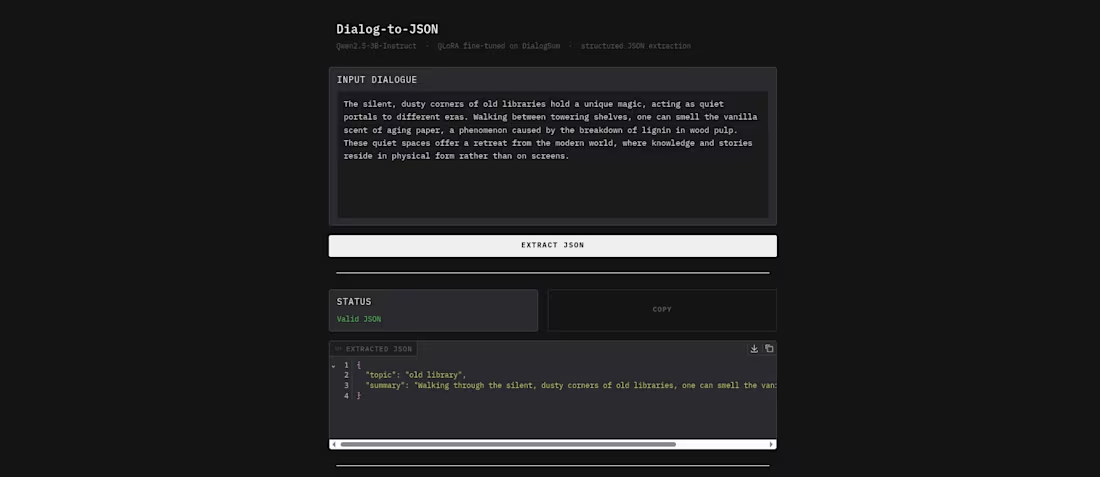
The objective is straightforward: given a raw dialogue, the model produces a structured JSON object with topic and summary keys. This transforms unstructured conversational data into a machine-readable format suitable for downstream pipelines, databases, and APIs.
Instruction-tuned models like Qwen2.5-3B-Instruct are capable of following JSON formatting instructions zero-shot, but they are inconsistent, output structure varies across prompts, edge cases produce malformed JSON, and there is no guarantee the keys will match a fixed schema. Fine-tuning on task-specific data solves this by teaching the model to reliably produce valid, schema-conformant JSON for any dialogue input.
Demo: https://huggingface.co/spaces/llhax/dialog-to-json
Code: https://github.com/HmadAfzal/qwen2.5-3B-Instruct-Dialog-to-json/ (https://github.com/HmadAfzal/qwen2.5-3B-Instruct-Dialog-to-json/blob/main/README.md)
1
11
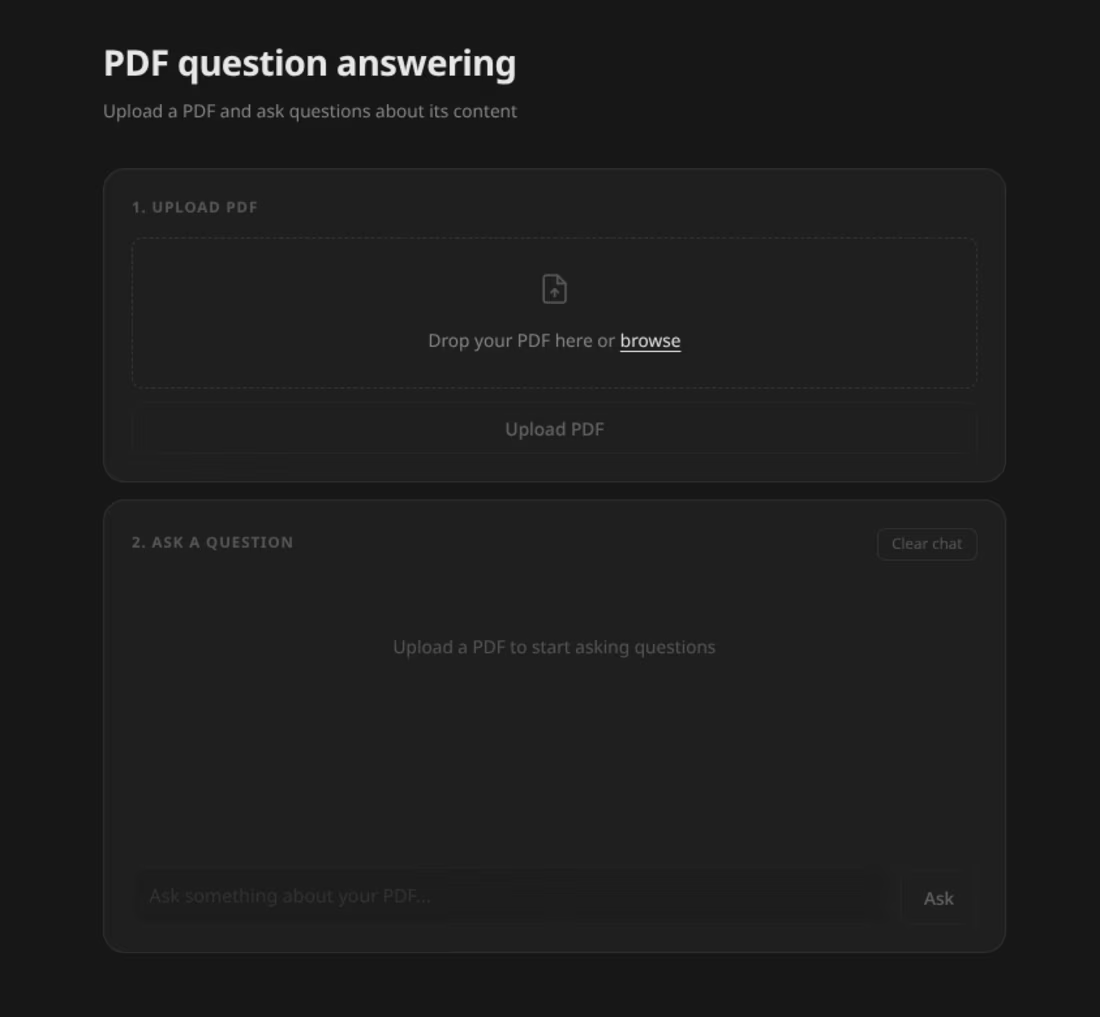
A production-ready RAG (Retrieval Augmented Generation) pipeline that lets you upload any PDF and ask questions about its content using semantic search and a large language model.
Live Demo: huggingface.co/spaces/llhax/sementic-search-rag
(https://huggingface.co/spaces/llhax/sementic-search-rag)This project implements a full RAG pipeline from scratch:
Upload any PDF
The system chunks, embeds and indexes it
Ask a question in natural language
The system retrieves the most relevant chunks and generates an answer
Code: https://github.com/HmadAfzal/semantic-search-rag/blob/main/ (https://github.com/HmadAfzal/semantic-search-rag/blob/main/README.md)
1
15
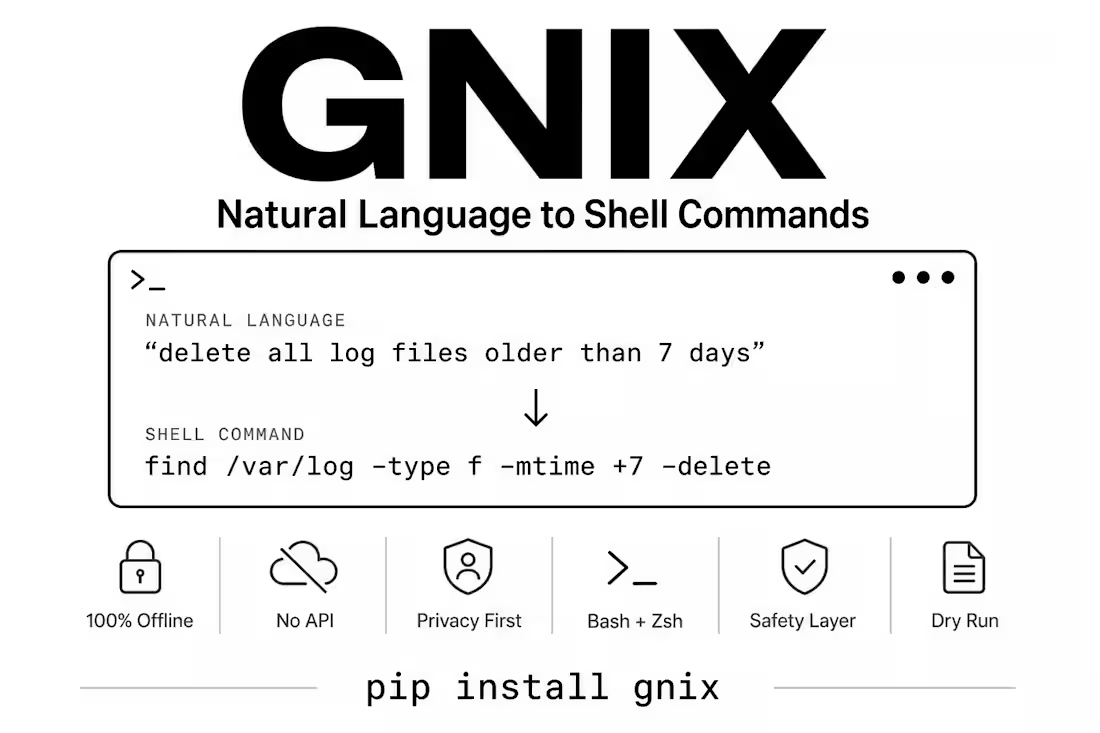
I always got confused with terminal commands so I built Gnix.
Instead of Googling "how do I find files larger than 1GB in Linux" for the 100th time, I just type it naturally:
gnix "find all files larger than 1GB"
And it generates the command, explains what it does, and asks before running it.
Everything is open source:
GitHub → https://github.com/HmadAfzal/gnix-local
Website → https://gnix-local.vercel.app/
pip install gnix
If you spend any time in a terminal, give it a try.
1
21