


























What should I ask about a freelancer's previous work?
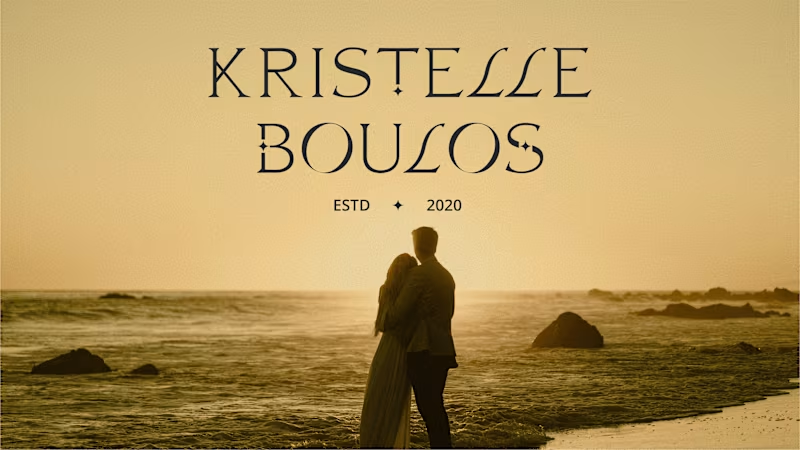
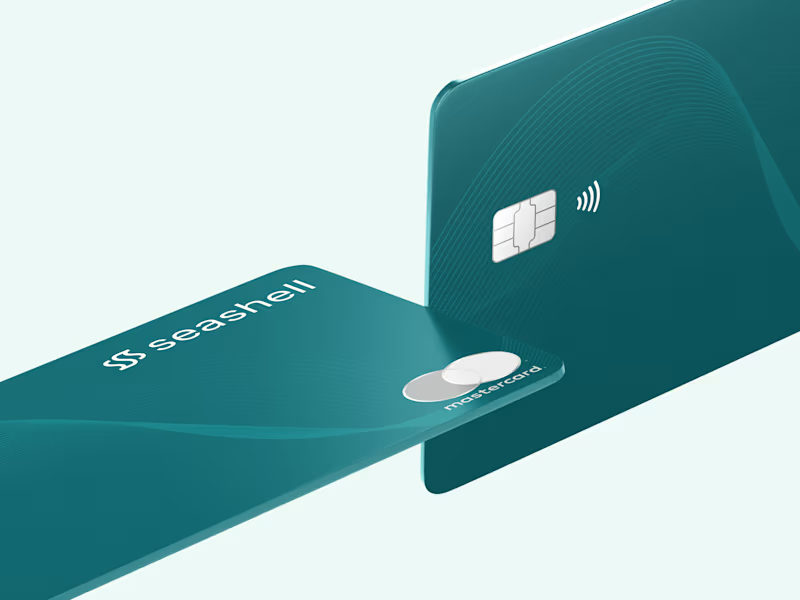
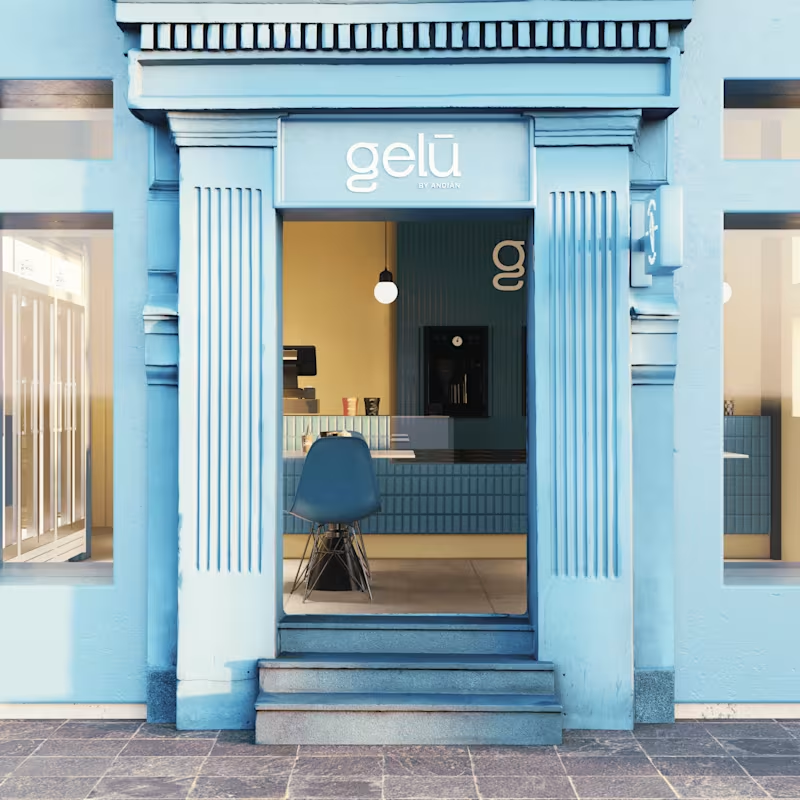
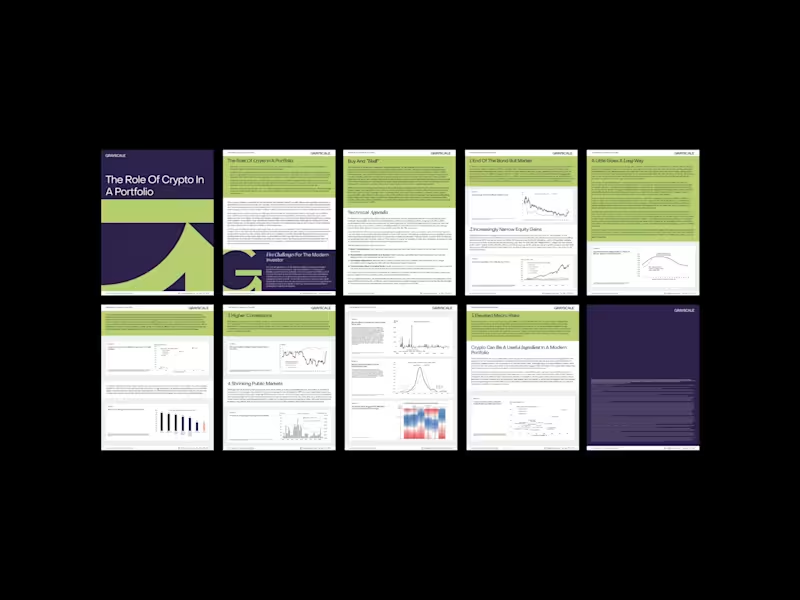
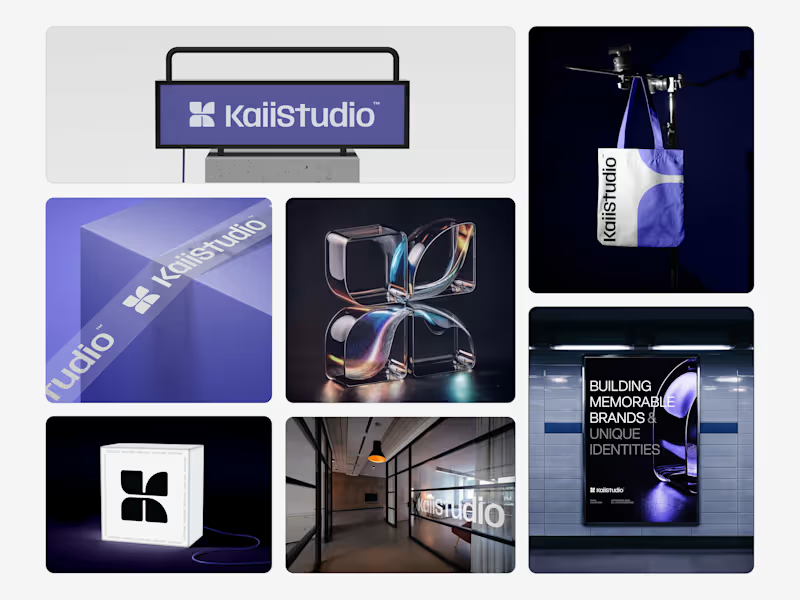
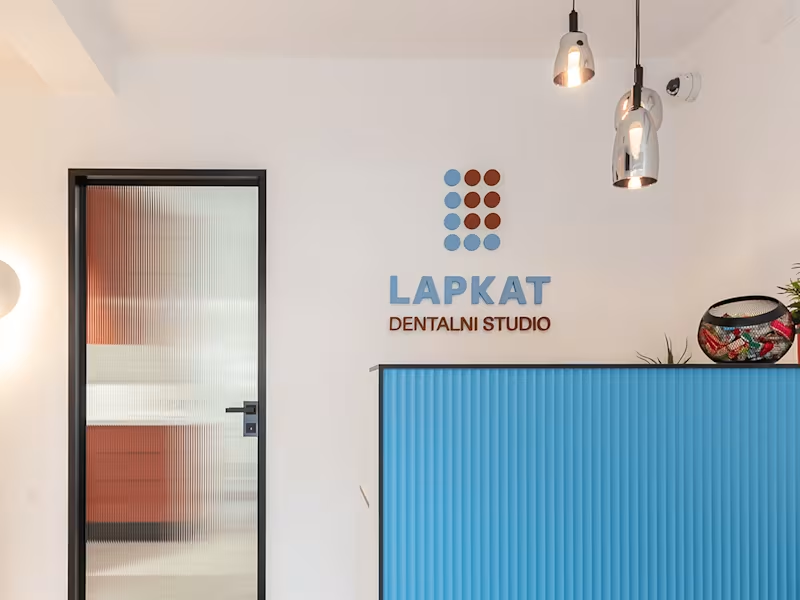
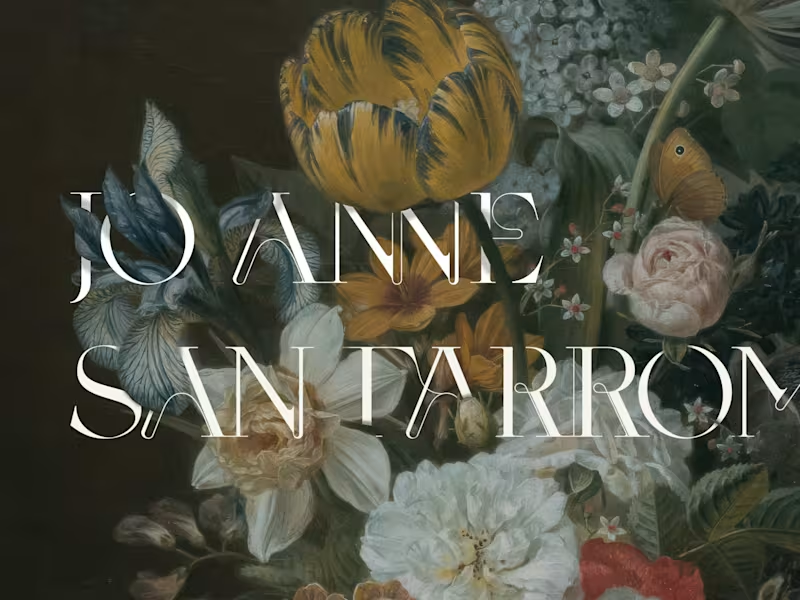
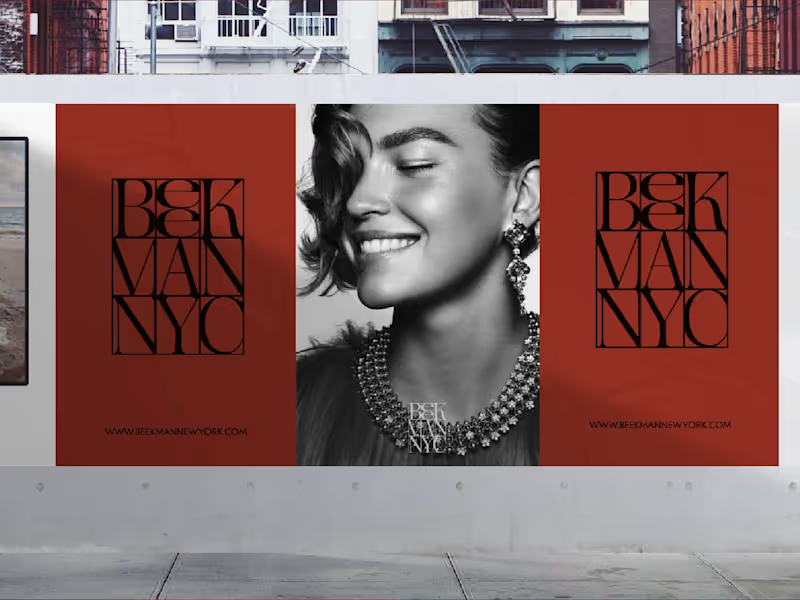
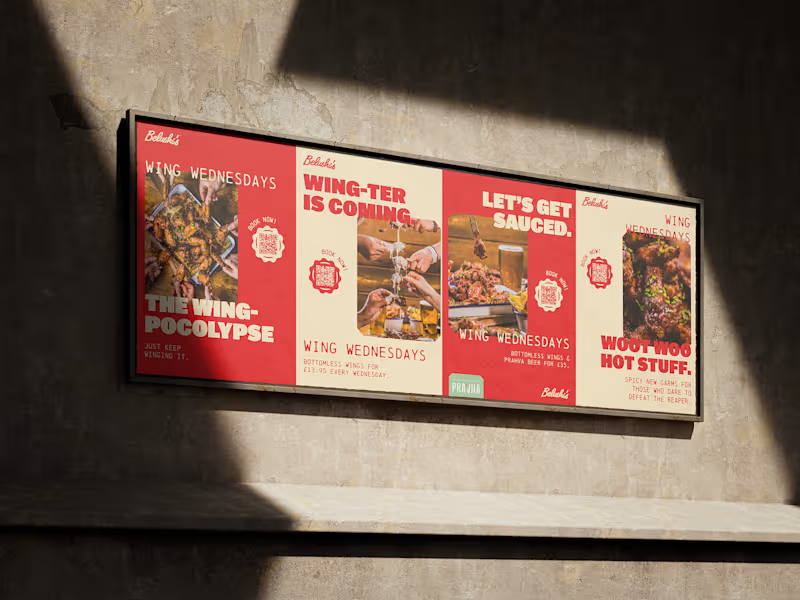
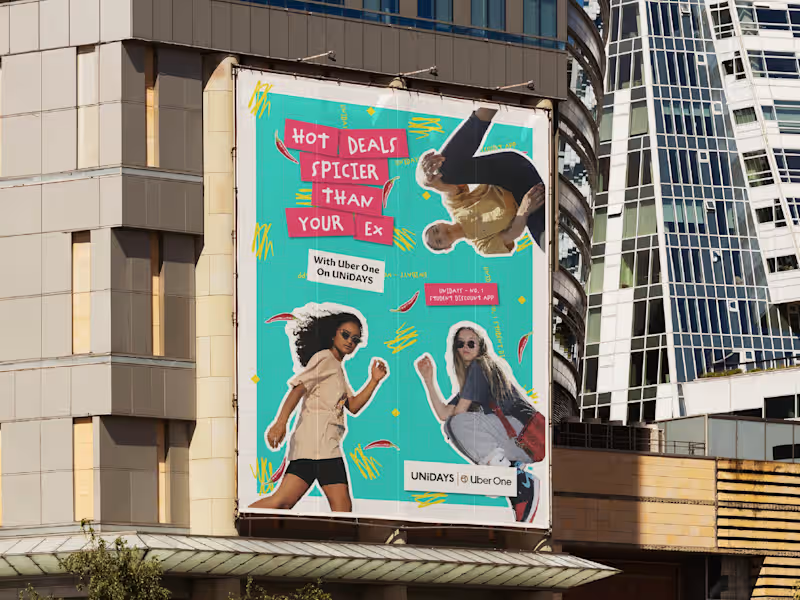
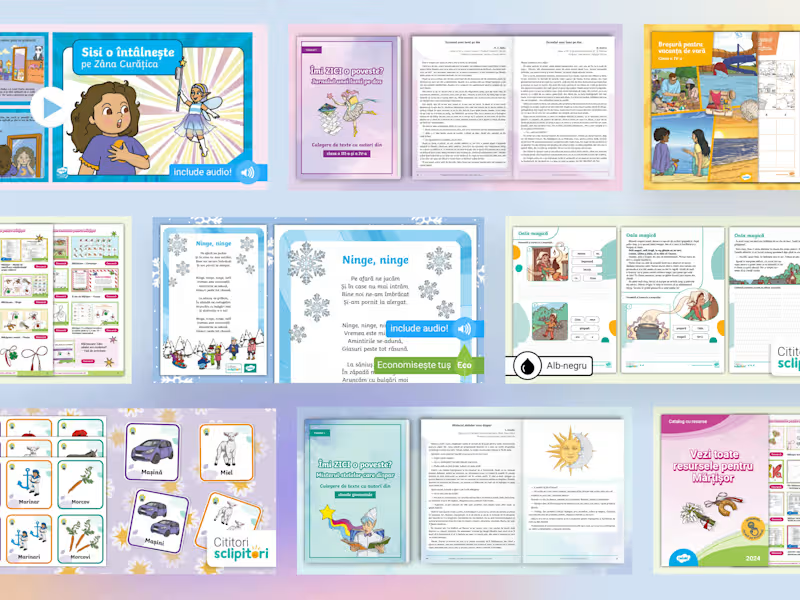
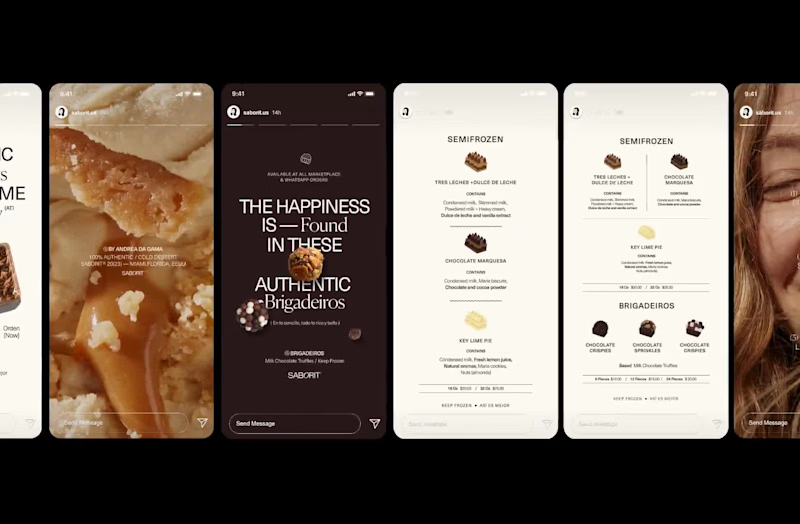
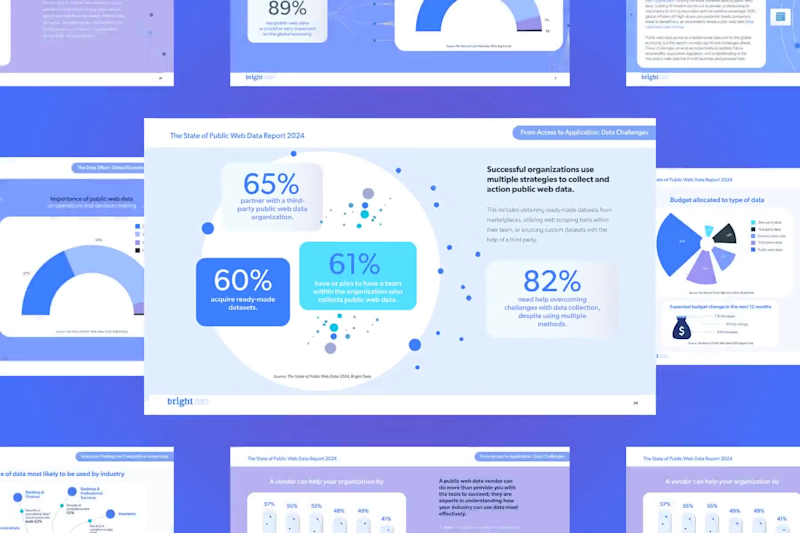
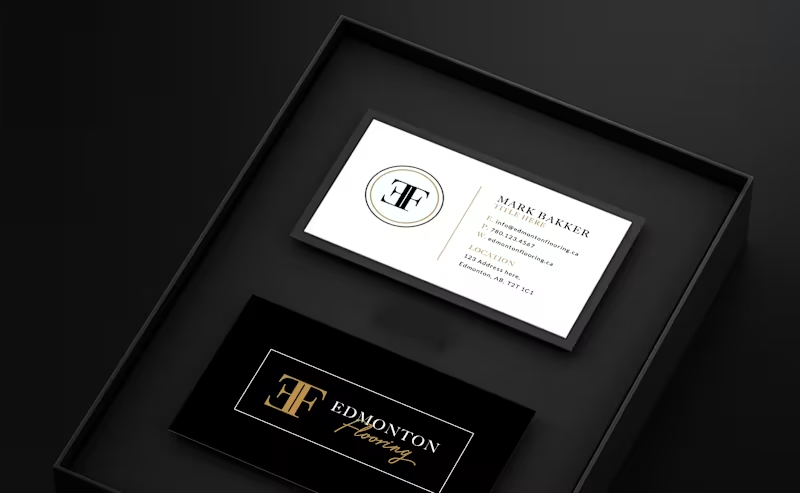
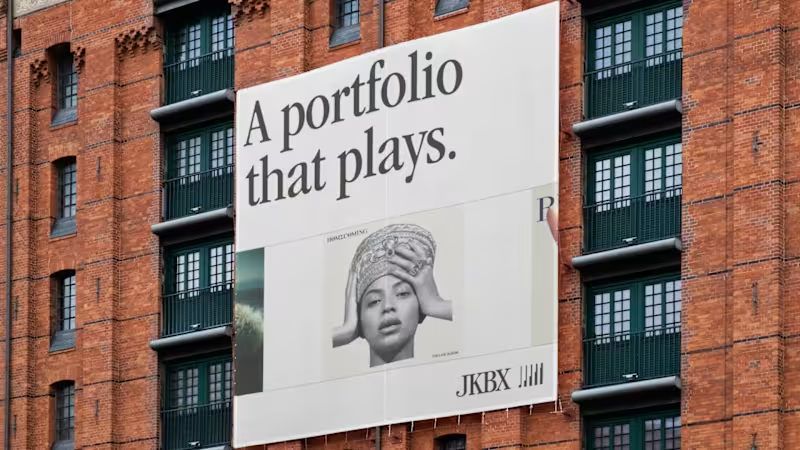
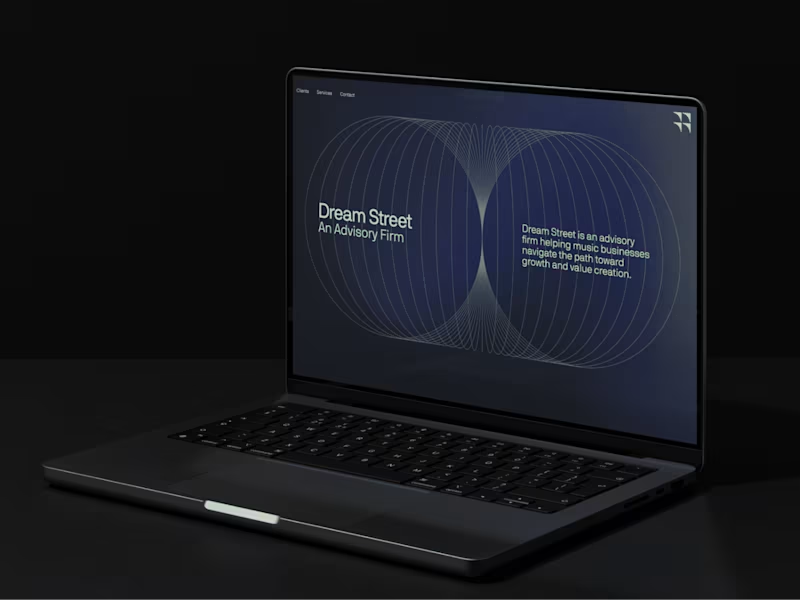
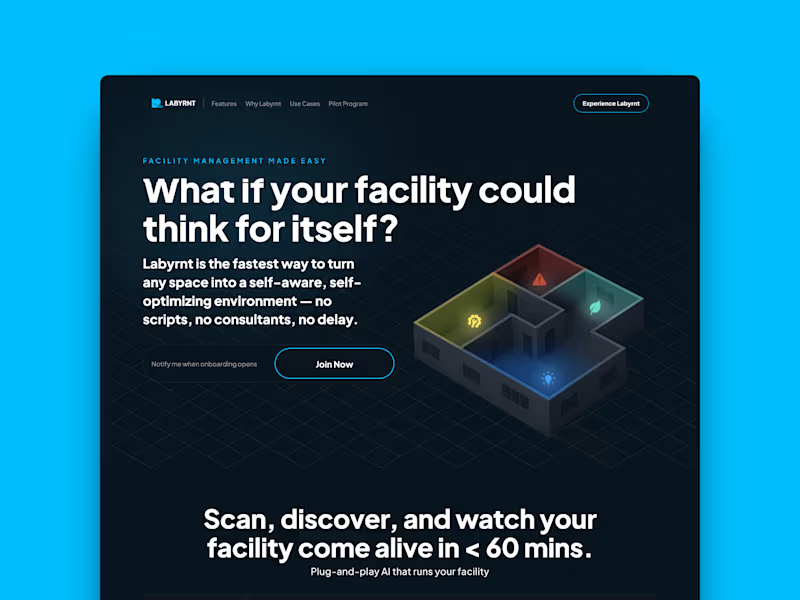
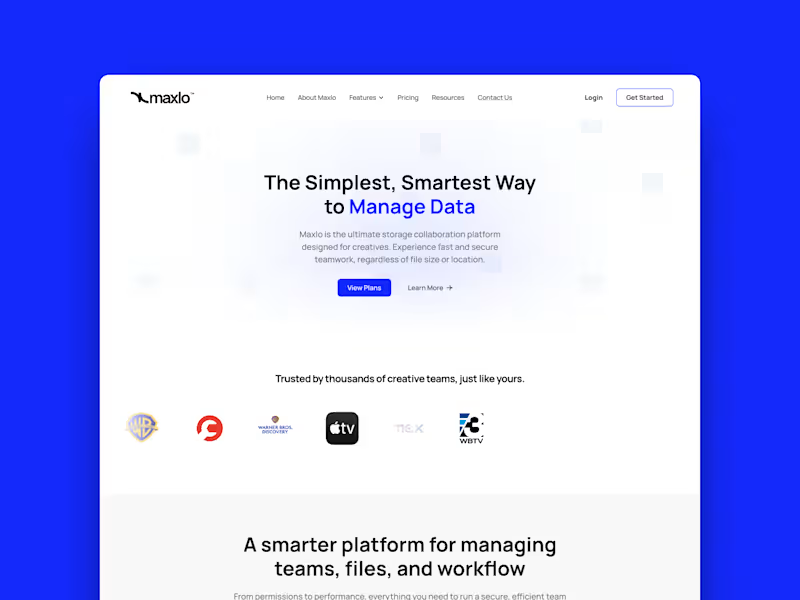
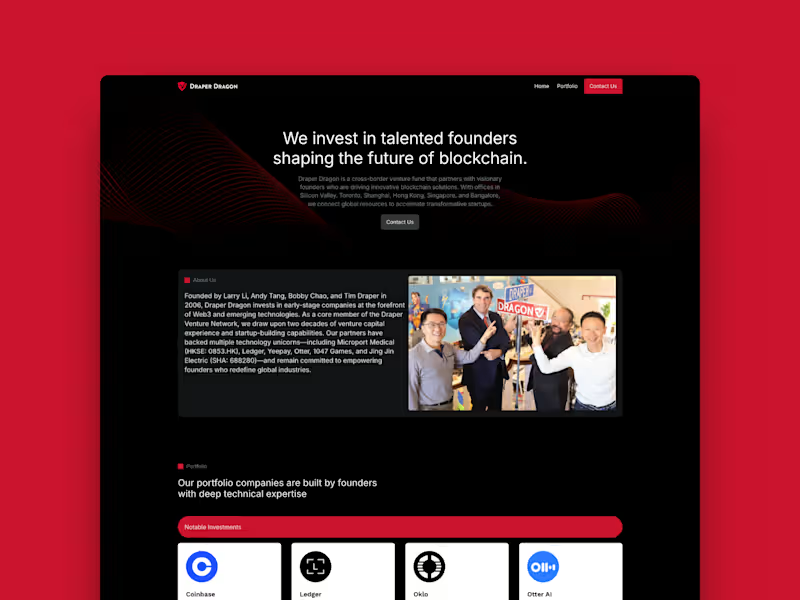
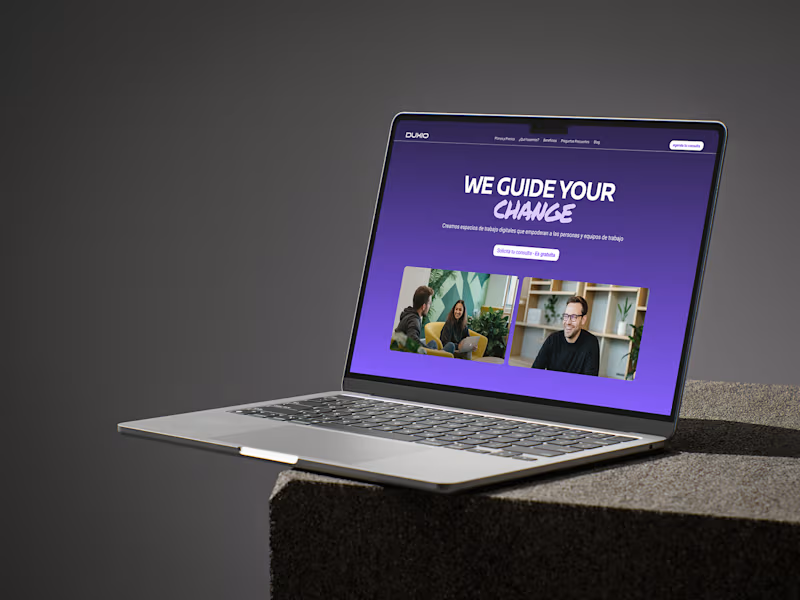
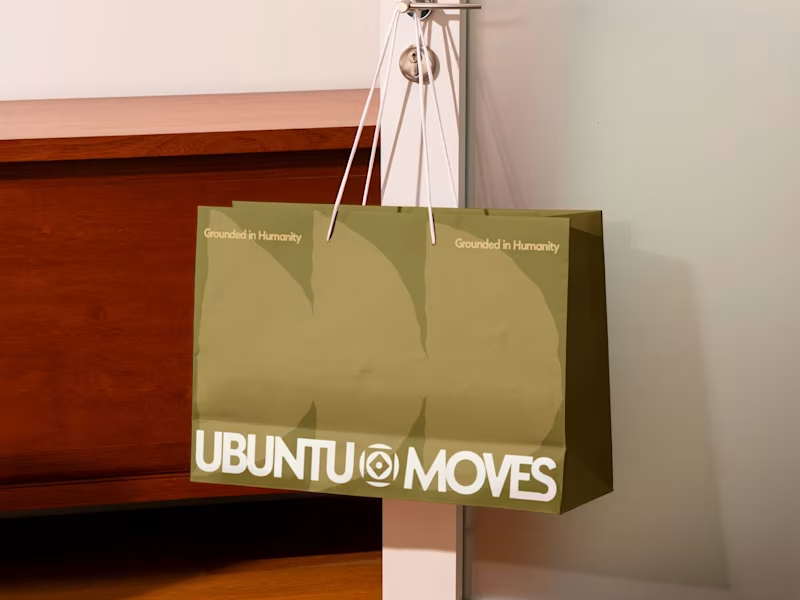
Ask to see their portfolio. Look for projects like yours. Check if they have experience with brochures, magazines, or eBooks. This shows they know how to use InDesign well.
How do I agree on project deliverables?
Clearly define what you need. Make a list of everything you want in the project. Talk to the freelancer about what they can deliver. This helps you both understand what to expect.
Why is discussing deadlines important?
Deadlines tell the freelancer when you need the work done. Talk about how long each task takes. Planning helps avoid surprises later. Both you and the freelancer stay on track.
How can I ensure good communication with a freelancer?
Decide on the best way to message each other. Discuss how often you'll check in. This keeps everyone informed. Good communication helps projects run smoothly.
What role does feedback play in working with a freelancer?
Feedback tells the freelancer if they're on the right track. Share your thoughts as the project goes on. This helps make changes before it's too late. Feedback helps improve the final product.
What should I consider about revisions?
Talk about how many changes you can request. Revisions let you fix parts you don't like. Agree on how much feedback you'll give. Knowing what to expect makes the process smoother.
How do I make sure the files are delivered correctly?
Discuss how you want the final files. Talk about file formats like PDF or InDesign. Knowing what you need helps the freelancer prepare. It ensures you can use the files easily.
Why is having a clear project scope important?
A project scope defines what the work involves. It includes all the tasks and goals. It helps you and the freelancer stay focused. Clear scope avoids confusion during the project.
How can I ensure the freelancer understands my brand?
Share your brand guidelines. Tell them about your brand's colors and style. Discuss what makes your brand special. This ensures the design matches your brand's look.
Who is Contra for?
Contra is designed for both freelancers (referred to as "independents") and clients. Freelancers can showcase their work, connect with clients, and manage projects commission-free. Clients can discover and hire top freelance talent for their projects.
What is the vision of Contra?
Contra aims to revolutionize the world of work by providing an all-in-one platform that empowers freelancers and clients to connect and collaborate seamlessly, eliminating traditional barriers and commission fees.