How do I make sure the Adobe Creative Cloud expert understands my project needs?
Clear communication is key. Before you start, write down your project details and goals. Share these with your expert to make sure they understand what you want. Use simple words and be specific about what you need.
How can I check if an Adobe Creative Cloud expert has done similar work before?
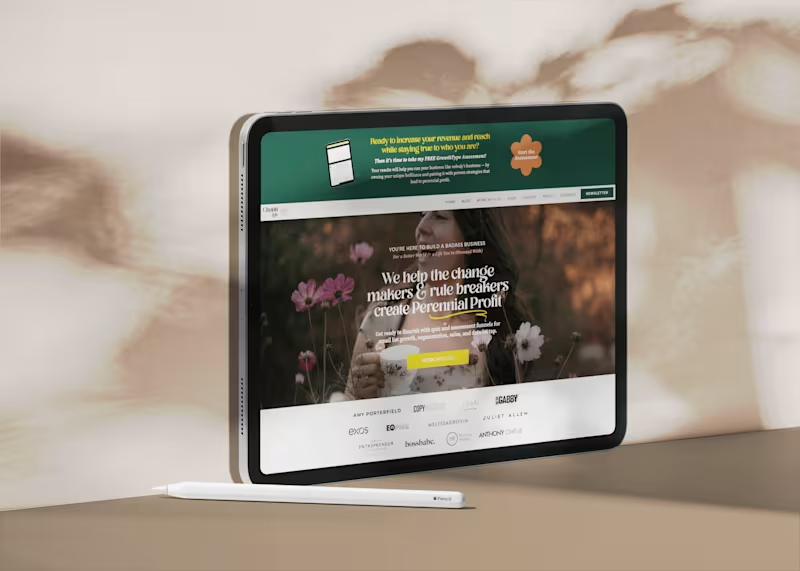
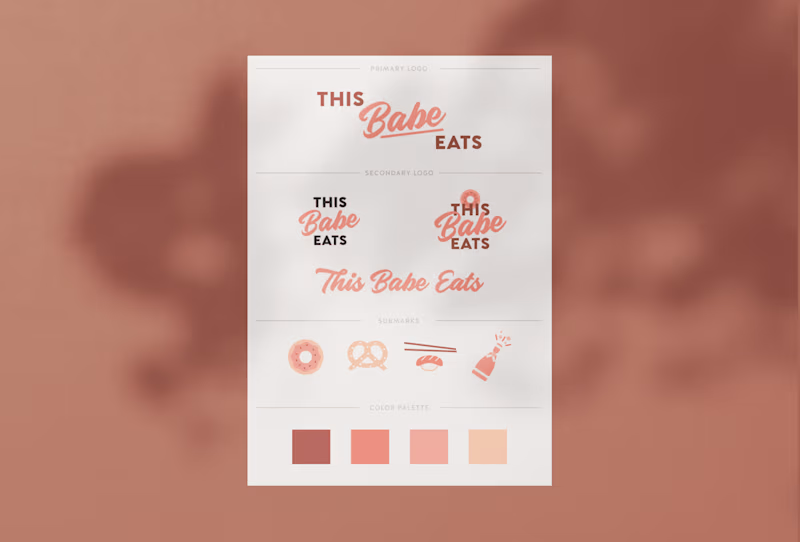
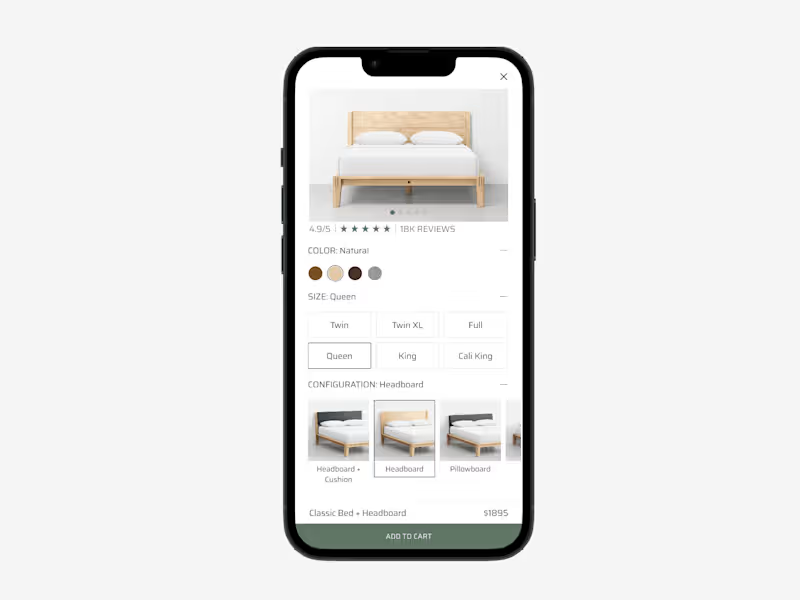
Look at their portfolio. This is a collection of their past work. Check if they have done projects like yours. Ask them to show you examples that match your needs.
What should I include in a project brief for an Adobe expert in California?
Include all the details about your project. Mention the style or theme you want. If you’re in California and have specific local needs, like using certain locations or styles, be sure to state that. Don’t forget deadlines!
How do I set clear deliverables for an Adobe Creative Cloud project?
Decide what you want as end results. This could be a logo, a video, or a photo collection. Write down specific details for each one. Agreement on deliverables helps both you and the expert know what to aim for.
What's an effective way to start a project with a newly-hired Adobe expert?
Begin with a kickoff meeting. It can be a simple chat about what you want to achieve. Use this time to go over project details and ask any questions they might have. This helps ensure everyone is on the same page.
How should I communicate with an Adobe expert during the project if we're both in California?
Decide on your communication method right away. Since you're both in California, you might consider face-to-face meetings. If not, video calls work great. Decide on a schedule that fits both your time zones.
How can I make sure my creative needs align with the Adobe expert’s skills?
Share as much detail about the project as possible. Ask the expert how they would approach your project. Sometimes, their approach offers new ideas. Make sure their skills match the specific Adobe tools your project needs.
What should I keep in mind about timelines when working with an Adobe expert in the same state?
Discuss deadlines early. When you're in the same state, like California, time zones are the same, which helps. Understand how long each part of the project will take. Agree on key milestones to keep the work on track.
What's the importance of feedback during an Adobe Creative Cloud project?
Feedback helps improve the final result. Regular check-ins ensure your project is moving in the right direction. It's important to be honest and clear about what you like or don’t like. This helps the expert adjust their work to better fit your needs.
How do I confirm the Adobe expert's availability matches my project schedule?
Ask them about their current workload. Check if they can fit your project into their schedule. It's important for them to have enough time to dedicate to your project. This ensures they can meet deadlines without rushing.
Who is Contra for?
Contra is designed for both freelancers (referred to as "independents") and clients. Freelancers can showcase their work, connect with clients, and manage projects commission-free. Clients can discover and hire top freelance talent for their projects.
What is the vision of Contra?
Contra aims to revolutionize the world of work by providing an all-in-one platform that empowers freelancers and clients to connect and collaborate seamlessly, eliminating traditional barriers and commission fees.