
GHULAM MURTAZA
Freelance Contractor | Research, Web, Design, Data Entry.



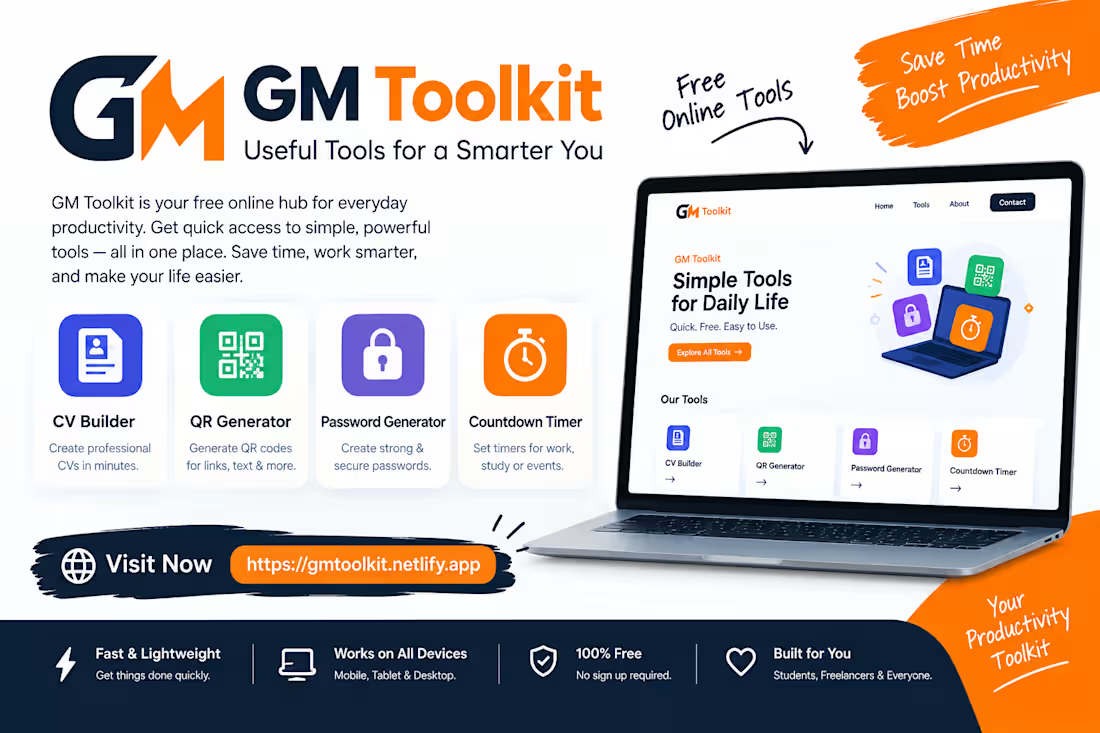
🚀 GM Toolkit – Your Free All-in-One Productivity Platform
GM Toolkit is a simple and powerful online tools website designed to make your daily tasks faster and easier. From creating professional CVs to generating secure passwords and QR codes, everything is available in one place — completely free.
Perfect for students, freelancers, and professionals who want to save time and work smarter.
🔗 https://gmtoolkit.netlify.app
#Productivity #WebTools #Freelancing #Students #OnlineTools #WebDevelopment
0
49
Calculator website 100% Free use & instaling Tools Currency Converter & Business Users
Struggling with daily calculations?
Try my Free Online Calculator Website 🚀
It includes everything in one place — Basic Calculator + Currency Converter, fast, simple, and mobile-friendly.
download required — 100% free online tool.
Perfect for students, freelancers, and professionals to save time and work more efficiently.
👉 Click the link above and start using it now!
#calculator #webtools #productivity #students #freelancing #webdevelopment #tools #onlinetools #currencyconverter
Link : https://calculatorwebsitetool.netlify.app
0
37
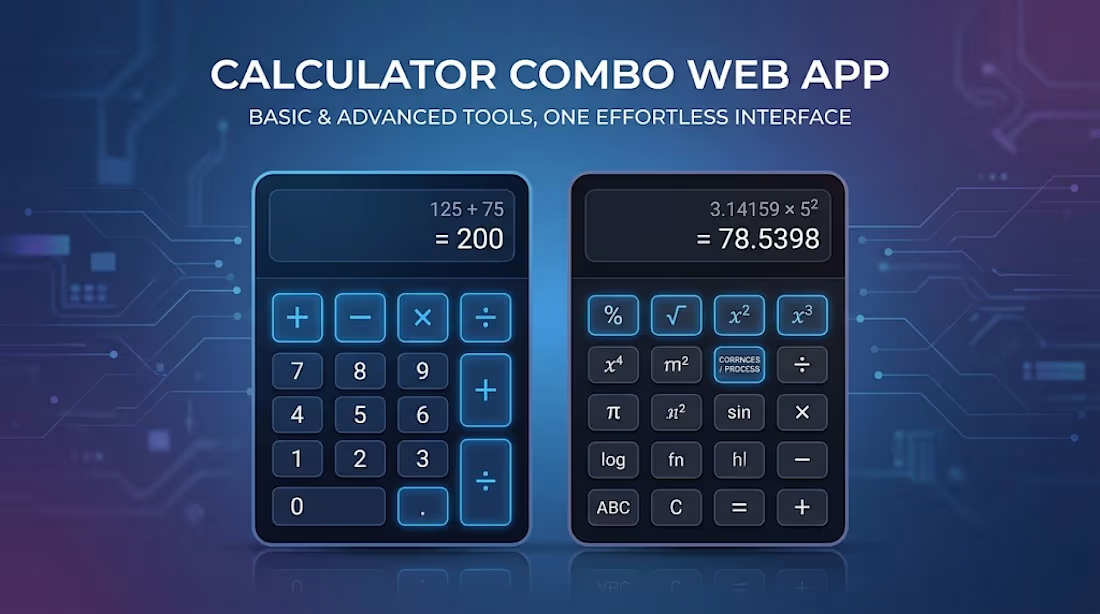
Calculator Website Tool: A Simple Calculator & Currency Converter for Everyday Use for free
Calculator Website Tool: A Simple Way to Calculate, Convert Currency, and Keep Records
In today’s digital world, calculators and currency converters are useful for students, freelancers, online workers, business owners, and everyday users. Instead of using separate tools for basic calculations and currency conversion, the Calculator Website Tool brings both features together in one simple and easy-to-use website.
The tool is designed for quick calculations, currency conversion, and keeping a record of completed calculations. It can be accessed directly through a web browser without requiring users to create an account.
A Calculator and Currency Converter in One Place
One of the main features of this website is that it combines a standard calculator with a currency converter. Users can switch between the currency converter and calculator whenever they need to perform different types of calculations.
The calculator provides common mathematical operations such as addition, subtraction, multiplication, division, percentage calculations, decimal numbers, and positive or negative values. This makes it useful for everyday mathematical tasks.
For example, users can calculate expenses, product prices, discounts, totals, invoices, or other simple mathematical problems without opening another application.
Easy Currency Conversion
The currency converter is another useful feature of the website. Users can select currencies and enter an amount to calculate the converted value.
The exchange rate can also be edited manually. This is particularly useful when a user already has a specific exchange rate from a bank, payment service, marketplace, or another reliable source and wants to calculate an amount using that rate.
It is important to understand that the displayed exchange rates are indicative and manually editable rather than live market rates. Therefore, users should independently verify the current rate before using the result for an actual financial transaction. (Calculator Website Tool (https://calculatorwebsitetool.netlify.app/))
Keep a Record of Your Calculations
A useful feature of the Calculator Website Tool is its calculation sheet. Every calculation completed with the equals button can be added to the calculation history.
This can be helpful when working with multiple numbers. Instead of writing calculations down on paper, users can keep them together on the same page.
For example, someone calculating several product prices can perform each calculation and then review the complete list later. This can reduce the need to repeat calculations and make it easier to check previous results.
Print and Download as PDF
The website also provides options to print the calculation sheet or download it as a PDF. This feature can be useful for users who want to keep a digital record or print their calculations for later reference.
Freelancers, students, small business owners, and online sellers may find this particularly useful when they need to keep track of calculations related to prices, expenses, quotations, or other everyday work.
Simple and Clean User Experience
The website focuses on keeping the interface simple. Instead of filling the page with unnecessary features, it provides the main tools in one location.
Users can access the currency converter, calculator, calculation sheet, print option, PDF download option, and clear button from the same website.
This simple approach makes the tool suitable for users who want to complete a calculation quickly without learning complicated software.
Privacy-Friendly Browser-Based Tool
Another important aspect of the website is that calculations run locally in the browser. According to the website's privacy information, preferences and calculation sheet history are stored in the user's browser on their device.
The website does not require an account, email address, or payment information to use the free calculator and converter. It also states that the amounts and sums entered by users are not tracked. (Calculator Website Tool (https://calculatorwebsitetool.netlify.app/))
This browser-based approach makes the tool convenient for quick calculations while keeping the experience simple.
Useful for Students and Professionals
A calculator is useful for almost everyone. Students can use it for everyday mathematics, while freelancers can use it for project costs, invoices, and price calculations.
Online sellers can calculate product totals and currency conversions, while small businesses can use it for basic financial calculations and record keeping.
Because the website does not require an account for its free tools, users can simply open it and start calculating.
Offline Access
The website also provides an option to install the calculator as an app depending on the user's browser. Android, desktop Chrome, and Edge users may be able to install it directly, while iPhone and iPad users can add it to their Home Screen through Safari.
There is also an option to download the calculator as a single offline HTML file. This allows users to open the calculator without an internet connection for the converter and calculator functions. (Calculator Website Tool (https://calculatorwebsitetool.netlify.app/))
Conclusion
The Calculator Website Tool is designed as a practical everyday utility that combines a standard calculator and currency converter in one place. Its calculation history, editable exchange rate, print and PDF options, simple interface, and browser-based storage make it useful for students, freelancers, online sellers, and general users.
Whether you need to perform a quick mathematical calculation, convert an amount between currencies, or keep a record of several calculations, having these features available on one webpage can make everyday tasks more convenient.
For anyone looking for a straightforward online calculator and currency conversion tool, you can explore the website here:
https://calculatorwebsitetool.netlify.app
0
37
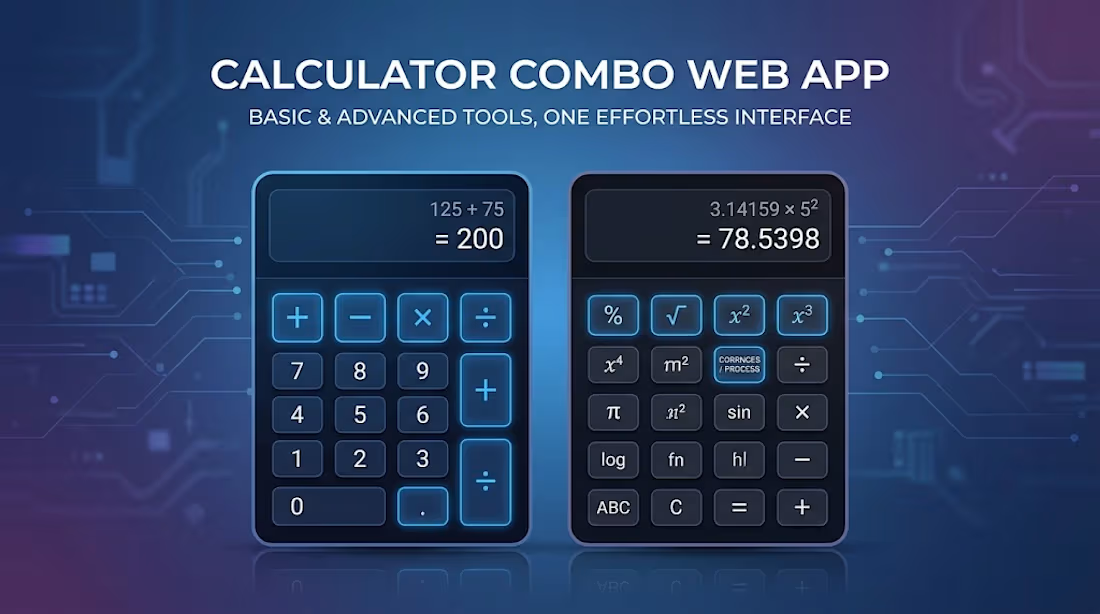
Calculator Combo – Basic & Advanced Tools for Everyday Use (450 Words)
Link : https://colculatorcombain.netlify.app
The Calculator Combo Web App is a simple yet useful web-based project designed for users who need quick and efficient mathematical solutions. It includes two main calculators: a Basic Calculator and an Advanced Calculator (Process Calculator). Both tools are built to improve productivity, save time, and provide an easy-to-use experience for students, freelancers, and general users.
🔢 Basic Calculator
The Basic Calculator is designed for everyday arithmetic operations. It allows users to perform simple calculations such as:
Addition (+)
Subtraction (−)
Multiplication (×)
Division (÷)
This calculator is perfect for students, shopkeepers, or anyone who needs quick calculations without using a mobile app or physical calculator. The interface is usually clean and minimal so that users can focus only on input and results.
The main advantage of the Basic Calculator is its speed and simplicity. Users do not need any technical knowledge. Just click buttons or enter numbers and get instant results. It is lightweight and works directly in the browser without installation.
⚙️ Advanced Calculator (Process Calculator)
The Advanced Calculator is designed for more complex mathematical operations. It goes beyond basic arithmetic and helps users perform advanced calculations such as:
Percentage calculations
Square and square root
Power (exponents)
Multiple step calculations
Possibly custom logic-based processes (depending on implementation)
This calculator is useful for students, freelancers, and developers who need slightly more advanced math functions in their daily work.
The “process” part means it can handle step-by-step calculations, making it more flexible than a normal calculator. It can also help in solving real-life problems like discounts, financial calculations, or measurement conversions.
🌐 Why This Project is Useful
This calculator combo project is not just a tool—it is also a learning project for web development. It shows how HTML, CSS, and JavaScript work together:
HTML builds structure
CSS improves design and layout
JavaScript handles logic and calculations
For beginners, this project is a strong practice example of how real web apps are built.
🚀 Final Thoughts
The Calculator Combo (Basic + Advanced) is a small but powerful web application. While the Basic Calculator focuses on simplicity, the Advanced Calculator adds extra functionality for more complex needs. Together, they create a useful mini-toolkit for everyday users.
With better UI design, mobile responsiveness, and additional features, this project can easily be upgraded into a professional-level web tool and even used in a portfolio or freelancing profile.
0
101