
Fazzal Shahid
Elevate your digital presence with high-performance WordPres
- 3
- Followers



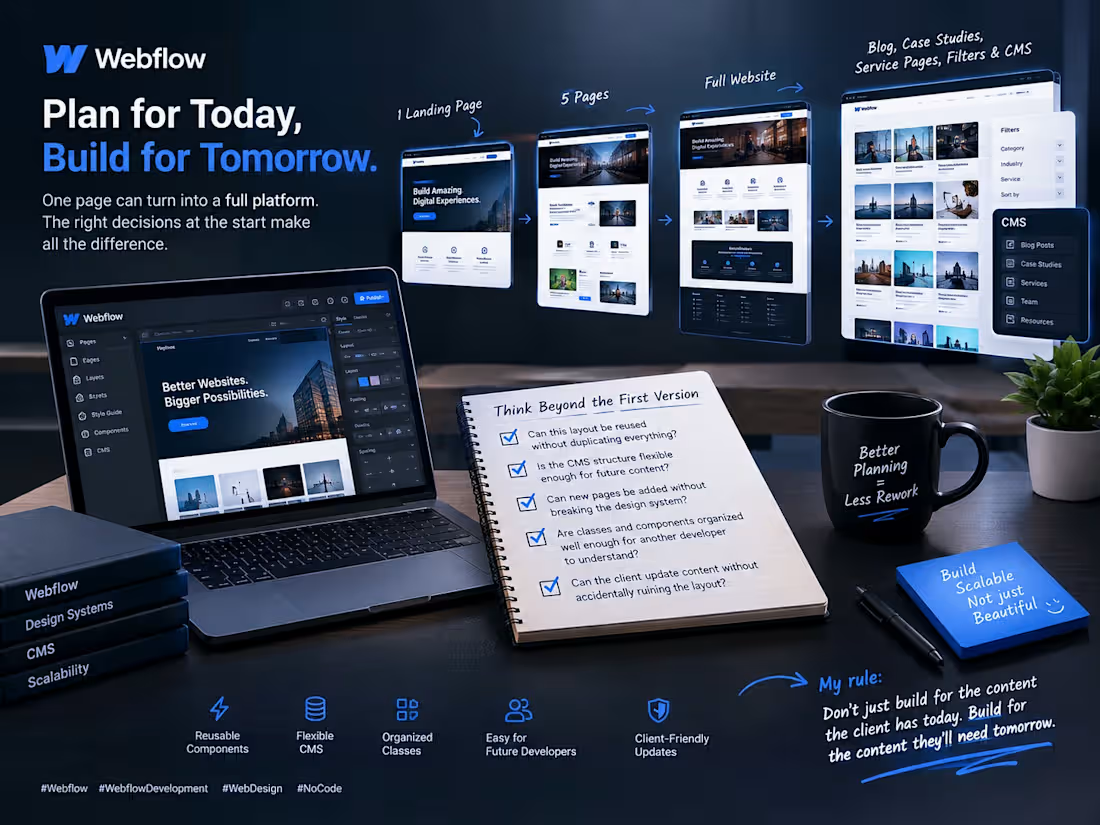
The real Webflow challenge starts when the client asks for “just one more page.” 👀
One landing page becomes five.
Five pages turn into a full website.
Then the client wants a blog, case studies, service pages, filters, and a CMS their team can manage without calling a developer every week.
This is where the decisions made at the beginning really matter.
When building in Webflow, I think beyond the first version of the website.
I ask myself:
→ Can this layout be reused without duplicating everything?
→ Is the CMS structure flexible enough for future content?
→ Can new pages be added without breaking the design system?
→ Are classes and components organized well enough for another developer to understand?
→ Can the client update content without accidentally ruining the layout?
Because scaling a website shouldn't mean rebuilding it from scratch.
My rule: Don't just build for the content the client has today. Build for the content they'll need tomorrow.
A little planning at the beginning can save hours of development later.
Now I'm curious about the Webflow community:
What's your approach when a client wants to turn a simple website into a much bigger platform?
Do you plan the CMS and components upfront, or build the first version and expand as needed?
#Webflow #WebflowDevelopment #WebDesign #NoCode
0
27
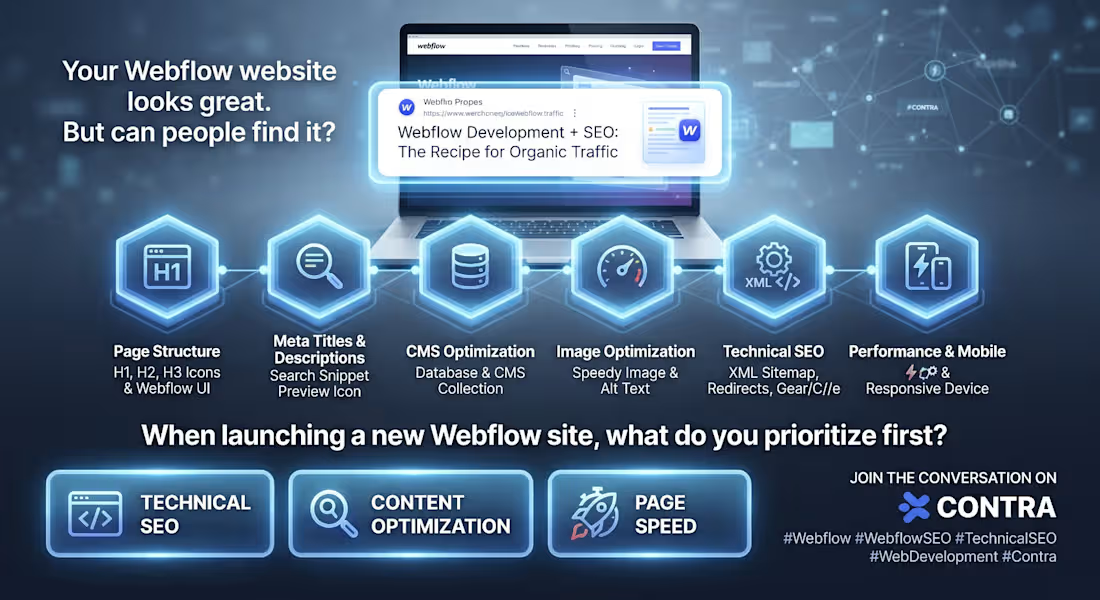
Your Webflow website looks great. But can people actually find it on Google?
This is something I think more businesses should consider before calling their website finished.
A beautiful website is a great start, but design alone will not bring organic traffic.
When working on a Webflow website, SEO needs to be part of the process from the beginning, not something added at the end.
Here are a few things I would never overlook:
→ Page structure: Clear headings that help users and search engines understand the content.
→ Meta titles and descriptions: Written to reflect search intent and encourage relevant clicks.
→ CMS optimization: Proper collection pages, dynamic SEO fields, and clean URL structures.
→ Image optimization: Descriptive alt text and appropriately sized images.
→ Technical SEO: XML sitemaps, canonical URLs, redirects, and indexability checks.
→ Performance and mobile experience: Making sure the website works smoothly across devices.
One important thing to remember: good SEO is not about checking every box. It is about making the website easier to understand, navigate, and discover.
That is why I believe Webflow development and SEO work best when they are planned together.
I have a question for the Contra community:
When you launch a new Webflow website, what do you prioritize first: technical SEO, content optimization, or improving page speed?
I would love to hear how other developers and SEO specialists approach this.
#Webflow #WebflowSEO #TechnicalSEO #WebDevelopment #Contra
0
36
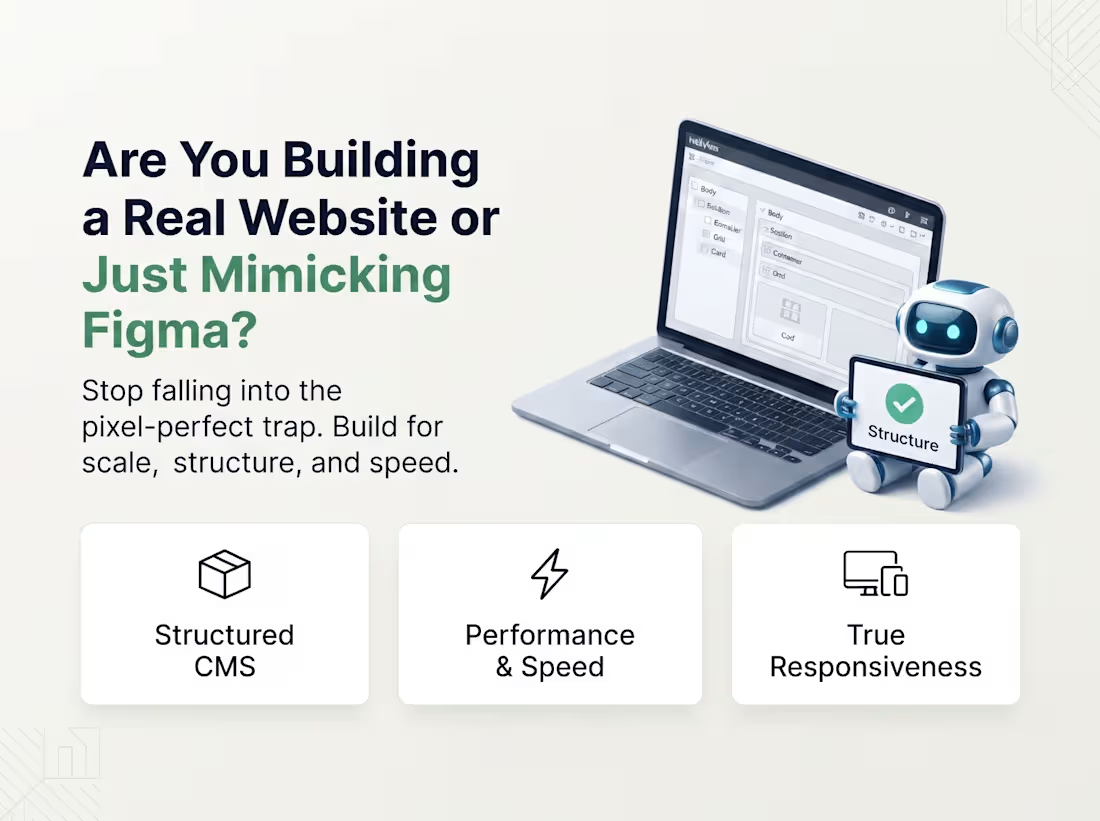
𝐖𝐞𝐛𝐟𝐥𝐨𝐰 𝐝𝐞𝐯𝐞𝐥𝐨𝐩𝐞𝐫𝐬: are we building websites, or just making Figma designs come to life?
I’ve been thinking about this a lot lately.
𝐀 𝐖𝐞𝐛𝐟𝐥𝐨𝐰 𝐩𝐫𝐨𝐣𝐞𝐜𝐭 𝐜𝐚𝐧 𝐥𝐨𝐨𝐤 𝐢𝐧𝐜𝐫𝐞𝐝𝐢𝐛𝐥𝐞 𝐢𝐧 𝐅𝐢𝐠𝐦𝐚 𝐚𝐧𝐝 𝐬𝐭𝐢𝐥𝐥 𝐛𝐞𝐜𝐨𝐦𝐞 𝐚 𝐛𝐚𝐝 𝐰𝐞𝐛𝐬𝐢𝐭𝐞 𝐨𝐧𝐜𝐞 𝐢𝐭’𝐬 𝐛𝐮𝐢𝐥𝐭.
Poor CMS structure.
Unnecessary interactions.
Messy class naming.
Slow animations.
Non responsive sections.
Hard to maintain components.
And sometimes… a website that looks great but does absolutely nothing for conversions.
For me, a good Webflow build starts with the structure, not the animation.
I like thinking about:
→ 𝐇𝐨𝐰 𝐭𝐡𝐞 𝐂𝐌𝐒 𝐬𝐡𝐨𝐮𝐥𝐝 𝐛𝐞 𝐬𝐭𝐫𝐮𝐜𝐭𝐮𝐫𝐞𝐝 𝐛𝐞𝐟𝐨𝐫𝐞 𝐛𝐮𝐢𝐥𝐝𝐢𝐧𝐠
→ 𝐇𝐨𝐰 𝐜𝐨𝐦𝐩𝐨𝐧𝐞𝐧𝐭𝐬 𝐜𝐚𝐧 𝐫𝐞𝐦𝐚𝐢𝐧 𝐫𝐞𝐮𝐬𝐚𝐛𝐥𝐞
→ 𝐇𝐨𝐰 𝐢𝐧𝐭𝐞𝐫𝐚𝐜𝐭𝐢𝐨𝐧𝐬 𝐚𝐟𝐟𝐞𝐜𝐭 𝐩𝐞𝐫𝐟𝐨𝐫𝐦𝐚𝐧𝐜𝐞
→ 𝐇𝐨𝐰 𝐭𝐡𝐞 𝐬𝐢𝐭𝐞 𝐛𝐞𝐡𝐚𝐯𝐞𝐬 𝐚𝐭 𝐞𝐯𝐞𝐫𝐲 𝐛𝐫𝐞𝐚𝐤𝐩𝐨𝐢𝐧𝐭
→ 𝐇𝐨𝐰 𝐞𝐚𝐬𝐲 𝐢𝐭 𝐰𝐢𝐥𝐥 𝐛𝐞 𝐟𝐨𝐫 𝐭𝐡𝐞 𝐜𝐥𝐢𝐞𝐧𝐭 𝐭𝐨 𝐮𝐩𝐝𝐚𝐭𝐞 𝐥𝐚𝐭𝐞𝐫
→ 𝐒𝐄𝐎, 𝐚𝐜𝐜𝐞𝐬𝐬𝐢𝐛𝐢𝐥𝐢𝐭𝐲 𝐚𝐧𝐝 𝐩𝐚𝐠𝐞 𝐬𝐩𝐞𝐞𝐝 𝐟𝐫𝐨𝐦 𝐭𝐡𝐞 𝐛𝐞𝐠𝐢𝐧𝐧𝐢𝐧𝐠
The goal isn’t to make Webflow “look like the design.”
The goal is to turn the design into a scalable, responsive and maintainable website that actually works.
That’s the part of Webflow development I enjoy most.
I’m curious to hear from other Webflow designers and developers here:
What’s one Webflow mistake you see repeatedly in client projects?
Could be technical, design related, CMS related, or even something clients commonly ask for.
Let’s compare notes 👇
0
67
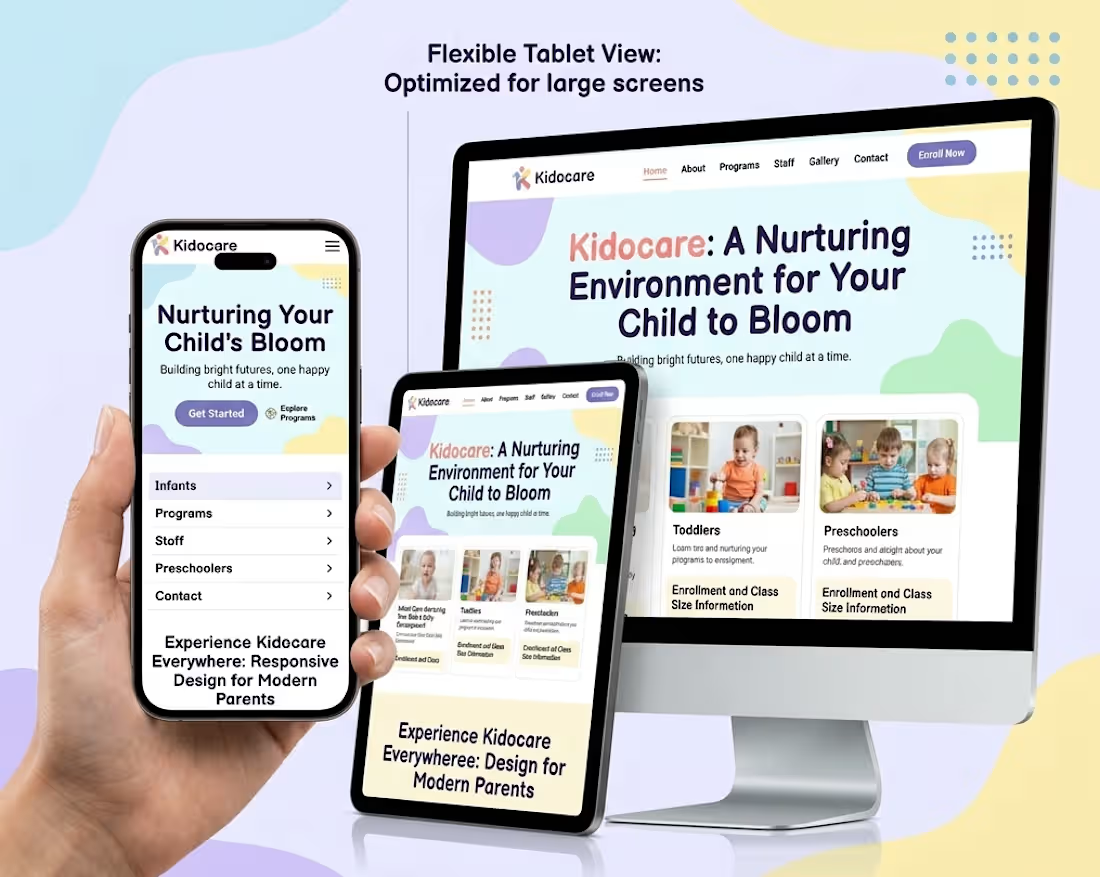
Kidocare (https://kidocare.webflow.io/) is a 16-page Webflow website built for daycare centers, preschools, and early childhood education providers. The site is designed to communicate safety, structure, and warmth to prospective parents, with the ultimate goal of driving more scheduled tours and enrollments. It uses a soft yellow and black color palette, blob-shaped badge accents, and hand-drawn outline details on photos to create a tone that feels playful yet trustworthy.
Key features:
Age-grouped program pages (Toddler through Pre-K)
Teacher/staff roster with individual profile pages
Daily routine and schedule breakdowns
Parent testimonials section
Recurring "Schedule a Tour" call-to-action throughout the site
CMS collections powering Programs and Blog content for easy updates
Work continues on:
Building and refining CMS collections (Programs, Teachers, Blog)
Structuring and styling remaining pages across the 16-page template
Adding interactions and responsive behavior
Polishing the visual design system (badges, photo treatments, typography)
Testing CMS content flow so non-technical staff can manage updates easily
2
267