
Pro
Faarid Qureshi
Helping founders ship MVPs in 2–4 weeks. Build it. ship it.
- 5.00
- Rating
- 17
- Followers
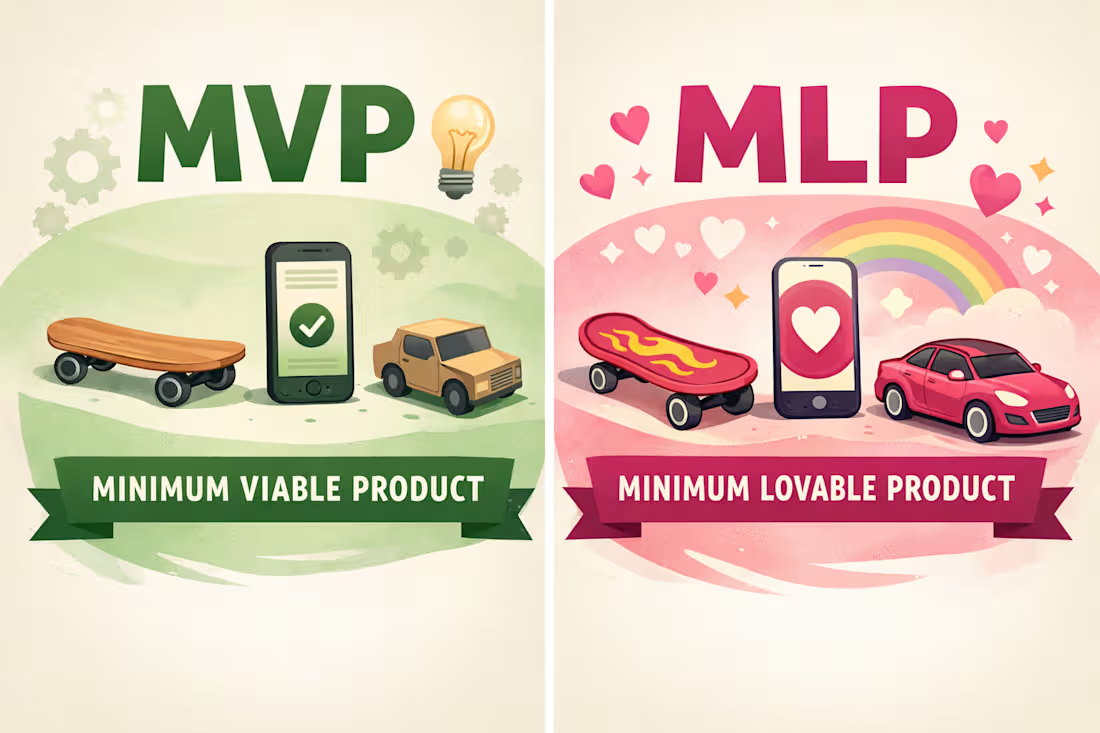
The idea of MVP has changed drastically and now after the evolution of AI, the bar tbh is quite high. Do you folks agree with a MVP version of the product, or should it be a MLP?
1
34
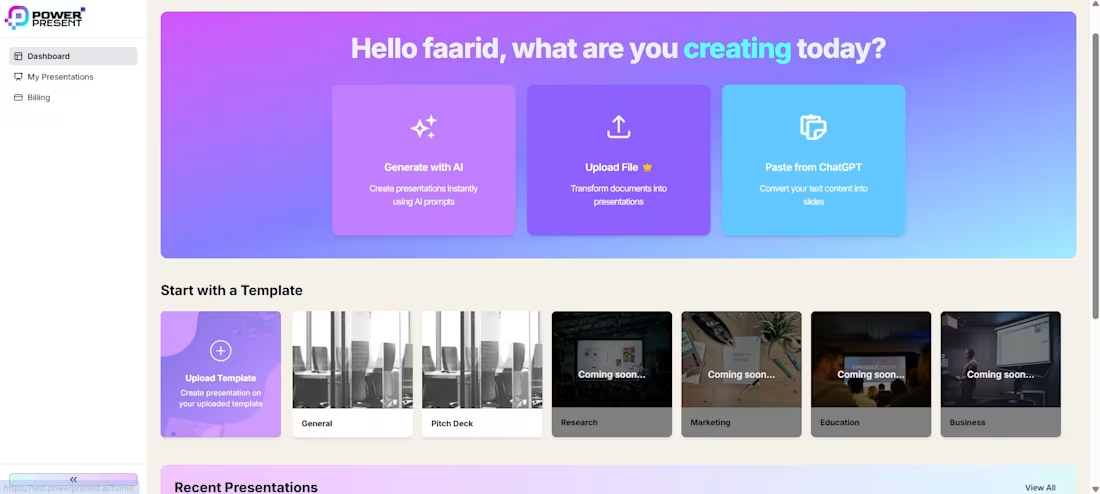
$10k Opportunity Tip !!!!!!!
Previously we had a dark themed product which our users were not liking. Now we have shifted our product into a lighter mode one and I can't tell that it add $10k in revenue.
By just changing the UI/UX we achieved this amazing milestone.
0
73
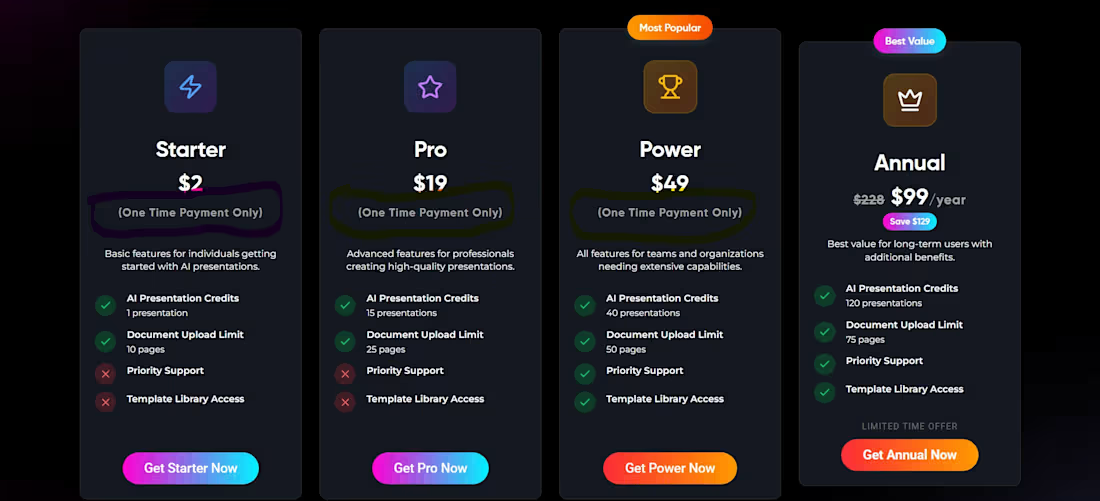
A tiny copy tweak → 3× more paid users 🚀
We changed just one line on our pricing cards:
from generic pricing text → “One-time payment only” (clearly visible).
That single clarification:
1. Removed purchase anxiety
2. Built instant trust
3. Answered the #1 pre-sale question before users had it
No redesign. No new features. Just clearer copy.
Reminder: growth isn’t always about big changes, sometimes it’s about saying the right thing at the right place.
Curious what’s the smallest copy change that moved metrics for you? 👀
1
117

LiveBazaar App - Live Commerce Platform
0
0
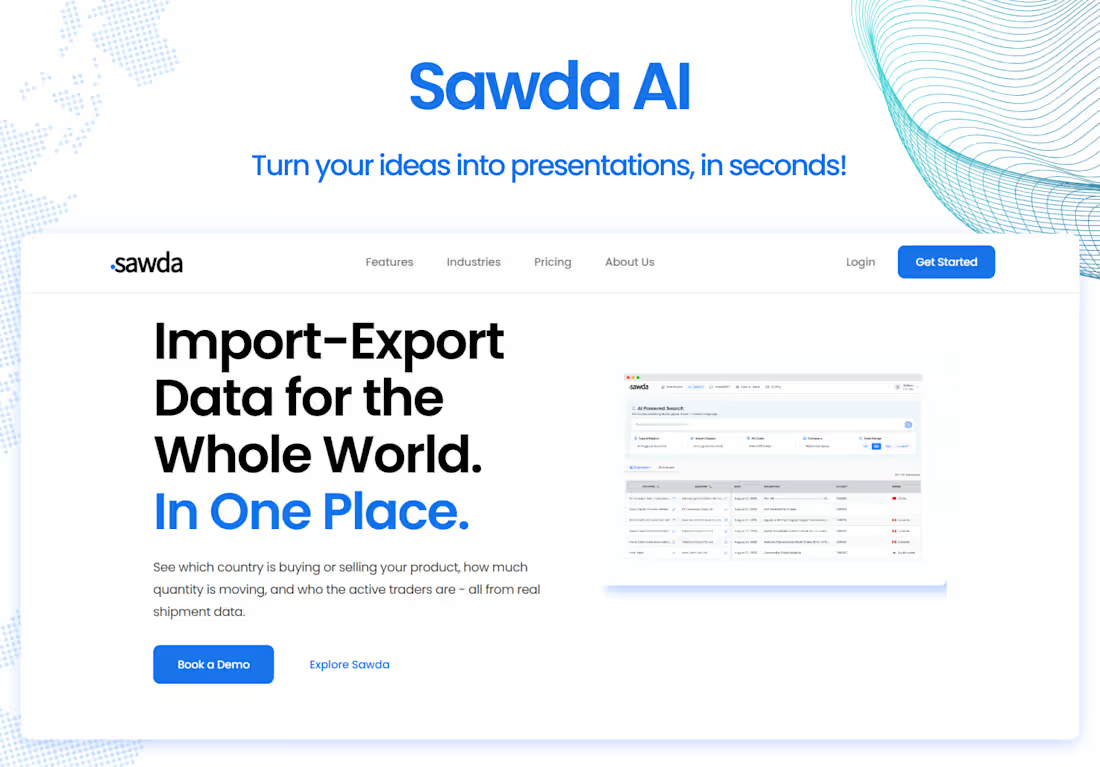
Sawda AI - AI-Assisted Trading MVP
1
4
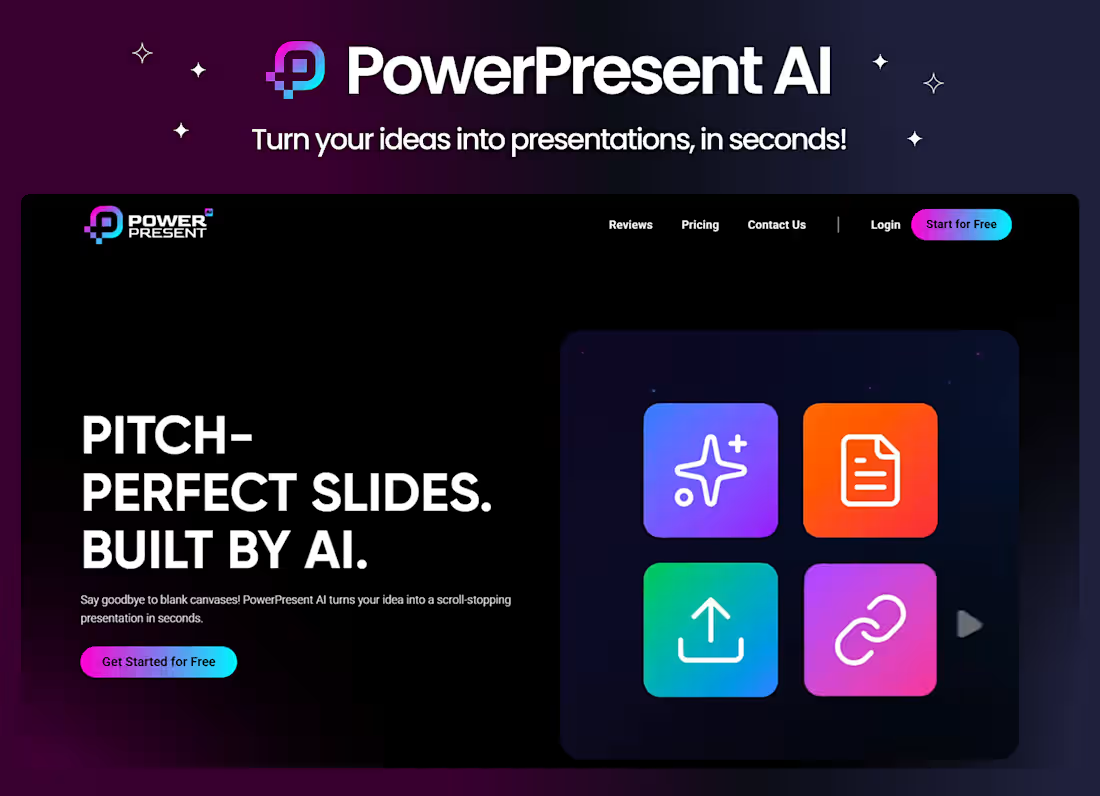
Powerpresent.ai - AI-Powered Presentation Tool
1
5

Maqsad - Large-Scale EdTech Mobile Application
0
0
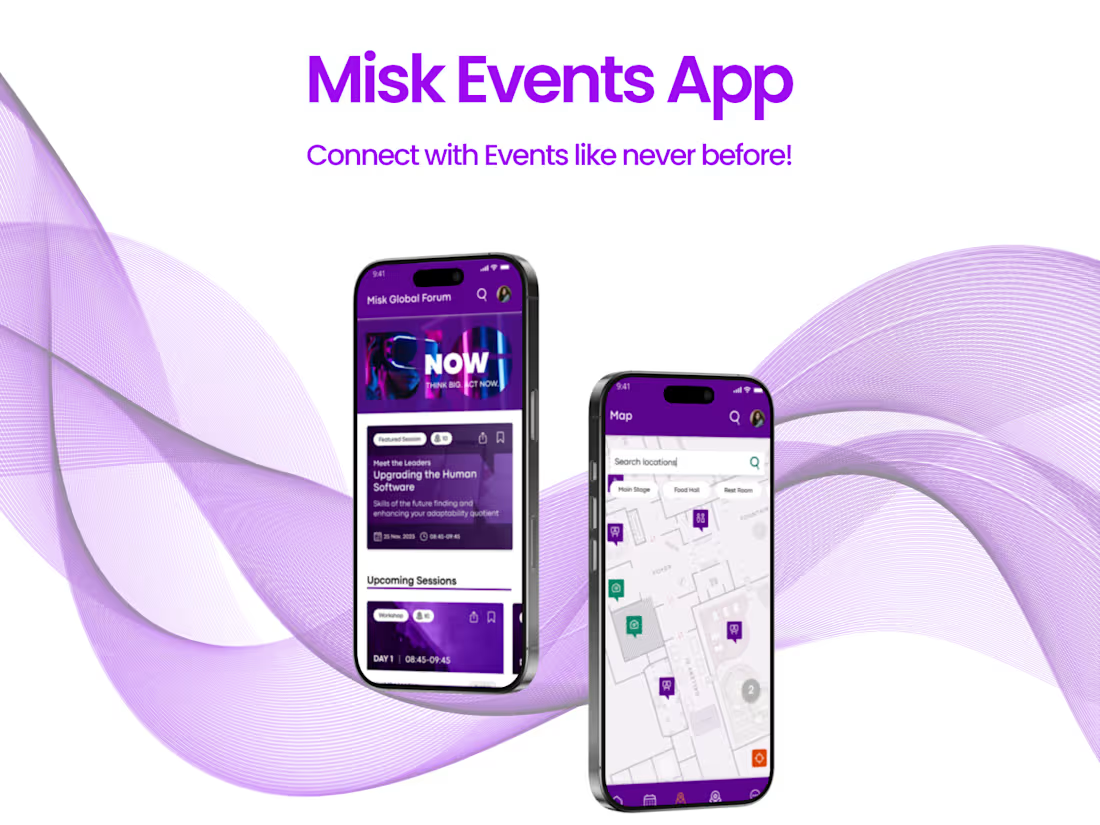
Misk Events Platform - Enterprise Events & Programs App
0
4

ZainTech - Enterprise CMS-Driven Platform
0
2

Yaara AI - AI-Powered Content Writing Platform
1
1
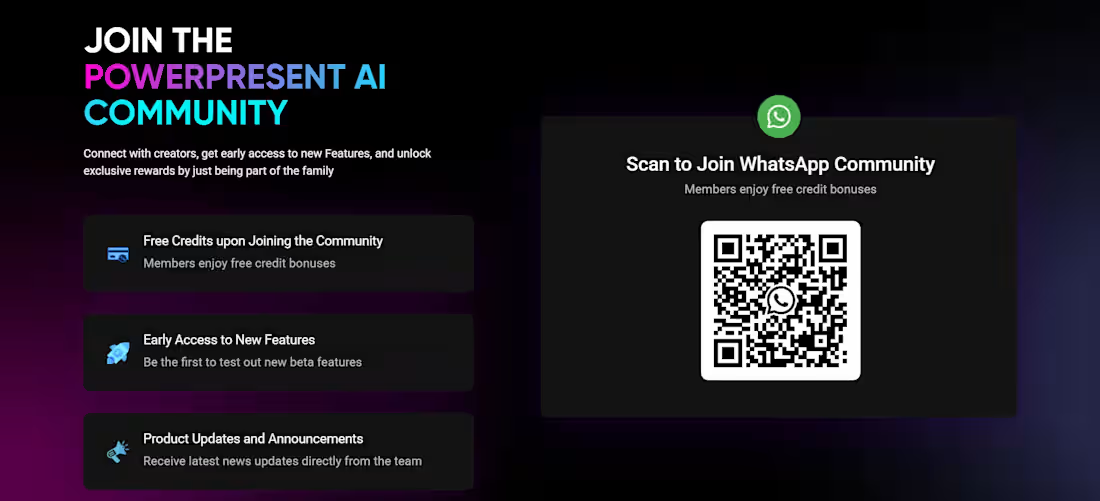
One of the most valuable things we added to PowerPresent wasn’t a feature for slides. It was the community.
Having a space where users could share feedback, ask questions, and show how they were using PowerPresent helped us understand real use cases much faster. Instead of guessing what to build next, we could see patterns form in real time.
That feedback loop changed how we built the product and helped us make better decisions, faster. The community didn’t just support the product. It actively shaped it.
Curious how others think about this.
How important has community been for your product or business?
1
87
PowerPresent — 4/7
Before PowerPresent ever shipped, we had to answer one question.
How do we explain the product clearly and evolve the site just as fast as the product itself?
We chose Webflow because PowerPresent was changing weekly. Features were shipping, messaging was shifting, and the site needed to keep up without becoming a bottleneck. We built the site with clear structure, reusable sections, and CMS-driven pages so updates didn’t require rebuilds.
That decision paid off. The PowerPresent site now evolves alongside the product, not behind it.
Curious how others handle this?
When your product is moving fast, what do you prioritize more on your site? Speed of updates or pixel perfection?
https://www.powerpresent.ai/
0
79
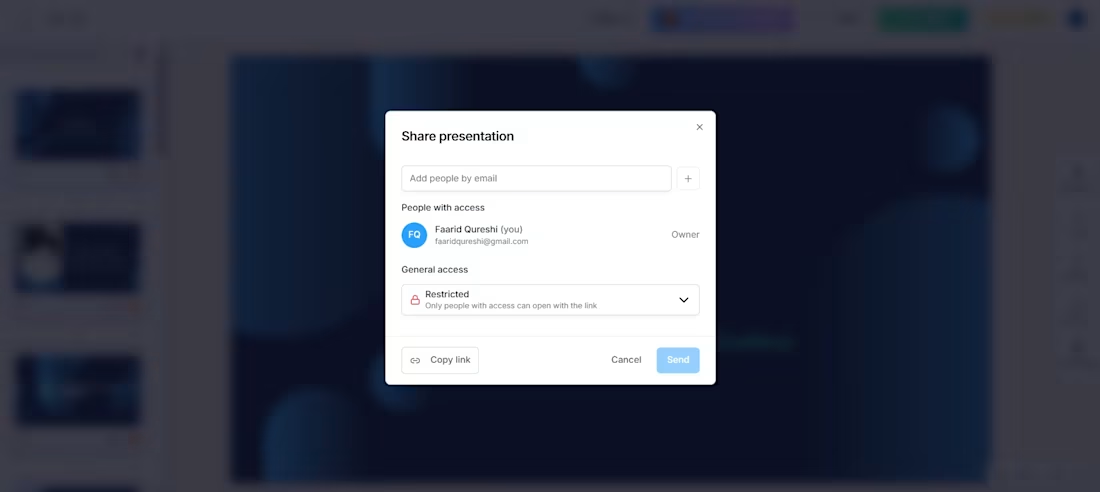
PowerPresent — 3/7
We kept hearing the same frustration from users. Every small change meant exporting a new PDF, resending the deck, and hoping the recipient opened the latest version. Sharing presentations had quietly become the most painful part of the workflow.
Instead of polishing exports, we questioned the model itself. What if presentations weren’t files at all? That idea led us to build Share Presentation, a single live link that stays updated. Today, users share once and keep iterating without friction or re-sending.
P.S NGL that we took some inspiration from figma hehhehehe
0
95

2/7 — Taking on the challenge (and saying no a lot)
When we started PowerPresent, the temptation was strong to build everything.
More AI. More buttons. More “wow” features.
That’s usually how MVPs die 🙂
Then we asked a simpler question:
What is the one moment users actually care about?
It wasn’t “AI-generated slides.”
It was finishing a presentation before the panic sets in.
So we made some hard calls:
• Cut features we personally liked
• Kept the flow boringly simple (on purpose)
• Focused on speed, clarity, and fewer decisions
Less “look what we built.”
More “thank God this is done.”
Next up, I’ll share how we designed the first MVP flow and the mistakes we made before getting it right → 3/7
1
103
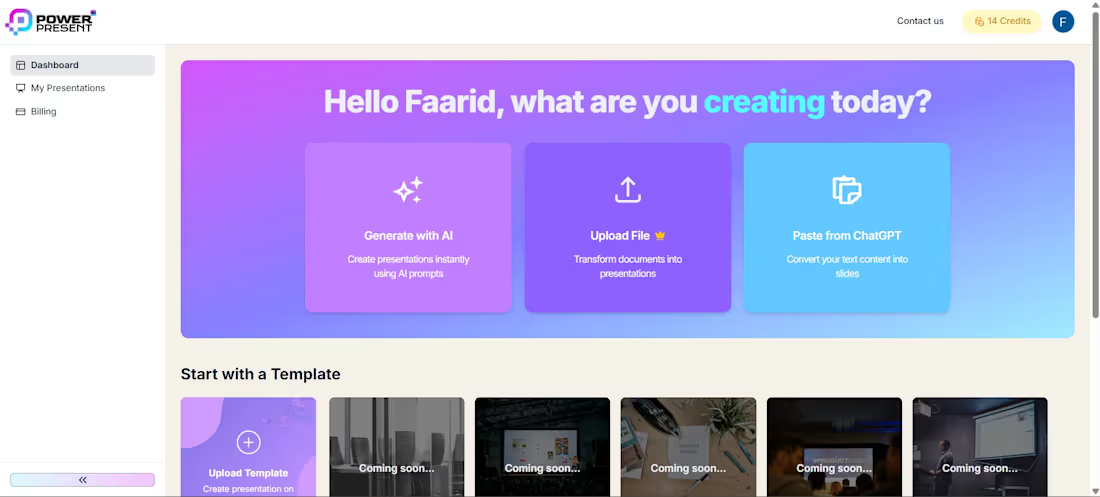
1/7 — Building PowerPresent (start of the journey)
This is the first post in a short series on how we built and scaled PowerPresent.
It started with a simple challenge:
can we turn hours of presentation work into minutes?
We took this on with a lean team and a tight timeline.
• MVP built and launched in ~6 weeks
• Product, design, and engineering handled end-to-end
• Focused on simplicity, speed, and real user workflows
In the upcoming posts, I’ll break down how we took on this challenge, the decisions we made, and what we learned along the way
1
3
161