Projects using Relevance AIProjects using Relevance AIInternal Ops Automation Suite — Gmail, Slack & Notion
Most teams leak time in the same three places: emails that don't reach the right person, leads that get logged late, and applicants that fall through the cracks. This suite closes all three gaps at once.
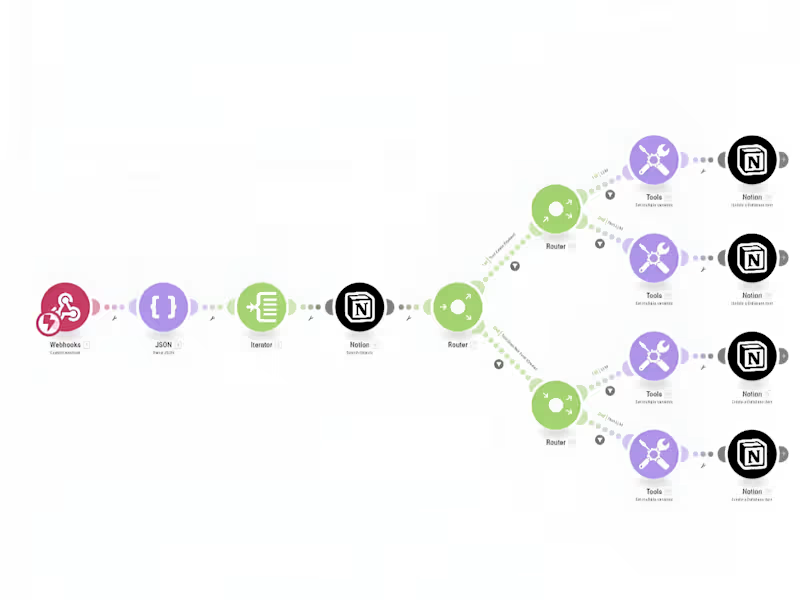
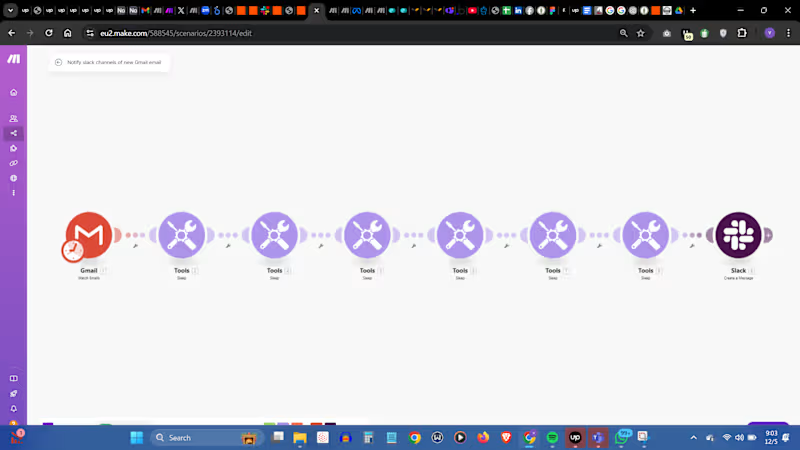
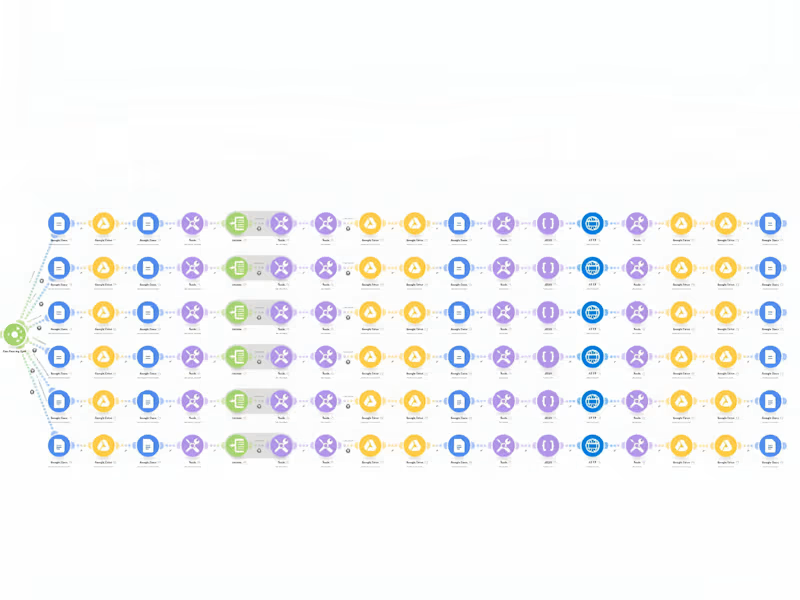
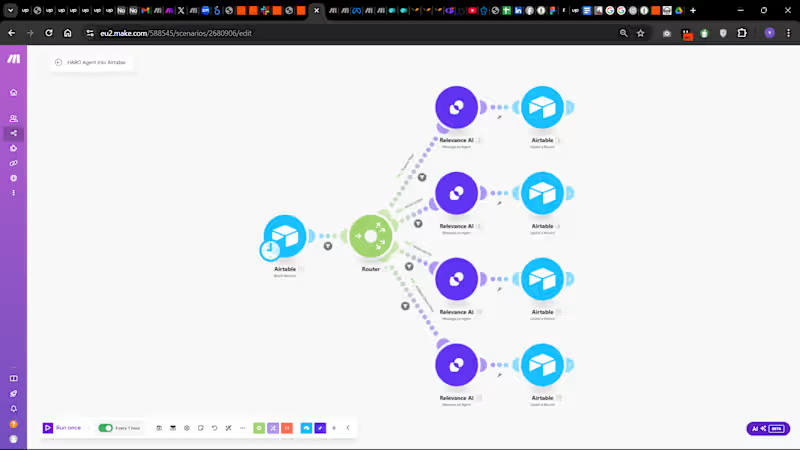
Built three connected Make.com (http://Make.com) automations for a single client's internal ops stack. New Gmail messages get instantly pushed to the relevant Slack channel with controlled pacing so nothing gets buried. Leads coming in outside the main funnel are caught via webhook, enriched through Relevance AI, logged in Airtable, privately flagged on Slack, and segmented in ActiveCampaign fully hands-free. And when UGC creators apply through Slack, their data gets parsed, matched against existing Notion records, and either created or updated, with the team notified at every step.
Three workflows. One cohesive system. Zero manual handling across email, leads, and creator ops.
Stack: Gmail · Webhooks · Make.com (http://Make.com) · Relevance AI · Airtable · Slack · ActiveCampaign · Notion · HTTP · JSON Lead Research & Qualification workflow
Sales teams spend hours every week checking a lead's website, tracking down their LinkedIn page, guessing headcount, and figuring out if they're even a fit before a rep sends a follow-up.
By the time that's done, the lead has gone cold, and weak ones (tiny local shops, solo founders, wrong region) are already sitting in the CRM.
I built an automated system that handles this.
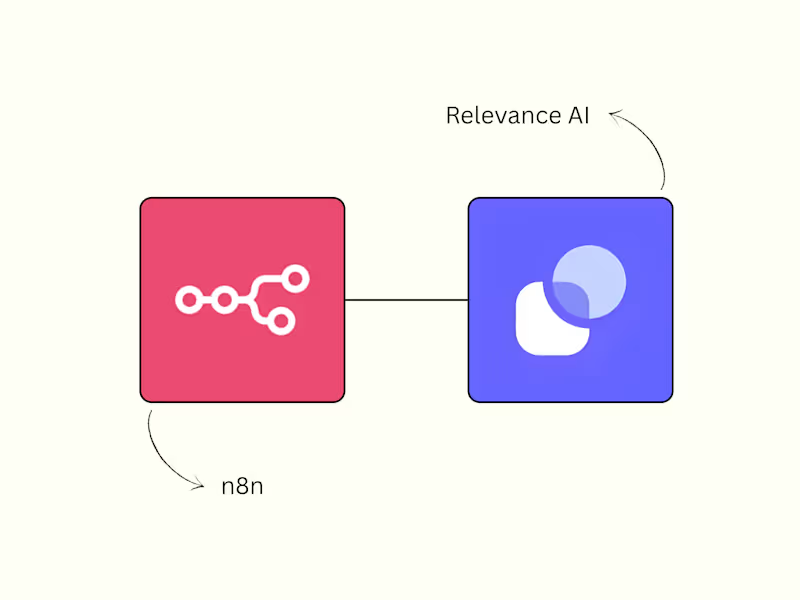
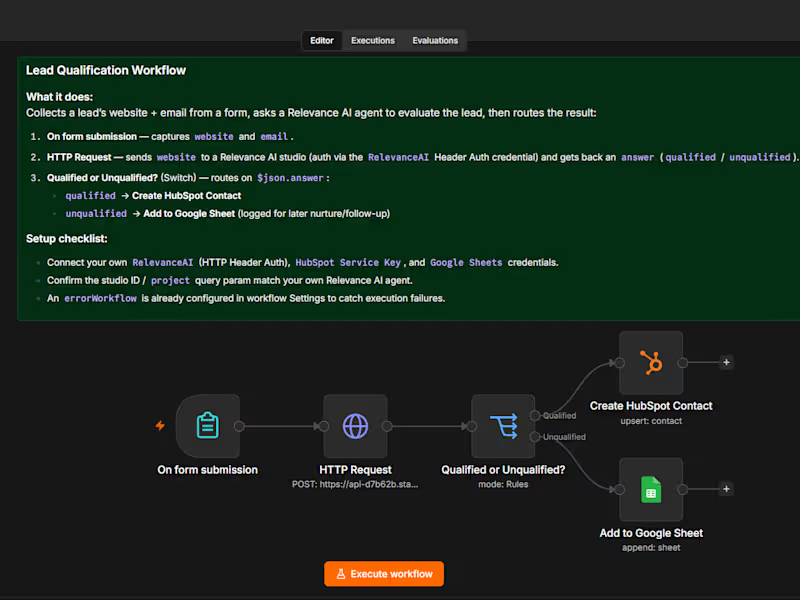
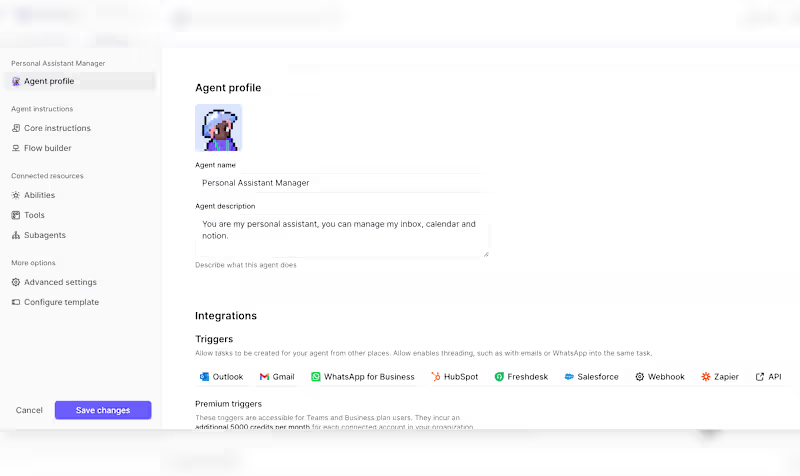
A prospect submits their website and email through a form, and n8n passes the website to a custom AI Agent I built in Relevance AI.
The agent runs 3 steps:
1. Google searches for the company's LinkedIn page and has an LLM pull out the single most likely URL.
2. Scrapes that profile, uses an LLM to extract business type, headcount, and location.
3. Runs a final LLM step against the client's own qualification rules (no local-only businesses, no sub-5-employee companies, US/Europe only) and returns a plain "qualified" or "unqualified."
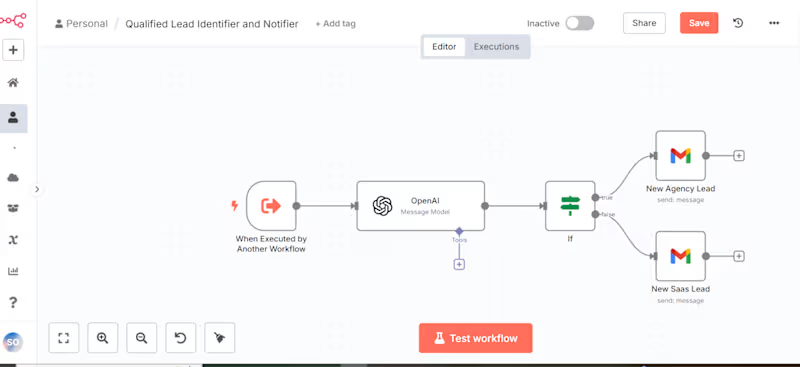
N8n takes that answer and routes the lead automatically.
Qualified leads get created as HubSpot contacts, ready for outreach.
Unqualified ones get logged to a Google Sheet for nurture instead of getting lost.
What used to take 10-15 minutes of manual digging per lead now happens in seconds, applying the same criteria every time.