Freelance Chrome Extension Developers in RawalpindiFreelance Chrome Extension Developers in Rawalpindi
SaaS| Browser Extension Developer| Save Time with automation
New to Contra
SaaS| Browser Extension Developer| Save Time with automation
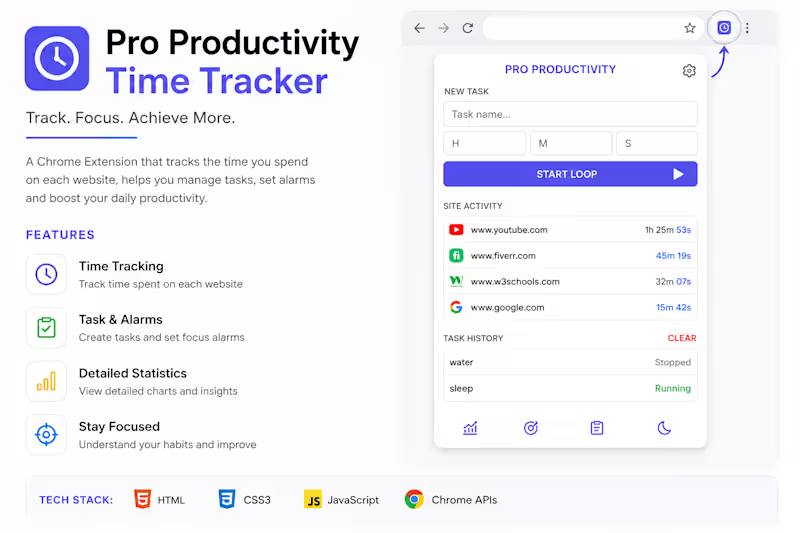
Cover image for Description
Pro Productivity is a Chrome
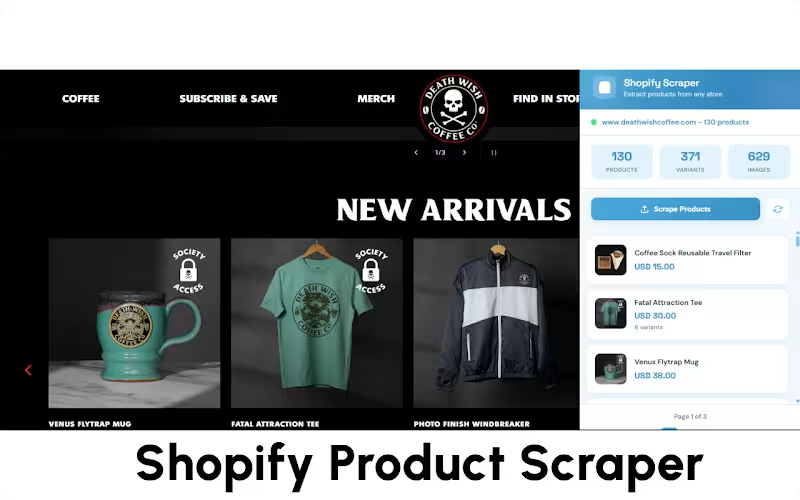
Description Pro Productivity is a Chrome extension designed to help users understand and improve their online habits. The extension automatically tracks the time spent on each website, providing detailed insights into daily browsing behavior. Users can create tasks, set focus timers, and receive reminders to stay productive throughout the day. The extension features real-time website activity tracking, task management, focus alarms, and productivity analytics in a clean and intuitive interface. By visualizing browsing patterns and tracking task progress, users can identify distractions, manage their time more effectively, and build better productivity habits. Key Features ✅ Website Time Tracking Automatically tracks time spent on every website. Displays real-time browsing activity. ✅ Task Management Create and manage productivity tasks. Monitor active and completed tasks. ✅ Focus Timers & Alarms Set custom focus sessions. Receive alerts when task timers expire. ✅ Activity Dashboard View browsing history and usage statistics. Analyze productivity trends over time. ✅ Clean User Interface Modern dark-themed design. Easy-to-use and distraction-free experience. Technologies Used React WXT Framework JavaScript Chrome Extension APIs Local Storage HTML5 CSS3 Problem Solved Many users underestimate how much time they spend online. Pro Productivity provides clear visibility into browsing habits while helping users stay focused on important tasks through time tracking and smart reminders. Results The extension enables users to: Track online activity accurately. Reduce distractions. Improve time management. Increase productivity through focused work sessions. Gain valuable insights into their daily digital behavior. Role: Full-Stack Chrome Extension Developer Project Type: Productivity & Time Management Tool Platform: Google Chrome Extension
1
29
Mobile App Developer | Flutte Expert | iOS & Android Apps
New to Contra
Mobile App Developer | Flutte Expert | iOS & Android Apps
Cover image for I recently moved my personal
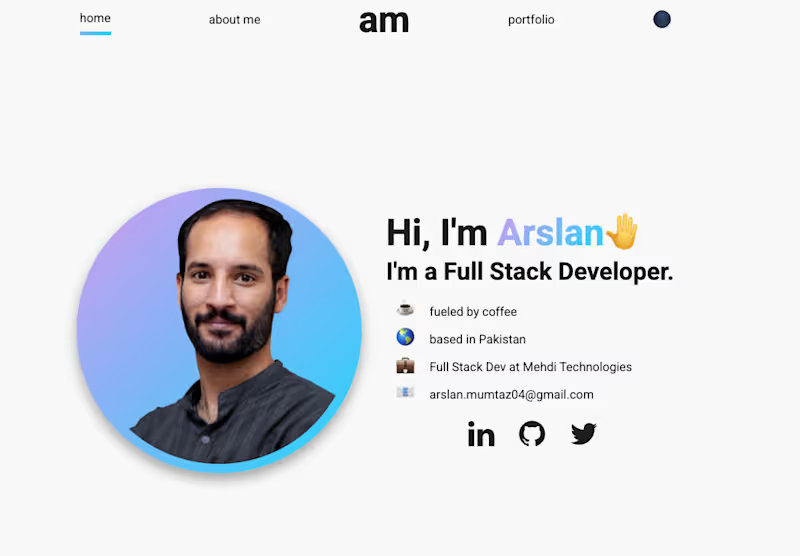
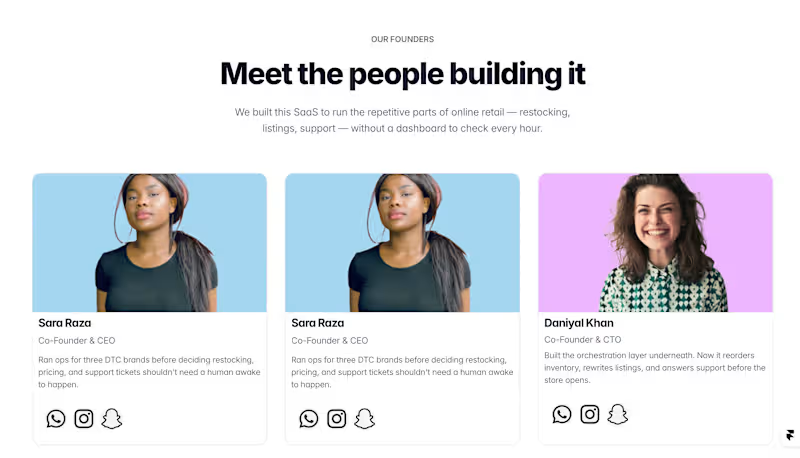
I recently moved my personal portfolio from React.js + Vercel to @Framer, and it has been one of the best decisions I've made for my website. Previous portfolio: https://arslan-portfolio-lilac.vercel.app/ New portfolio Framer : https://arslan-mumtaz.framer.website/ I originally built my portfolio with React.js, giving me complete control over every component. It worked well, but every design update or content change required going back into the code. With Framer, I still have the flexibility to build custom components when I need them, but everyday editing is much faster and more intuitive. The growing community of ready-made components also saves a lot of development time without sacrificing customization. Some of the biggest improvements I've noticed: • Faster content and design updates without touching code • Better SEO and built-in performance optimizations • Smooth animations and interactions out of the box • Responsive design that's easy to fine-tune • A huge library of community components that speed up development • Full freedom to customize components exactly how I want As a developer, I still enjoy building with React, but for a personal portfolio where I want to iterate quickly, Framer provides a much smoother workflow. The result is a faster, cleaner, and easier-to-maintain portfolio that lets me focus more on showcasing my work instead of maintaining the codebase. Curious to hear from others who've made the switch what's been your experience with Framer?
1
2
64
Web Developer
Full-Stack web applications developer