
Shopify Developer, Replo Expert, CRO, Automation, Instant.so
- 5.0
- Rating
- 72
- Followers
Shopify Developer, Replo Expert, CRO, Automation, Instant.so
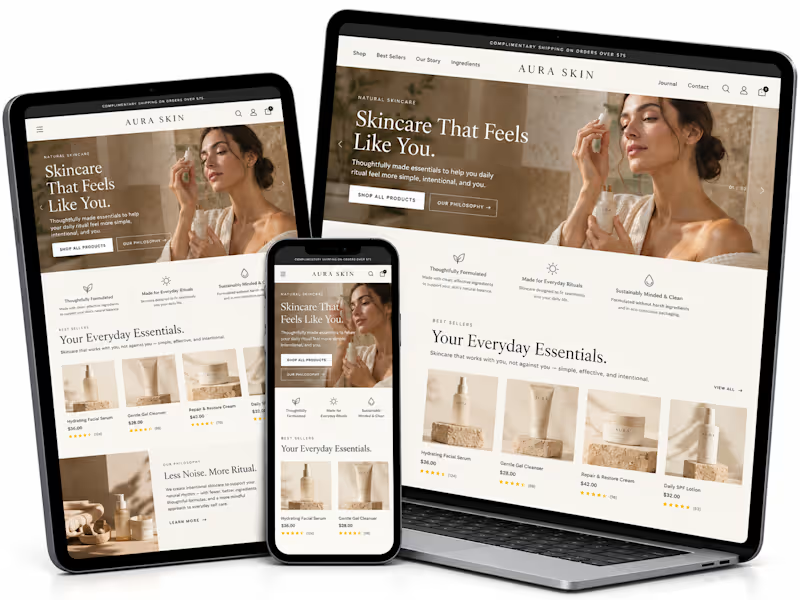
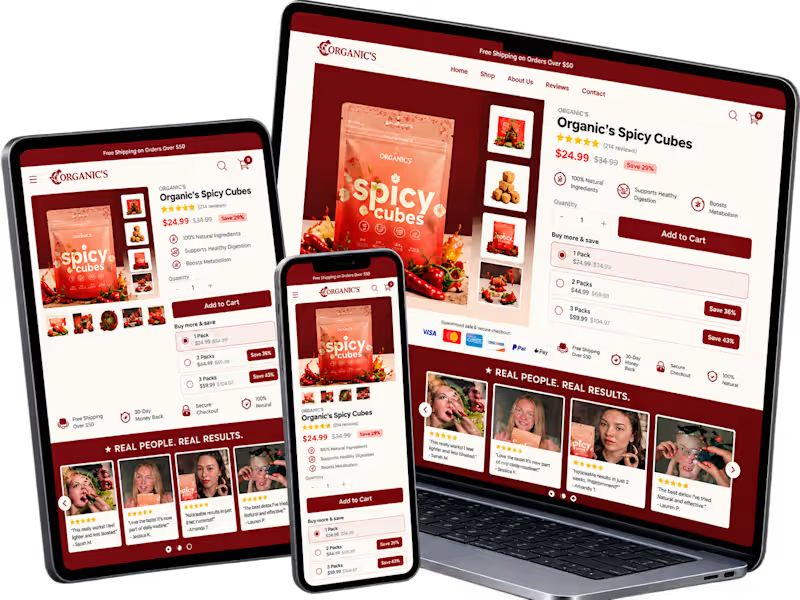
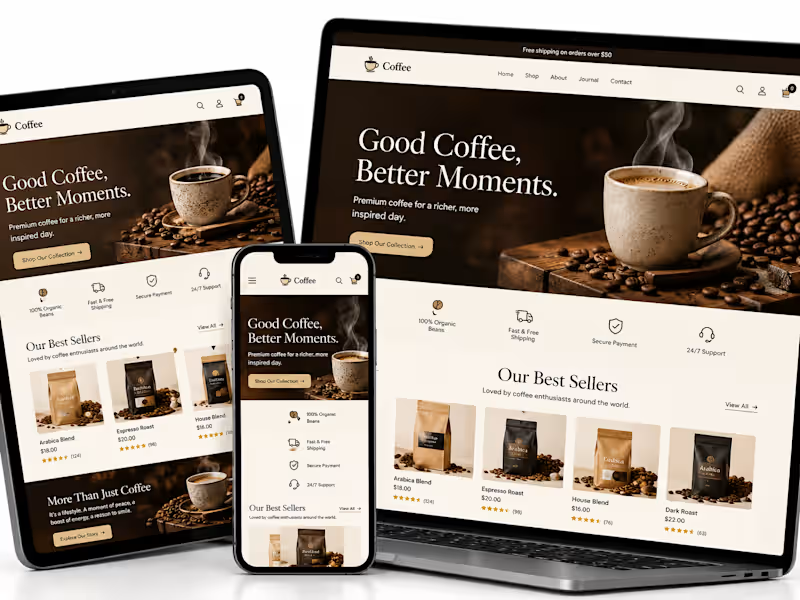
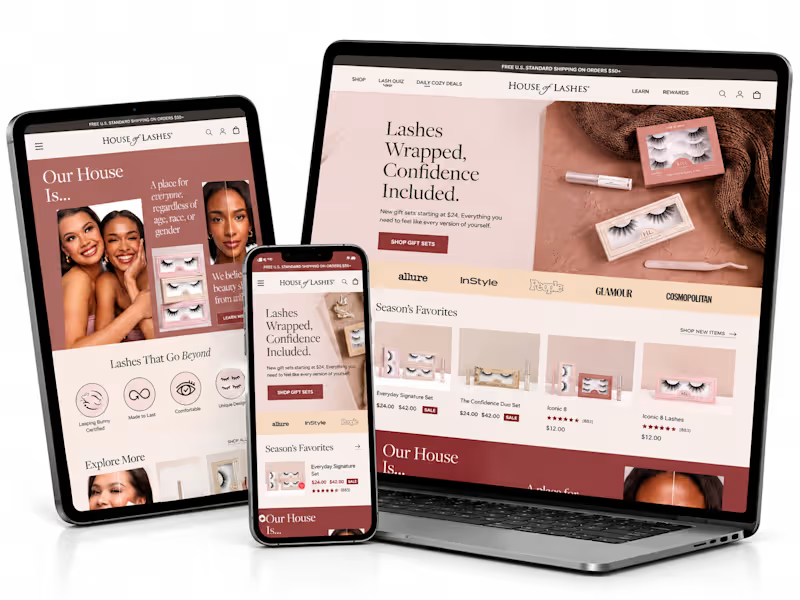


Top Website Designer In Shopify, Framer, and Marketing Setup





Professional Web App & Website Developer
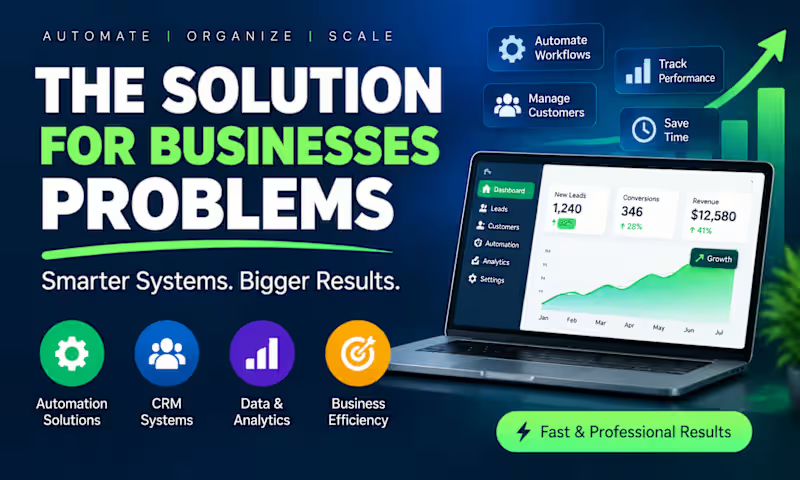
Most businesses don't have a sales problem.
They have a systems problem.
Leads come in from forms, WhatsApp, email, Instagram, and referrals.
Then:
❌ Follow-ups are forgotten
❌ Customer data gets scattered
❌ Staff waste hours on manual work
❌ Opportunities slip away
A simple automation can:
✅ Capture every lead
✅ Send instant responses
✅ Update your CRM automatically
✅ Notify your team in real time
✅ Generate reports without spreadsheets
The businesses growing fastest today aren't working harder.
They're building systems that work for them.
What is one repetitive task in your business you'd love to automate?
1
272

A Good Website Is Not Just About Design. It's About How Well It Works.
A business website can look visually impressive and still fail to achieve its purpose.
I've seen this problem repeatedly in website development discussions: too much attention goes into appearance, while important things like navigation, loading speed, mobile responsiveness, and conversion flow are overlooked.
Let's look at a practical example.
Imagine you're building a website for a consulting business.
A potential client visits the homepage. Within a few seconds, they should be able to understand:
What services the business provides.
Who those services are designed for.
Why they should consider the business.
How to take the next step.
Now consider what happens if the website has confusing navigation, slow-loading pages, unclear service descriptions, or a contact form that doesn't work properly.
You could lose a potential customer even if the website looks beautiful.
5 things I consider important when developing a business website
1. Clear website structure
Every page should have a purpose. Your homepage, service pages, about page, and contact page should work together to guide visitors.
2. Mobile responsiveness
A website should work properly across smartphones, tablets, and desktop screens. Visitors shouldn't have to zoom in or scroll sideways to access important information.
3. Website performance
Large images, unnecessary scripts, and poorly optimized resources can affect loading speed. Performance should be considered during development, not treated as an afterthought.
4. Functional contact forms
A contact form should do more than display input fields. It should validate information, handle submissions properly, provide confirmation, and deliver inquiries to the correct destination.
5. Search engine foundations
Proper page titles, meta descriptions, heading structure, descriptive URLs, and image alt text help establish a stronger SEO foundation.
A practical development checklist
Before launching a business website, test the following:
All navigation links work.
Forms successfully submit.
Website displays correctly on mobile.
Images are optimized.
Important pages have clear calls to action.
No broken links or missing pages.
Basic SEO elements are configured.
SSL and security settings are in place.
My takeaway:
A successful website brings together design, functionality, performance, and usability.
Don't just build a website that looks good in a screenshot. Build one that works for the people using it and supports the goals of the business behind it.
Discussion: When evaluating a business website, what matters most to you: design, loading speed, user experience, or functionality?
1
53
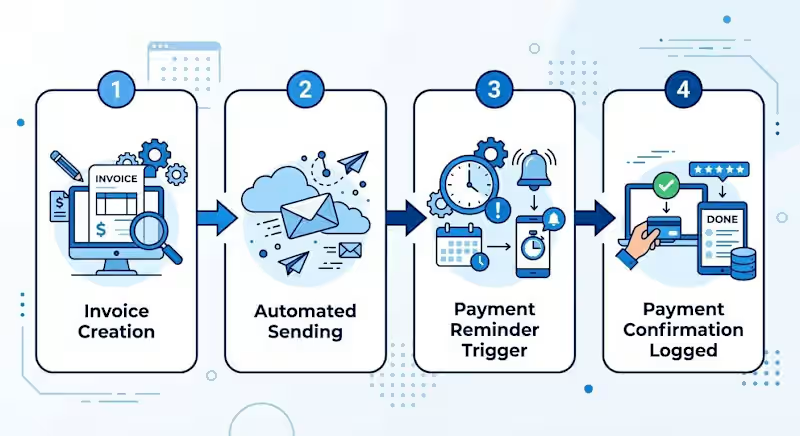
YOU SHOULDN'T HAVE TO SPEND HOURS COLLECTING DATA JUST TO UNDERSTAND YOUR BUSINESS PERFORMANCE.
Many businesses collect information from different sources.
For example:
Sales records are stored in one application.
Customer information is stored in a CRM.
Expenses are tracked in spreadsheets.
Website performance is monitored separately.
The challenge is bringing all this information together.
This is where automated reporting becomes useful.
Imagine this workflow:
Your sales platform records new transactions.
Your expense spreadsheet receives updated information.
Your CRM tracks customer activity.
Data is connected to a reporting dashboard.
Your dashboard displays updated business information.
Instead of manually compiling different reports every time, you can create a system that organizes important information in one place.
What can an automated dashboard help you monitor?
📊 Sales performance.
📊 Customer acquisition.
📊 Business expenses.
📊 Lead conversion.
📊 Team productivity.
Tools such as Google Sheets, Excel, Power BI, and automation platforms can help create connected reporting systems.
Remember: Data is valuable, but organized and accessible data is even more useful when making business decisions.
What business metric would you most like to monitor from one dashboard?
#DataAutomation #BusinessAutomation
0
23
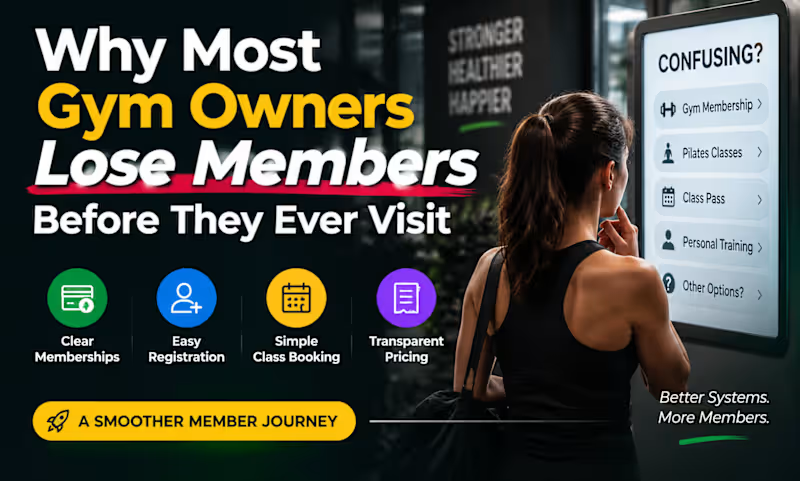
Why Most Gym Owners Lose Members Before They Ever Visit
Last week, I was helping a fitness business prepare for a major system transition.
What looked like a simple CRM setup quickly became a customer experience problem.
A new member should be able to:
✅ Choose the right membership
✅ Register easily
✅ Book classes without confusion
✅ Understand exactly what they're paying for
But small setup mistakes can create friction:
Too many membership options
Confusing booking flows
Classes mixed together without structure
Hidden settings affecting visibility
Technology isn't usually the problem.
The real challenge is designing a system that feels simple for members while staying manageable for staff.
That's where CRM and business automation become valuable not because of the software itself, but because of the experience it creates.
If your business relies on memberships, bookings, appointments, or recurring customers, your systems may be affecting conversions more than you realize.
What customer journey are you currently using?
0
174

Web Designer & Developer | Shopify CRO | Custom Web Apps
What happens after a customer says, “I’m interested”?
For many small service businesses, that's where things start getting messy.
A lead comes in through the website, Facebook, Instagram, or phone.
Then the owner has to:
→ Remember to respond
→ Qualify the lead
→ Send a quote
→ Remember to follow up
→ Notice when a lead goes quiet
→ Try to recover the opportunity before it's lost
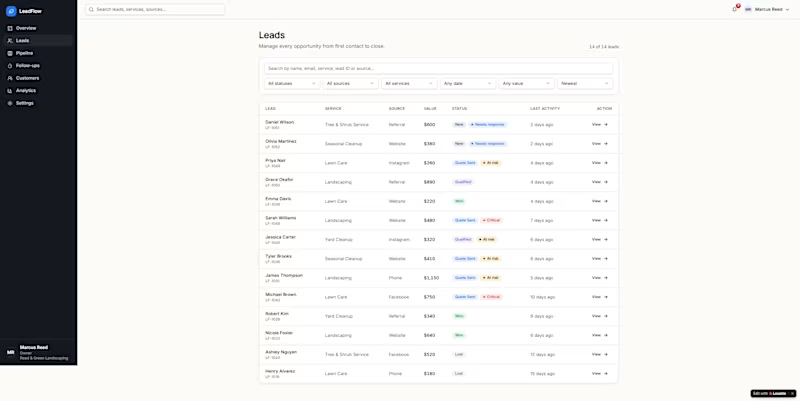
So I built LeadFlow a lead management system designed around one simple question:
“Which potential customers need my attention right now?”
LeadFlow helps a business owner:
→ Capture and organize incoming leads
→ Track every opportunity from inquiry to close
→ See which leads need a response
→ Identify at-risk opportunities
→ Follow up without digging through messages
→ Track the activity history of each lead
→ Move opportunities through a simple sales pipeline
→ See potential revenue that could be lost or recovered
The key idea wasn't to build another generic CRM.
It was to build something that reduces the mental load of following up with potential customers.
I designed the experience around a fictional Chicago landscaping company, Reed & Green Landscaping, to demonstrate how the workflow could work in a real business.
Before LeadFlow:
Inquiry → message → quote → owner gets busy → lead goes quiet → opportunity gets forgotten.
With LeadFlow:
Inquiry → organized lead → quote → follow-up → recovery → won.
This project was a great exercise in thinking beyond the interface and designing around an actual business problem.
Built with Lovable.
I'd love to know:
What is one repetitive task you think small business owners spend way too much time doing manually?
reedgreen.lovable.app (https://reedgreen.lovable.app)
1
265

Happy New Month, everyone!
Welcome to November!
A fresh month to create, build, collaborate, explore new opportunities, and turn great ideas into meaningful results.
Wishing fellow creatives, freelancers, founders, and clients a month filled with progress, exciting projects, and successful collaborations.
Here's to building great things this month!
2
181
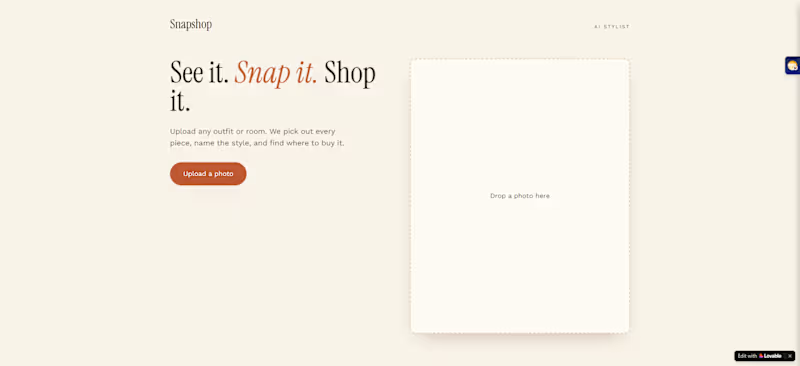
Quick question: if you could upload any photo and find similar products to shop for, what would you use it for first?
2
245
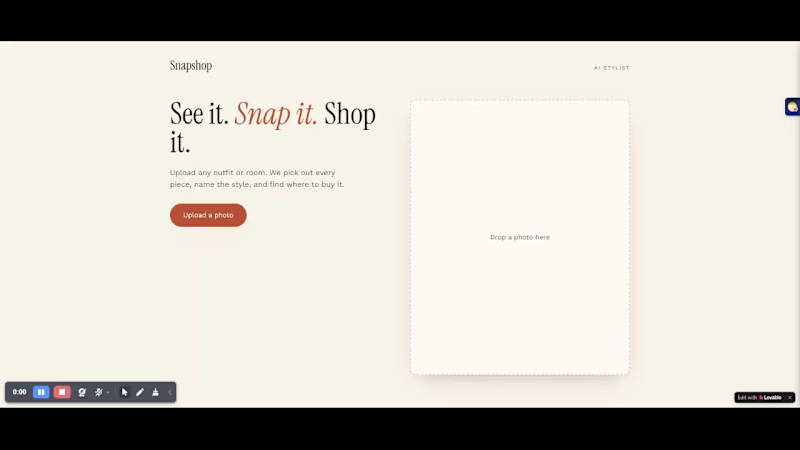
Just finished building something I've been excited to test. 🚀
Shop from a Photo lets you upload a photo of an outfit or room, discover similar products, explore styling suggestions, create a shoppable board, and continue to checkout.
The goal was to make the journey from “I like this look” to “Where can I buy it?” much easier.
I tested the flow myself, and the result genuinely surprised me. Seeing the idea come together as a working app was the best part.
I focused on the full shopping experience, not just the interface.
I'd love to hear your feedback:
Would you use this more for finding outfits or decorating your home?
If you're curious, here's the project: [frontier-creators-hub.lovable.app (https://frontier-creators-hub.lovable.app) ]
Built with Lovable. 💜
1
234