Building unique brand identitis that stay in time.
- 1x
- Hired
- 5.0
- Rating
- 20
- Followers
Building unique brand identitis that stay in time.

Brand / Motion / Campaigns

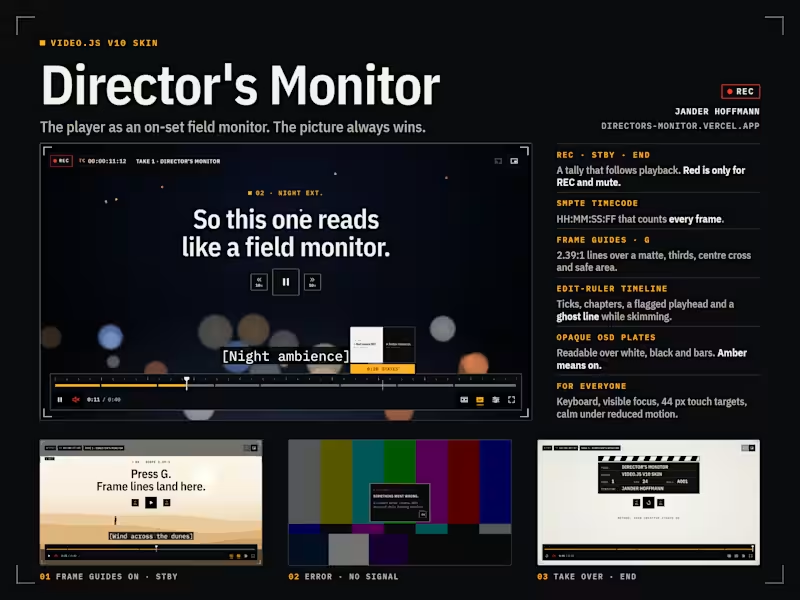
Director's Monitor is my entry for the Video.js Skins Design Challenge: a Video.js v10 skin that turns the player into the on-set field monitor a director judges a take on.
The picture always wins. Controls sit on small opaque OSD plates instead of full-width gradients, so the frame stays clean and every label stays readable over overexposed whites, night blacks and colour bars. The details come straight from the camera: a REC / STBY / END tally, SMPTE timecode that counts every frame, crop marks, 2.39:1 frame guides on the G key, an edit-ruler timeline with chapters, a segmented audio meter for volume, and a NO SIGNAL error state over bars.
One colour rule keeps it calm: amber means on, and red is reserved for REC and mute. Every control works from the keyboard with a visible focus ring, touch targets grow to 44 px on phones, and motion stops under reduced motion.
The demo film, "Take 1", was made for the skin and is hosted on Mux. It alternates bright and dark scenes to prove the OSD holds up, with captions, chapters and a 24 fps cut the timecode counts frame for frame.
Live: https://directors-monitor.vercel.app
(https://directors-monitor.vercel.app)Mux playback ID: 01W93wbTkYDNrO4bcZz01e3kl00FB01okOmc4p02NosFfpmg
Design and build: Jander Hoffmann · Method: AION Creative Studio OS
9
6
1.4K


Graphic Designer | Social Media Design | Brand Identity |
Graphic Designer | Social Media Design | Brand Identity |
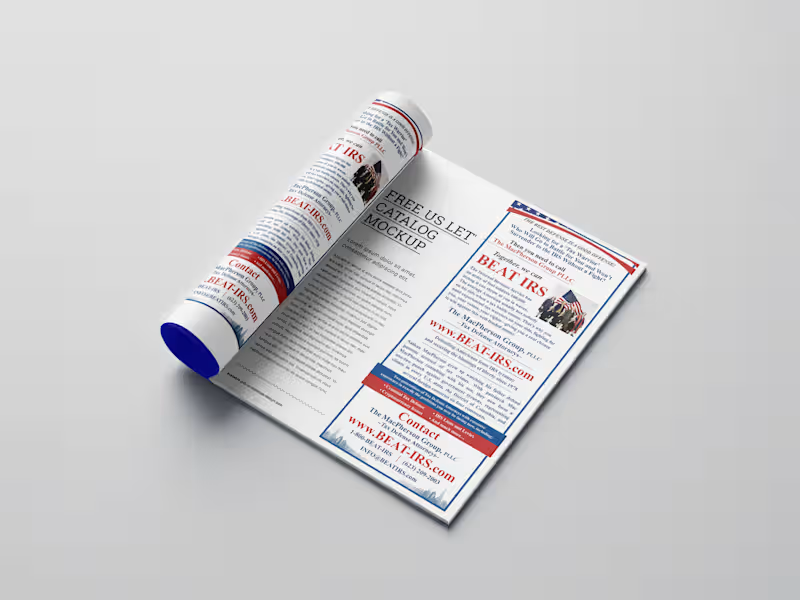
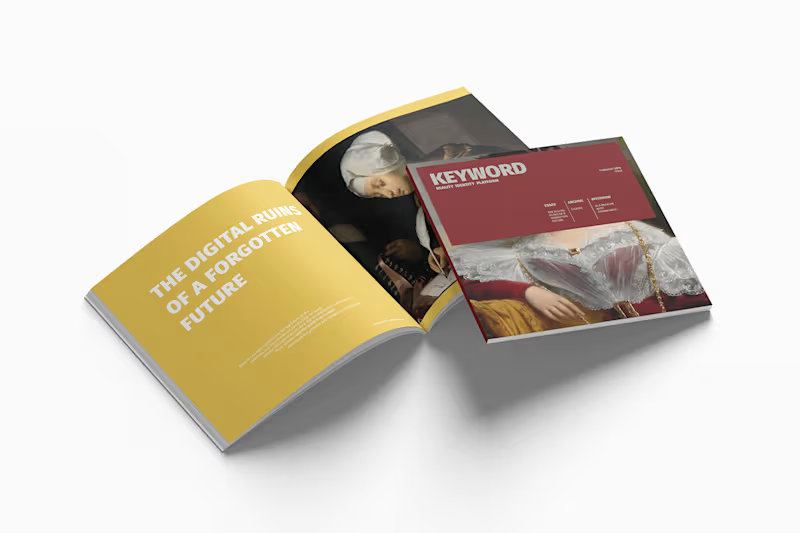
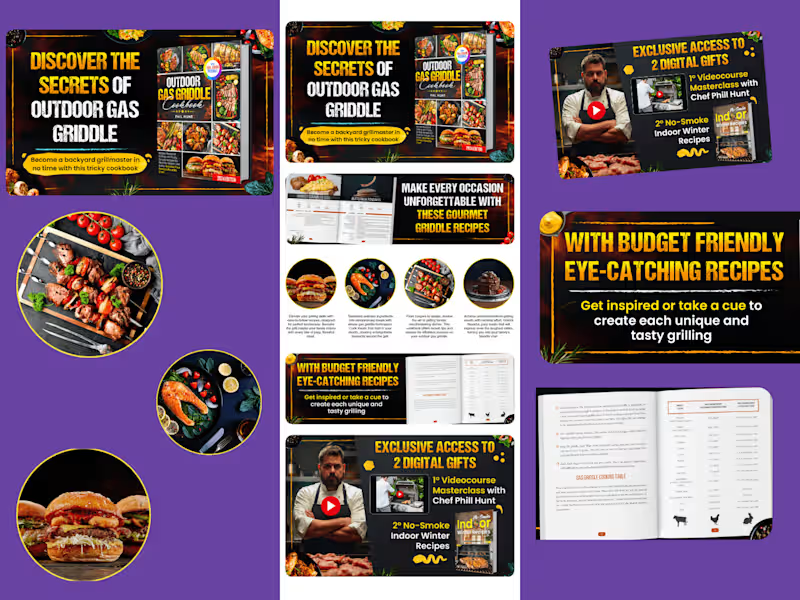
A great book deserves more than just a beautiful cover.
Every page should guide the reader effortlessly through thoughtful typography, clear hierarchy, and a clean editorial layout.
This project showcases my approach to designing professional eBooks that are visually engaging, easy to read, and ready for both digital distribution and print.
From structure to spacing, every detail is carefully considered to create a polished reading experience.
Which page would you like to see next, the cover or the interior layout?
#EditorialDesign #BookDesign #eBookDesign #PublicationDesign #AmazonKDP #Typography #LayoutDesign #GraphicDesign #AdobeInDesign #PrintDesign
1
144
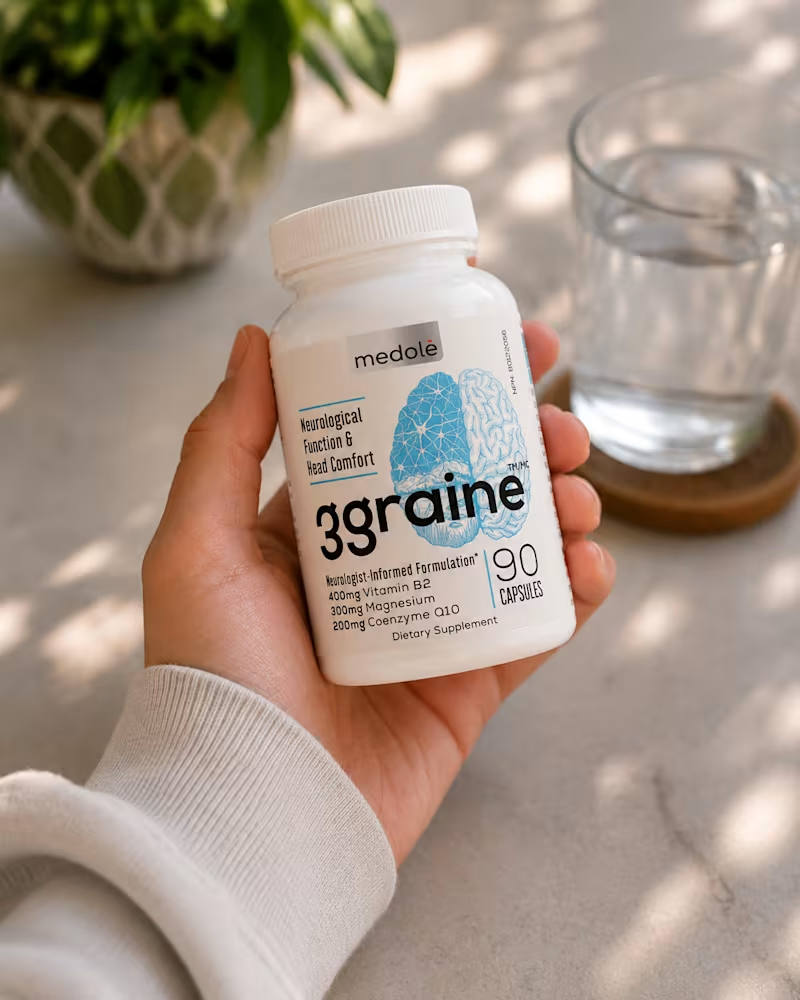
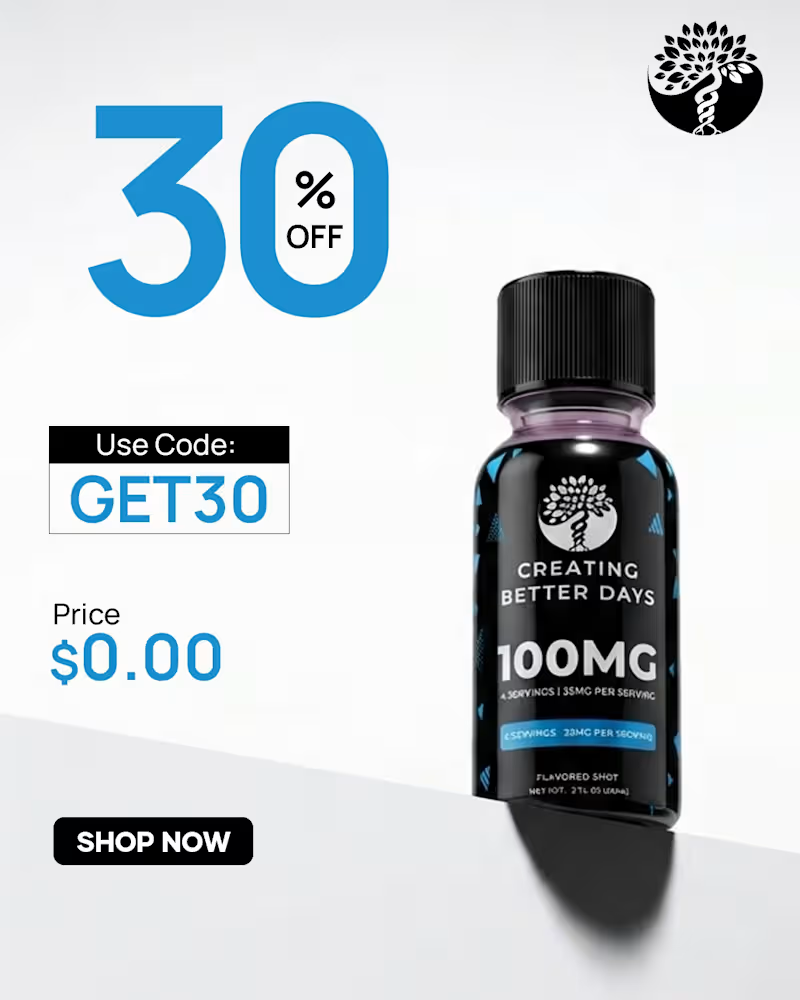
Product Lifestyle Visual
Created a natural lifestyle setting while keeping the product and branding as the main focus. Clean, realistic, and designed to feel like an authentic brand photograph rather than a typical product mockup.
#ProductDesign #LifestyleVisuals #ProductPhotography #CreativeDesign
1
1
111
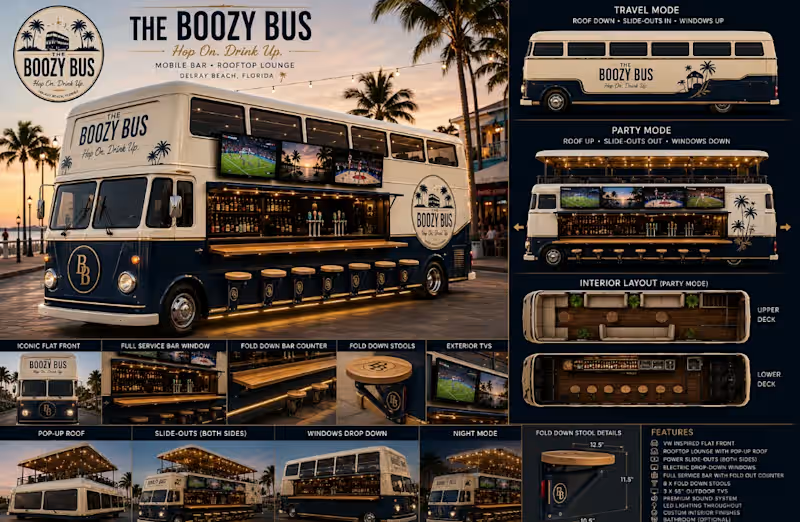
Boozy Bus | Interior Branding & Vehicle Wrap Design
A branding project that goes beyond the screen.
For Boozy Bus, I designed a complete visual experience across both the interior and exterior of the vehicle. The project focused on creating a cohesive brand identity that customers could experience from the moment they saw the bus to the moment they stepped inside.
The scope included:
✔ Interior Graphic Design
✔ Wall & Window Graphics
✔ Seating & Layout Graphics
✔ Wayfinding & Signage
✔ Vehicle Wrap Design (Exterior Branding)
✔ Brand Visual Consistency
0
80

Senior UX Designer at Oracle focused on Human-AI Experiences
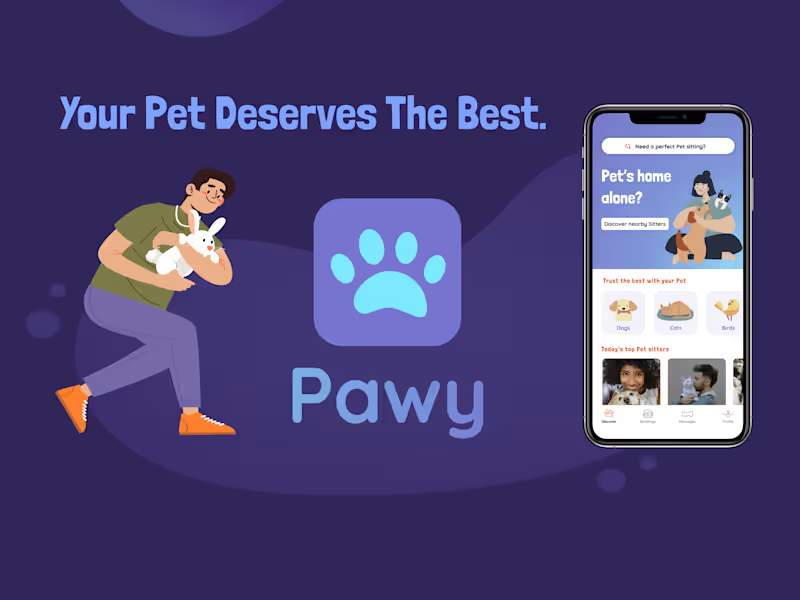
🐾 Meet Pawy — a pet-sitting app concept designed to make finding trusted care for your pets simple and stress-free.
For this project, I focused on creating a friendly and intuitive experience that connects pet owners with nearby pet sitters. The flow takes users from discovering services to choosing their pet, selecting dates, exploring available sitters, reviewing details, and booking the right service.
I wanted the visual direction to feel warm, playful, and approachable while still keeping the interface clean and easy to navigate. From the branding and illustrations to the user flow and mobile screens, every part of Pawy was designed around one idea: making pet care easier when owners can’t be there.
🎨 UI/UX Design
📱 Mobile App Design
🧭 User Flow & Interaction Design
🐶 Pet Care / Pet Sitting
Would love to hear what you think about the experience! 🐾
#UIDesign #UXDesign #UIUX #MobileAppDesign #AppDesign #ProductDesign #UserExperience #UserInterface #UXCaseStudy #PetApp #Figma #DesignPortfolio
0
59

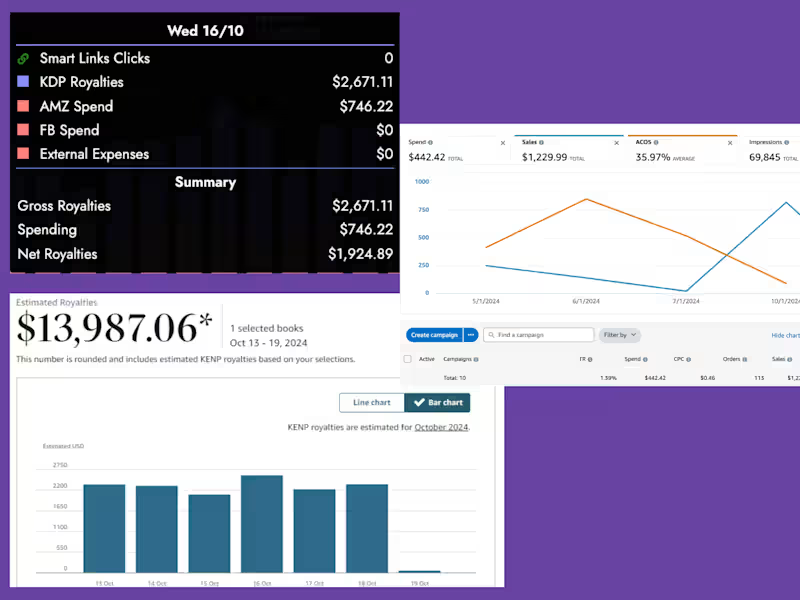
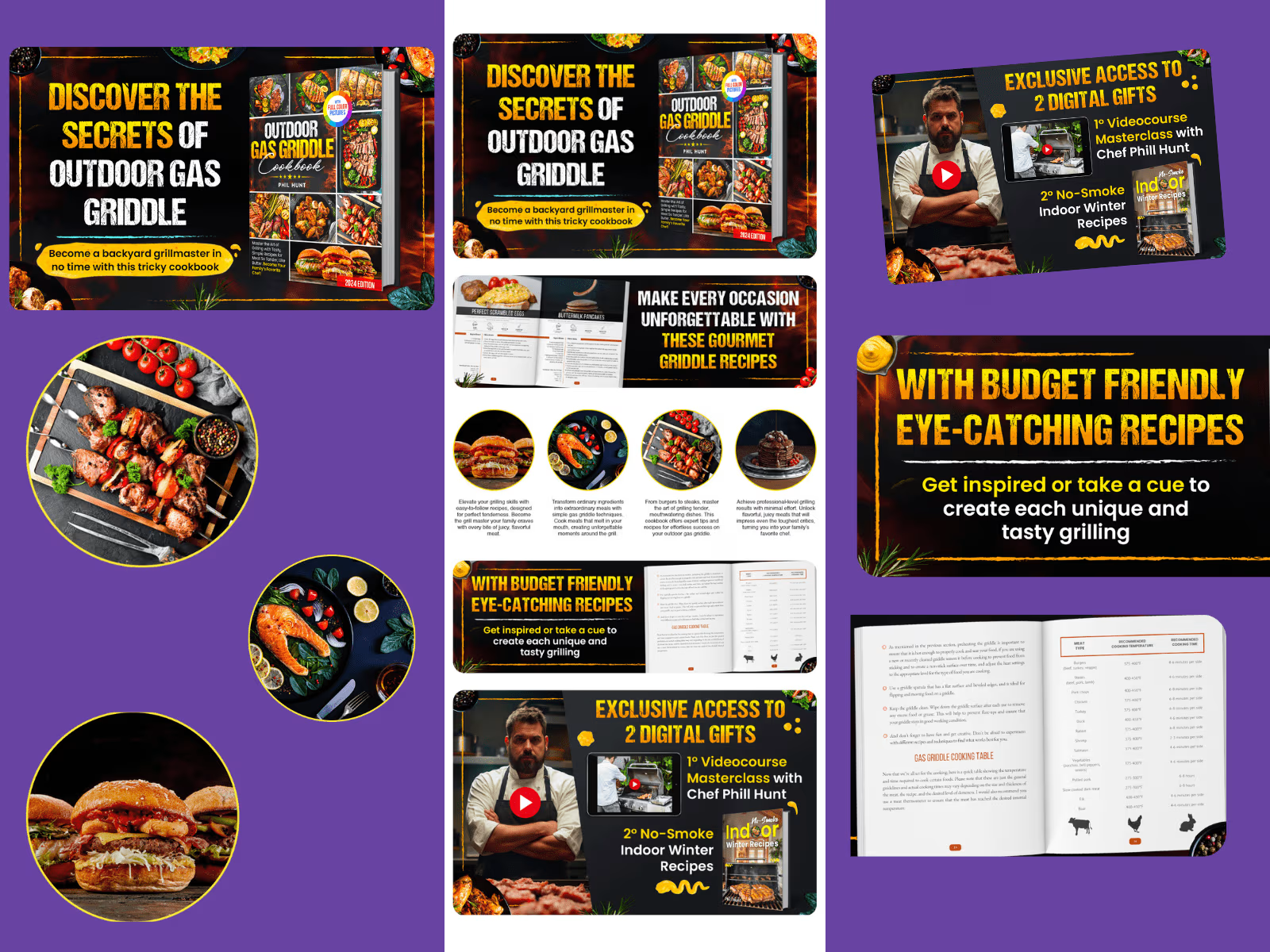
Self-Publishing Success: Design & Marketing Pro
Self-Publishing Success: Design & Marketing Pro

Aesthetic visual storyteller
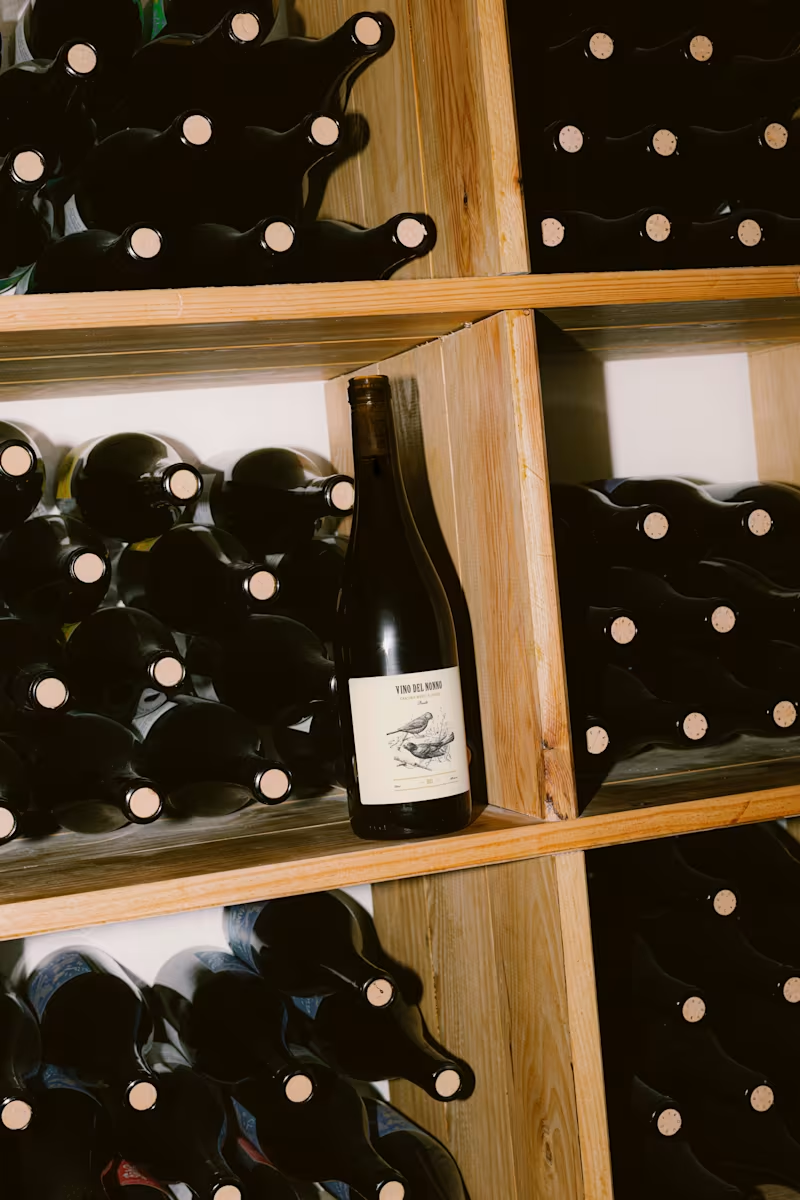
Aesthetic visual storyteller



Creative mind crafting visuals that tell a story
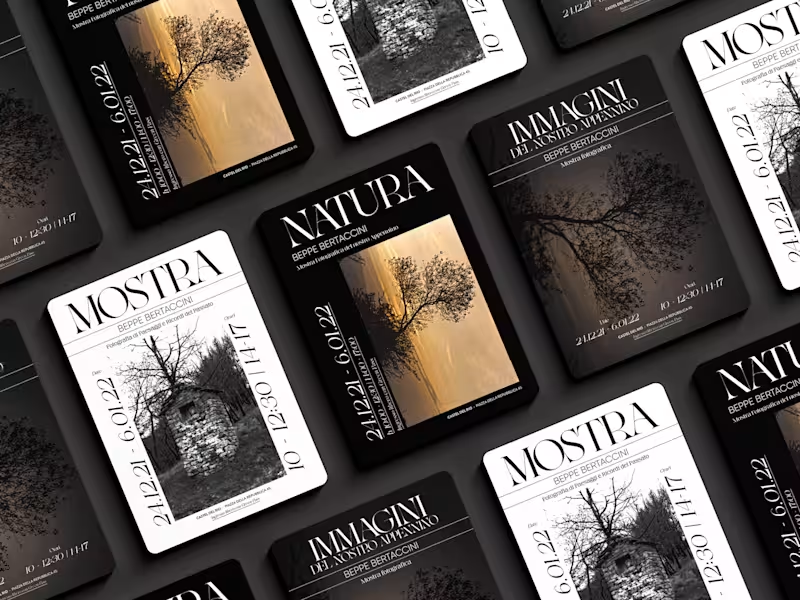
Creative mind crafting visuals that tell a story