Projects in Marcos Paz
Projects in Marcos Paz
Sign Up
Post a job
Sign Up
Log In
Filters
1
Projects
People
Message
1
Arian Cordoba
pro
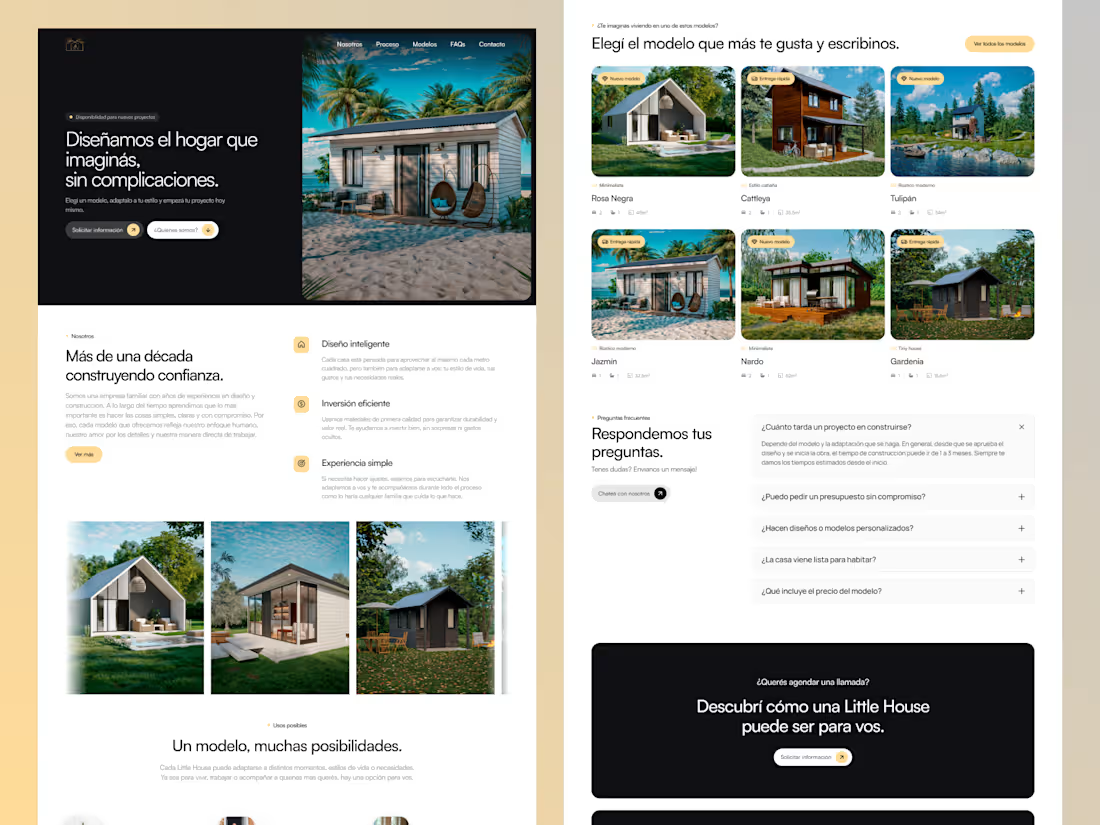
Little House VA (Framer Design + Development)
1
51
Message
0
Anddres Soria
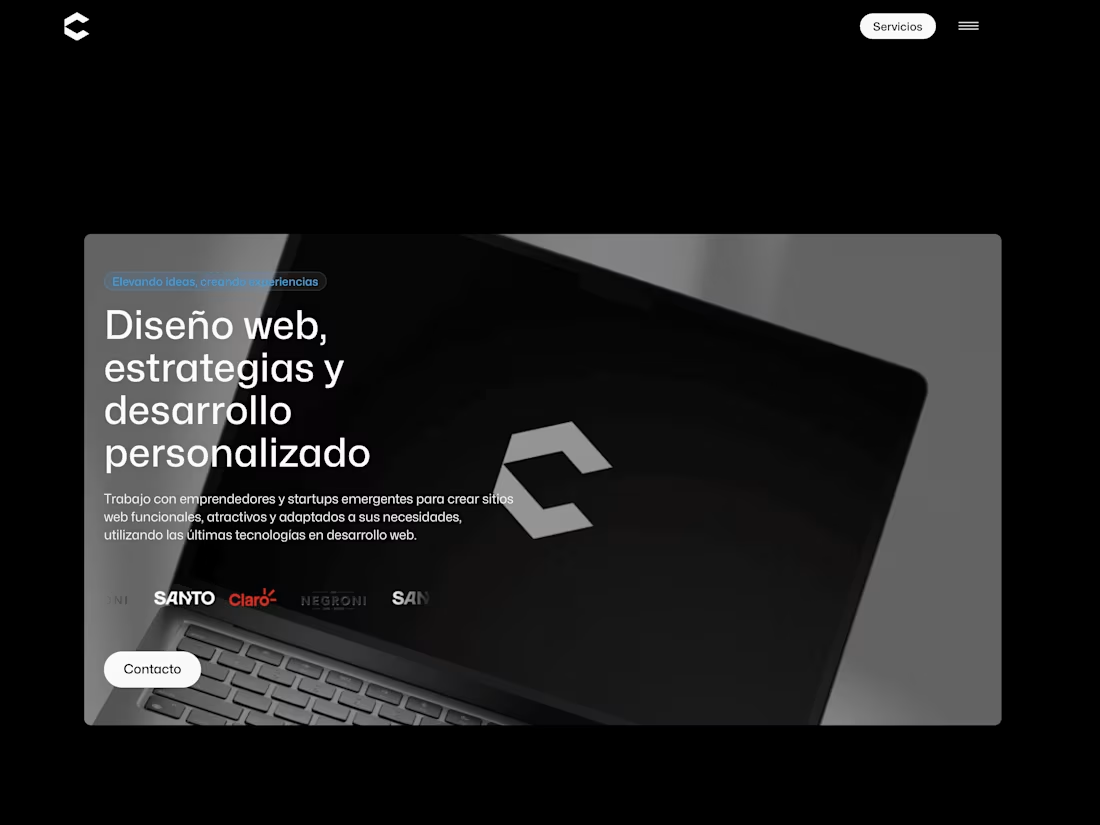
Agencia de diseño - Crisstian
0
12
Message
0
Dalma Monroy
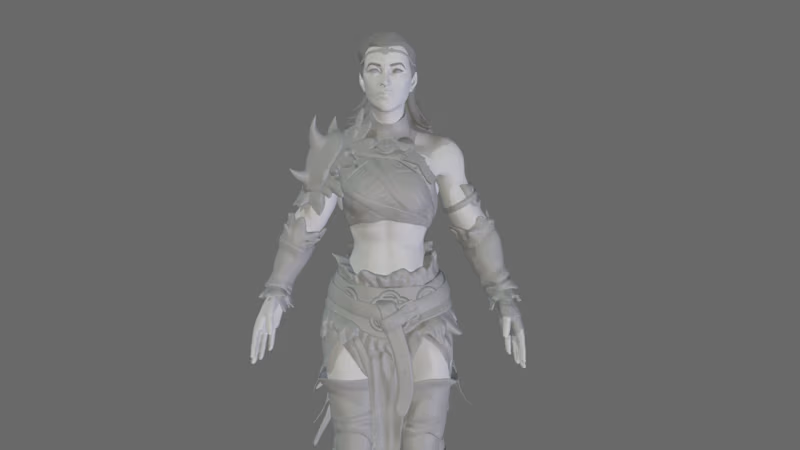
Woman Warrior/Vikinga - Challenging 3D Modeling Project
0
9
Message
0
Federico Gabriel Martinez
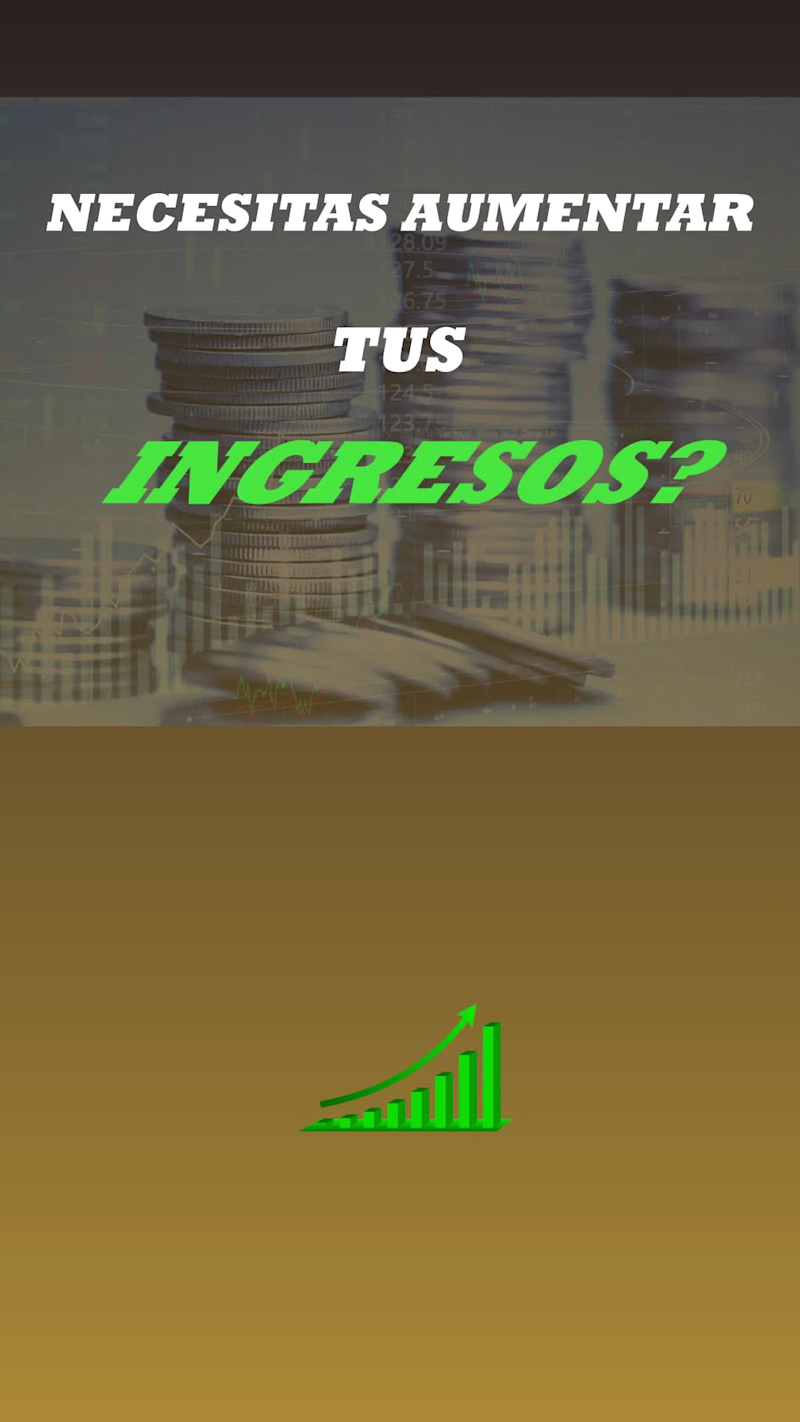
Publicidad con Motion Graphics para redes sociales
0
12
Message
1
Horacio Dell Aquila
Social Media Visual Content Creation
1
6
Message
1
María Agostina Scrinzi
pro
Vertical video for TikTok and Instagram
1
68
Message
2
Estefanía Menendez Arena
I combine SEO, UX and content strategy to attract the right users and turn them into customers. I don’t focus on traffic or design in isolation. I focus on understanding user intent, improving the experience and optimizing every touchpoint to drive performance and conversion 🙌 I bring a hybrid approach: strategy, content and performance working together. I don’t just execute tasks. I connect SEO, UX and business goals to create results that actually impact growth.
2
171
Message
1
Melina Chinni
pro
I turned my dog Bandido into a 3D animated character and made a 20-second short for YouTube Shorts and Instagram Reels. https://youtube.com/shorts/yyCiBSytaBo The process: → Two real photos of Bandido as references to keep his look: the eye patch, the bat ears, the short tail and his blue bandana → Key frames designed first (start and end of each scene) to control the story and keep the character consistent → Animation in two 10-second clips joined into one continuous scene, with sound → Iterations on style and details until it felt like an animated film, with natural dog gestures The same workflow works for brands: mascots, characters for social media and short animated stories from real photos of a product, a pet or a person. Want a character for your brand? Let's talk.
2
1
53
Message
11
Maria Florencia Musitani
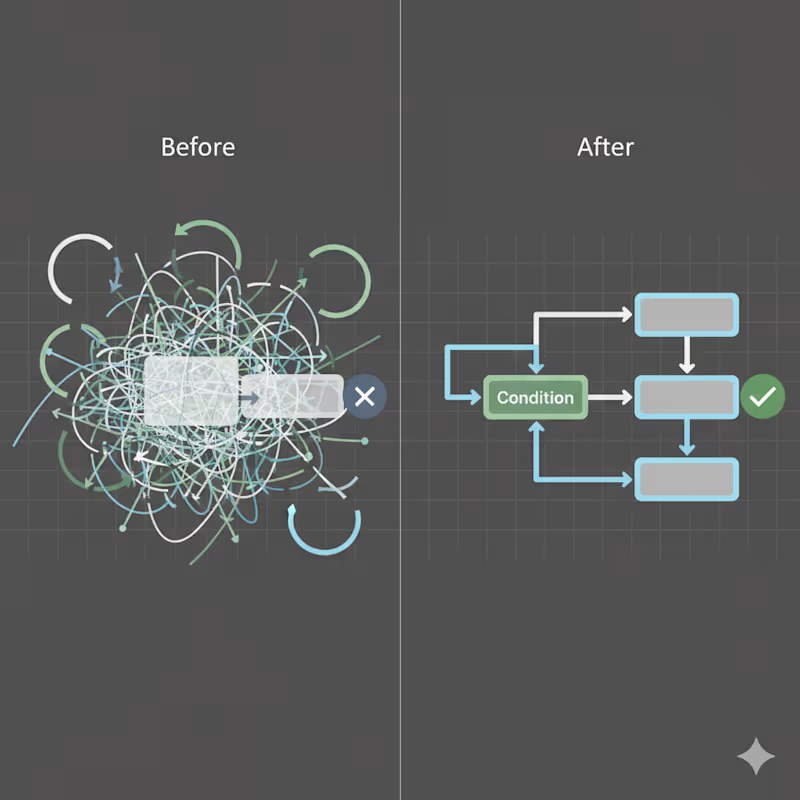
Create a before-and-after style visual representing automation refactoring and stabilization. Concept: Messy, fragile automation transformed into a clean, stable, production-ready system. Visuals: Left side: tangled, chaotic flows Right side: clean, structured workflow Abstract contrast without text Clear visual improvement narrative Style: Minimal, professional Neutral palette with subtle contrast No aggressive colors Mood: Stability, reliability, engineering maturity
11
92
Message
1
Juan Pablo Villa Fernandez
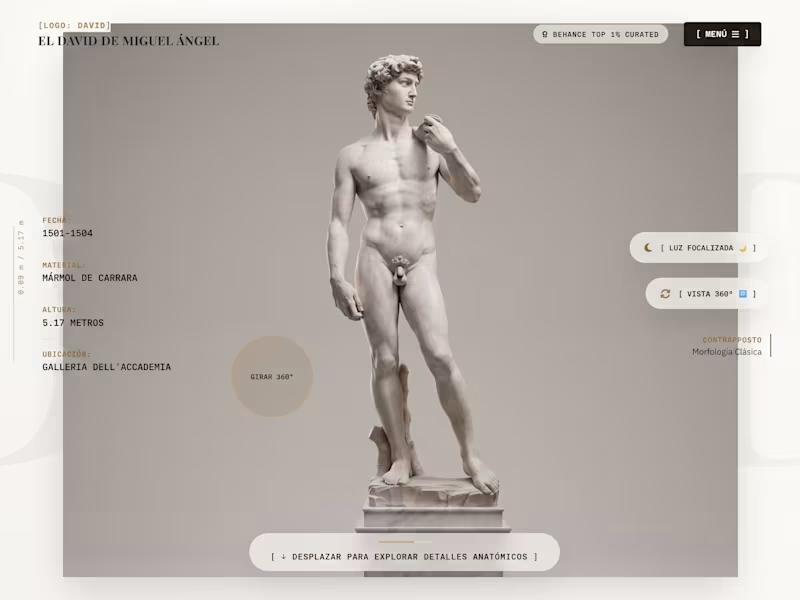
El David Website (spanish)
1
38
Message
0
Karla Schoeman
LinkedIn & Instagram Content Strategy Tech Company | Feb 2025 – Sep 2025 Brief: Tasked with building a consistent content presence across LinkedIn and Instagram to support brand awareness and drive engagement in a competitive tech market. Role & Responsibilities: Built and managed a monthly content calendar. Created and scheduled posts aligned with tone and objectives. Designed assets and wrote copy for both platforms. Developed varied post types – polls, carousels, stat posts, and events. Tools Used: LinkedIn, Instagram, Canva, Asana, Grammarly Portfolio available on request.
0
44
Message
0
Camilo Facal
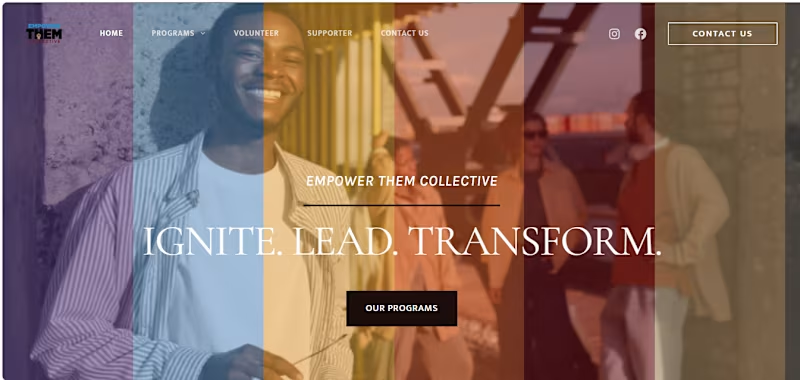
Community Empowerment Initiative
0
0
Message
0
Nina Ramirez
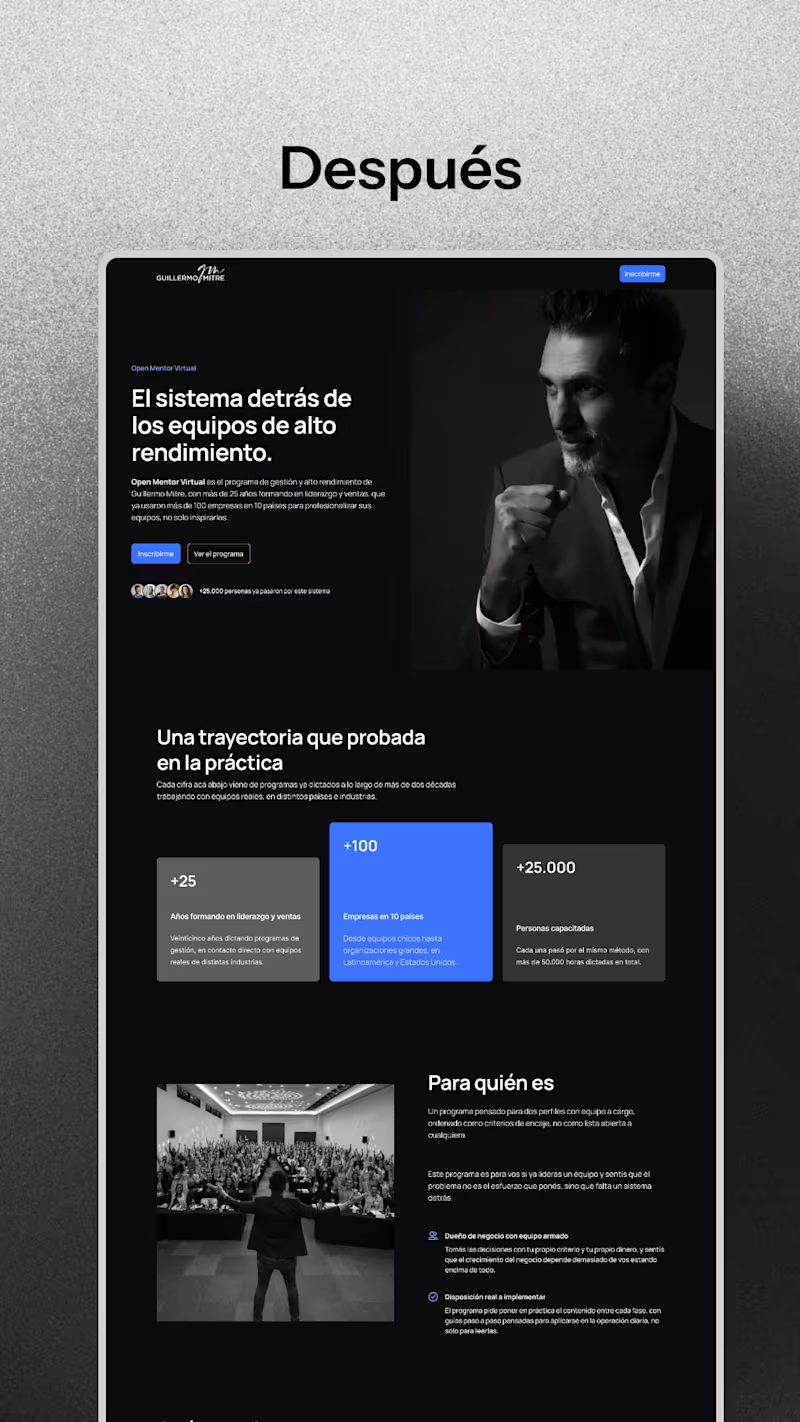
Redesign of a mentors landing page
0
41
Message
1
Lucas Leyes
Demo: Building a project using local AI (llama.cpp + DeepSeek/Harness) In this video I walk through my workflow for developing quick projects using local AI models, without relying on cloud services. As an example, I build a tic-tac-toe game in HTML5 in real time, comparing two tools: llama.cpp (web interface) for local code generation DeepSeek via Harness, with close-up shots of the development process The goal is to show how you can prototype and build functional software using AI that runs 100% on your local machine, no API costs and no dependency on an internet connection — ideal for MVPs, micro SaaS products, and fast proof-of-concept work. If you're looking for a specialist in local AI environment setup (Ollama, LM Studio, llama.cpp), n8n automation, or AI-assisted development for small to medium projects, I can help you define the right stack and get it running. Full video: https://youtu.be/eYOiZU5LDaU
1
163
Message
1
Juan ignacio Veltri
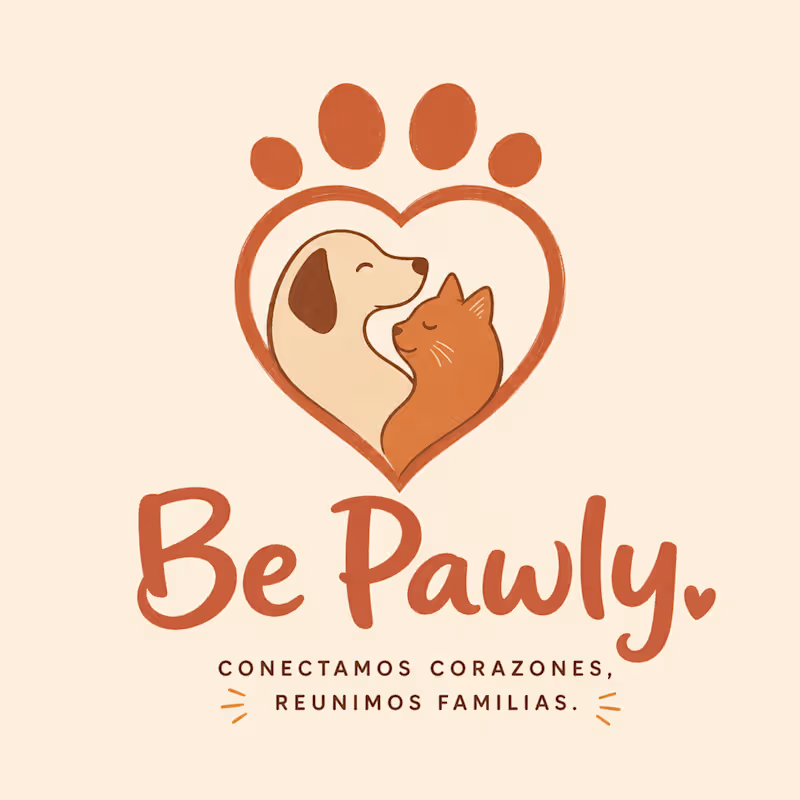
BE PAWLY — A COMPLETE LAUNCH KIT, ORCHESTRATED BY AN AGENT IN ONE AFTERNOON The premise I'm an indie dev about to launch Be Pawly, an AI-powered app that matches photos of lost and found pets in real time, helping reunite them with their owners. The product is ready. The launch kit wasn't. Hiring an agency for identity, mockups, ads, and a launch video wasn't on the table for a solo founder. So I gave Melius a single brief and let Mel orchestrate the entire kit. The result 18 connected nodes. One coherent brand. About 4,000 credits consumed out of 50,000. → Hand-drawn bilingual logo with the tagline "Conectamos corazones, reunimos familias" → 3 mobile app UI mockups (Upload Lost Pet, AI Match, Reunion Confirmed) → 4 emotionally segmented Meta ads (Community, Gratitude, Hope, Urgency) → 1 redesigned modern "missing pet" street flyer with QR → 1 cinematic 15-second vertical Instagram video, anchored to a keyframe The process, in three phases I gated execution by phase to manage credits and review the agent's output at every dependency boundary. Phase 1 — Foundation (72 credits). Just the logo. The logo anchors every downstream asset, so it was the only node I needed to lock before generating anything else. Mel routed GPT Image 2 (Medium) and delivered a hand-drawn terracotta mark, and proposed a bilingual tagline I never asked for, but that fit the Latin American neighborhood-first tone perfectly. Phase 2 — Derivatives (around 1,000 credits, 8 parallel nodes). Three UI mockups, four ad variants, one flyer. Mel propagated the Spanish tagline across every asset without prompting, invented credible character names (Max, Toby, María & Simba), and used context-appropriate Latin American Spanish ("publicador" instead of "poster"). The brand feels like a real product, not stock. Phase 3 — Motion (around 3,000 credits). A cinematic keyframe of the reunion, then a 15-second vertical Instagram spot anchored to it. When I asked Mel which model it would use, it didn't just pick — it offered me Kling 3.0 Omni (2,520 credits) versus Grok Imagine (1,260 credits), explained the tradeoff ("Kling handles the emotional human-first nuance a bit better"), and let me decide. What separates an agent from a generator Three behaviors Mel did on its own that no generator I've used does: Model routing with reasoning. GPT Image 2 across the 8 image nodes for stylistic coherence; Kling 3.0 Omni for the video, chosen for emotional nuance. Transparent about cost tradeoffs. Style propagation through wired connections. The tagline, color palette, and character voice flowed from one node into every downstream node automatically. No copy-paste, no re-prompting. Initiative within taste. The bilingual tagline. The character names. The neighborhood-aware Spanish. These were unprompted but always on-brief. Feedback for the Melius team What worked beautifully: → The canvas-as-conversation model. Being able to point at a specific node and refine it without re-running the whole graph is a step-change versus linear chat-based generation. → Mel's proactive credit transparency. Asking "which model and how many credits" before running was huge for budget management. → Auto-grouping into Brand Identity, Meta Ad Campaign, and Social Video was an unprompted decision that made the canvas instantly readable. Suggestions: → Surface estimated credit cost on hover for every node before approval, not just when prompted. → A "fork node" action to create alternative variants in parallel without losing the original would be useful for A/B-ing ads. → An export-as-launch-kit shortcut (a zip with all assets in presentation order) would close the loop from creative to delivery. Built entirely on Melius. Models routed: GPT Image 2 (Medium) and Kling 3.0 Omni. Total credits consumed: about 4,000 of 50,000. The 15-second reunion video is attached. Project canvas: https://app.melius.com/projects/04e916b8-35de-4957-8db6-53ac1af180ad/canvas/4d8d194a-d0d5-4e4c-a59b-d7a4561923bb
1
133
Message
0
Agustín Sal
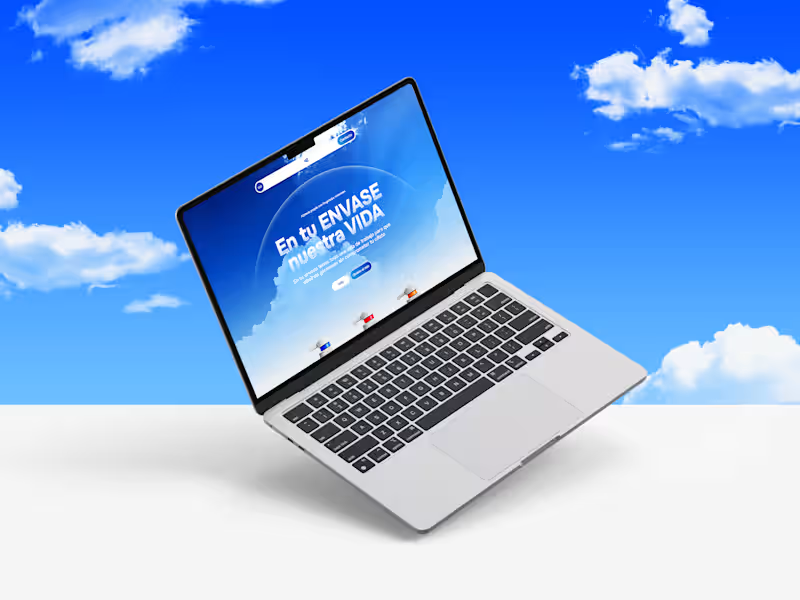
Box Life: Brand & Web Design (Concept)
0
4
Explore projects