Projects using CSS in MaharashtraProjects using CSS in MaharashtraAustin Aquatic — Aquarium Business Website
A modern, responsive website designed for Austin Aquatic, a local aquarium business in Vasai-Virar, Maharashtra.
The website showcases freshwater fish, aquarium setups, plants, décor and aquarium equipment through a clean, visually focused catalogue experience.
Key Features:
Modern responsive design for desktop, tablet and mobile
Featured fish catalogue with enquiry CTAs
Aquarium setups and visual gallery
Fish, aquarium and aquascaping sections
WhatsApp enquiry integration
Direct call and Google Maps directions
Local business information and contact section
Customer review section
Aquarium care tips and guides
Image-focused layout for showcasing products and setups
Fast, user-friendly browsing experience
SEO-friendly structure and local business presentation
Goal:
Create a professional online presence that helps local customers discover Austin Aquatic, explore available fish and aquarium setups, and easily contact the business through WhatsApp or phone.
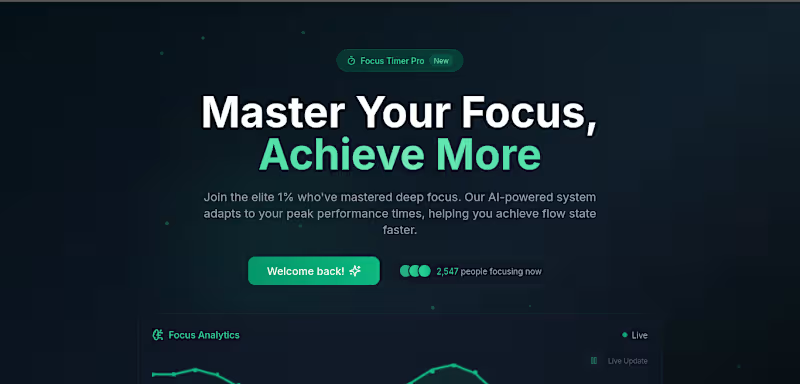
Tech: React.js, responsive UI, modern CSS. We’re experimenting with Apple-style “glass” to make our Glide ( (https://www.linkedin.com/company/glideapps/)glideapps.com (http://glideapps.com)) (https://www.linkedin.com/company/glideapps/) calmer and easier to scan.
Not trying to be fancy.. just clearer.
What we’re learning about the glass look:
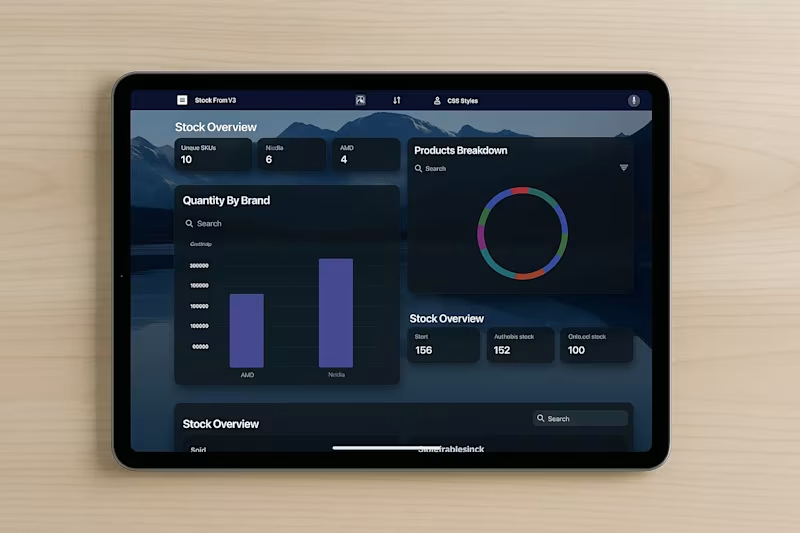
It’s not pure transparency. It’s a soft blur + a hint of tint so content stays readable.
Depth comes from three gentle layers: background blur, a thin highlight border, and a soft shadow.
Contrast matters. Text should pass accessibility checks, or the “wow” quickly turns to “where?”
How we’re doing it in Glide with a touch of custom CSS:
Frosted cards/nav: light translucent backgrounds, small blur.
Subtle borders: 1px, low-opacity, to define edges.
Rounded corners and roomy spacing to reduce visual noise.
Minimal motion so the content, not the chrome, gets attention.
Tiny snippet that powers a lot of the feel:
.glass {
background: rgba(255,255,255,.08);
backdrop-filter: blur(12px);
border: 1px solid rgba(255,255,255,.18);
border-radius: 16px;
box-shadow: 0 8px 24px rgba(0,0,0,.2);
} PDFConverterOnlineFree – Node.js PDF Tool
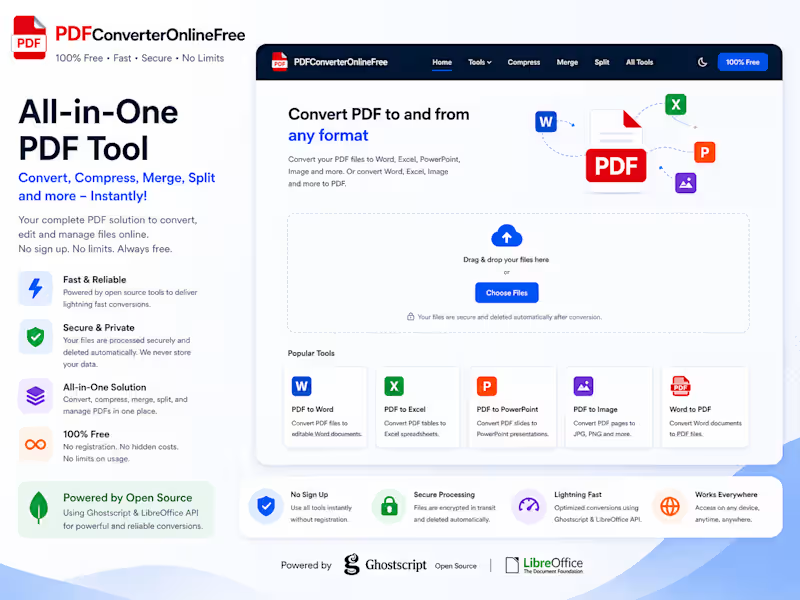
I built this project as a practical, real-world PDF tool that runs completely online and doesn’t rely on any database.
The idea was simple — most PDF tools out there are either paid, slow, or store user files. I wanted to create something lightweight, fast, and privacy-friendly using open-source tools.
🔗 Project Link: https://github.com/deepakpatilauthor/PDF-Tool-Node-JS-Project
What this project does
This web app lets users:
Convert PDFs to formats like Word, Excel, and images
Convert files back into PDF
Merge, split, and compress PDFs
Use everything without signing up
All files are processed temporarily and deleted automatically, so nothing is stored.
How I built it
I used Node.js for the backend and connected it with:
Ghostscript for handling PDF operations like compression
LibreOffice for document conversions
The whole system is stateless (no database), which keeps it simple and fast.
Why I built it this way
I wanted to prove that you don’t always need paid APIs or heavy infrastructure to build something useful. With the right open-source tools, you can create a solid, production-ready app.
What I learned
Working with system-level tools like Ghostscript and LibreOffice
Handling file uploads and processing efficiently in Node.js
Building a clean workflow without relying on a database
Thinking about performance and user privacy
Final thoughts
This project is a good example of how I approach building tools — keep it simple, make it useful, and avoid unnecessary complexity.