Freelance Copy Editors in Kenya
Sign Up
Post a job
Sign Up
Log In
Filters
2
Projects
People
Carmel Kundai Makaya
pro
Kenya
Video Editor + Copywriter | Sharing Your Story Online ✨
$1k+
Earned
4x
Hired
5.0
Rating
59
Followers
Top
expert
Follow
Message
Video Editor + Copywriter | Sharing Your Story Online ✨
0
Product Recommendation Article (SEO)
0
104
0
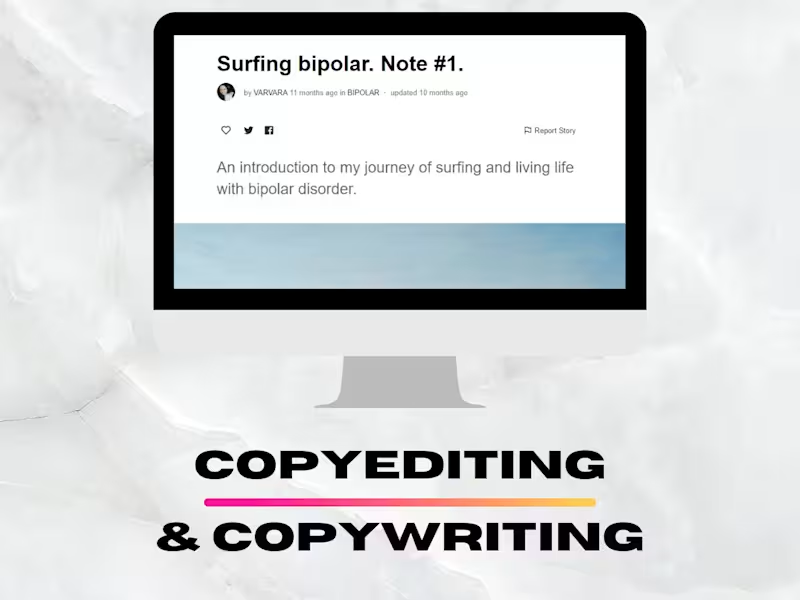
Copyediting & Copywriting a Mental Health Article Series
0
105
1
YouTube Video Creation and Management for Convert.com (B2B SaaS)
1
215
1
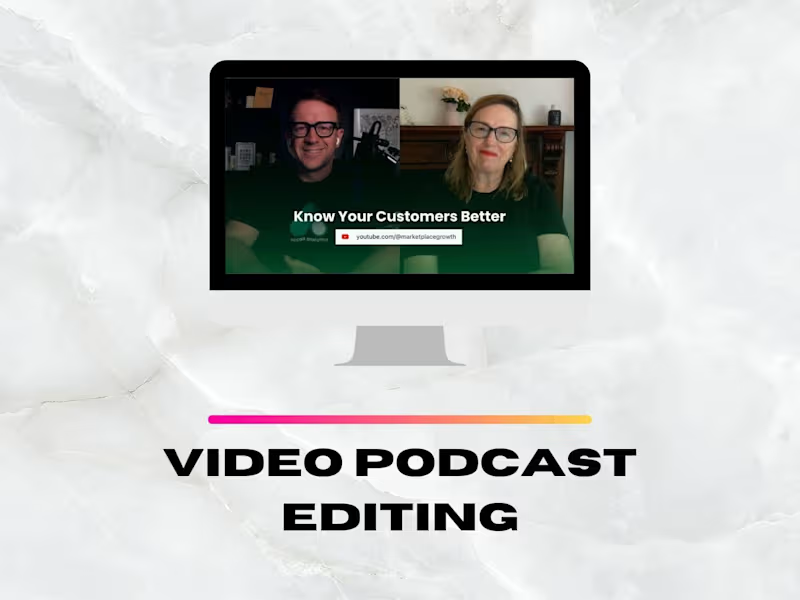
Podcast Video Editing for a B2B Company
1
60
Copy Editor
(2)
Follow
Message
Ann Syombua Peter
Nairobi, Kenya
Administrative Virtual Assistant | AI Automation of workflow
9
Followers
Follow
Message
Administrative Virtual Assistant | AI Automation of workflow
1
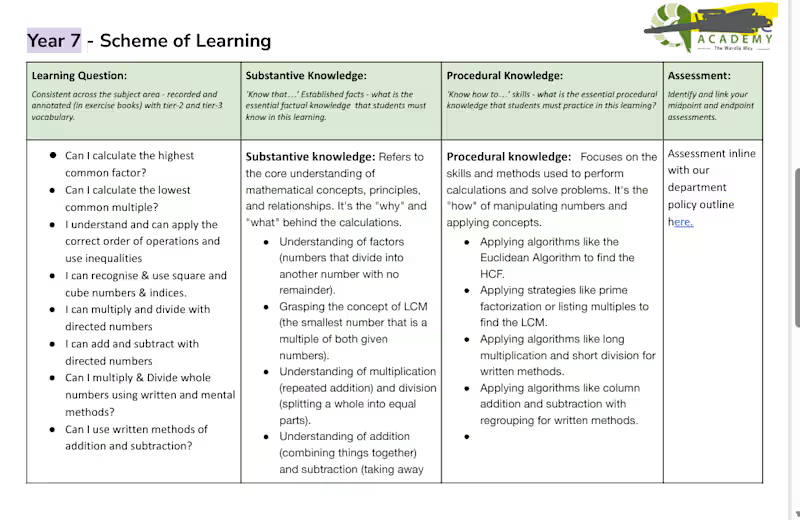
Project Title: Mathematics year 7 and Year 8 Data Entry, copy and paste. Description: Handled accurate copy-paste data transfer while maintaining consistency, attention to detail, and logical content flow across all the units. Designed clear, user-friendly layouts to improve readability and accessibility for both teachers and students. Supported content quality through targeted research, using AI (Gemini) to verify curriculum relevance, identify missing information, and enhance completeness of course materials. Key Achievements: • Processed and structured 20 pages of mathematics content with 100% accuracy. • Reduced educator prep time by an estimated 25–30% by delivering well-structured, ready-to-use materials. • Identified and filled 10 content gaps using AI-assisted research • Maintained consistent formatting and error-free documentation across all course units. Result: Delivered polished, structured, and classroom-ready documents that streamlined content delivery and improved overall usability of learning materials.
1
163
1
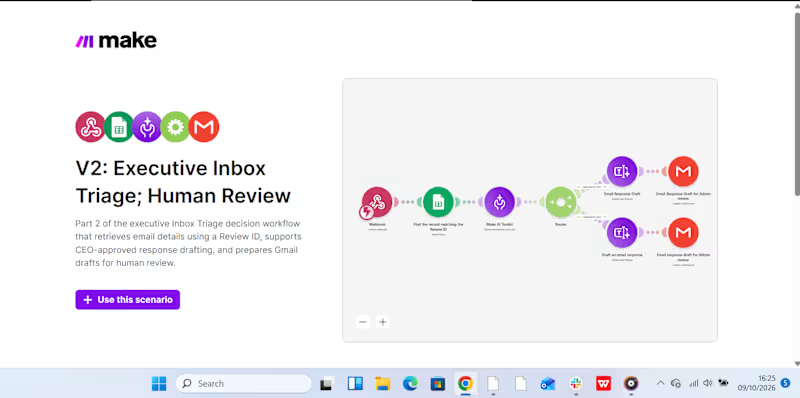
This week, I have been working on automating my boss's inbox management, delegating email triage to AI while I handle reviews and approvals that require sound judgment. Because one wrong response to a client can cost a business revenue, I wanted to build a system that saves time without handing over critical decisions to AI. How I built it: I created two connected automation scenarios in Make.com (http://Make.com). Scenario 1: Intelligent Inbox Triage: AI analyzes incoming emails, categorizes them by priority, summarizes their content, and recommends the next action. This makes it easier to identify urgent messages and decide what needs attention first. Scenario 2: Human Review & Approval: The workflow supports the review and approval process before an email is sent. Slack notifications help bring relevant updates to my attention, so I can review the proposed action and approve the response before it goes out. Below are snippets of the two scenarios, including a Slack notification, showing how the workflow operates. My takeaway? AI can help manage the inbox, but when a response could affect revenue or a client relationship, the final decision should remain human.
1
1
17
2
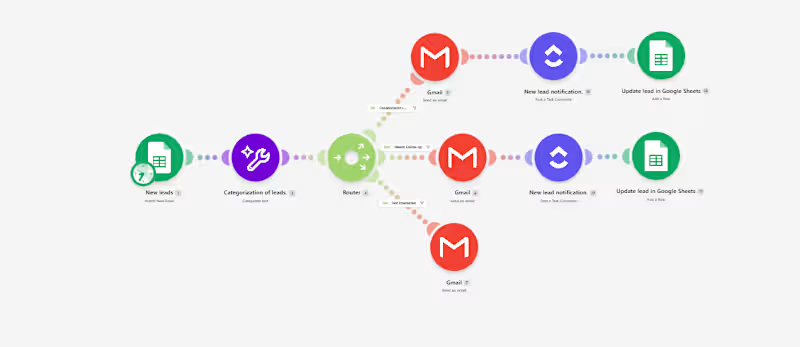
AI-Powered Lead Follow-Up & Management for Miale I automated lead follow-up and management for Miale to reduce the manual work involved in reviewing enquiries, categorizing leads, responding to prospects, and keeping the team informed. The problem: When leads come in, manually reviewing each response, deciding how to handle it, sending emails, and notifying the team can take time, and makes it easier for follow-ups to slip through the cracks. The solution: I built an AI-powered workflow in Make that automatically processes new lead submissions. Here’s how it works: Google Form → Google Sheets → AI Classification → Router → Email + Slack → Lead Tracking When a prospect submits the form, AI analyzes their collaboration interest and categorizes the lead as Collaboration Lead, Needs Follow-up, or Not Interested. The workflow then automatically: - Routes the lead based on their response. - Sends a relevant email to the prospect. - Notifies the team in Slack when a new lead needs attention. - Updates the lead record for easier tracking. Tools used: Make · Make AI Toolkit · Google Forms · Google Sheets · Gmail · Slack The workflow can also be adapted for client enquiries, sales leads, service requests, bookings, applications, and other repetitive lead-management processes. The goal isn't simply to automate tasks. It's to build a system that helps businesses respond faster, stay organized, and reduce manual follow-up work.
2
195
2
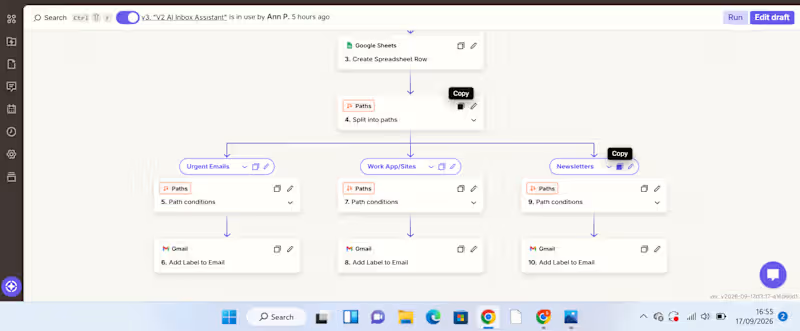
AI-Powered Gmail Inbox Assistant: Turning Email Overload into an Organized Workflow A busy inbox can become a productivity problem. For a VA or business owner handling a high volume of emails, manually reading every message, deciding its priority, summarizing it, determining what action is needed, and organizing it takes time. And when everything sits in one inbox, important messages can easily get lost among routine notifications and newsletters. I built an automation to solve that problem. The Solution I created an AI-powered Gmail inbox assistant that captures, analyzes, organizes, and records incoming emails automatically. The workflow starts when a new email arrives in Gmail. New Gmail → AI analyzes the email → Information is recorded in Google Sheets → Zapier Paths route the email → Gmail label is applied The AI extracts useful information from each email, including: Priority – how urgently the email needs attention Email summary – a concise explanation of what the message is about Recommended action – what should be done next Service/category – used to determine how the email should be handled The information is then captured in a Google Sheet, creating a structured record that can be reviewed, tracked, and used for further workflows. From there, Zapier Paths use the classification to route the email to the appropriate action. For example: Urgent email → AI identifies the priority and summarizes the message → information is recorded in Google Sheets → Urgent Path runs → Gmail applies the Urgent label. WorkApp/Sites notification → AI identifies the category → details are recorded in Google Sheets → WorkApp/Sites Path runs → the corresponding Gmail label is applied. Newsletter → AI classifies and summarizes it → information is recorded in Google Sheets → Newsletter Path runs → the Newsletters label is applied. What Problem Does This Solve? This automation addresses several repetitive administrative tasks at once. Instead of manually opening emails, interpreting them, recording important details, and organizing them, the workflow handles the first layer of processing automatically. It helps create: Less manual sorting Emails are categorized automatically. Better visibility The Google Sheet provides a structured overview of incoming messages, their priority, summaries, and recommended actions. Faster prioritization Users can identify emails requiring attention without reading through the entire inbox first. A searchable record Important email information is captured in one place instead of remaining buried inside an inbox. How Businesses Can Use It The workflow can be adapted to different businesses and inboxes. For example, a company could create categories such as: Client enquiries | Leads | Support requests | Finance | Internal communication | Urgent | Newsletters The Google Sheet can then become a simple operational dashboard or the starting point for additional automations. For example, a business could later extend the workflow to: Urgent email → notify the responsible team member Client enquiry → create a lead in a CRM Follow-up required → create a task Support request → route to the appropriate team This makes the workflow more than an inbox organizer. It can become part of a wider business process automation system. Tools Used Gmail – captures incoming emails and applies labels AI by Zapier – analyzes and classifies email content Google Sheets – stores the email priority, summary, recommended action, and category Zapier Paths – applies conditional logic and routes emails based on their classification What This Project Demonstrates My approach to automation is simple: Find the repetitive problem first. Then build the system around it. This project started with a common administrative problem—too much email and too much manual sorting—and turned it into a workflow that can analyze information, structure it, make routing decisions, and trigger actions automatically. I'm building my skills in AI automation with a VA mindset: understanding the business problem first, then creating practical systems that reduce manual work and improve how information flows.
2
223
Copy Editor
(1)
Follow
Message
Leah Nyaguthii
Kenya
Insightful Data Analyst & Copywriter 📊✍️

Follow
Message
Insightful Data Analyst & Copywriter 📊✍️
0
Copy writing a book chapter : State of Art in AEC
0
4
0
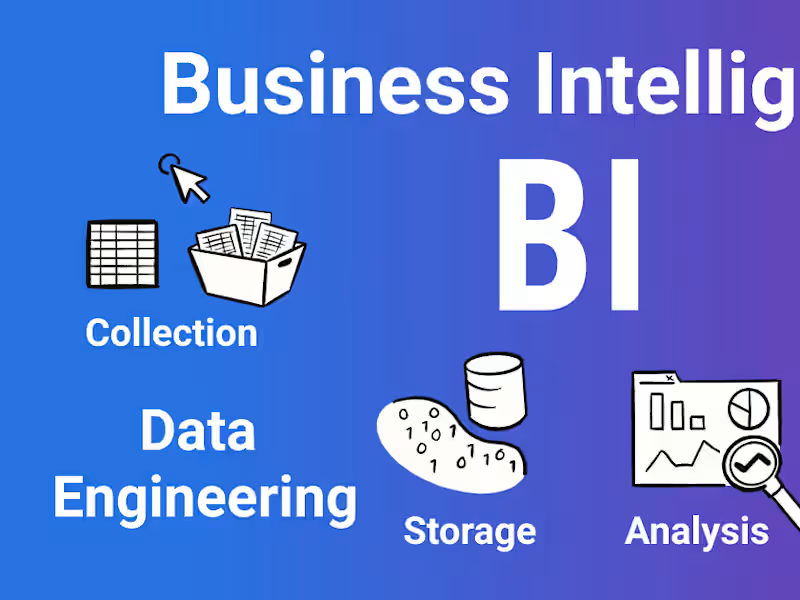
Business intelligence Consulting
0
6
0
Data analysis
0
6
View more →
Copy Editor
(1)
Follow
Message
Jane Kagendo
Nairobi, Kenya
Copywriting Fueled by Journalistic Precision

Follow
Message
Copywriting Fueled by Journalistic Precision

0
2024 Valentine's Day Affiliate Marketing Project
0
6
0
Pin on Best Online Buys
0
7
0
TikTok -Get That Dream Body
0
4
View more →
Copy Editor
(2)
Follow
Message
Abdirahman Abdirashid
Parklands, Kenya
Sales boosting copywriter
Follow
Message
Sales boosting copywriter
0
Fashion brand campaign
0
3
0
Fitness program
0
4
0
JN Medsys company
0
19
View more →
Copy Editor
(3)
Follow
Message
simon gathiru
Kenya
Data Analyst & Graphic Designer
Follow
Message
Data Analyst & Graphic Designer
0
copywriter and translator
0
4
0
web designer
0
7
0
DATABASE AND DATA ANALYST
0
6
View more →
Copy Editor
(1)
Follow
Message
Ian Danson
Nairobi, Kenya
Experienced writer, editor, and proofreader

Follow
Message
Experienced writer, editor, and proofreader
0
The Dual-Edge Sword That is Technology
0
24
0
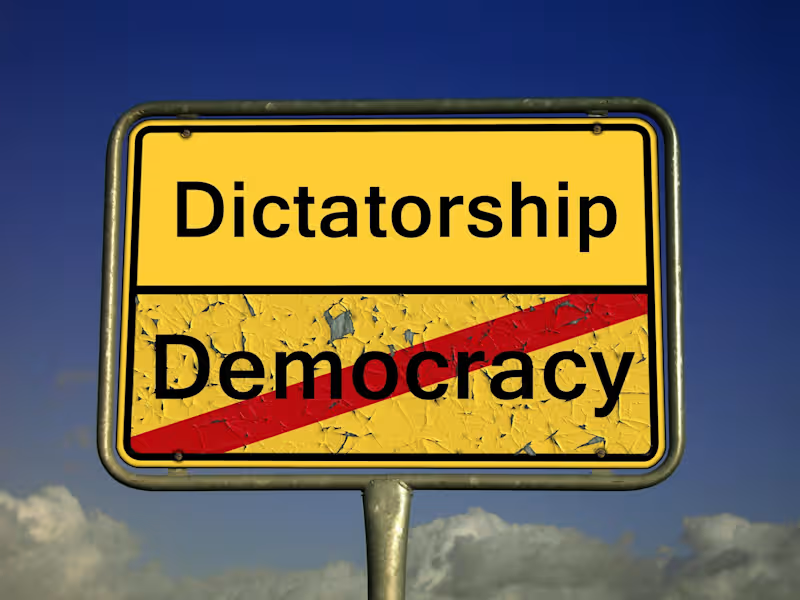
Understanding Democracy
0
6
0
The Unwavering Reality of Climate Change
0
10
View more →
Copy Editor
(1)
Follow
Message
John Juma
Nairobi, Kenya
Versatile Expert: Data, Content, VA

Follow
Message
Versatile Expert: Data, Content, VA
0
Create comments and Forum Posts
0
7
0
Graphic designer
0
7
0
Negative perception of children that come from single household…
0
23
View more →
Copy Editor
(1)
Follow
Message
Explore people