Freelance Product Data Analysts in Hyderabad
Sign Up
Post a job
Sign Up
Log In
Filters
2
Projects
People
Geethasree Naguboina
pro
Hyderabad, India
Excel & KPI Dashboards for Small Business Decisions
69
Followers
Follow
Message
Excel & KPI Dashboards for Small Business Decisions
8
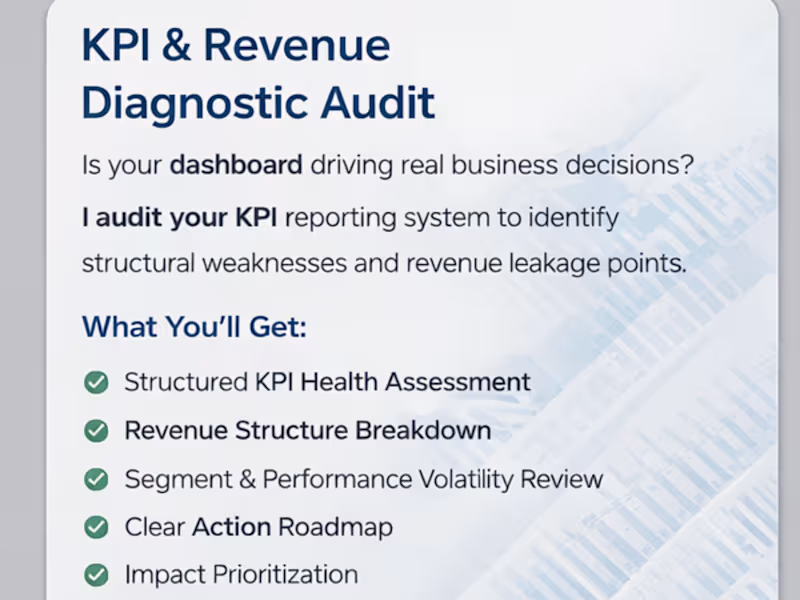
Most dashboards don’t have a visualization problem. They have a KPI problem. I’ve reviewed dozens of reporting systems recently and the pattern is consistent: Metrics are defined differently across sheets “Revenue” means one thing in finance and another in marketing KPIs are tracked… but not tied to decisions Dashboards look clean but don’t answer operational questions When metric logic isn’t aligned, teams don’t have a data problem. They have a decision problem. That’s why I’ve started offering a structured KPI & Revenue Diagnostic Audit — focused on: • Metric consistency • Reporting logic • Revenue driver alignment • Decision-readiness If you're building dashboards or scaling reporting systems, this layer matters more than design.
8
8
243
3
Most people think a spreadsheet and a dashboard are the same thing. They're not. A spreadsheet is where data lives. A dashboard is where decisions happen. The difference: Spreadsheet → raw, editable, flexible, built for input Dashboard → structured, visual, built for reading and decisions The mistake I see most often: People try to do both in the same sheet. The result? Decision makers see too much raw data Numbers get accidentally edited No one knows what to trust The fix is simple: Keep your data layer and your presentation layer separate. Raw data in one sheet. Dashboard in another. One is for building. One is for reading. When you separate them, updates become clean, mistakes become rare, and your reports actually get used. A spreadsheet stores your data. A dashboard tells its story.
2
3
66
3
Most spreadsheet problems are not Excel problems. They’re structure problems. I often see spreadsheets where: • formulas reference half the sheet • headers change across tabs • logic is embedded inside long nested formulas • no one knows where the numbers actually come from The result? Small updates quietly break the entire model. A simple structure solves most of this: Raw Data → Processing → Output → Documentation Raw data stays untouched. Processing handles the logic. Output shows only what decision-makers need. Documentation explains how metrics are calculated. Clean structure reduces fragility and makes updates predictable. Good spreadsheets aren't just about formulas. They’re about clear data flow and transparent logic.
3
3
134
8
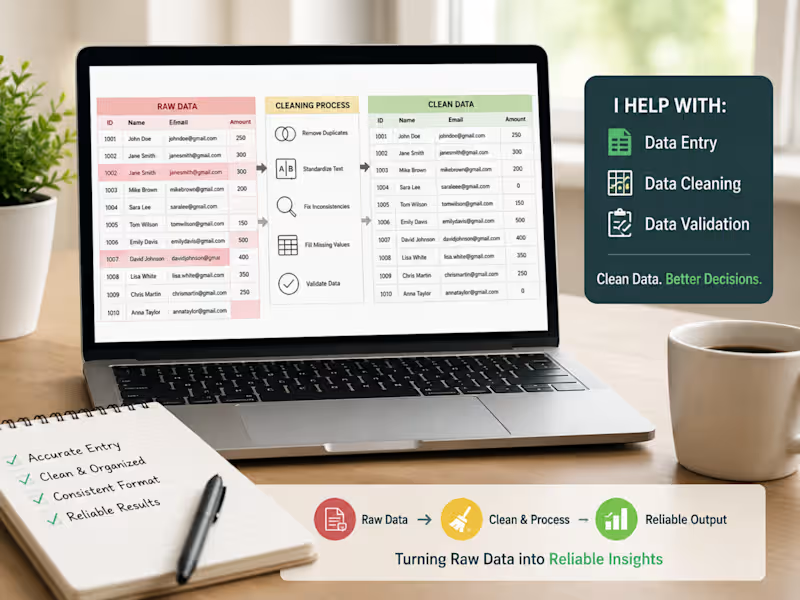
Most dashboards fail before they are even built. Not because of bad charts. Not because of wrong formulas. Because the data underneath is structurally broken. Here’s what I see often in small businesses: • Dates stored as text • Multiple columns for the same metric • Inconsistent naming (Revenue / Sales / Total Sales) • Manual copy-paste every week • No clear data flow Then they ask: “Why doesn’t this dashboard update properly?” A dashboard is just a mirror. If the data structure is messy, the reflection will be distorted. Before I build any report, I focus on 3 things: Standardized column logic Single source of truth Repeatable data flow (no manual dependency) Clean structure → Reliable metrics → Better decisions. If your reporting feels fragile, the issue usually isn’t Excel. It’s the foundation.
15
8
279
Product Data Analyst
(1)
Follow
Message
Vikas Devarakonda
Hyderabad, India
Fast & Precise 3D Design & Copywriting
Follow
Message
Fast & Precise 3D Design & Copywriting

0
Designing and Architecture.
0
0
0
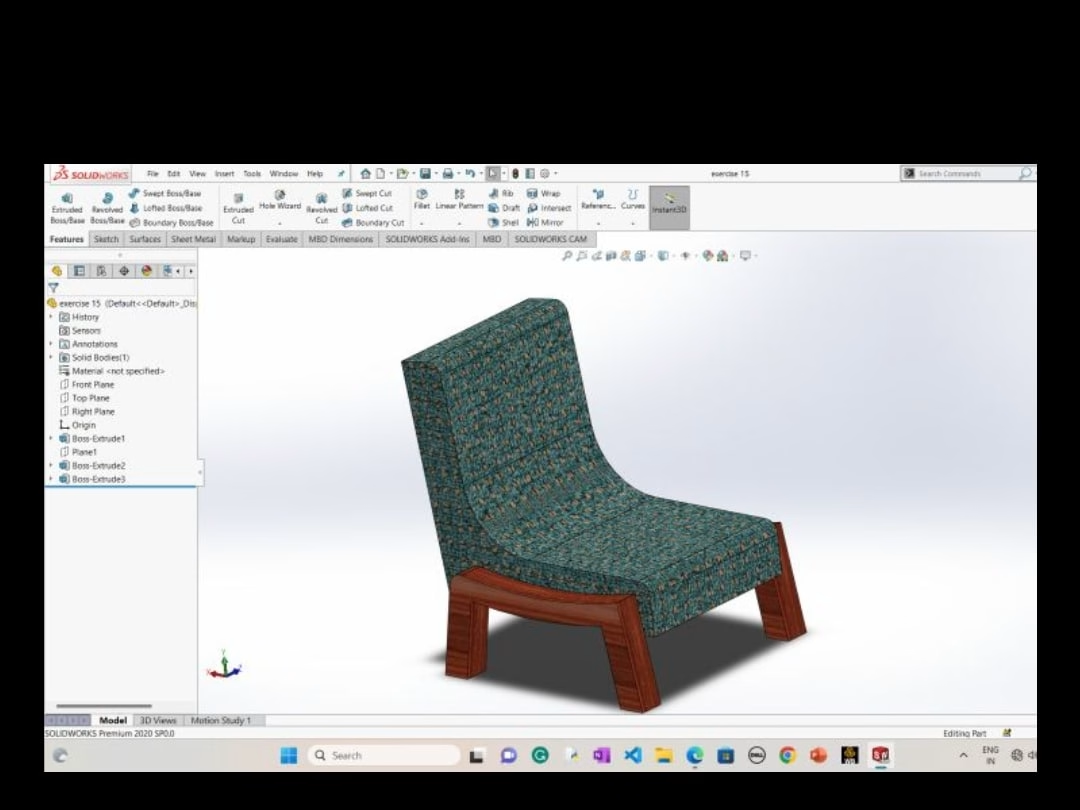
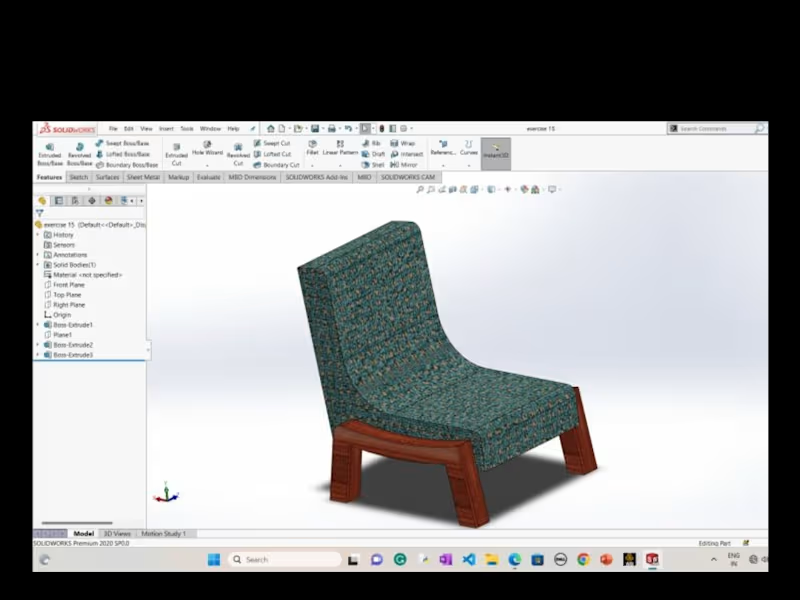
Designing using solid works
0
1
0
Website
0
1
View more →
Product Data Analyst
(1)
Follow
Message
Explore people