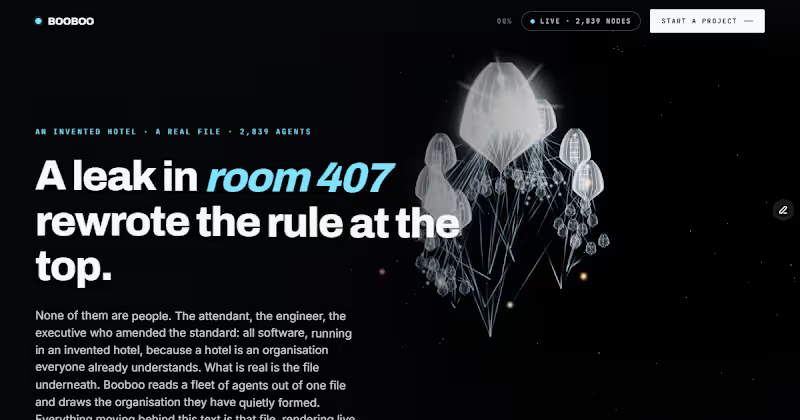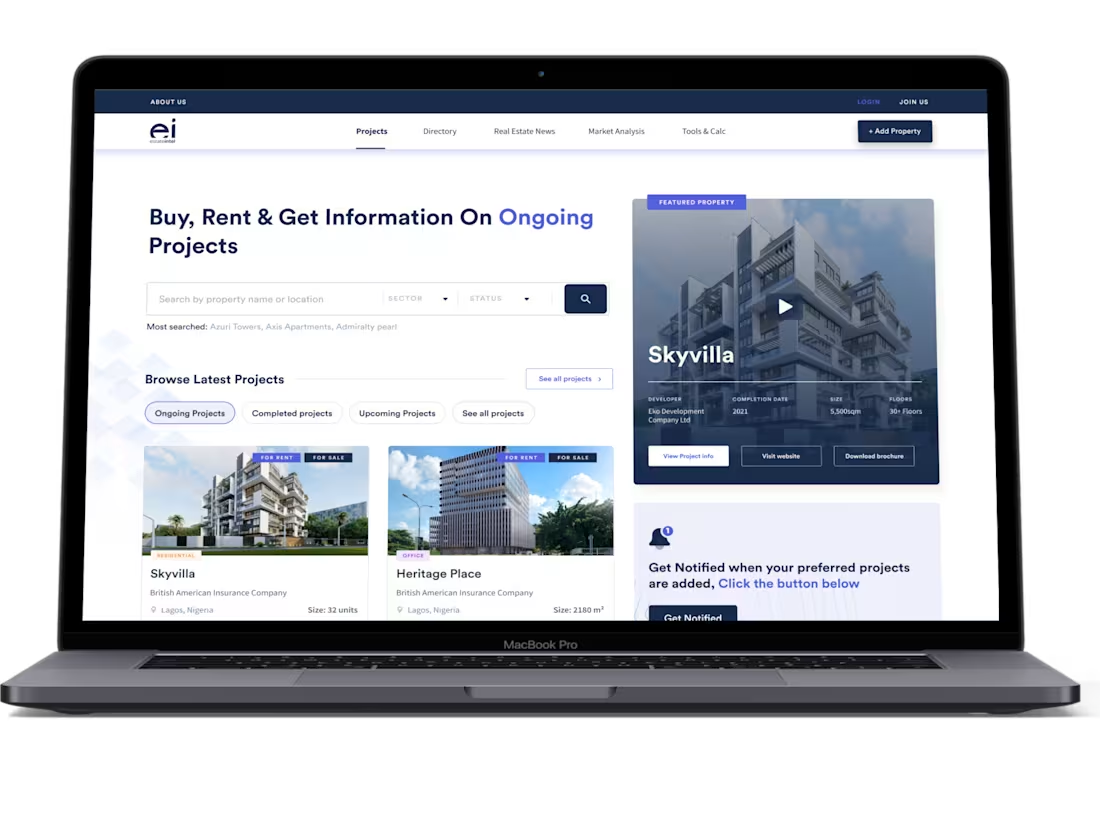

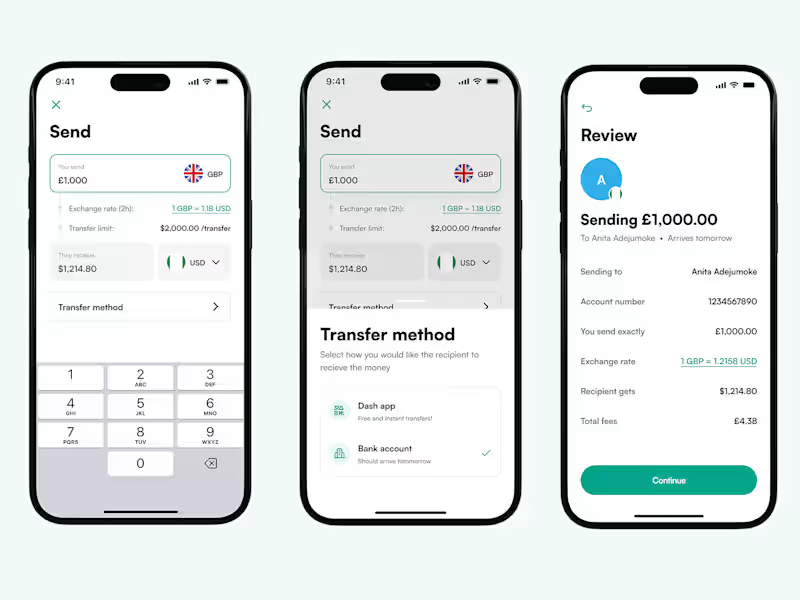
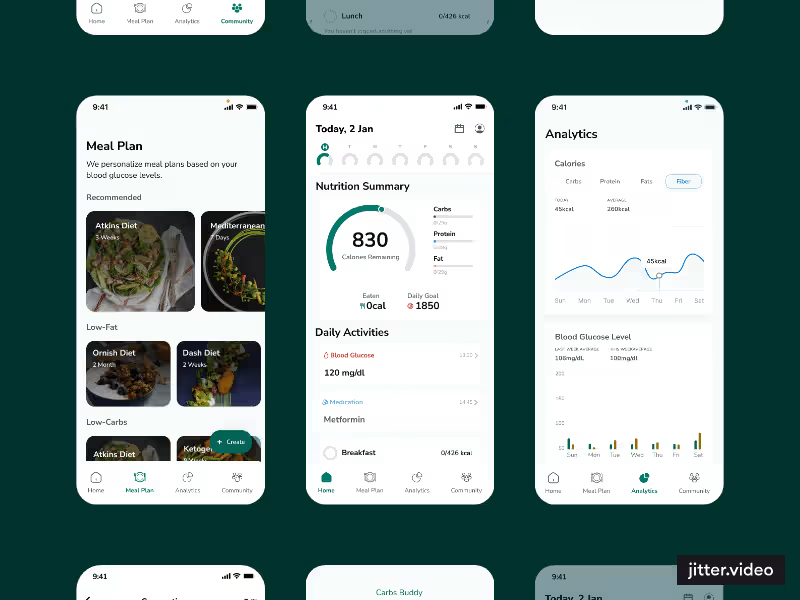
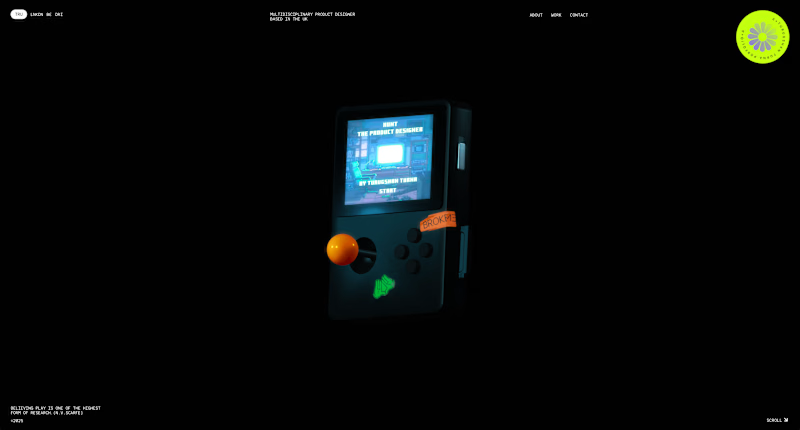
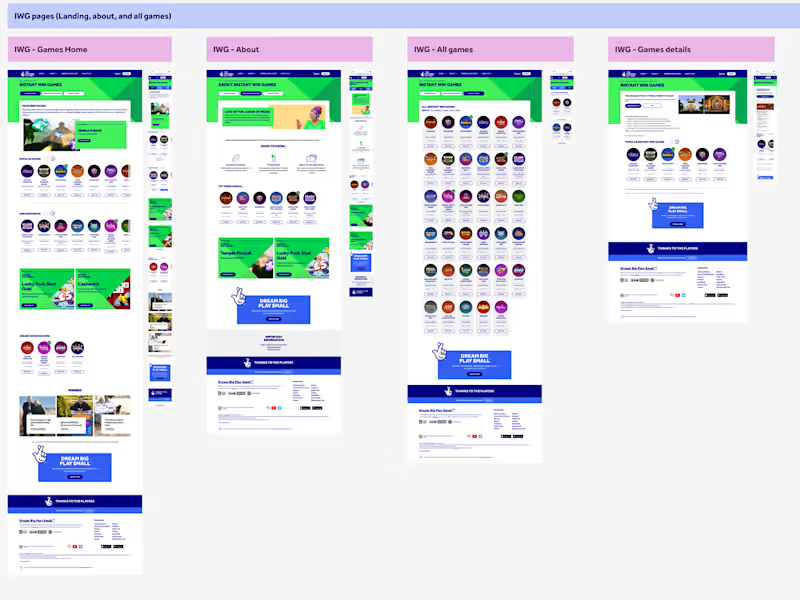
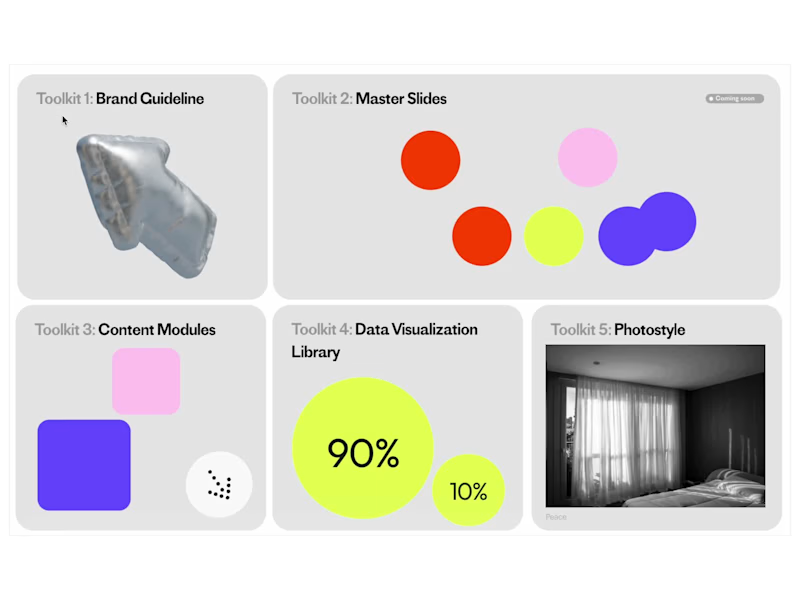
Playing with ReadyMag (https://readymag.com) this week ✨
The interactions and presets are actually insane — so many fun, cute effects you can build in seconds.
Honestly… kinda obsessed.
——
I’m currently trying to build an online modular presentation library for an in-house team using ReadyMag!
They’ll use it to create interactive presentation decks, and this is the index page for everything 👀✨
Try the interactions here: https://readymag.website/5948429
6
33
1.1K
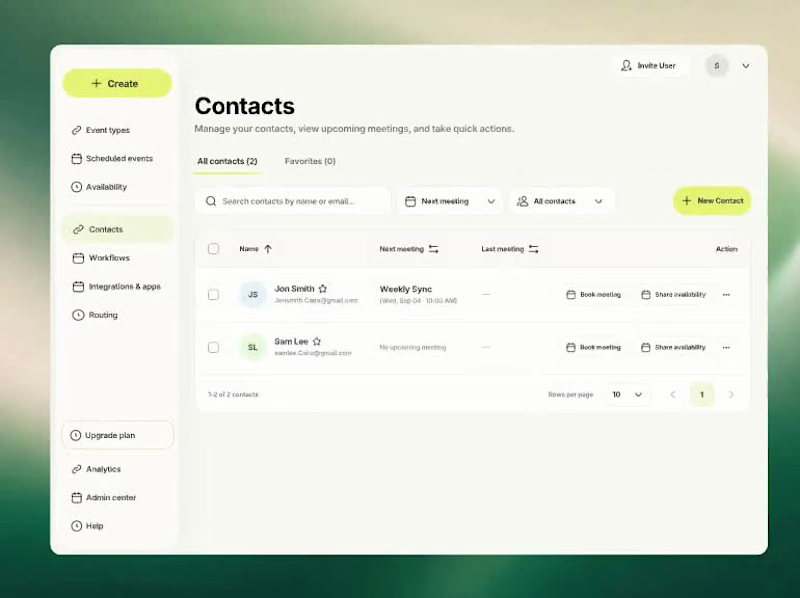
Behind the design: a SaaS meeting scheduling and contact management flow.
In this UX/UI design walkthrough, I explain the journey from selecting a contact to booking a meeting, choosing an event type and picking a calendar date. I point out the interface details that keep meeting history, duration, host information and preparation notes visible throughout the booking process.
My focus was interaction design, clear navigation and a booking experience that feels easy to follow. A closer look at my thinking behind dashboard UI design and meeting scheduling UX.
0
66
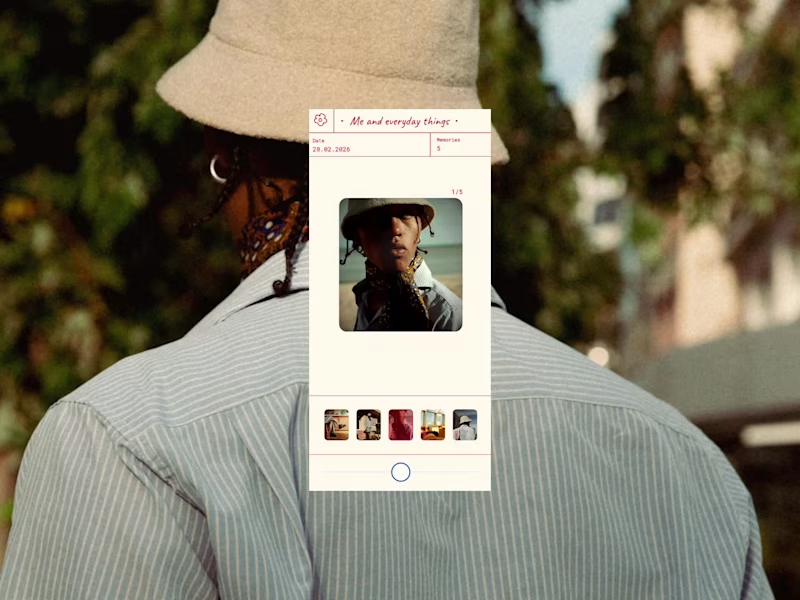
A photo viewer inspired by the classic 3D View‑Master.
I wanted to rethink how we look back at our memories on our phones, and bring back that slow, nostalgic feeling instead of the usual quick swipe through.
So I attempted to mimic the View‑Master lever, you press and pull the circle in either direction to switch images. Drag it right to move forward, drag it left to go back. I added the ability to move backwards (which you can’t do on the real thing) because it just felt more natural to give people that freedom. For the UI, I designed it to be clear and simple whilst allowing the image the user is viewing to be the main focus.
Designed by me in Figma, then built in Figma Make.
Play around with it here: https://unify-board-60898759.figma.site
6
32
707