
Bringing 3D Concepts to Life Efficiently

Academic research writer & editor for projects and journals.
Academic research writer & editor for projects and journals.
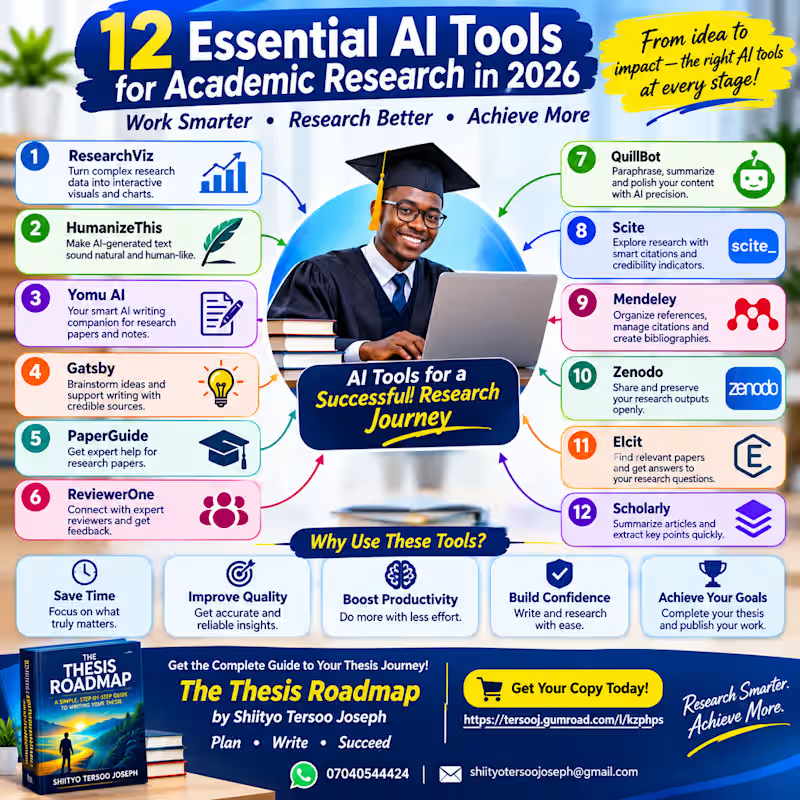
Make your academic research journey smarter and more productive with these 12 essential AI tools for academic research in 2026. From finding credible literature and managing references to improving academic writing and analysing research data, these tools can make a real difference.
📘 Need a complete guide to planning and writing your thesis? Get The Thesis Roadmap by Shiityo Tersoo Joseph.
🛒 Get your copy here: https://tersooj.gumroad.com/l/kzphps
#AcademicResearch #AIResearchTools #ThesisWriting #ResearchSupport #TheThesisRoadmap
0
34
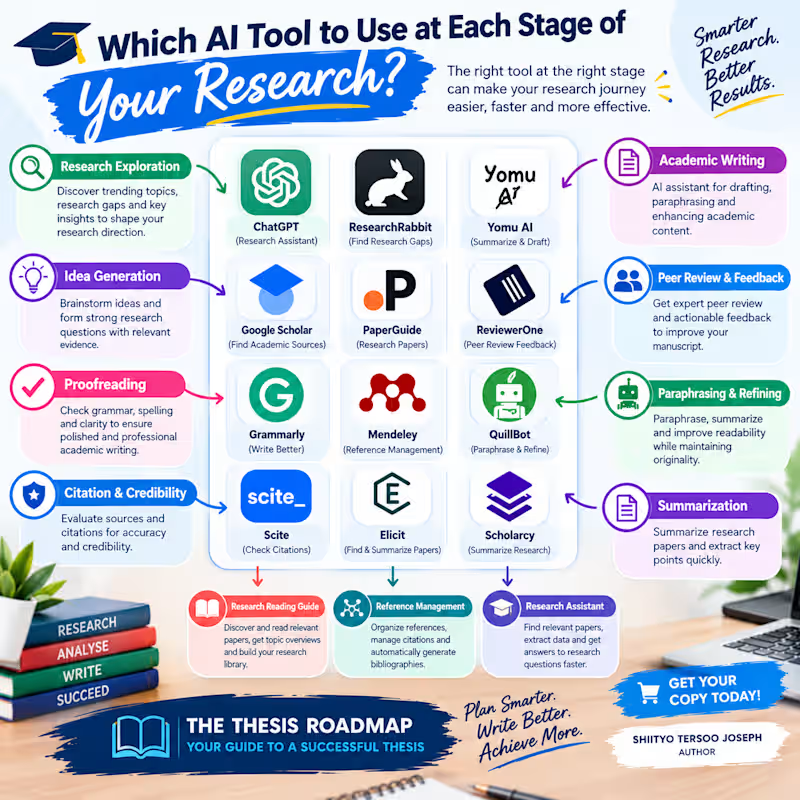

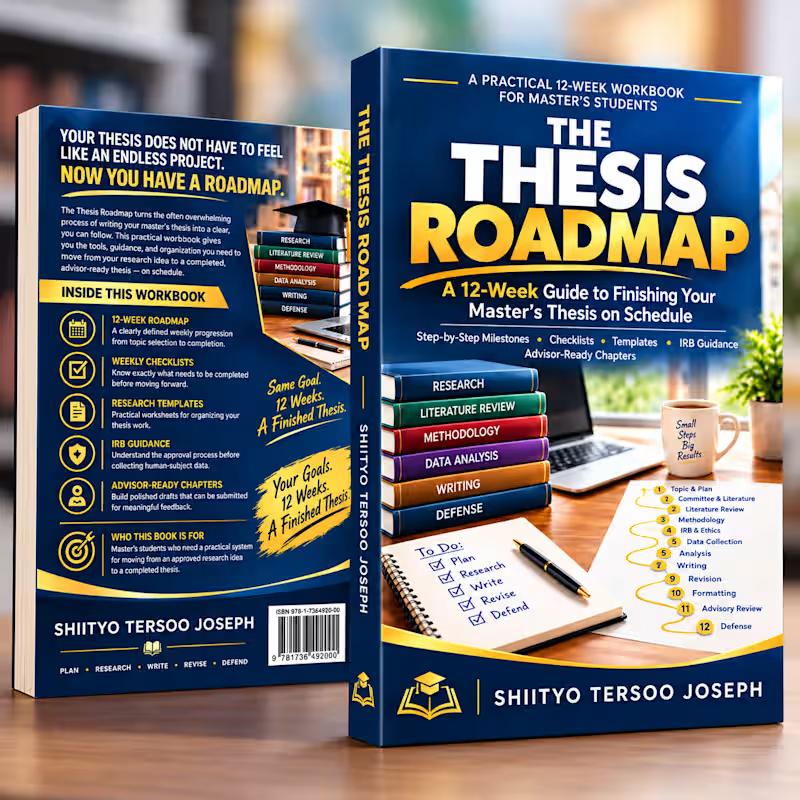
The Thesis Roadmap.
The Thesis Roadmap: A 12-Week Planning Guide for Your Master’s Thesis is a practical academic workbook developed to help master’s students organize, plan, and manage their thesis research from topic selection to final submission.
This project combines academic content development, research-planning tools, structured worksheets, and professional book cover design to create a practical resource for postgraduate researchers.
Key Features
12-Week Planning Framework: A flexible roadmap for organizing thesis milestones and research activities.
Practical Worksheets and Checklists: Tools for recording decisions, organizing evidence, tracking progress, and managing revisions.
Research Planning: Structured support for topic selection, literature review, methodology, and data analysis.
Research Ethics Guidance: Assistance with understanding relevant ethical review and permission requirements.
Writing and Defense Preparation: Resources for developing clear thesis chapters and preparing to communicate research confidently.
Explore the Thesis Roadmap here:
https://tersooj.gumroad.com/l/kzphps
Contact for Academic Writing and Publishing Services
Email: tersoojosepho6@gmail.com (mailto:tersoojosepho6@gmail.com)
1
36

3D Artist and Motion Designer

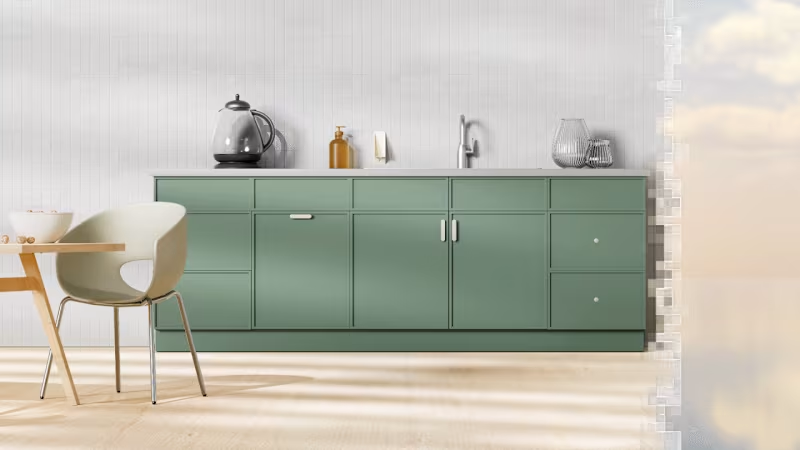
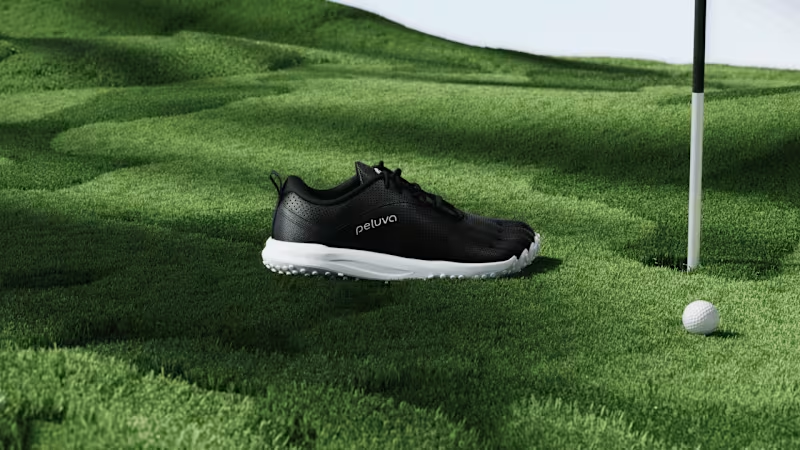

Brand Designer | UI Designer | 3D Designer
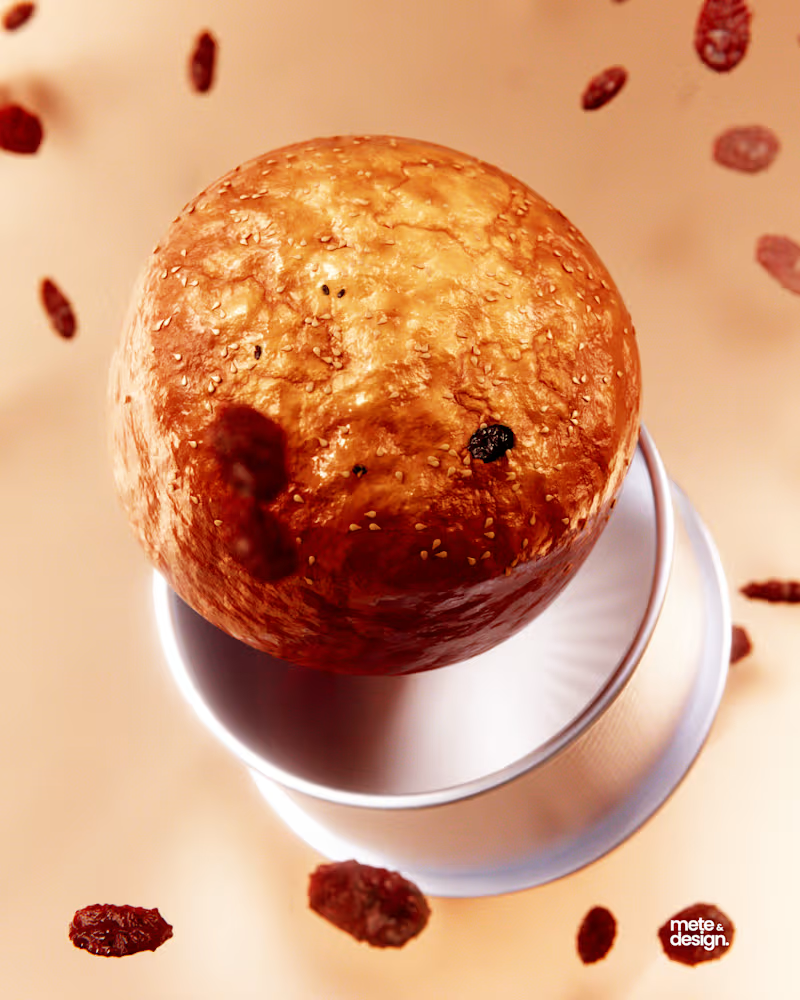
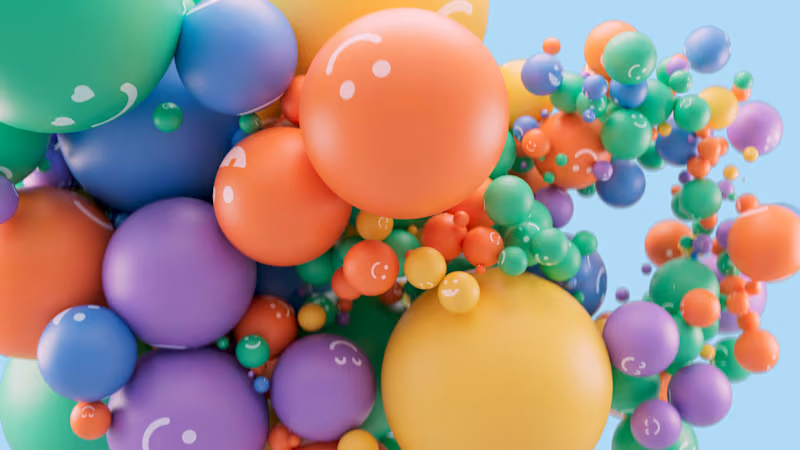
I just wrapped up this 3D muffin study, and the most interesting part wasn’t the modeling... it was the finishing.
I couldn’t get the raisins to fuse perfectly into the mesh inside Blender without overloading my PC, so I approached it like real production work: solve what you can in 3D, finish the rest in post.
1) Floating raisins done with curve guide + particle system
2) Fog glow, lens distortion, color balance and multiply in compositing
3) Two renders blended together for the best parts
4) Final realism added in Photoshop by painting contact shadows and color grading for warmth
They’re about knowing how to combine tools to get a believable final image.
I ended up trying some other effects like the frosty glass and dry brush paint effect, couldn't decide, so here they all are.
1
98
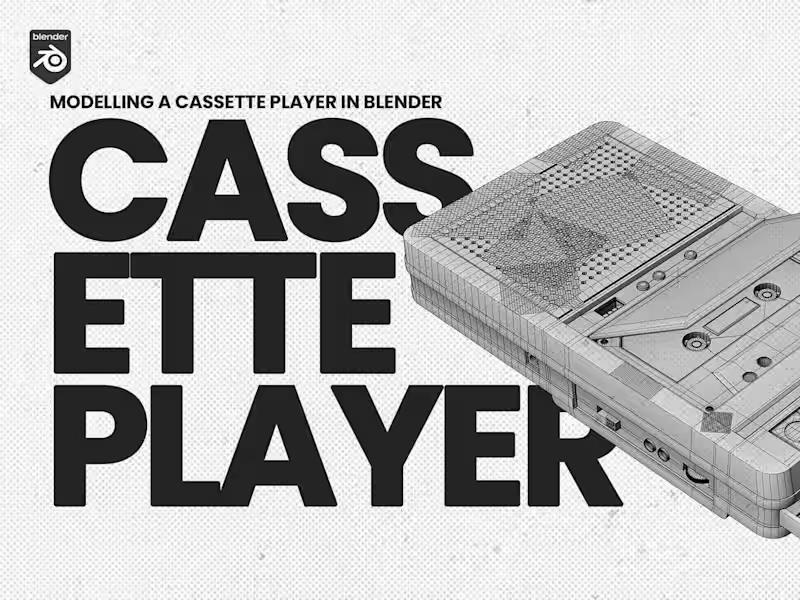
I just shared something a little different on YouTube.
Instead of a polished tutorial, I uploaded a 4-hour, real-time Blender modeling session of a cassette player... completely unedited and with no commentary.
You’ll see the full process:
mistakes, corrections, pauses, rethinking proportions, and figuring things out as they happen.
I left it this way intentionally to show what 3D modeling actually looks like behind the scenes. It’s rarely perfect, and that’s okay. What matters is the ability to adjust, learn, and keep going.
One of the beautiful things about 3D modeling is that there’s never just one “right” way to achieve a result. This is simply the approach I took, and others may reach the same outcome using entirely different techniques.
https://youtu.be/kcpYpSVcOCw
2
90

3D & Visual Design: Your Friendly Neighbourhood Creative.
- 1x
- Hired
- 5
- Followers
3D & Visual Design: Your Friendly Neighbourhood Creative.

3D Product Designer and Animator

UX, Product, UI Designer for Hire


UX, Product, UI Designer for Hire
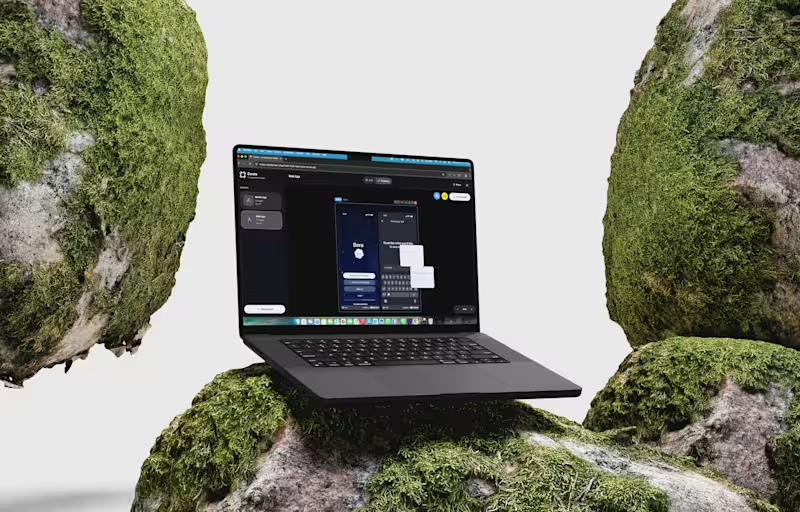
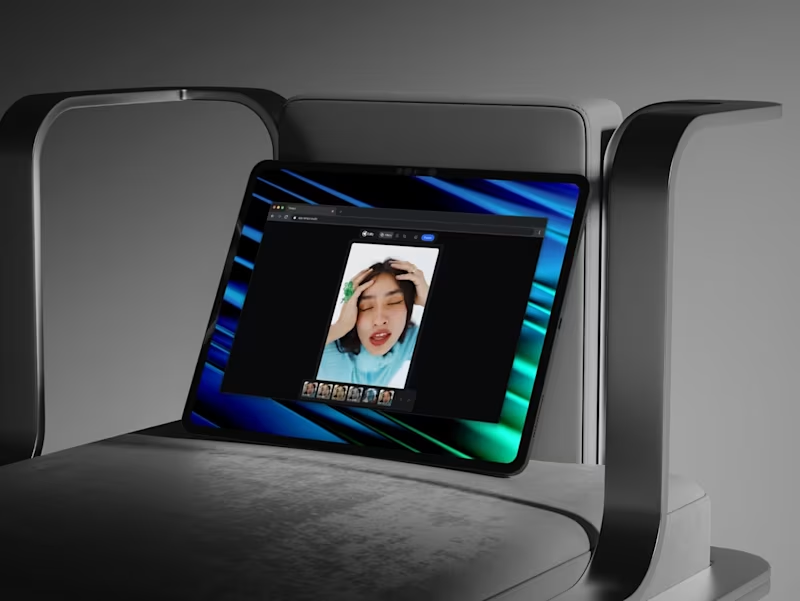

Framer Developer | Product Designer
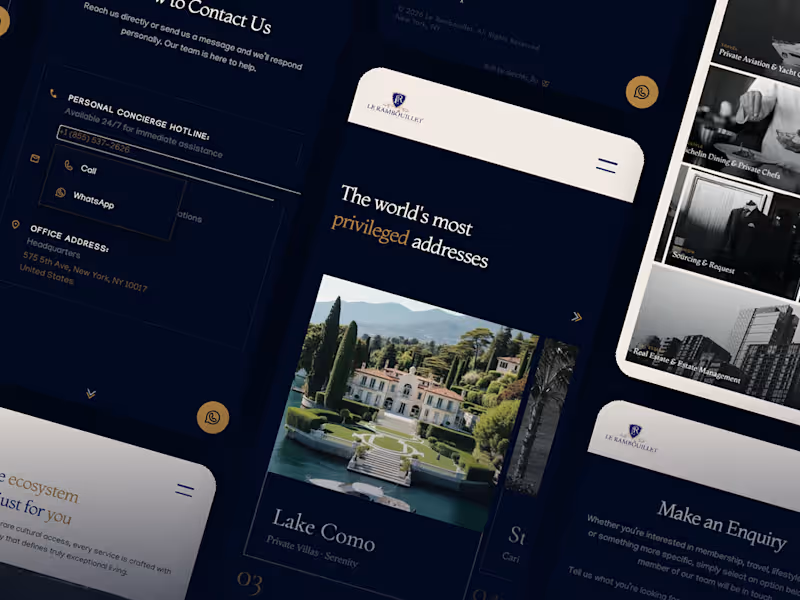
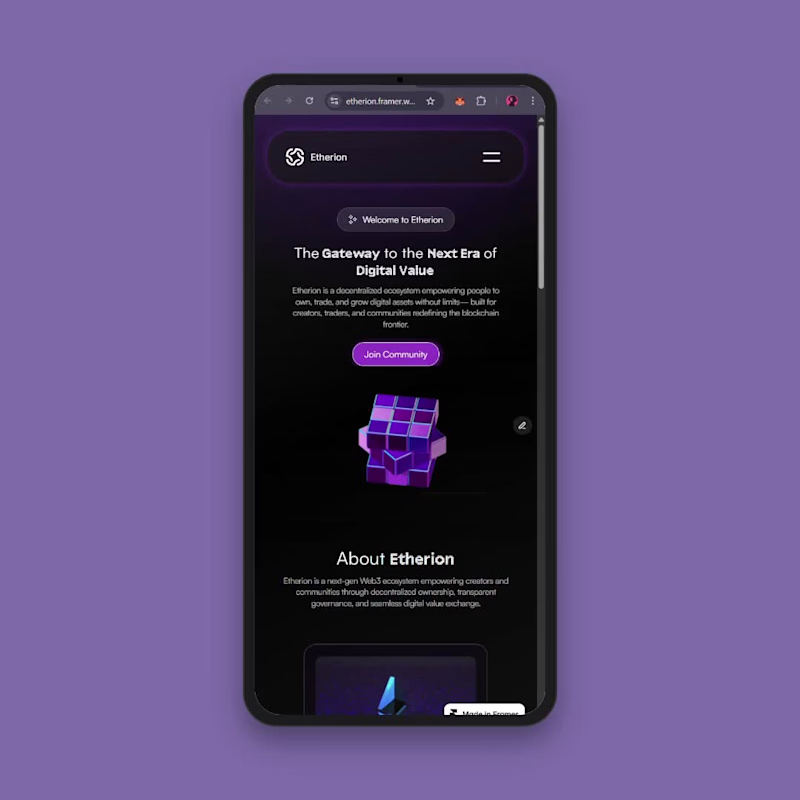
Figma (https://www.linkedin.com/company/figma/) x Framer (https://www.linkedin.com/company/framer/) x Spline
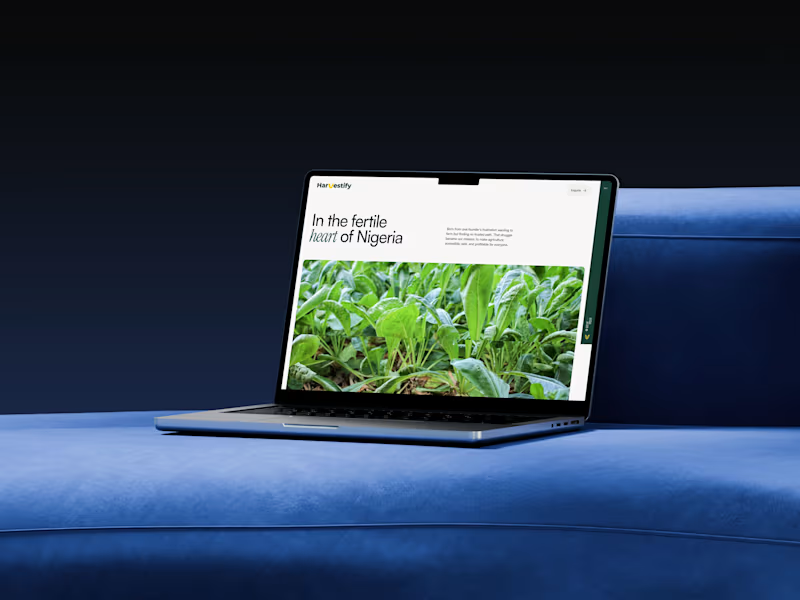
(https://www.linkedin.com/company/splinetool/)Have you heard this one? : "3D on the web is too heavy and breaks the UX."
I mean that is true but until you stop treating your design tools like separate islands and started treating them like an ecosystem.
When we bridge the gap between UI design, 3D modeling, and no-code development, we stop building sites and start building immersive environments.
For this mockup concept, a digital environment was designed to react to the user.
4
350
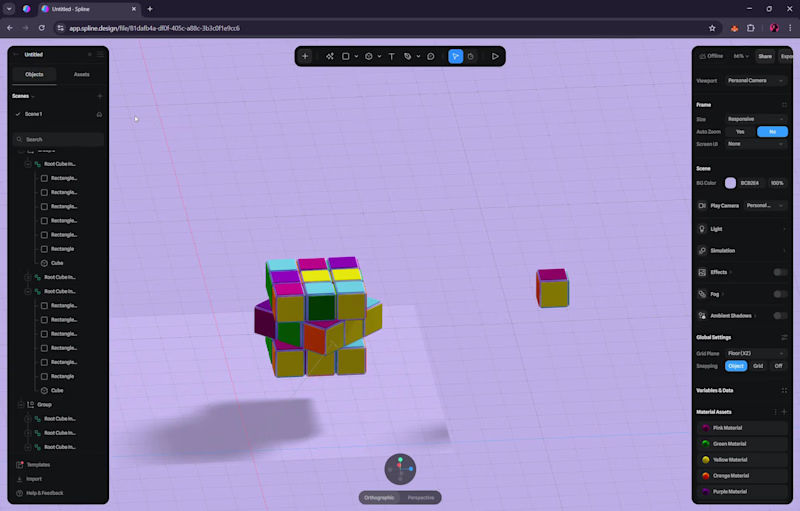
Swapping 2D grids for 3D depth this week. 📐✨
This week, I would be working on some immersive 3D visuals for a landing page that’s going to be a total game-changer.
There’s something special about making a web interface feel like a tangible space.
Excited to see this one come together! 🛠️
9
9
481
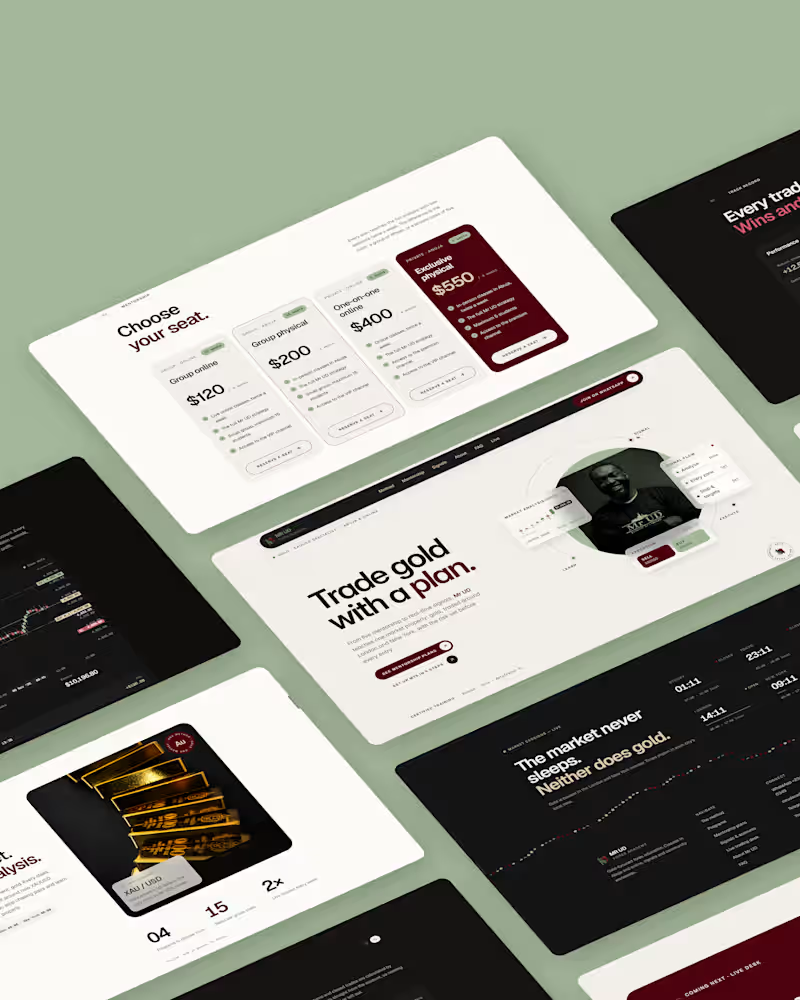
Built something different for Mr UD Forex Academy.
A website where students can watch their coach’s trades unfold in real time through an integrated MT5 trading mirror.
Built with Framer, Supabase and MetaApi, with TradingView charts bringing the trading activity to life.
A little more than a website. A practical digital experience.
https://mrudfx.framer.website/
1
1
87