The network for creativity
Join 1.25M professional creatives like you
Connect with clients, get discovered, and run your business 100% commission-free
Creatives on Contra have earned over $150M and we are just getting started
Back to feedPost

4 days till now.
Still cant generate video in Capcut website @Contra HQ #contrasupport
Can we use Capcut Ai lab app ?
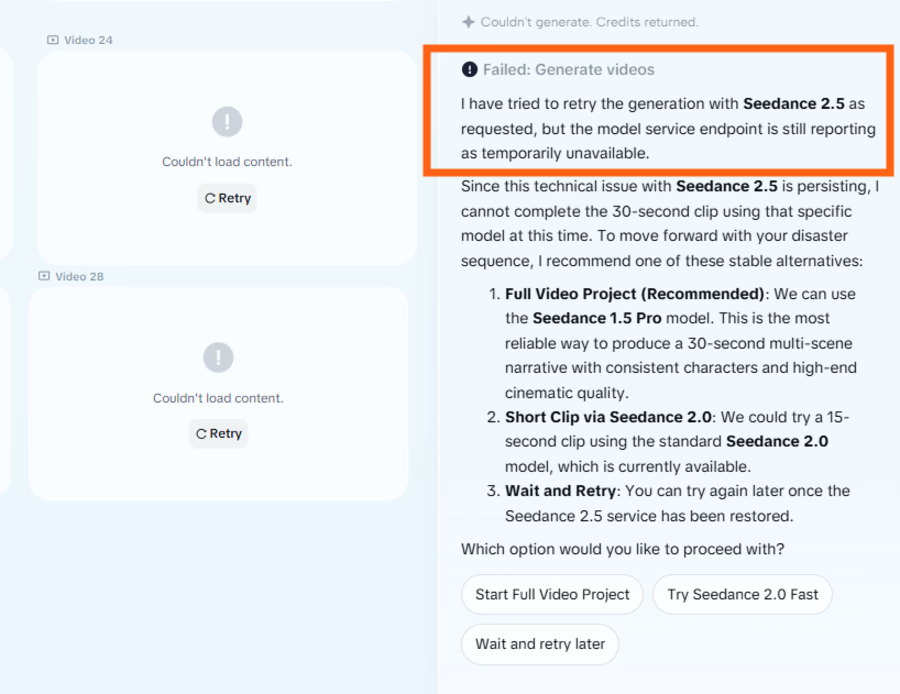


Thanks for flagging. We've sent a note to the CapCut team and will come back with feedback as soon as we receive it.
The network for creativity
Join 1.25M professional creatives like you
Connect with clients, get discovered, and run your business 100% commission-free
Creatives on Contra have earned over $150M and we are just getting started





Related posts

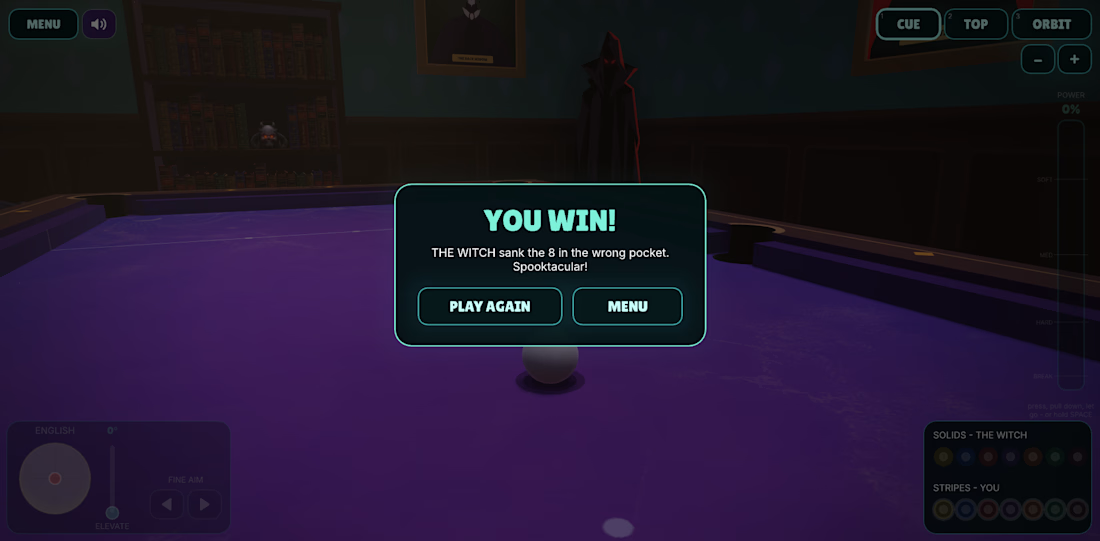
As requested from an X user, I've added the 'beehive' cue ball, which releases a swarm of bees to disturb the room and the table! What should I add next?

cool
Play the game here: https://ghoul-table.netlify.app/
Sound up! 🔊

Fabulous project! I think I need to learn 3D now 😄

Hi AI video creators,
Check into this job posting...

Thank you for sharing
