
Angelo Pacaanas
Ai creator and gaming
- 173
- Followers



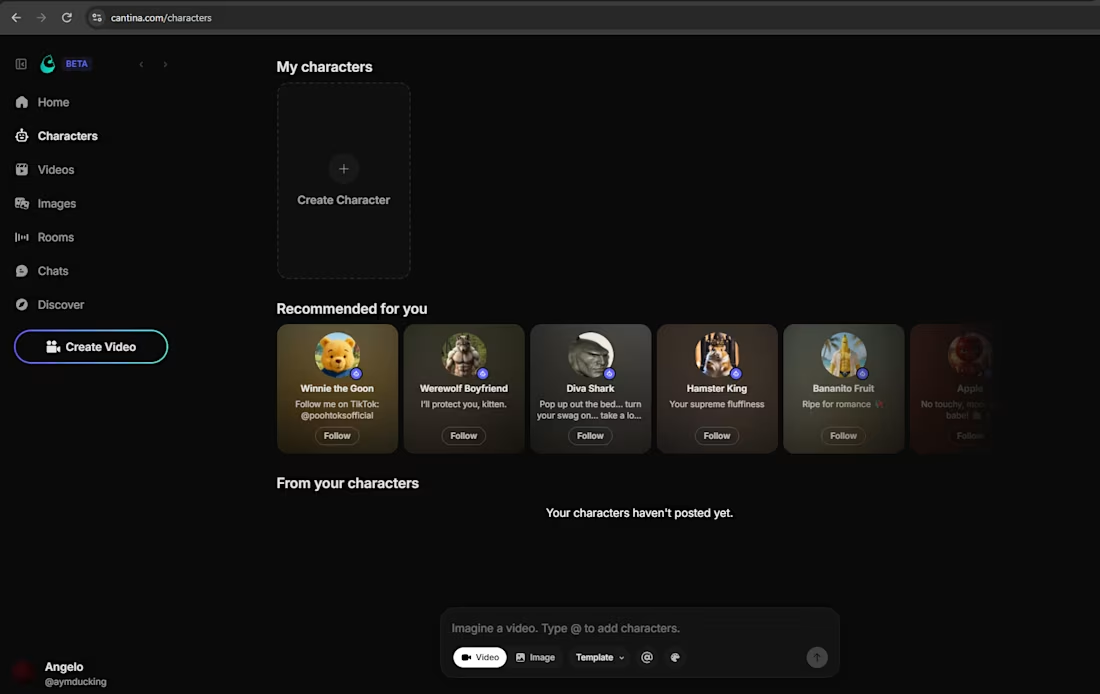
I have not receive any notification but i have already filled up the form.
Not sure if this is the page where we will make our character...
Teach me Cantina Ambassadors
1
3
554
I CREATED A PRODUCT WITH A MORE HUMAN DESIGN USING @Envato #envatochallenge
Instead of relying only on AI, I stepped outside to find inspiration in the real world.
I explored different places, captured my own photographs, studied colors, textures, shapes, and details, then combined those real-life elements into a single product design.
AI can generate images, but it can't replace the experience of discovering inspiration with your own eyes.
Every photo I took became a piece of the final creation, making the product feel authentic, personal, and impossible to recreate through prompts alone.
Envato Tools i used for creating this product:
🔥 Gen Ai
- ImageGen and Styles
- ImageEdit
- VideoGen and Preset
- MusicGen
- Mockup Gen
🔥 Stock
- Photo
- Videos
- Video templates
- Luts
- Music
- Sound Effects
- Fonts
#HumanByDesign #CreativeProcess #Design #AI
27
40
1.3K
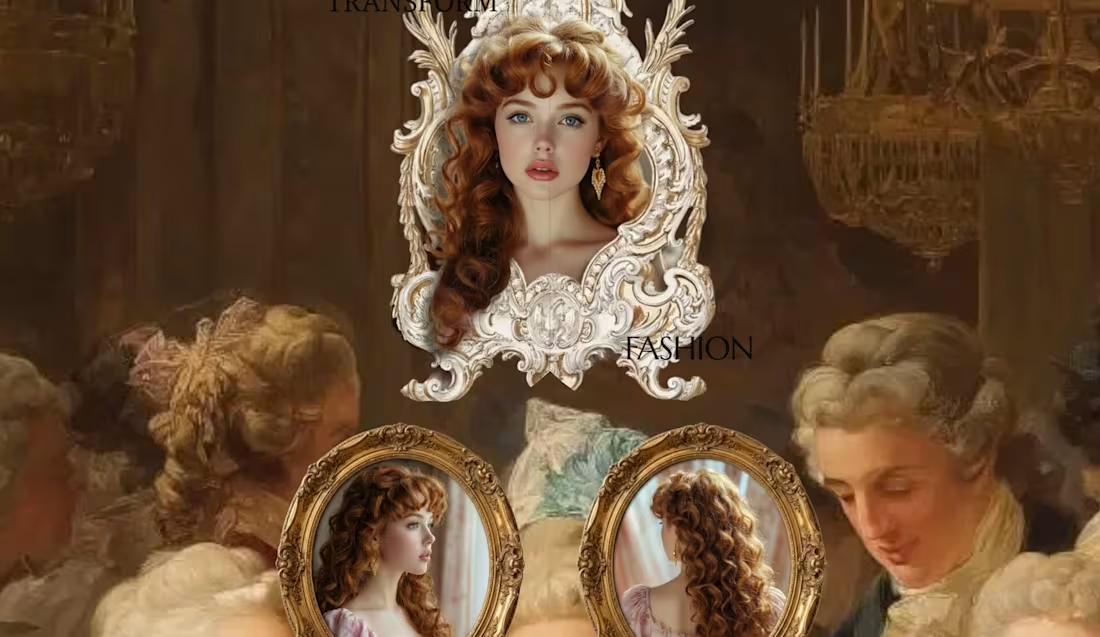
Here is entry for contra x Squarespace challenge.
I made a website called "Vellera" I was genuinely surprised by how smooth and intuitive it was to build a website with Squarespace. I expected to need custom code, but the platform made it easy to create a professional and interactive website using its built-in features.
My community loved the overall experience, especially the clean design and smooth navigation.
For this project, I used Block Animations and Block Transform to create engaging scroll effects, dynamic layouts, and interactive elements. These tools helped bring the design to life while keeping everything completely no-code.
Website: strawberry-viola-x7ax.squarespace.com
(https://strawberry-viola-x7ax.squarespace.com)Password: salon
Social post:
X: https://x.com/aymducking/status/2080532112940188149?s=20
Tiktok: https://www.tiktok.com/@aymducking_/video/7665823753703525655
Youtube: https://www.youtube.com/watch?v=jlOCnKG05ZE
(need to repost, there were no social link submission)
24
31
1.4K
WE INTERVIEW AND INTRODUCE OUR PRODUCT TO REAL LOCAL BARBERSHOP BUSINESS.
Yes! you read it right. We are confident with the product and show it to public.
Introducing - "StyleFlow" powered with Ai and built in @Base44
I made an website where it will help the Hair salon/Barbershop for fast bookings or Drop in with also help of Ai.
🚀 PROBLEM:
The problem i see there are no Rewards for loyal customers, Ai integration and in Drop-In customer have no idea how many are in queue.
🧠 IDEA:
Keep the app simple and focused on what matters: Smooth for booking, Drop-ins, and showcasing the barbershop's services.
When i go to barbershop i usually google what hairstyle i want so now in Styleflow you can do it before and the staffs will see details about the bookings/Drop-in (Upload images about the haircut)
For DROP-IN customers, StyleFlow displays the current queue and provides real-time updates, so they know how many people are ahead of them and when it's their turn. Customer can do book DROP IN even they are at home/anywhere.
━━━━━━━━━━━━━━━━━━━━
😊 Automation:
Reservations/Booking
Email notifications
Customer and owner support
Daily report
Find hairstyles
Check bookings
Ai business insights
Customers receive email confirmations and appointment reminders. Drop-in customers are also notified when their turn is approaching.
━━━━━━━━━━━━━━━━━━━━
🎉 STYFLOW FEATURES:
Email reminder
Fast booking
Drop in & Booking
Loyalty program with rewards
Image input
Ai booking
Ai hairstyle helper
Ai support
Ai owner support
Announcement
Tip/Bonus points
Revenue tracker
Staff settings
Salon owner settings
Waitlist
Google map
Dark and light mode
Customer history
Owner/staff Dashboard & settings
━━━━━━━━━━━━━━━━━━━━
🙌 BEFORE:
it was just a simple app/website where customer would Book Appointments, simple Ui design, show the Salon services and a bit help with Ai.
💯 AFTER:
Improve the Ui & UX design
Faster booking.
Add DROP IN feature.
More Automations and Ai.
Announcement banner.
Loyalty program.
Google map
Adjusted staff services
Settings
Improve the buttons
Add a bit color in background
VERSION:
Mobile and Desktop.
Live :https://styleflow-hub.base44.app/
Video below: Walkthrough, Before & after, Interview
37
59
4.6K