The network for creativity
Join 1.25M professional creatives like you
Connect with clients, get discovered, and run your business 100% commission-free
Creatives on Contra have earned over $150M and we are just getting started
Back to feedPost

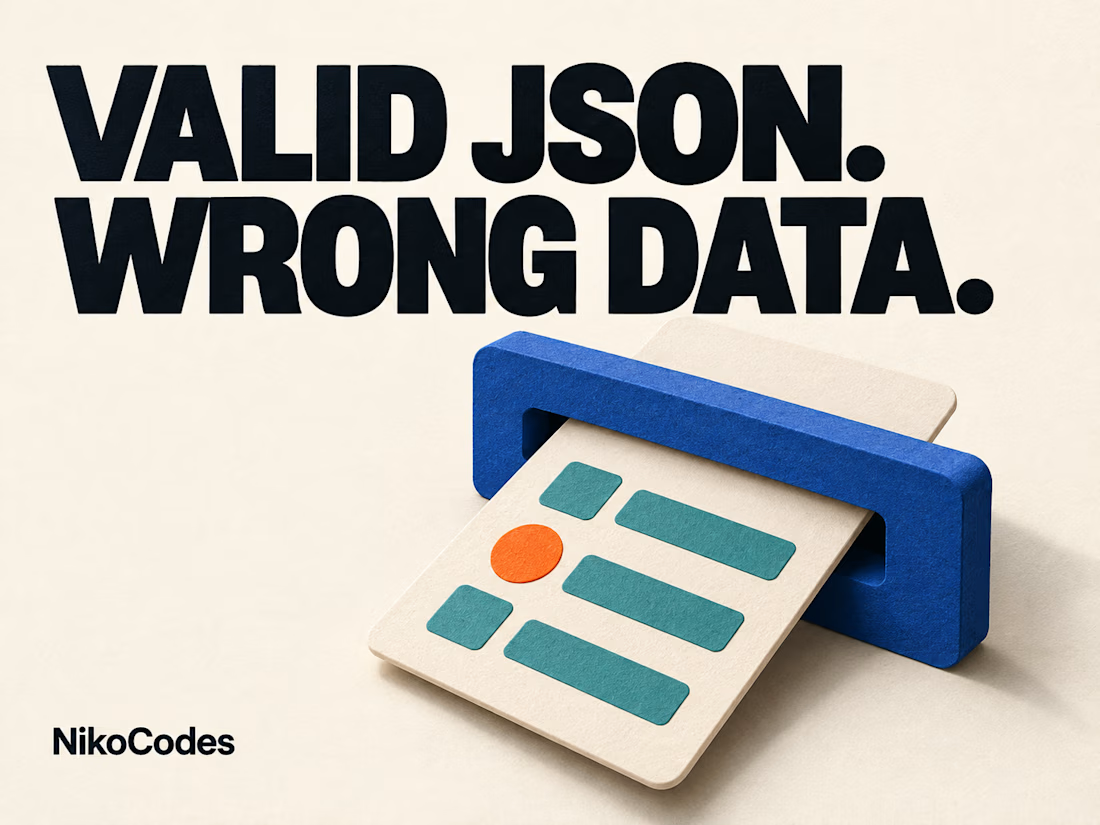
Valid JSON Can Still Be the Wrong Data
Your integration expects an email address and a company ID. The incoming message contains an empty email and a company ID in the wrong format.
The JSON can be perfectly valid. The application can also have passed its TypeScript checks before deployment.
Those facts answer different questions.
Parsing JSON establishes that the text has valid JSON syntax. A TypeScript interface describes the shape your code expects. Neither automatically establishes that this particular message contains the values your workflow needs.
A type assertion such as “treat this value as a Lead” does not add a runtime check. The actual incoming value still needs to be inspected before the application relies on it.
For a lead-import workflow, define the checks at the point where data enters:
• Are the required fields present, with the expected types and permitted values?
• Are external field names and formats mapped deliberately?
• Can the company reference be resolved to a record this integration is allowed to use?
• What happens to a record that cannot be accepted?
Keep that last decision visible. A rejected import should have a useful reason and a way for the responsible person to correct or resolve it. It should not quietly become a half-created customer record followed by a broken email sequence.
For QA, include a valid record, an empty required field, an unexpected value and an unknown company reference. Confirm the intended result for each before adding more downstream steps.
TypeScript is valuable inside the application. Runtime validation protects the boundary where another system sends information into it. They support different parts of the same integration.
I explain the distinction in TypeScript in Production:
https://typescriptinproduction.org/typescript-in-production-a-practical-introduction/
Projects and integration work:
https://nikocodes.com/

The network for creativity
Join 1.25M professional creatives like you
Connect with clients, get discovered, and run your business 100% commission-free
Creatives on Contra have earned over $150M and we are just getting started

Challenges
View all


Related posts

KampusVillage — AI Campus Marketplace.



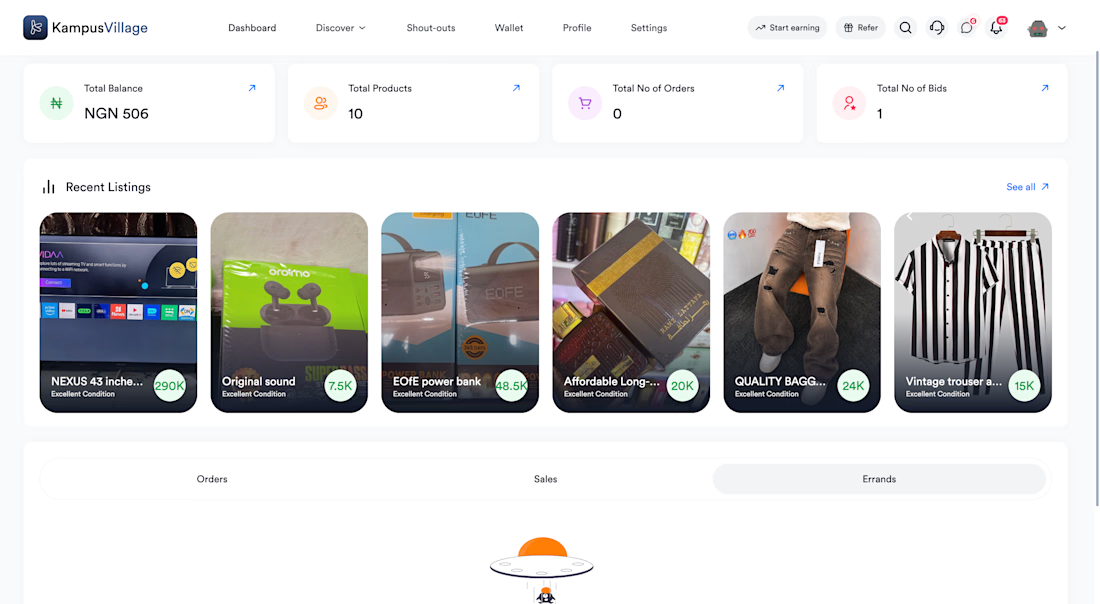



a campus marketplace with AI baked in is a fun niche, nice build 🔥

I’m building Paddy, a platform for finding verified rental homes in Ghana.
Every listing is reviewed before it goes live. The problem: a rejected landlord had no idea what went wrong, so they’d either give up or resubmit the same thing.
So now, before a reviewer can reject a listing, a dialog asks them for the reason. The landlord sees it on their dashboard and knows exactly what to fix.
Built with Next.js on a Django REST API. Code in the comments.

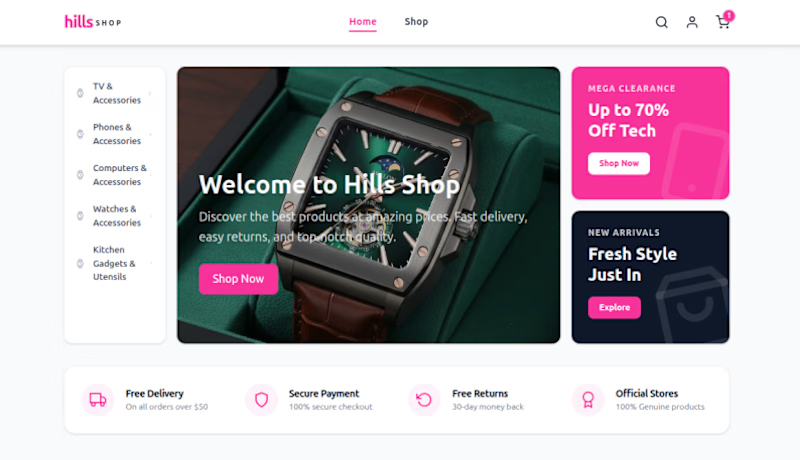
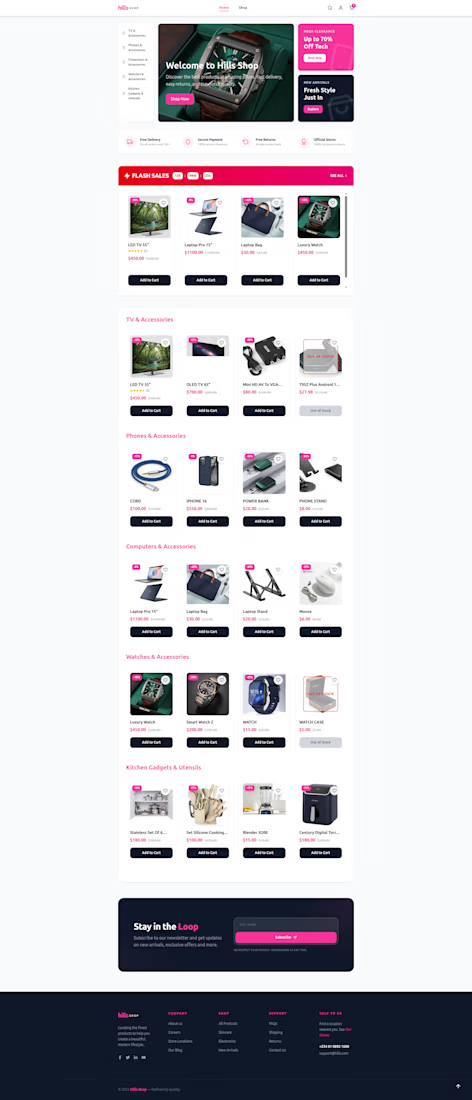
A look at how HillsShop came together:
Frontend: Next.js and Tailwind CSS for a fast, responsive storefront that works on mobile and desktop.
State: Redux managing the cart and app state, so [adding items, updating quantities, and the cart total] stay in sync across pages.
Backend: Supabase and PostgreSQL handling products, orders, and customer data, with a structured schema that's easy to extend as the catalog grows.
I'm available for freelance projects, custom e-commerce builds, and full-stack web apps. If you need an online store or a production-ready app, let's connect!