The network for creativity
Join 1.25M professional creatives like you
Connect with clients, get discovered, and run your business 100% commission-free
Creatives on Contra have earned over $150M and we are just getting started
Back to feedPost

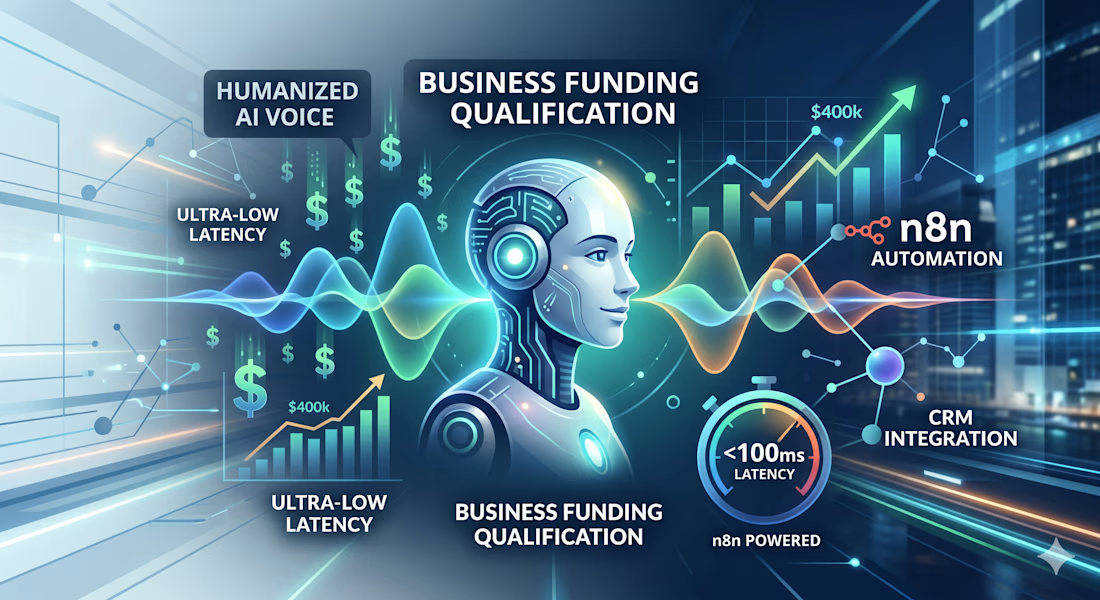
I built an AI voice agent that can pre-qualify $400k business loans, but for a week, it sounded like a database reading a grocery list. 🎙️
The problem? Variable Leakage. Instead of asking about equipment naturally, it would say: "I have equipment_cost noted as 400,000." Total conversion killer.
Here’s how I humanized the tech:
⚡ Speed is EQ: I moved the stack to Flash v2.5 to hit sub-100ms response times. In voice AI, latency kills the illusion of a real conversation. Speed = Trust.
🎭 Conversational Masking: I rewrote the logic so the AI confirms concepts, not data fields. It stopped "reading the code" and started "playing the character."
🧠 Keyword Intelligence: On the backend, I built an n8n pipeline that scans customer notes to automatically map leads to the right job type in the CRM. No more manual triage or duplicate "identity crisis" bugs.
The result is a self-healing lead engine that sounds human and keeps the CRM spotless. ⚡
#n8n #AIVoice #ElevenLabs #CRMAutomation #APIIntegration #BuildInPublic


The network for creativity
Join 1.25M professional creatives like you
Connect with clients, get discovered, and run your business 100% commission-free
Creatives on Contra have earned over $150M and we are just getting started



Related posts

Healthcare AI Agent – Reschedule Appointments by Voice
AI Healthcare Assistant — Turn On Sound for the Best Experience.
Movexa AI Assistant helps physiotherapy clinics reschedule patient appointments in seconds, by text or by voice, without leaving the dashboard.
THE PROBLEM
Rescheduling a single session in a busy clinic means checking the therapist's calendar, finding a free slot, updating the booking and remembering to notify the patient. Front desk staff and therapists repeat this many times a day across different tools, and missed reminders lead to no-shows.
THE SOLUTION – THE FLOW
Ask – Open the AI search (⌘K) or tap the mic and say: "Reschedule Tezah's session tomorrow to 4 PM and remind her."
Understand – Voice mode transcribes live and shows exactly what the AI understood.
Check – Movexa checks the therapist's calendar and finds that 4:00 PM is free.
Confirm – The AI never acts silently. It shows a clear action card (patient, old time, new time, therapist, reminder) to confirm, edit or cancel.
Done – The appointment moves, the patient gets an SMS + app reminder, and the change is logged with one-tap Undo.
THE RESULT
A task that took several clicks and calls now takes one sentence, while the clinic team stays in full control of every action.


Quote Follow-Up Automation for HVAC & Plumbing
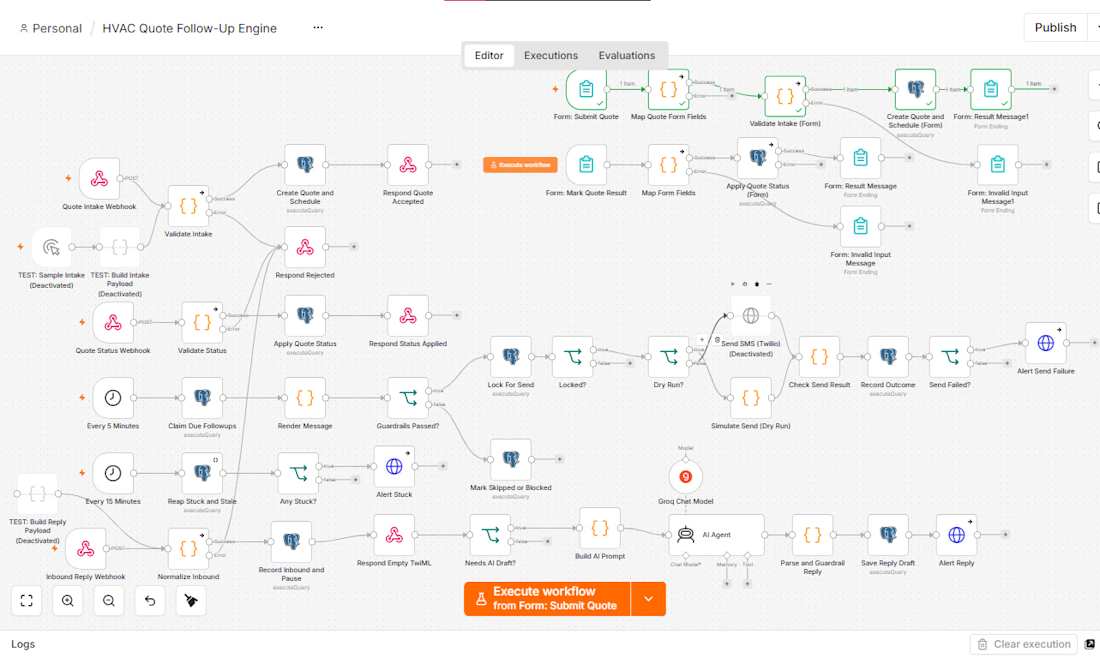
Most home-service quotes don’t get rejected, they just go quiet. I built a system that follows up on them automatically.
What it does
Takes each quote through a simple form
Schedules up to 8 timed texts over 30 days
Stops instantly on a reply, a STOP, or a booked/lost update
Uses AI to draft replies to objections, with a human approving every one
Built with safety first
No duplicate texts, even when processes overlap
Only contractor-approved wording is sent
Texts go out only during local business hours
Opt-outs are honored immediately
Stack: n8n, Postgres, Groq, Docker, Twilio
Status: built and tested end to end, ready to pilot.
I build automation systems like this for service businesses. Message me if you’d like one for yours😊 .



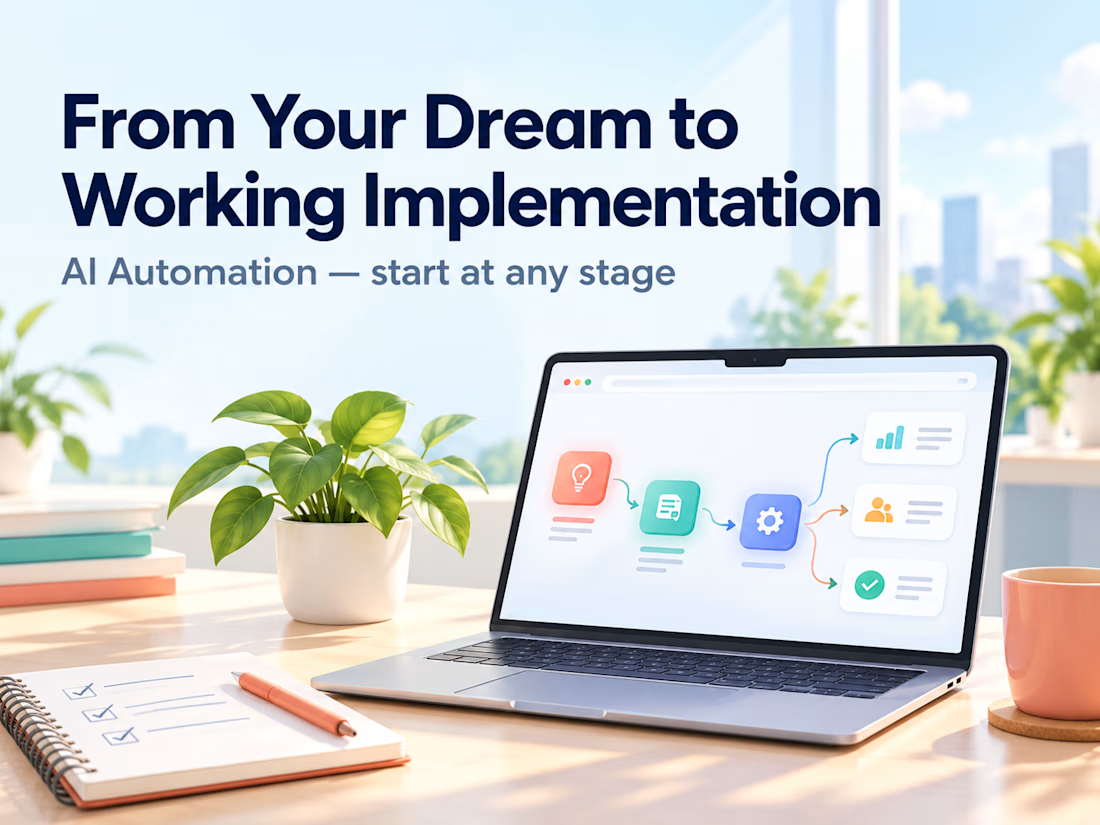
Clients often start with the same request: "Let's build an AI agent."
My counter-question is always: which manual process actually costs you time, errors, or money right now?
My selection rule: remove it first. If it can't be removed, simplify it. If it's still needed, automate it with a plain script. Only then add an integration or an agent. Often the best result is the process that no longer exists.
Safe automation means real scenarios, error handling, and alerts. Without alerts, a workflow can silently lose data for weeks. I always define what stays with a human and what goes to the system.
Question for you: which process would you automate first, and why is it still manual?
Service for audit and implementation: https://contra.com/s/BmWLbgFU-ai-automation-from-your-dream-to-working-implementation?r=auto_booster