The network for creativity
Join 1.25M professional creatives like you
Connect with clients, get discovered, and run your business 100% commission-free
Creatives on Contra have earned over $150M and we are just getting started
Back to feedPost

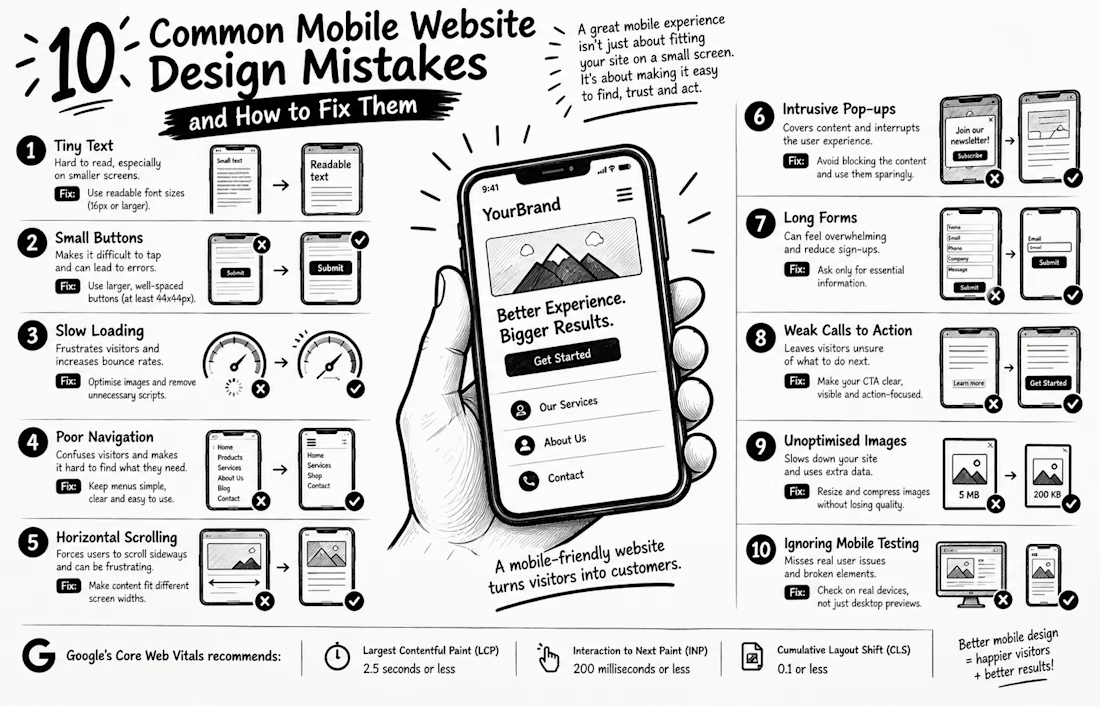
10 Common Mobile Website Design Mistakes and How to Fix Them
Your website may look perfect on a computer but frustrate visitors on their phones. And that matters: Google uses the mobile version of your website for indexing and ranking.
Here are 10 mistakes to check:
1. Tiny text Use readable font sizes.
2. Small buttons Make taps easy and comfortable.
3. Slow loading Optimise images and remove unnecessary scripts.
4. Poor navigation Keep menus simple and clear.
5. Horizontal scrolling Make content fit different screen widths.
6. Intrusive pop-ups Avoid covering the content visitors came to see.
7. Long forms Ask only for essential information.
8. Weak calls to action Make the next step obvious.
9. Unoptimised images Resize and compress images without sacrificing quality.
10. Ignoring mobile testing Check real devices, not just desktop previews.
Here's a fact worth remembering: Google recommends a Largest Contentful Paint (LCP) of 2.5 seconds or less, an Interaction to Next Paint (INP) of 200 milliseconds or less, and a Cumulative Layout Shift (CLS) of 0.1 or less for a good user experience.
A mobile-friendly website isn't simply one that fits a small screen. It should help visitors find information, trust your business, and take action with ease.
Question: Which of these mistakes have you noticed on a business website recently?
#WordPress #WebDesign #MobileUX #WebsiteTips #WooCommerce


The network for creativity
Join 1.25M professional creatives like you
Connect with clients, get discovered, and run your business 100% commission-free
Creatives on Contra have earned over $150M and we are just getting started



Related posts


New project: a film-first website for Portugal Media Productions, an award-winning film and photography team whose work includes David Beckham for Haig Club. Built in Framer on our Nova Quinn template, with headlines over full-screen footage, a moving client logo strip, and a site the team now edits on their own.
The full case study is on my profile.


Build with Framer?


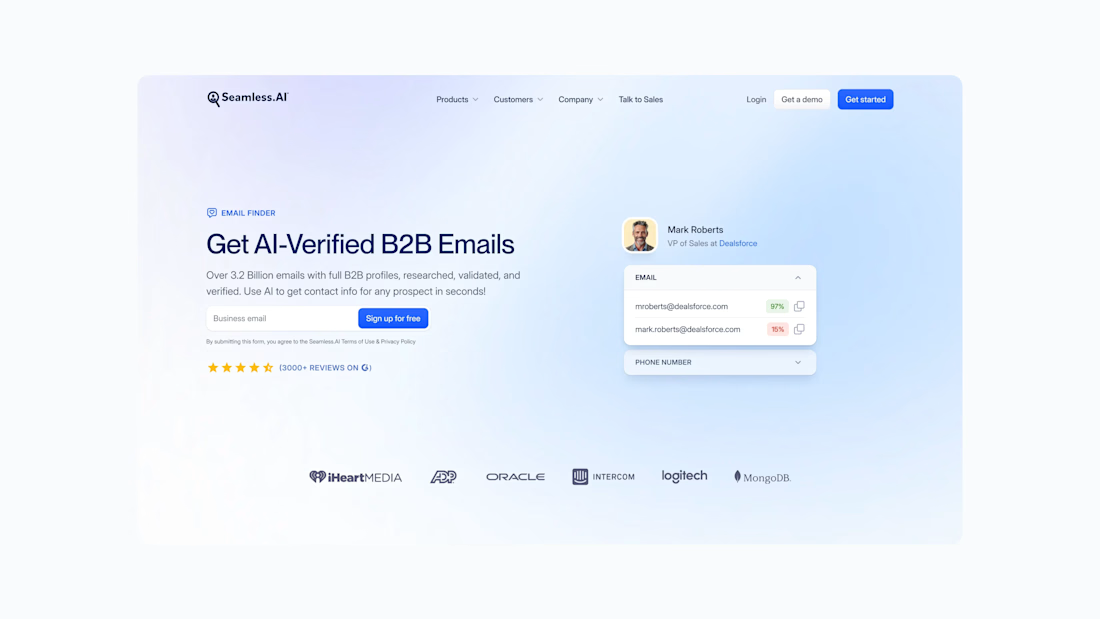

Nice work

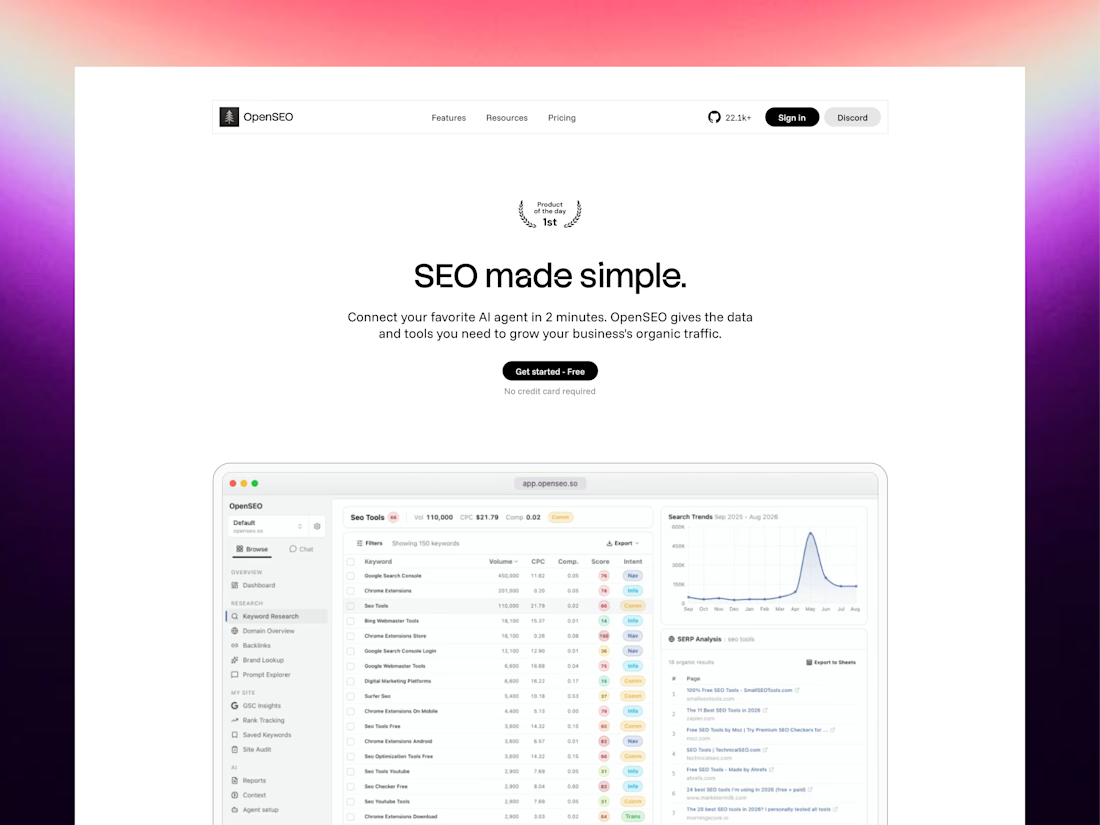
Bad website UX is the invisible tax on your marketing budget.
If your site is confusing, slow, or outdated, you are actively paying to drive customers straight to your competitors.
Invest in design. Frictionless journeys = effortless growth.

Need a website that looks good, is easy to use, and actually explains your product well? That’s what I do.
Check out my designs, research, and case studies at riteshh.com
Got a project in mind? Let’s work together!
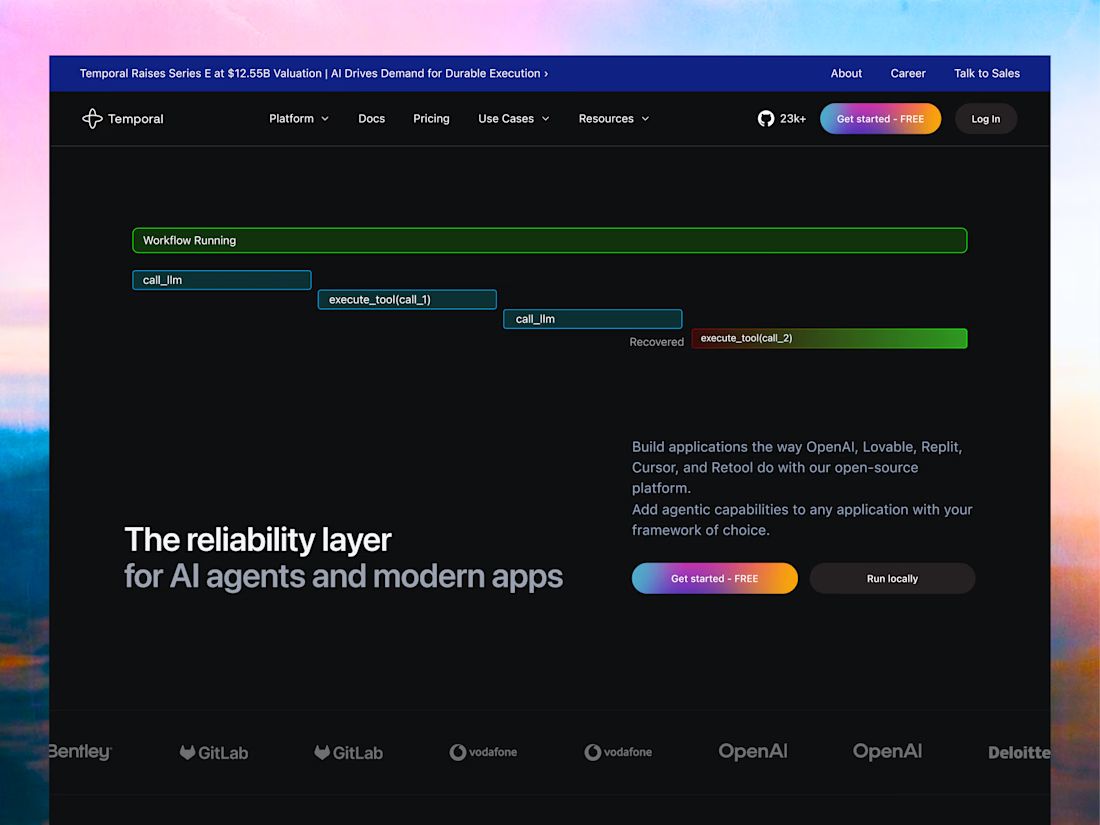

A useful way to prioritise the fixes is to separate page views, CTA clicks and completed actions. If people click through but never finish the form or checkout, the first screen may not be the main problem. Pairing those signals with a manual mobile test gives the redesign a clearer starting point.

