The network for creativity
Join 1.25M professional creatives like you
Connect with clients, get discovered, and run your business 100% commission-free
Creatives on Contra have earned over $150M and we are just getting started
Back to feedPost

How to update the PHP version in WordPress without breaking the site: what I check before and after.
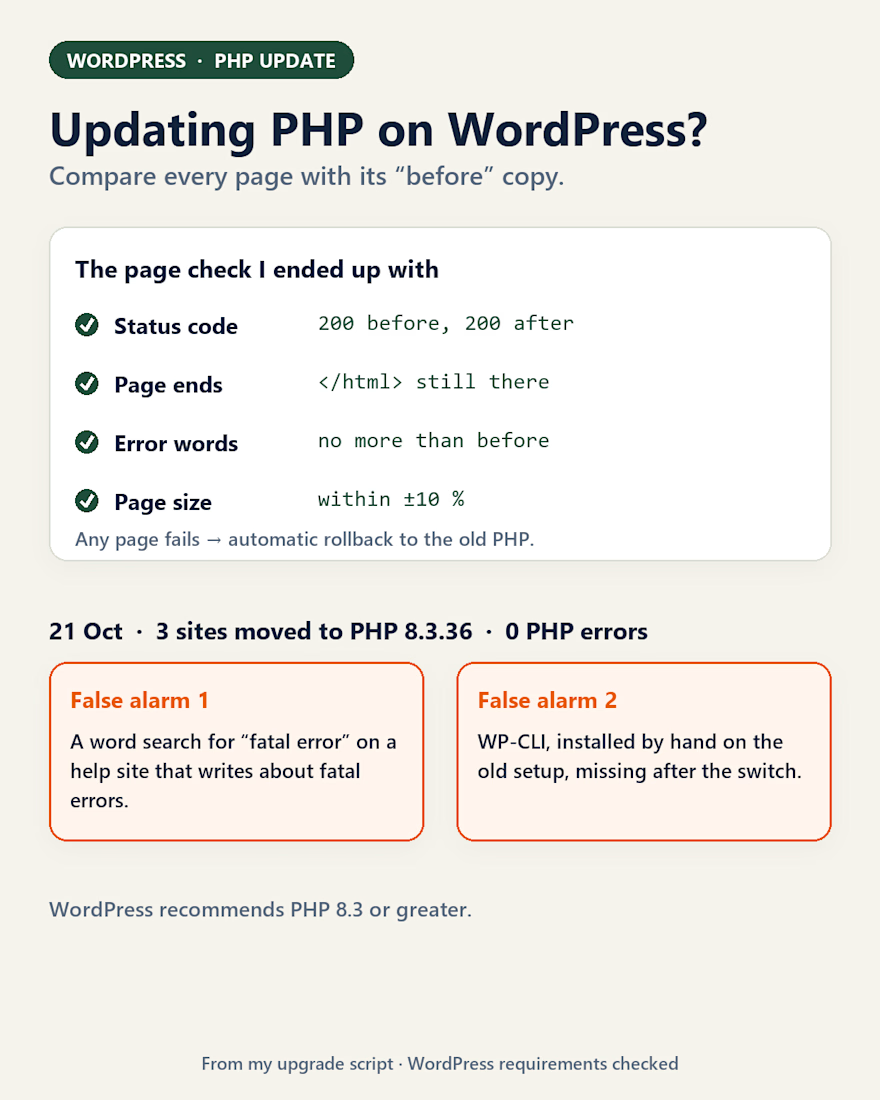
On 21 October, PHP 8.3.36 shipped a critical security fix, and I moved the three WordPress sites I run (two shops and a help site) to it the same evening. Zero PHP errors at the end, but two false alarms on the way, and both taught me something.
Before you switch
• Check what WordPress recommends: its requirements page says PHP 8.3 or greater, and its compatibility table marks 8.3 and 8.4 as supported from WordPress 6.7.
• Back up the database and files, and make sure you can switch back. If your host lets you pick the PHP version, note which one you're on now.
• Save a "before" copy of your key pages: home, shop, a product, cart, checkout. Status code, page size, and whether the page ends properly.
After you switch
• Compare each page with its "before" copy. Don't just search the page for "error": my help site talks about "fatal error" and "critical error" on purpose, and a word search rolled it back for nothing.
• Think about anything installed by hand on the old setup. Mine was WP-CLI: it wasn't in the new container, my check depended on it, and the store was rolled back while it was working fine.
• Check the PHP error log afterwards. Deprecation notices from older plugins usually go there, not to the page.
Which plugin gave you trouble on your last PHP update?


The network for creativity
Join 1.25M professional creatives like you
Connect with clients, get discovered, and run your business 100% commission-free
Creatives on Contra have earned over $150M and we are just getting started



Related posts

How to Set Up Your First WooCommerce Products Step by Step
Your first WooCommerce product doesn’t need to be complicated but it shouldn’t look unfinished either. A product page is where a curious visitor decides whether your offer is worth buying.
Here’s a simple step-by-step setup:
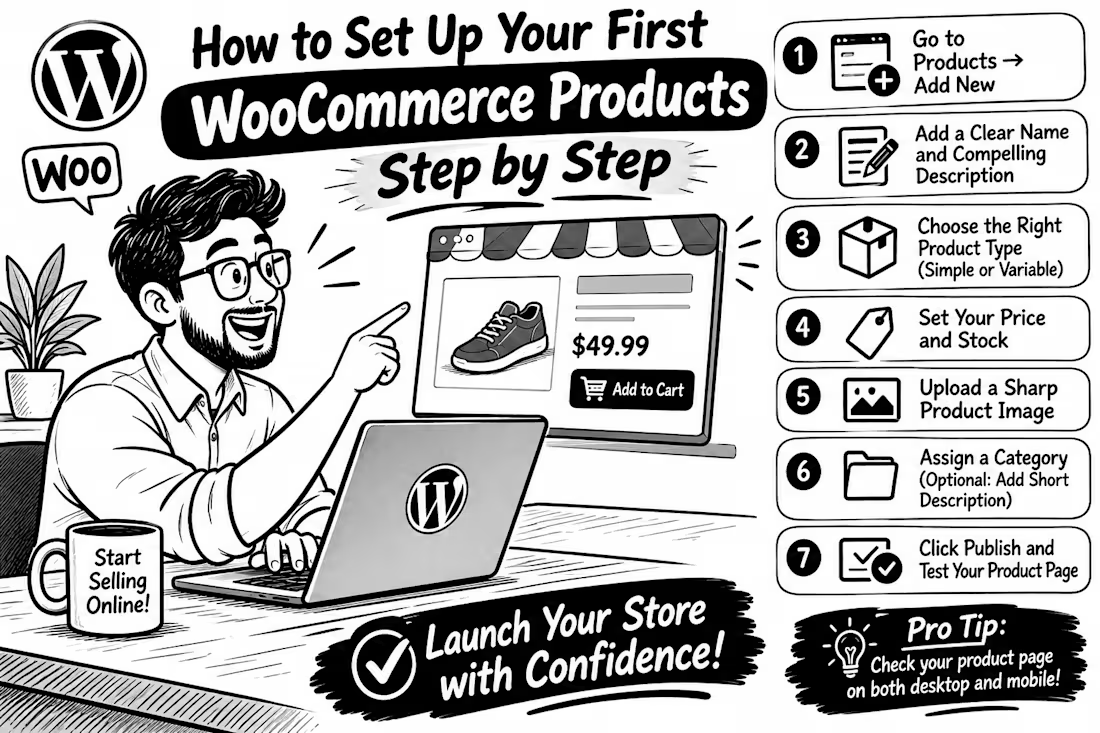
1️⃣ In your WordPress dashboard, go to Products → Add New.
2️⃣ Give the product a clear name and write a description that explains its benefits, key details, and who it’s for.
3️⃣ Choose the right product type: Simple for a single item, or Variable if customers select options such as size or colour.
4️⃣ Add your regular price and, if relevant, a sale price. Set stock status or quantity if you track inventory.
5️⃣ Upload a sharp product image and add gallery photos showing useful angles or details.
6️⃣ Assign a relevant category so shoppers can find it easily. Add a short description if your layout displays one.
7️⃣ Click Publish, then open the product page and check it on both desktop and mobile.
Don’t stop at “product published.” Make sure the price, images, options, and Add to Cart button are clear and working.
💬 What’s the hardest part of adding your first product writing the description, choosing images, or setting up variations?


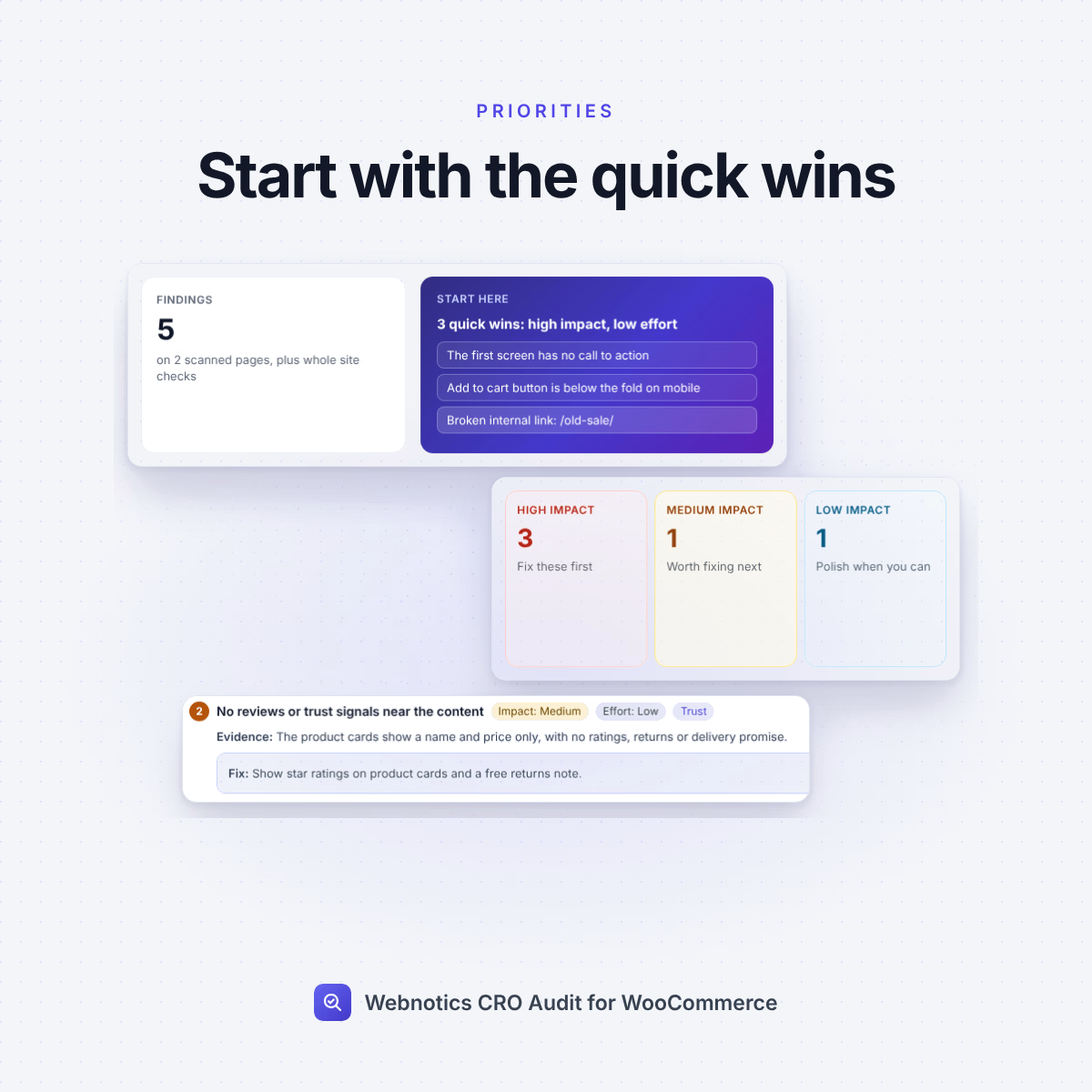
Most WooCommerce stores don't lose sales because of traffic. They lose them on pages nobody has looked at with fresh eyes in months.
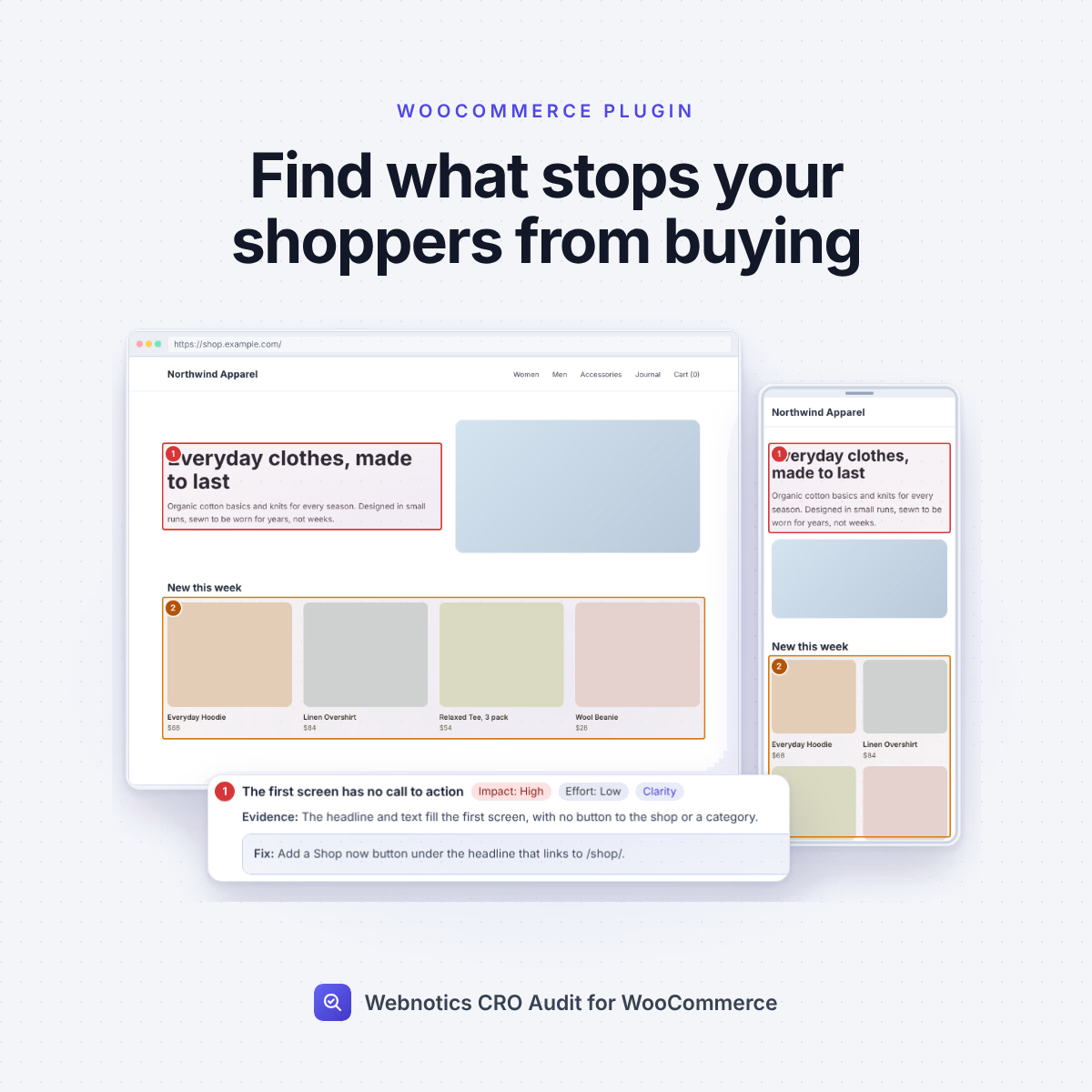
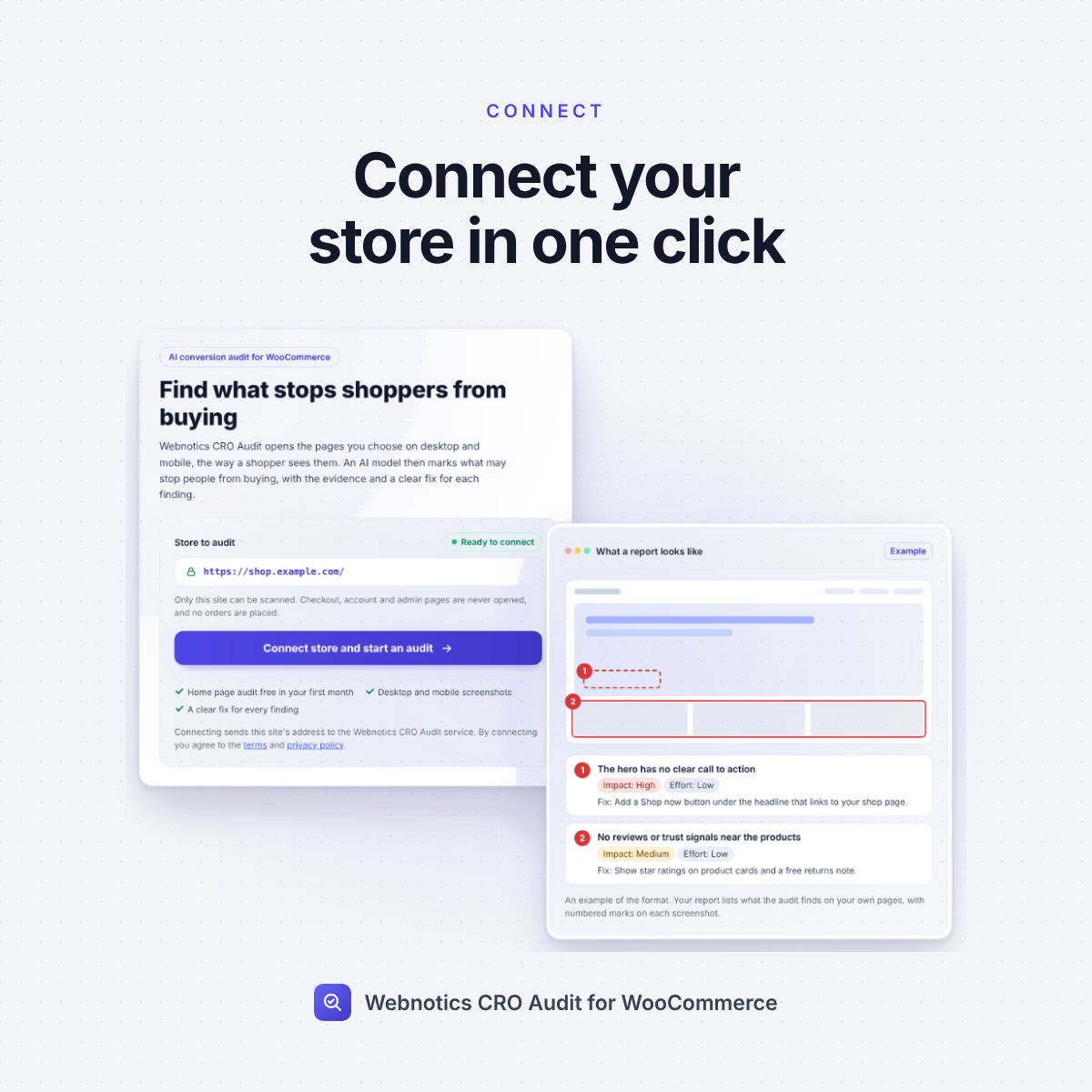
So I built Webnotics CRO Audit for WooCommerce, a free plugin now live on WordPress.org.
You choose the pages, it scans them the way a shopper sees them on desktop and mobile, and lists what may stop people from buying. Every finding comes with the evidence, its likely impact, the effort to fix it and a clear fix, marked on the screenshot.
Why this matters if you build stores for clients: a launch is a one time project, but a store keeps changing. A monthly audit gives your client a clear, prioritised list of fixes, and gives you a real reason to stay on as their maintenance partner instead of waiting for the next redesign.
It only scans your own site, never opens checkout or account pages, and follows robots.txt. The free plan includes one home page audit.
How do you turn finished store builds into ongoing work today?

Nice work!

🚀 What if you could launch a professional WordPress website with just ONE click?
Building a website shouldn't mean spending hours choosing layouts, installing page builders, configuring plugins, and designing every page from scratch.
Whether you're launching a small business, agency, restaurant, portfolio, or startup, getting started shouldn't be this complicated.
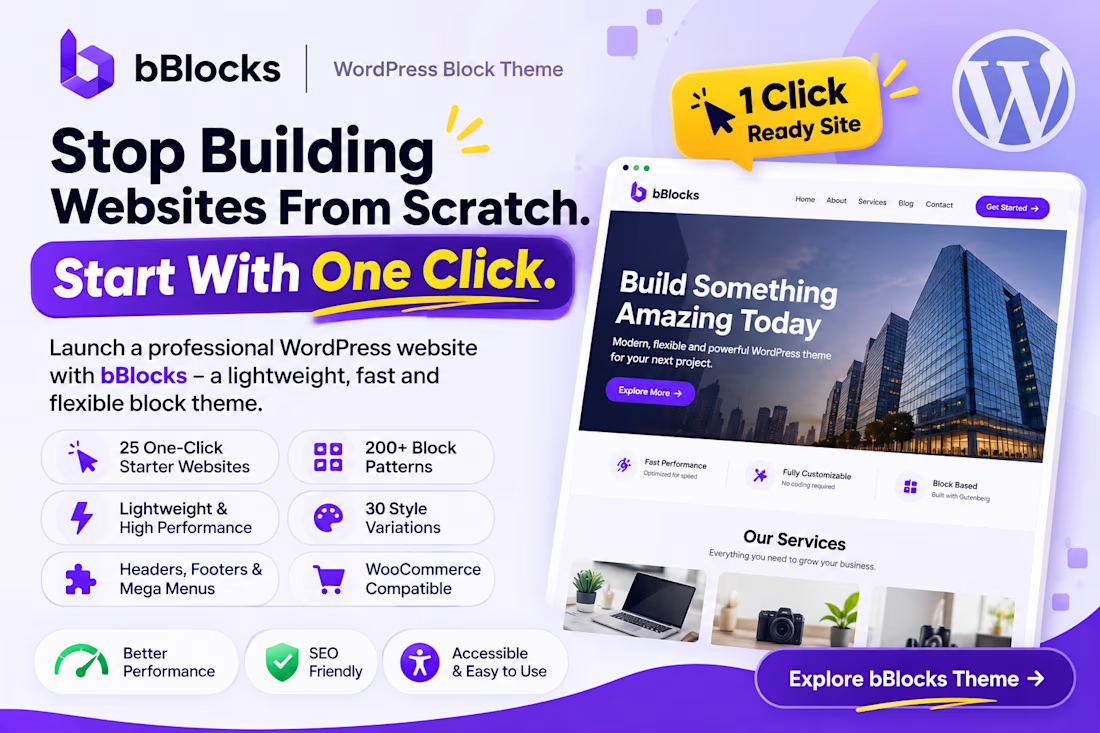
That's why we built bBlocks – a lightweight WordPress Block Theme.
Here's what makes it different:
✨ 25 One-Click Starter Websites – Import a ready-made website and start customizing.
🎨 200+ Ready-Made Block Patterns – Build beautiful pages without starting from zero.
⚡ Lightweight & Performance-Focused – Built with WordPress Core Blocks, without depending on heavy page builders.
🧩 30 Style Variations – Give your website a completely different look.
🏗️ Ready-Made Headers, Footers & Mega Menus – Get the essential website structure ready.
🛍️ WooCommerce Compatible – Build your online store with the block editor.
And the best part?
You can customize everything visually using the native WordPress Site Editor. No coding required.
One theme. One click. A website ready for your ideas.
💬 A question for designers, freelancers, and business owners:
If you could launch a complete website instantly, which starter website would you choose?
1️⃣ Agency / Business
2️⃣ Portfolio / Personal Brand
3️⃣ Restaurant / Cafe
4️⃣ Online Store
5️⃣ SaaS / Startup
I'd love to know what kind of website you build most often!
#WordPress #Gutenberg #WordPressThemes #WebDesign #WebsiteDevelopment