The network for creativity
Join 1.25M professional creatives like you
Connect with clients, get discovered, and run your business 100% commission-free
Creatives on Contra have earned over $150M and we are just getting started
Back to feedPost

𝗔𝗜 𝗔𝗴𝗲𝗻𝘁𝘀 𝗶𝗻 𝗙𝗹𝘂𝘁𝘁𝗲𝗿𝗙𝗹𝗼𝘄 𝗮𝗿𝗲 𝗾𝘂𝗶𝗲𝘁𝗹𝘆 𝗰𝗵𝗮𝗻𝗴𝗶𝗻𝗴 𝗵𝗼𝘄 𝗮𝗽𝗽𝘀 𝗮𝗿𝗲 𝗯𝘂𝗶𝗹𝘁
Many teams already use FlutterFlow for speed and flexibility.
What’s exciting is how AI agents now fit naturally into that flow.
Instead of adding heavy logic or complex workflows, teams can design agents that respond, guide, and support users inside the app experience itself.
This opens up new possibilities for:
• smarter user interactions
• faster iterations
• practical automation inside real products
Simple ideas. Real outcomes.

The network for creativity
Join 1.25M professional creatives like you
Connect with clients, get discovered, and run your business 100% commission-free
Creatives on Contra have earned over $150M and we are just getting started



Related posts

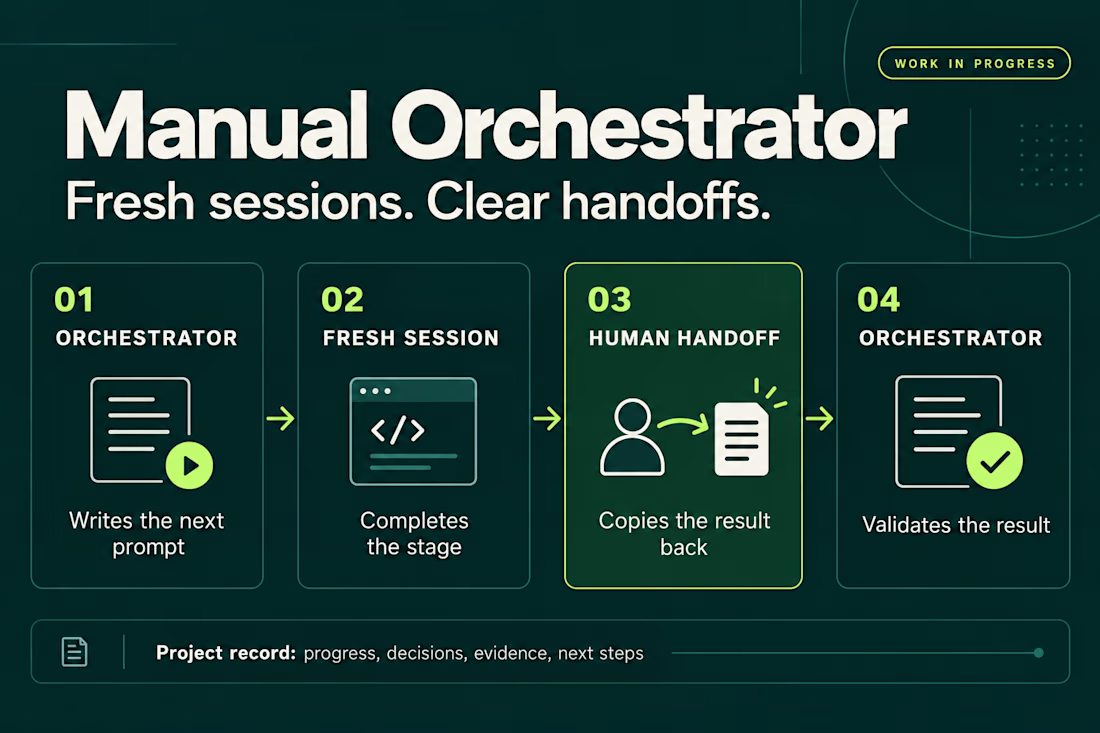
I’ve been working on a small skill called Manual Orchestrator to make longer projects with AI agents easier to manage.
The problem started with a familiar situation: one chat would accumulate plans, implementation details, corrections, and test results. By the time I was ready for the next phase, I wanted a fresh conversation without losing the decisions we’d already made.
Manual Orchestrator gives that process some structure. One chat acts as the orchestrator: it breaks the work into stages and writes a prompt for the next one. I run that prompt in a new session, then bring the result back. The orchestrator reviews it against the stage’s criteria before preparing the next prompt. If something needs fixing, I go back to the same worker session.
The skill also keeps a record in the project with the current stage, decisions, evidence, and next steps. That makes it easier to pause, resume, or hand the work to another session.
The handoff is manual. I choose when to open a session and carry the result back. The orchestrator and worker sessions can also use different agent CLIs, with the prompt adapted to the capabilities available.
It’s open source and still a work in progress. I’m using it to learn what helps in practice and where the workflow needs to improve. Installation has been checked for Codex, Claude Code, and Gemini CLI, but the full workflow hasn’t been tested across every CLI or version.
If you try it, I’d be interested in hearing what works and where it gets in your way.


Did a motion for the Cockpit concept ⁕ 🔈 ON
Design & Creative Direction: Me
Motion & Sound: Claude Code
Cockpit is an AI agent management platform concept that helps teams:
- Set boundaries
- Monitor activity
- Manage approvals
- Track knowledge sources
- Measure performance and costs
It brings together five key AI UX challenges:
👉 Autonomy
👉 Observability
👉 Human Approvals
👉 Context
👉 Analytics
The idea is simple:
As AI agents become more capable, the experiences we design around them need to make their actions more transparent, predictable, and manageable.
Thanks!


Human approvals is the part most agent UIs skip. Good call making it one of the five challenges.

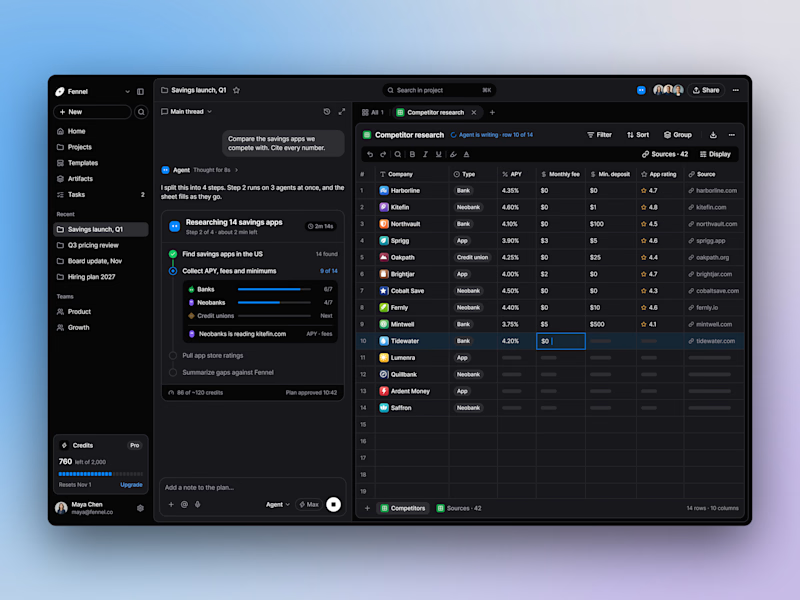
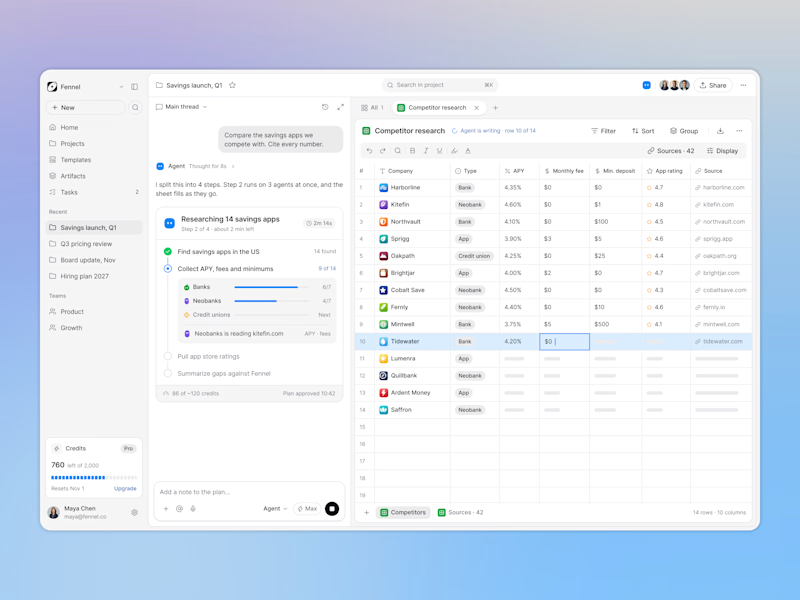
Designed an AI research workspace where the agent plans the work and fills a sheet with cited sources as it goes.
Same screen, two modes. Which one would you work in all day? 👀

13 voted
72%
5 voted
28%
18 votes
Closed

Keeping the research plan and cited results side by side is a useful way to make the agent’s work easier to inspect. I’d lean toward light mode for reading the table in daylight. How do you distinguish a verified source from one that still needs review?