The network for creativity
Join 1.25M professional creatives like you
Connect with clients, get discovered, and run your business 100% commission-free
Creatives on Contra have earned over $150M and we are just getting started
Back to feedPost

Does your website move sideways a little when you scroll on your phone?
It's one of the most common responsive bugs I fix, and it's usually one small element that is wider than the screen. Most of the time it's one of these:
• A theme footer or section using a Bootstrap .row with negative side margins
• An element set to width: 100vw (it ignores the scrollbar and adds a few extra pixels)
• A wide image, iframe, table or slider without max-width: 100%
How to find it in 30 seconds: open your site on a phone-sized screen in Chrome DevTools, paste this into the Console, and it will list the elements sticking out:
document.querySelectorAll('*').forEach(el => {
if (el.getBoundingClientRect().right > document.documentElement.clientWidth) console.log(el);
});
Fix the element itself instead of adding overflow-x: hidden to the body. That only hides the problem and can break sticky headers.
If your WordPress or Elementor site has layout issues on mobile, feel free to send me a message. Happy to take a look.


The network for creativity
Join 1.25M professional creatives like you
Connect with clients, get discovered, and run your business 100% commission-free
Creatives on Contra have earned over $150M and we are just getting started











Related posts

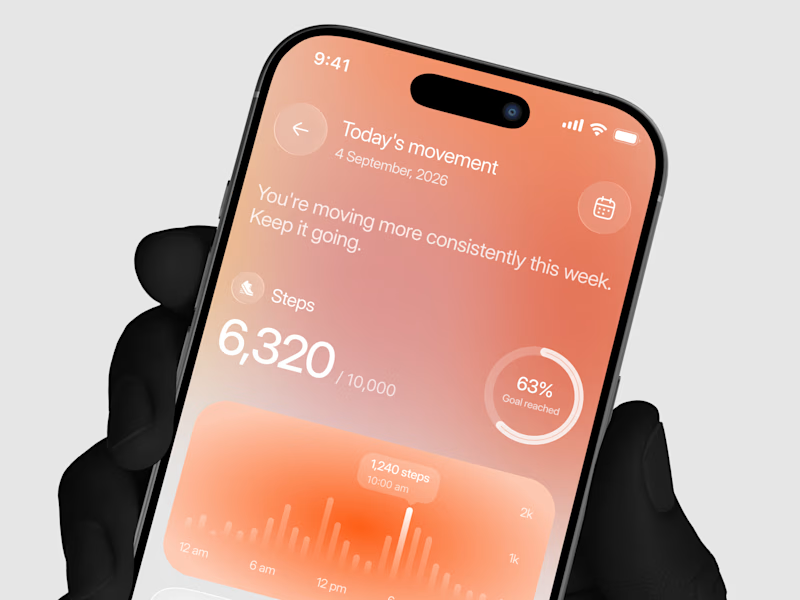
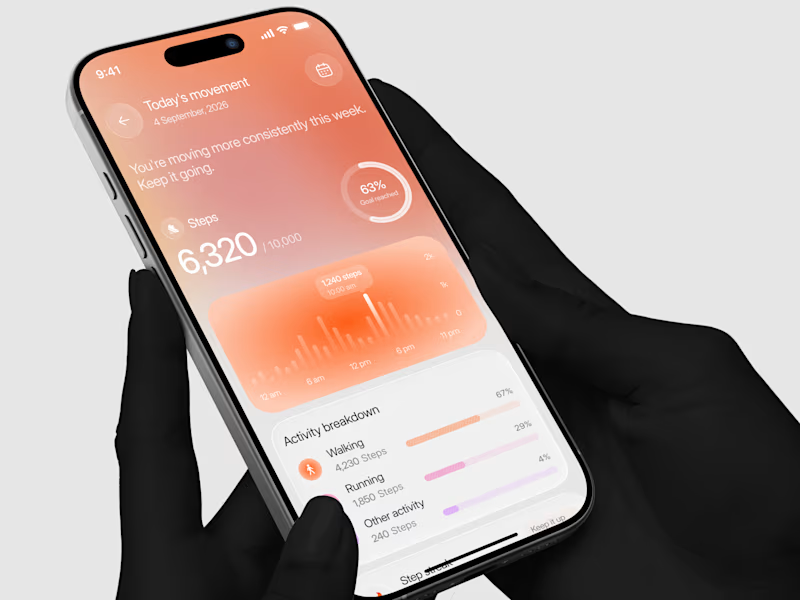
Designed a step tracking screen where you can see your daily progress and weekly trend in one glance.
Same screen, two shots. Which one would stop your scroll? 👀


11 voted
73%
4 voted
27%
15 votes
Closed


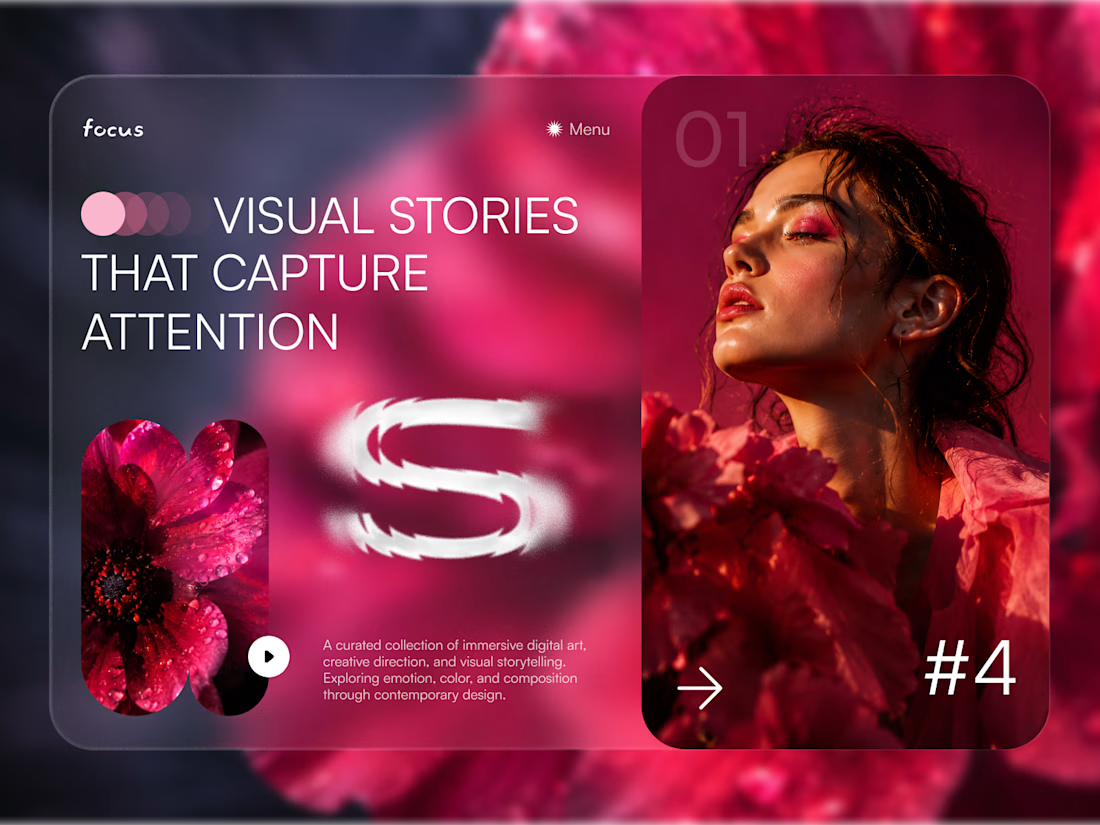
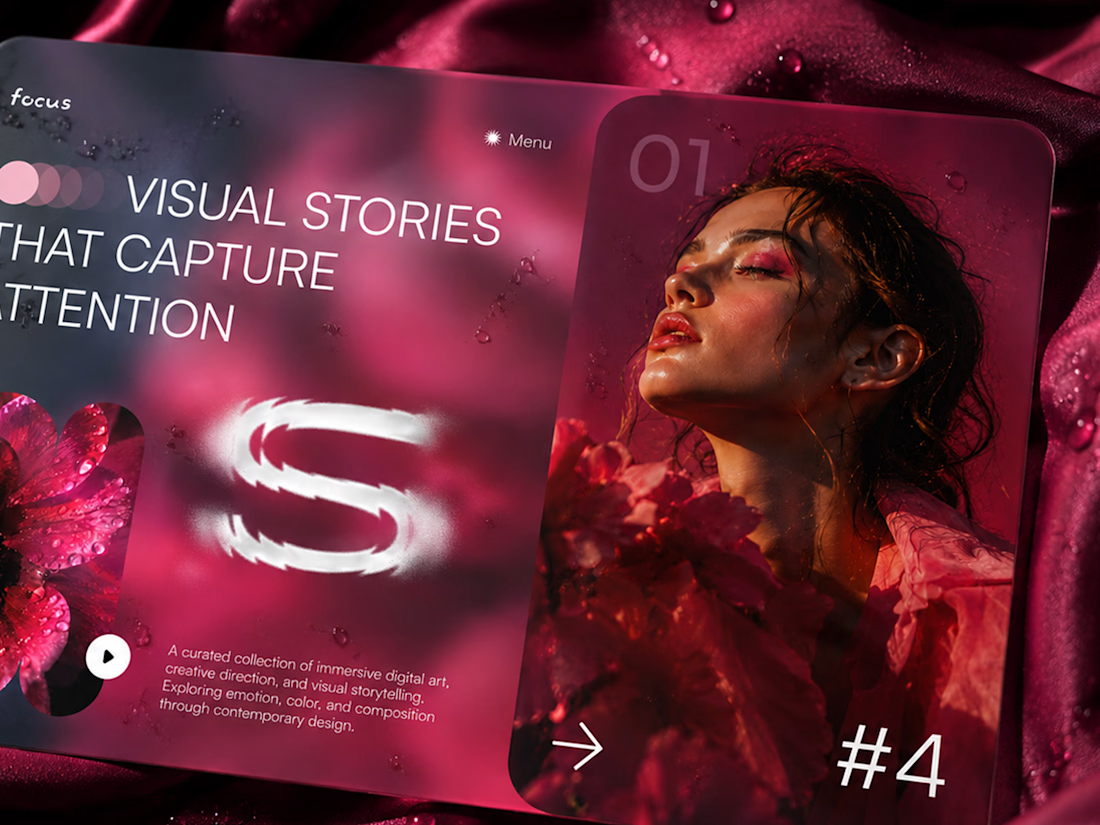
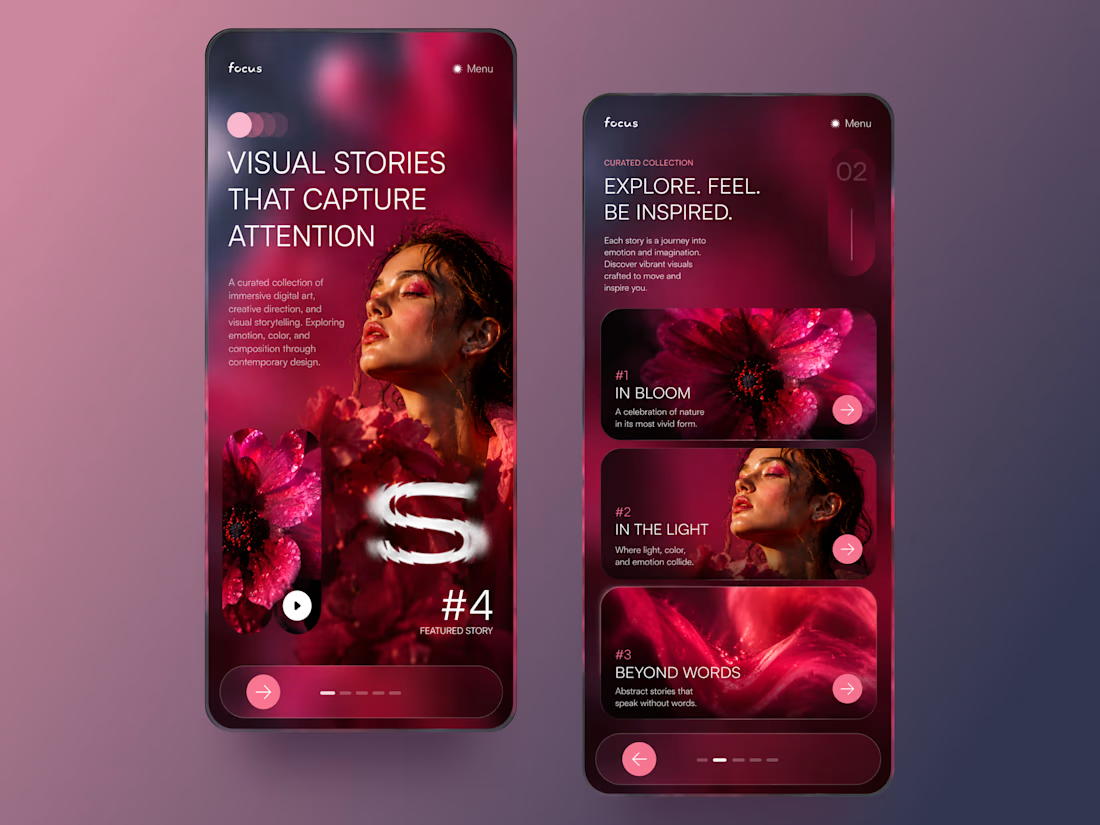
FOCUS — Creative Portfolio & Digital Art Website 🌸✨
A visually expressive website concept for a creative portfolio, built around digital art, bold imagery, and visual storytelling
The design combines vibrant pink tones, soft gradients, experimental typography, and immersive photography to create a distinctive editorial experience
Special attention was given to:
• Bold editorial hero composition
• Vibrant pink and dark color palette
• Experimental typography and visual details
• Immersive photography and digital artwork
• Creative project gallery and navigation
• Responsive mobile experience
• Clean layouts with a strong visual identity
The result is an expressive digital experience that puts creativity, emotion, and visual storytelling at the center of every screen 💗
Looking to create a standout portfolio or website for a creative brand? Let’s connect 🚀



Coming-soon landing page design & development for Peak.
Most coming-soon pages just say "soon". I wanted this one to show the whole product. 🚀 🚀 🚀
gopeak.design is the coming-soon site for Peak, an all-in-one WordPress plugin: a visual builder, a motion engine, a CMS and a design system.
The stage
Instead of screenshots, the middle of the page plays the product: 9 features, 43 scenes, 325 frames. I designed every frame in Figma, then built a Figma-to-code pipeline and a React scene engine to play them. Elements morph from frame to frame while the pointer clicks, drags, types and scrolls. All of it is live HTML and CSS, not video, with its own player and speed control.
The details
• The page opens on the Peak mark filled with a liquid WebGL shader that stirs as you move your cursor.
• A waitlist that catches email typos, checks for bots with Cloudflare Turnstile, and sends branded emails.
• A live demo of the real builder, opened by a magic link: a WordPress sandbox where every change is rolled back.
• Desktop, tablet and phone, each designed in Figma first.
The look carries over from the Peak brand identity I shared a few days ago: Parchment and Carbon, Neue Montreal and its Mono, fine hairlines, and Ember used only as a signal.
Stack: Figma · Next.js · React · Claude Code · Tailwind CSS · WebGL · Supabase · Resend · Vercel · Cloudflare · WordPress
See it live → gopeak.design


