The network for creativity
Join 1.25M professional creatives like you
Connect with clients, get discovered, and run your business 100% commission-free
Creatives on Contra have earned over $150M and we are just getting started
Back to feedPost

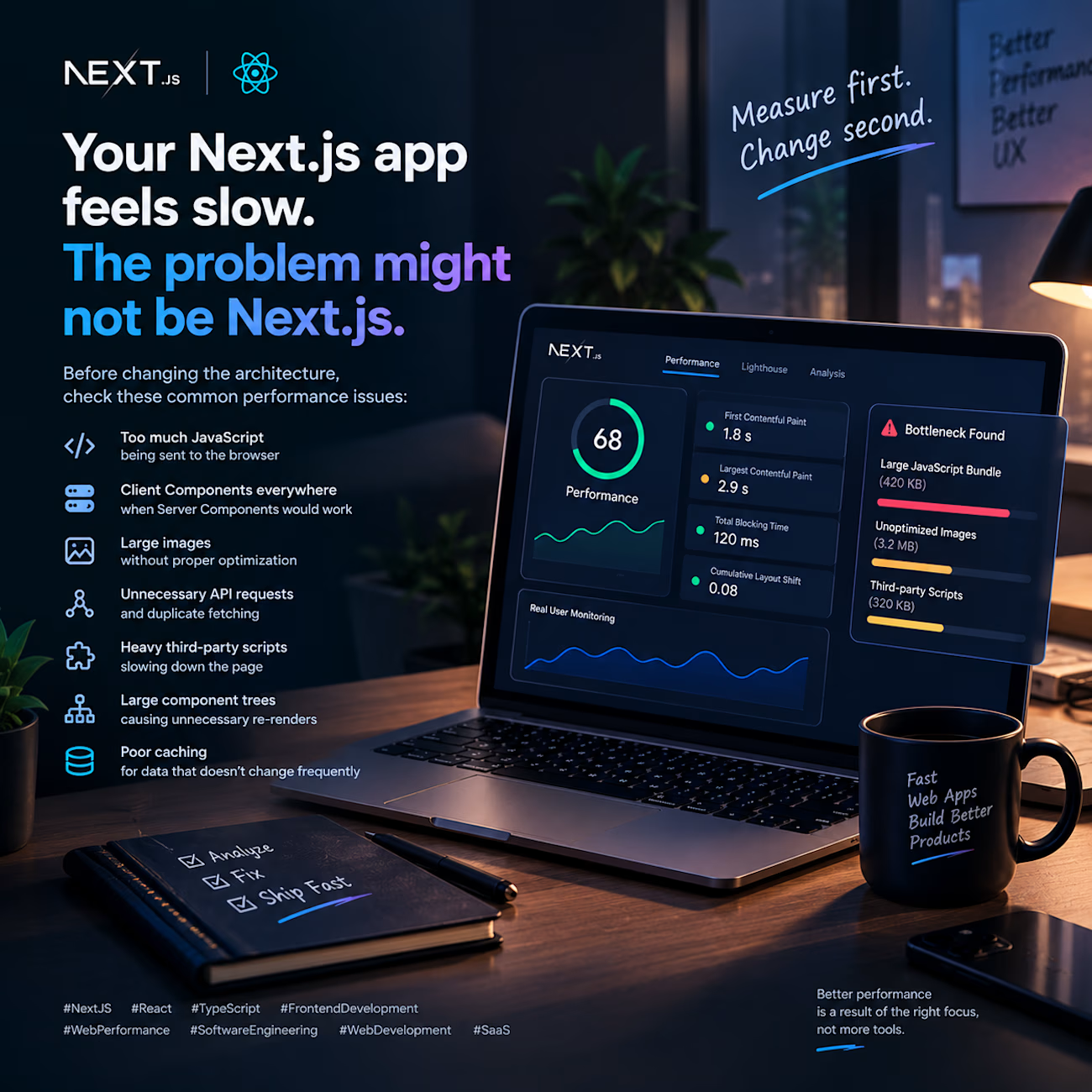
Your Next.js app feels slow. The problem might not be Next.js.
I’ve seen performance issues blamed on the framework when the real problem was usually somewhere else.
A few things I check before changing the architecture:
→ Too much JavaScript being sent to the browser
→ Client Components everywhere when Server Components would work
→ Large images without proper optimization
→ Unnecessary API requests and duplicate fetching
→ Heavy third-party scripts slowing down the page
→ Large component trees causing unnecessary re-renders
→ Poor caching for data that doesn't change frequently
One of my first rules when optimizing a React/Next.js application:
Measure first. Change second.
I’d rather identify the actual bottleneck than add another library, rewrite the application, or blindly “optimize” code that wasn't causing the problem.
Performance isn't about making everything faster.
It's about finding what is actually slow and fixing that part.
React + Next.js + good performance practices > unnecessary complexity.
#NextJS #React #TypeScript #FrontendDevelopment #WebPerformance #SoftwareEngineering #WebDevelopment #SaaS
The network for creativity
Join 1.25M professional creatives like you
Connect with clients, get discovered, and run your business 100% commission-free
Creatives on Contra have earned over $150M and we are just getting started
Related posts

Blog Listening Web Application With Admin Dashboard.
webdesignappdesignadmindesignBackend DevelopmentFrontend DevelopmentFull Stack DevelopmentExpressJSNext.jsTailwind CSS


Made another web tool, this time for liquid shapes. Everything you see here came out of it.
Built with Claude Code (Opus 5.5) and Toolcraft. It’s a React app that runs entirely in the browser, with a custom WebGL2 path tracer and Intel’s OIDN denoiser on WebGPU, exporting seamless 4K loops.
Building design tools has changed how I think about my job. I used to focus on making the visuals. Now I think more about building the system that makes them, so a client’s brand can keep growing after the project is done.
I think more designers will work this way soon, and more founders will expect it.

hypnotizing!

Sound On 🔊 — hike ticket UI Interaction
My flow: 😊
1. Final design in Figma.
2. Motion prompt and code from React Bits.
3. Building and polishing in Lovable.


Sound on was the right call, it makes a ticket feel physical. The tear when it gets scanned that you mentioned in the replies is the moment I'd want to see next, that's the bit people will remember. Is the sound wired into the component itself or triggered from the app?