The network for creativity
Join 1.25M professional creatives like you
Connect with clients, get discovered, and run your business 100% commission-free
Creatives on Contra have earned over $150M and we are just getting started
Back to feedPost

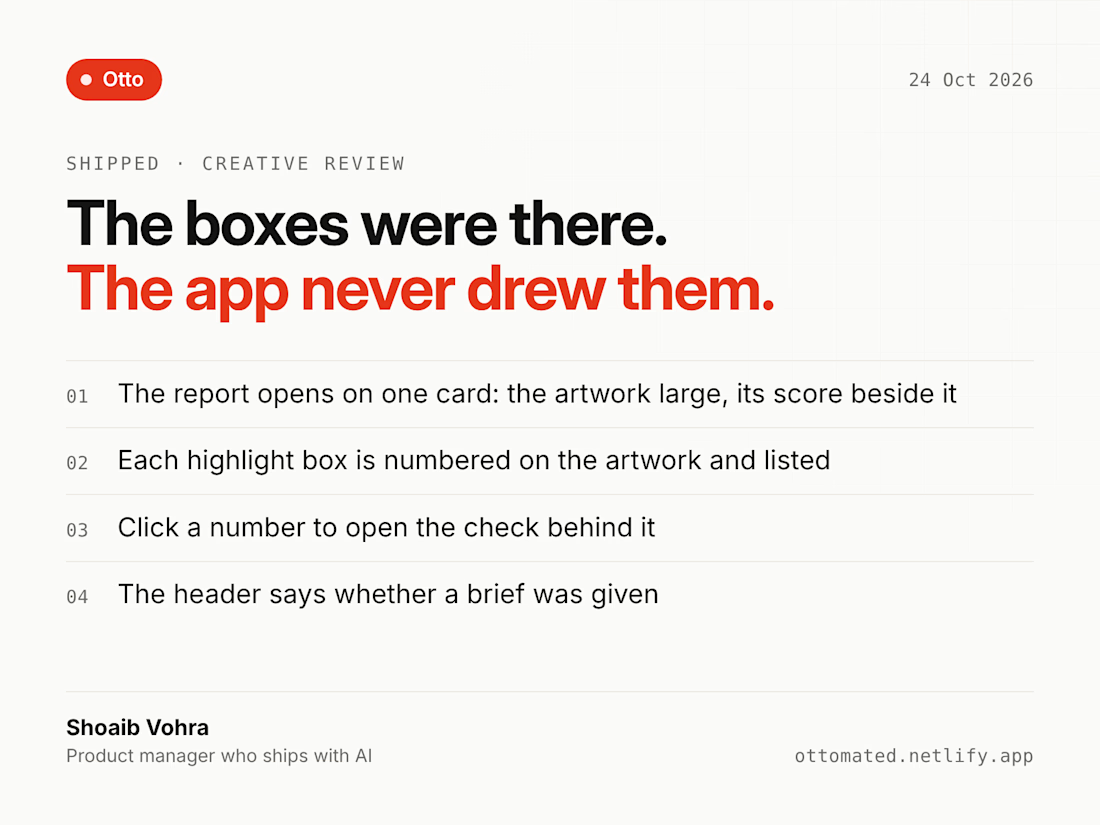
The boxes were there. The app never drew them.
Otto's Creative Review scores a static design (a poster, an ad, a social post, a slide) against an editable 25-check rubric. The model observes and gives a verdict with evidence per check. The code does the scoring, so the model is never asked for a number.
While reworking the report, I found the model had been returning highlight boxes for its findings all along. The report never drew them. The most visual part of a design review was sitting unused in the response.
What shipped:
→ The report opens on one card: the artwork large, with the score dial, band, coverage and a bar per pillar beside it
→ Each highlight box is numbered on the artwork and listed next to it
→ Click a number to open the check behind it
→ The header says whether a brief was given, so you know what the score was judged against
Same release: Design language and Speed moved out of the finding filters into their own product tabs. They measure the product, they aren't findings, so they shouldn't sit beside "All types" as if they filtered the same list.
Lesson: before asking a model for more, check what it already returns.
What is your app quietly ignoring?
The network for creativity
Join 1.25M professional creatives like you
Connect with clients, get discovered, and run your business 100% commission-free
Creatives on Contra have earned over $150M and we are just getting started











Related posts


serif on that roma details card is a nice surprise in a dev tool shot. what did you end up fixing first?

I critiqued an AI-generated landing page (Lovable) for a review-request tool, then held my own page, Starlit, to the same standard. The critique covers policy-conflicting copy, unsourced proof, navigation and mobile gaps, and what the AI did well. My own page gets the same treatment, including the accessibility score I still need to improve.


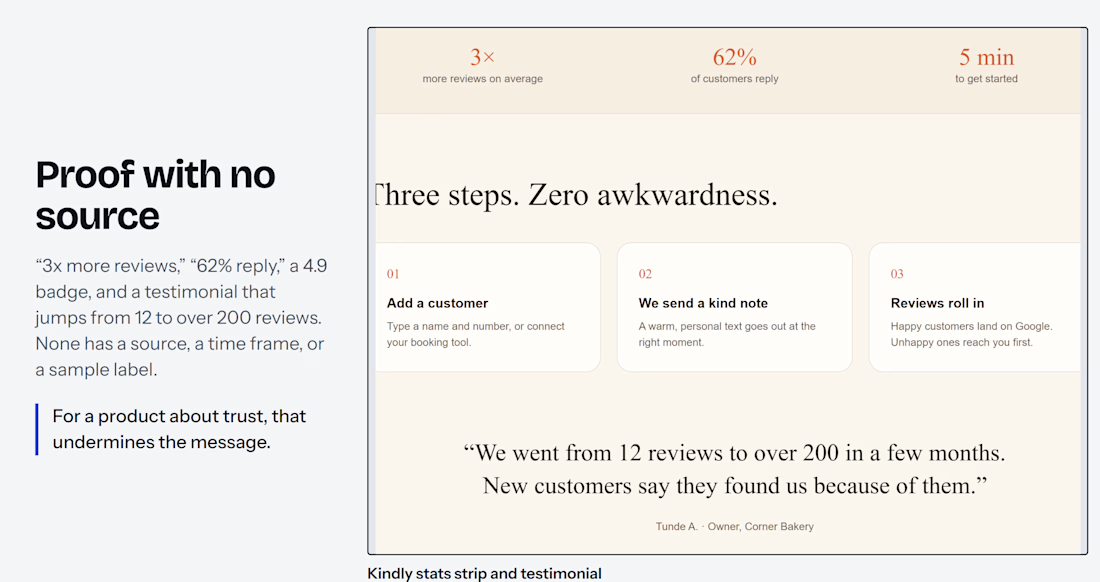
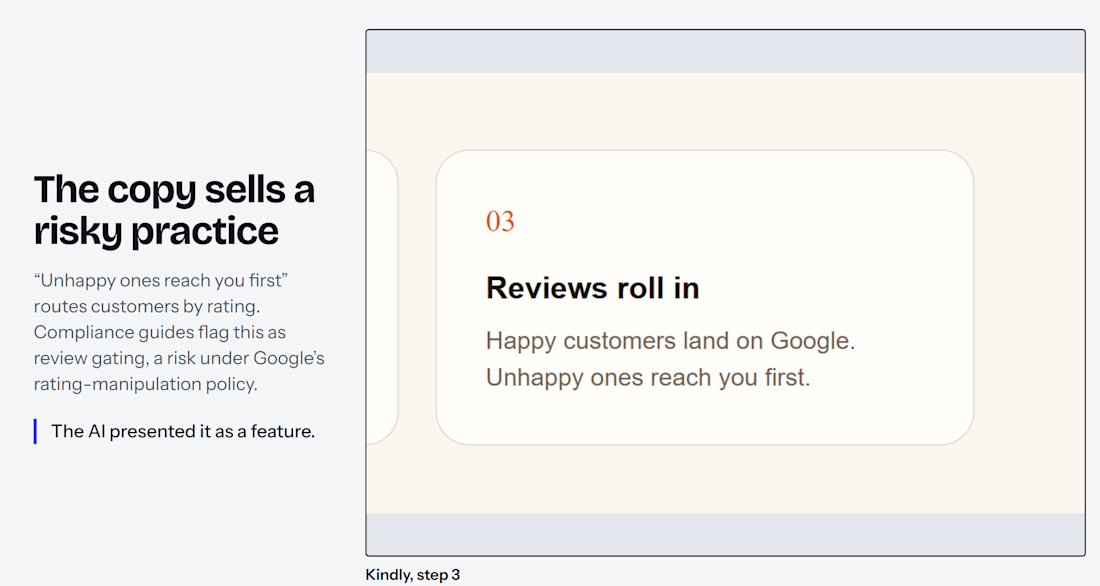
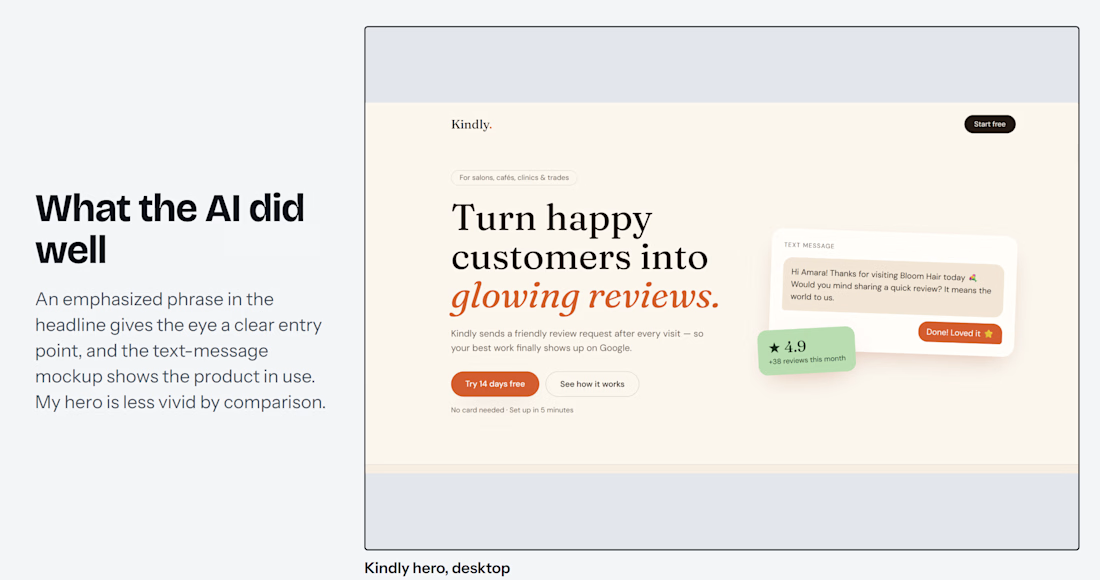
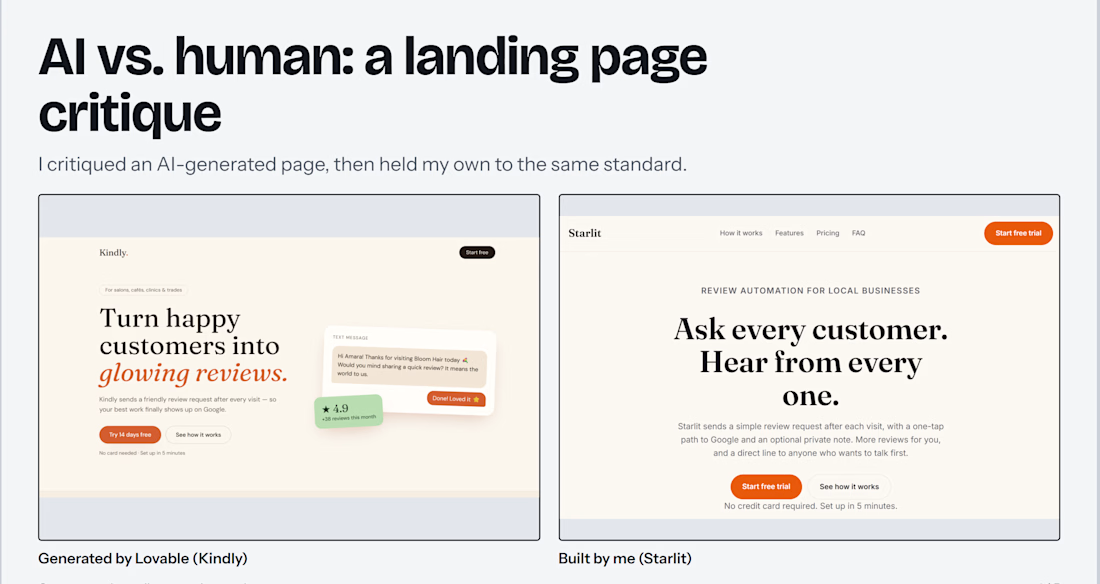

Holding your own page to the same standard as the AI one is the honest part, most people only do the first half. Which issue showed up in both?

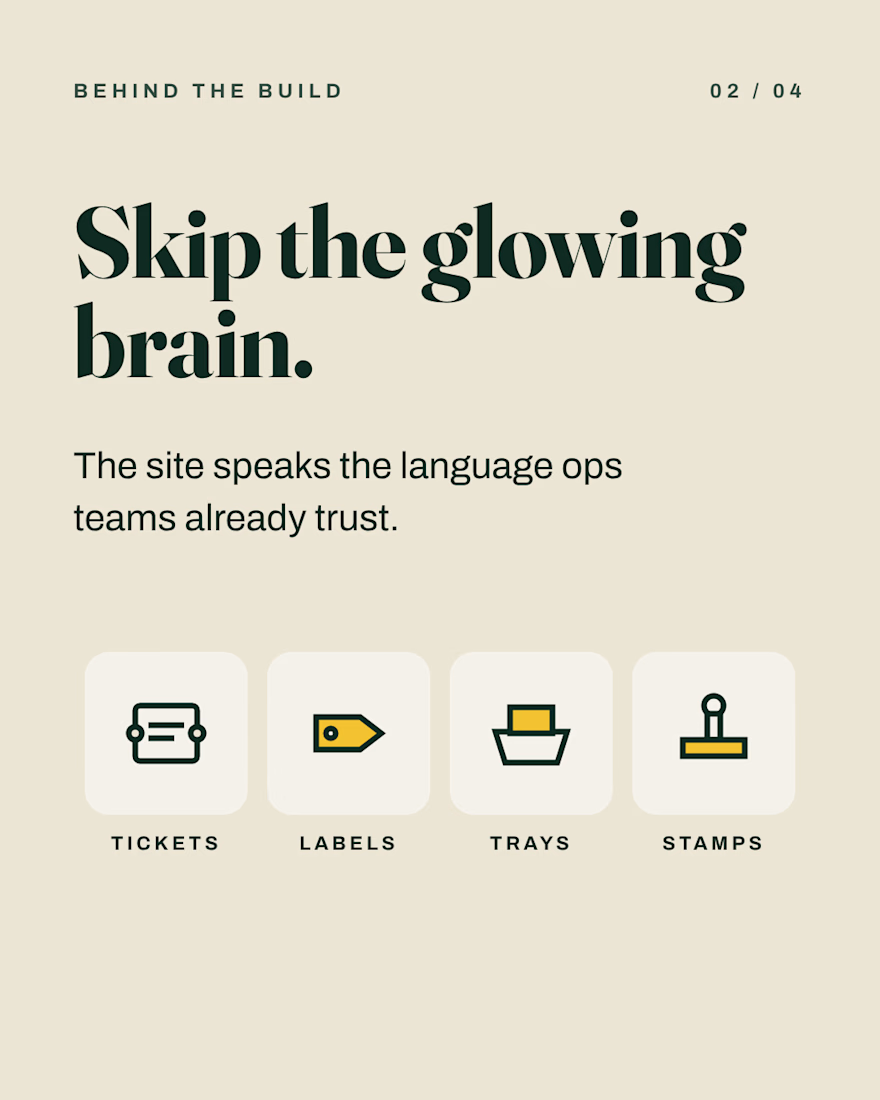
Most AI agent sites look the same: glowing brains, purple gradients, a chat box.
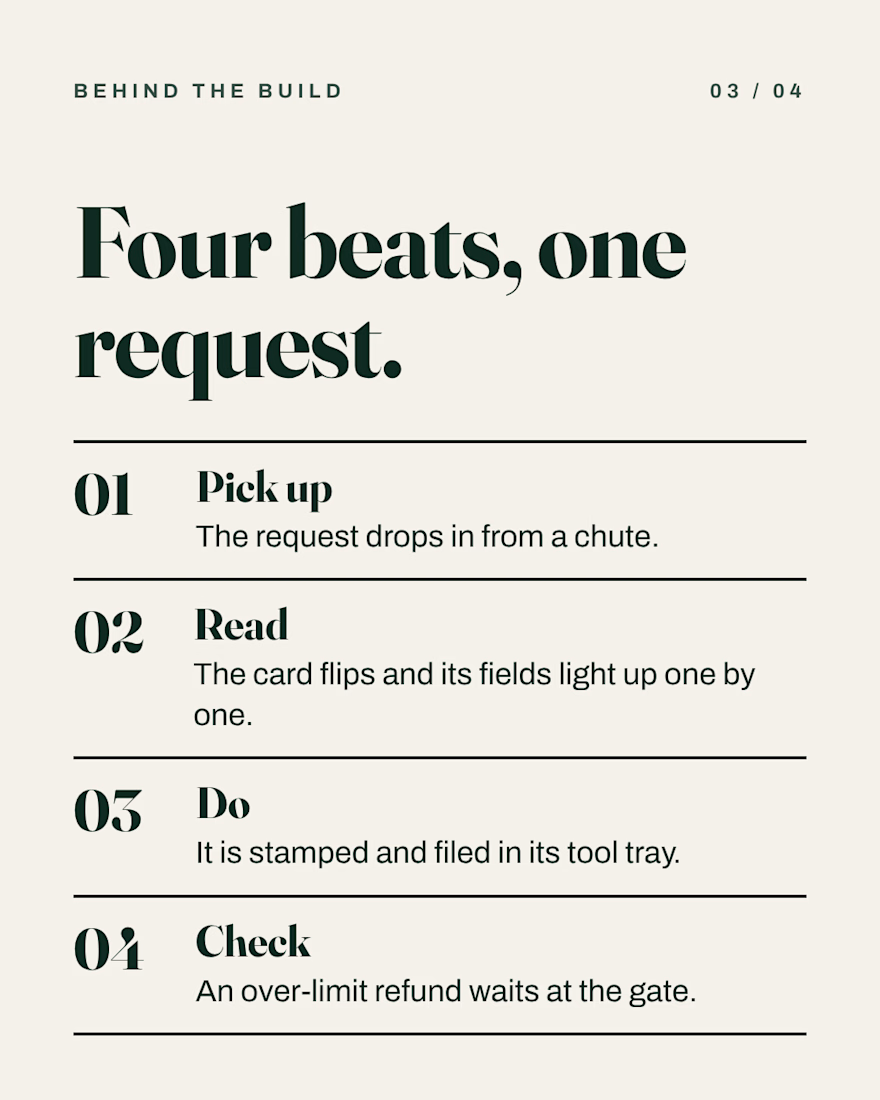
For Dockett, a fictional startup whose AI agents handle refunds, plan changes and missing invoices, I used tickets, labels, trays and stamps instead, and built the site around a toy-like 3D sorting machine.
Risky requests stop at an approval gate until a person says yes.
Concept by Nova Digital Studio. React, Three.js, GSAP.


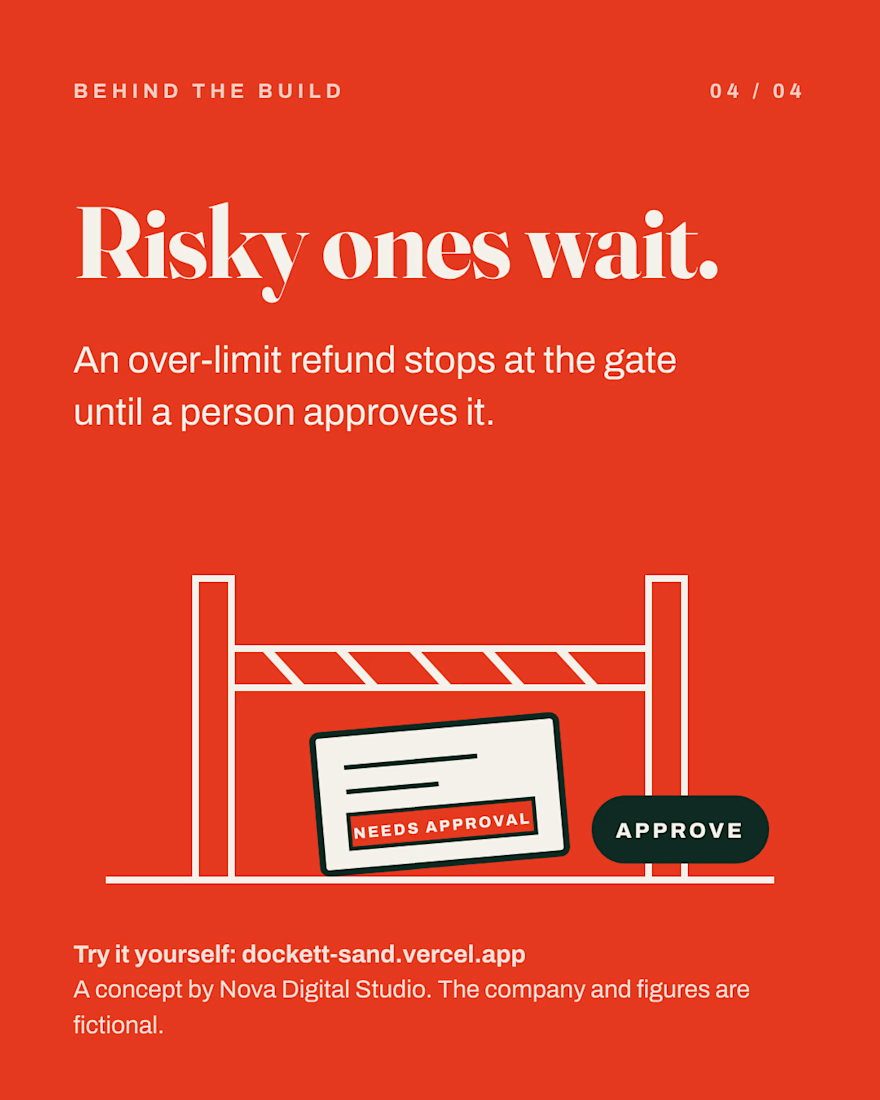

The approval gate is the right detail for refunds. Does the agent draft the refund and wait for a person, or only queue the request without any draft?