The network for creativity
Join 1.25M professional creatives like you
Connect with clients, get discovered, and run your business 100% commission-free
Creatives on Contra have earned over $150M and we are just getting started
Back to feedPost

Adding the proof of reusability 👇
🎬 Original template
🧋 The same animation with a second product, swapped directly in SVGator
🤖 A look at my conversation with Claude using the SVGator MCP in my workflow.
Same animation, different product, with AI-assisted building and editing.

Cup Game Matcha Trail — A reusable product ad template
I built a playful “Guess the Cup” matcha animation in SVGator, where the cups move, the winning drink is...
The network for creativity
Join 1.25M professional creatives like you
Connect with clients, get discovered, and run your business 100% commission-free
Creatives on Contra have earned over $150M and we are just getting started











Related posts

Use the SVGator MCP to bring creative ideas to life! ✨
This reusable product-showcase template is ideal for e-commerce advertisements, product launches, and social media campaigns across beauty, audio, and sports. Replace the product images and text while keeping the same animation, allowing creators and businesses to adapt one design for multiple products and campaigns.
LinkedIn Link - https://lnkd.in/p/dTJrCkqh
X / Twitter Link -https://x.com/SeemaThorve/status/2111783659300925615/video/1 Instagram Link - https://www.instagram.com/reel/Deom5J_s9W1/?utm_source=ig_web_copy_link&vrfl=MzRlODBiNWFlZA==&srtk=MzRlODBiNWFlZA==
Created by Seema Thorve. 🚀
@SVGatorApp #SVGator #MotionDesign #ProductAnimation #CreativeDesign @Contra #Contra 👍 :💯
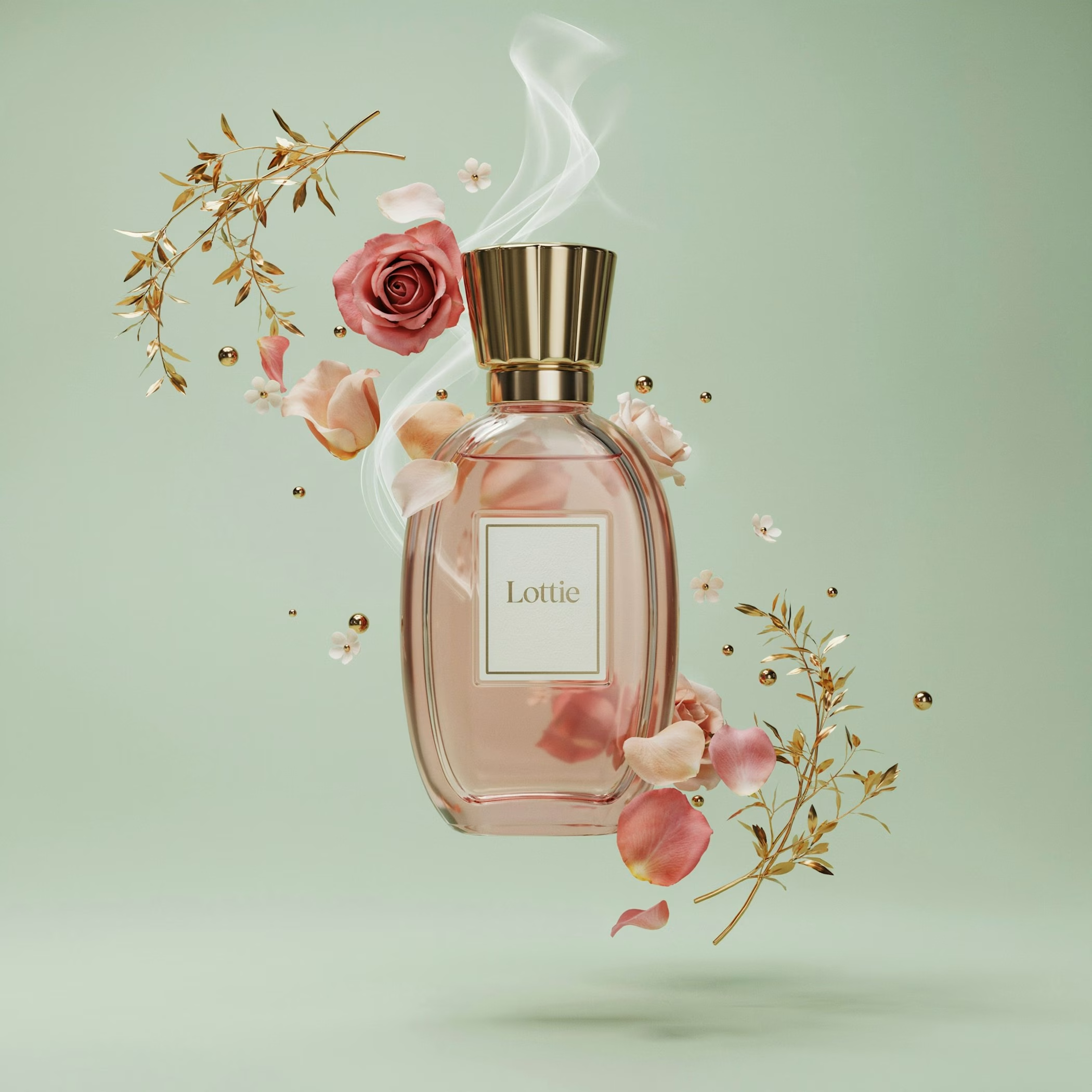
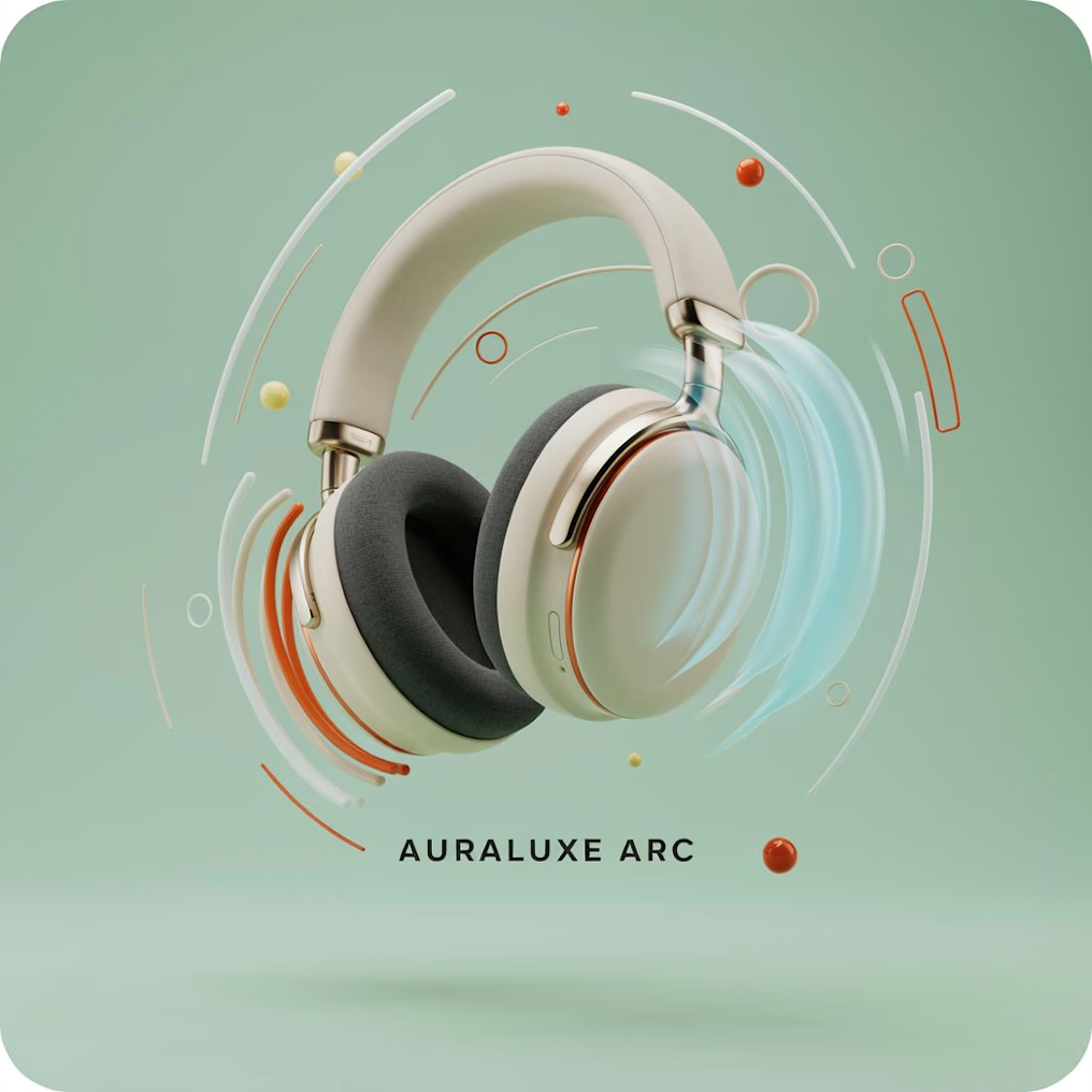
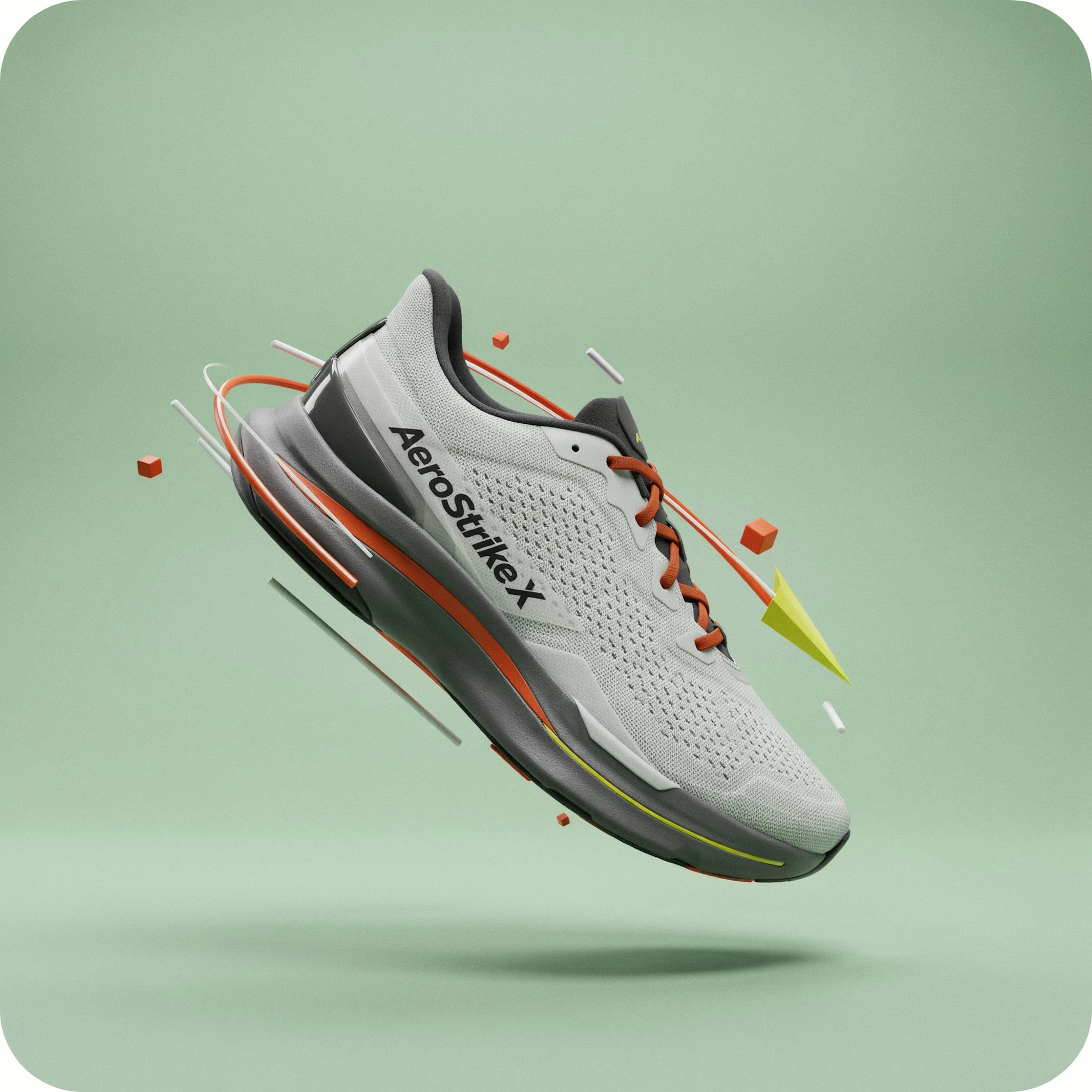

Running the same animation across perfume, headphones and running shoes proves the template's range perfectly, Seema. Replace the images and text while keeping the motion is the mark of a truly reusable design. The walkthrough video is a generous bonus for anyone learning the SVGator MCP too.

🎬 DEBUT
A launch-day ad that rolls out the red carpet for your product.
Friday, October 20. Premiere night.
A limo glides up to the carpet.
A perfume takes the spotlight.
"Who are you wearing?"
It was wearing the night.
Saturday, a skateboard walked the same carpet.
"Can you do it again?"
It landed it.
Sunday, a soda can cracked open in front of the press.
"What's the flavour?"
Nobody would say.
None of them were real.
All of them got a premiere.
🎟️ Every launch deserves a red carpet.
Most of them get a story post.
So I built the whole premiere.
The marquee. The press pen. The fans. The limo.
A rooftop across the street to watch it all from.
I had way too much fun with this one.
Built the street in Blender, then rolled the cameras in SVGator with the MCP.
Six premieres.
One template.
Zero redraws.
Swap the logo and the product.
Every marquee, wall and shot follows.
Retype the headline, the date and what the press shouts.
Every word is live text. Every layer has a name.
The cameras never change.
So who's walking the carpet next?
The flashes never stop. ✨
🛠️ Built in SVGator with the MCP, staged in Blender. 1,429 named layers, 3,917 keyframes.
Use the template 👇
DEBUT · Red-carpet launch ad


the motion looks so fine-

Another update to my Black Friday animation! 🔦✨
Added text blur effects, improved text animations, and refined the transitions for a smoother overall experience.

A few updates to the project and demo video! 🔦
Added Coca-Cola as another brand variation, along with some improvements to the animation and presentation. For...

I love this! It looks so creative and feels incredibly smooth. I think playing with the word “black” and the idea of lighting up deals in the dark makes this project really unique. Good luck!