The network for creativity
Join 1.25M professional creatives like you
Connect with clients, get discovered, and run your business 100% commission-free
Creatives on Contra have earned over $150M and we are just getting started
Back to feedPost


ZeroHero turns a single photo into high-quality visuals instantly — no delays, no excuses. For those days when a client says, “ugh, I don’t have good product photos.”
Try it out: https://app.flora.ai/techniques/zerohero
#FLORATechnique
The network for creativity
Join 1.25M professional creatives like you
Connect with clients, get discovered, and run your business 100% commission-free
Creatives on Contra have earned over $150M and we are just getting started
Related posts

The Build
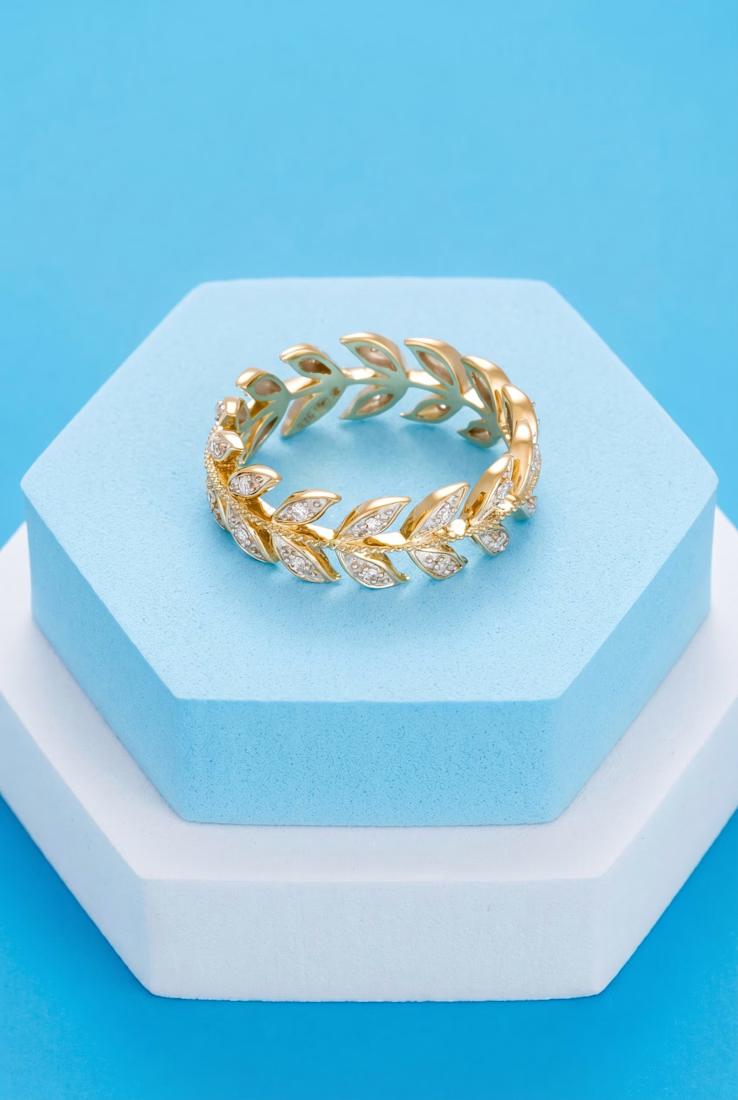
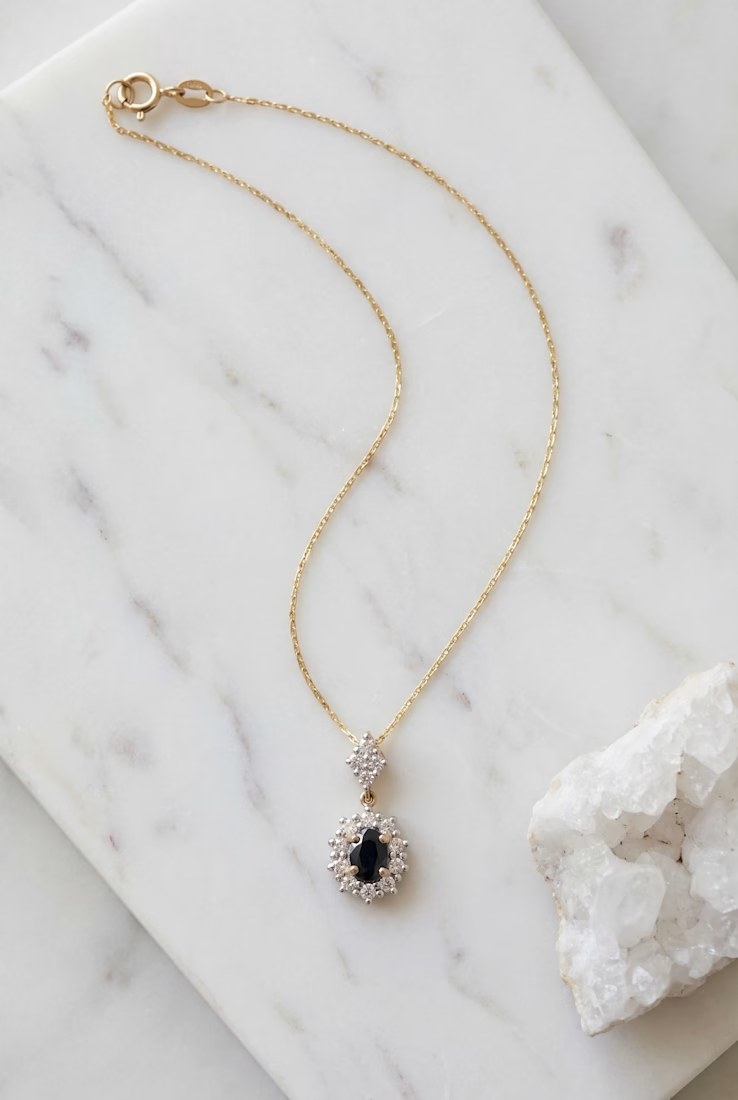
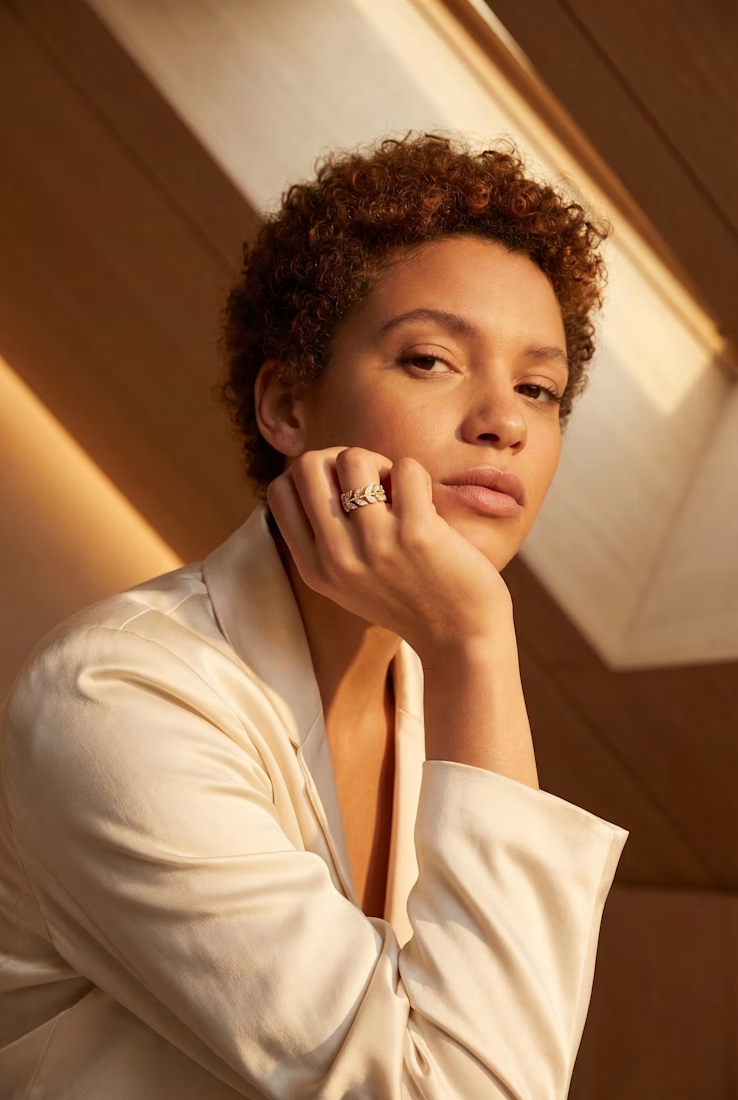
For the Flora technique challenge, I made a jewelry product shot generator. You give it a rough product image (bad lighting, messy background; doesn't matter) and an optional short theme description. It returns editorial-quality shots.
How It Works
You upload a product image along with a short description of the theme or style you want; that's all the setup needed. From there, the AI selects the most fitting photography concepts from a 110-idea library and builds multiple tailored prompts around your input. The result is a set of distinct visual variations covering different compositions, lighting styles, and scene setups, ready to use directly or refine further.
The Revisit
I came back to it today to see if it still holds up. It does. Tests across different pieces came out consistently strong; not pixel-perfect, and the product can shift slightly, but for the time and credits spent, the quality is hard to beat.
The Ring Worry
I was worried about rings going in. AI usually botches hands and fingers. It didn't happen here. Hand poses came out natural, no weird gestures.
READ THE FULL CASE STUDY HERE



Join us live as we announce the winners of the FLORA Technique Challenge on Thursday, April 28th, at 4:15pm EST!
Thank you to all the participants for the amazing submissions.
RSVP here!
luma.com
Flora Technique Challenge: Winners Announcement · Luma
Thanks so much for joining the Flora Technique Challenge, powered by Contra. Join this exciting live event where the judges will be announcing all the winners…


You've built the email. Layout is done. Copy is approved. Then someone notices the product image background clashes with the design.
Now you're opening Photoshop. Re-exporting. Re-uploading. Waiting for the designer if it's not your strength. All for a fix that should take 30 seconds.
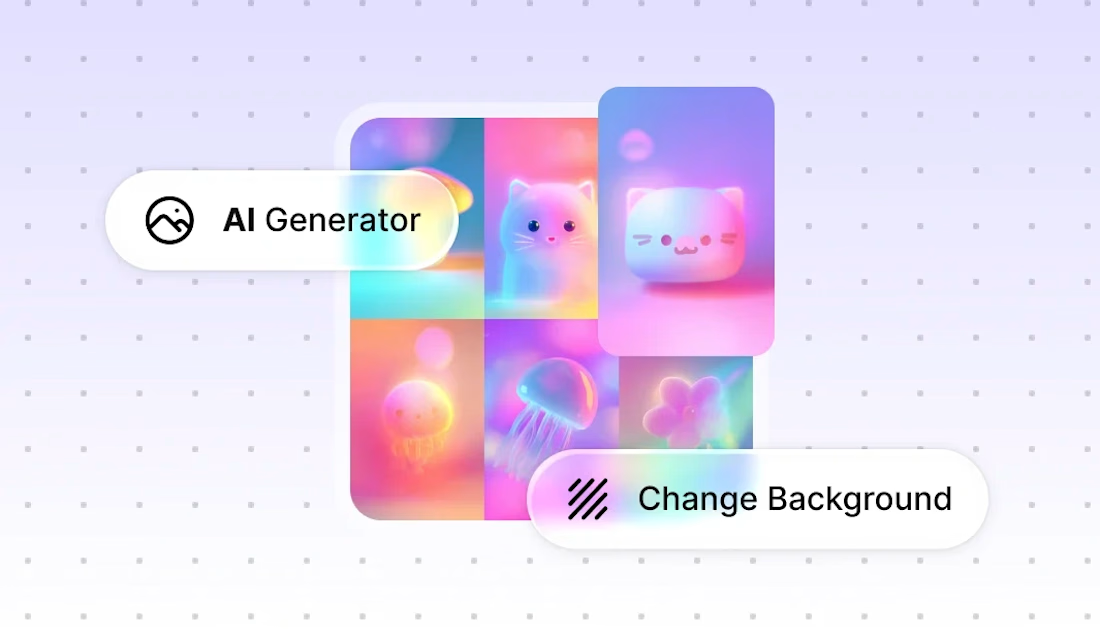
Stripo just added AI image editing directly inside the editor. You select an image in your layout, describe what needs to change in a short text prompt, and the image updates in place. No tool switching. No re-uploading.
A few things it handles well:
• Background removal
Product photo has a messy background. Select "remove background" from the preset options and get a clean cutout you can place on any color.
• Banner color adjustments
Campaign palette changed last minute. Update the banner's dominant colors without redesigning it from scratch.
• Text translation in images
Sending to multiple regions. Change the text language inside the image directly, no need to create separate versions in a design tool.
The key thing for freelancers: these fixes usually happen at the worst possible moment. The email is done, the deadline is close, and one visual detail is off. Being able to handle it without leaving the editor or pinging a designer saves the send.
It works best for quick, single-step changes. Not a replacement for full design work, but for last-minute production fixes it removes a real bottleneck.
Full walkthrough with examples: https://stripo.email/blog/improve-email-visuals-with-stripo-ai-quick-image-edits-inside-the-editor/
What's the last-minute image fix that's cost you the most time on a project?

Challenges
View all
Fuser Co-create


$5K7h 37m left344 participants

Morphic Workflows


$10K3d left270 participants

Zo Computer Challenge


$10K3d left560 participants

Anything Ship & Sell Remixathon


$10K10d left185 participants

Impossible UI with Rive

$10K10d left119 participants

Runway $100k Big Pitch Challenge
$100K10d left192 participants
Trending

Runway
AI video generation is exploding. What are you dreaming up in Runway?

Contra University
Learn from expert creatives how to earn more using next-gen AI tools.
creativeaiflow
Creative AI workflows are evolving. What tools do you use, and what are their strengths and weaknesses?
portfolioreview
The best portfolios tell a story, not just show a grid. Share yours for feedback.
freelancerlife
Freelancer life is wins, pivots, and everything in between. What’s yours right now?