The network for creativity
Join 1.25M professional creatives like you
Connect with clients, get discovered, and run your business 100% commission-free
Creatives on Contra have earned over $150M and we are just getting started
Back to feedPost


A WordPress website shouldn’t need a developer for every small change.
That sounds obvious, but I think it’s one of the biggest things developers overlook.
A client asks for a new service page.
You add it.
Then they ask to update the pricing.
You update it.
Then they want to add a new team member, change a button, or publish a blog post.
That’s where the quality of the original build really matters.
If the website is built around a messy structure, unnecessary plugins, and sections that are difficult to edit, even simple updates become a headache.
For me, good WordPress development is about building a website that is easy to manage, easy to maintain, and ready to grow.
A few things I pay attention to:
• Is the content structure clear?
• Are reusable sections actually reusable?
• Are plugins solving a problem or creating more?
• Does the website stay responsive when content changes?
• Is the editing experience simple for the client?
• Are SEO and performance considered from the beginning?
Because a website isn’t finished when it looks good.
It’s finished when the client can actually use it.
That’s the kind of WordPress work I enjoy most.
What’s one WordPress mistake you see repeatedly in client projects?
Could be plugins, page builders, performance, security, or something else.
I’d love to hear what other developers and designers are seeing.
#WordPress #WordPressDevelopment #WebDesign #WebDevelopment #Contra


The network for creativity
Join 1.25M professional creatives like you
Connect with clients, get discovered, and run your business 100% commission-free
Creatives on Contra have earned over $150M and we are just getting started



Related posts

Webiste redesign for Saas company


2 voted
4%
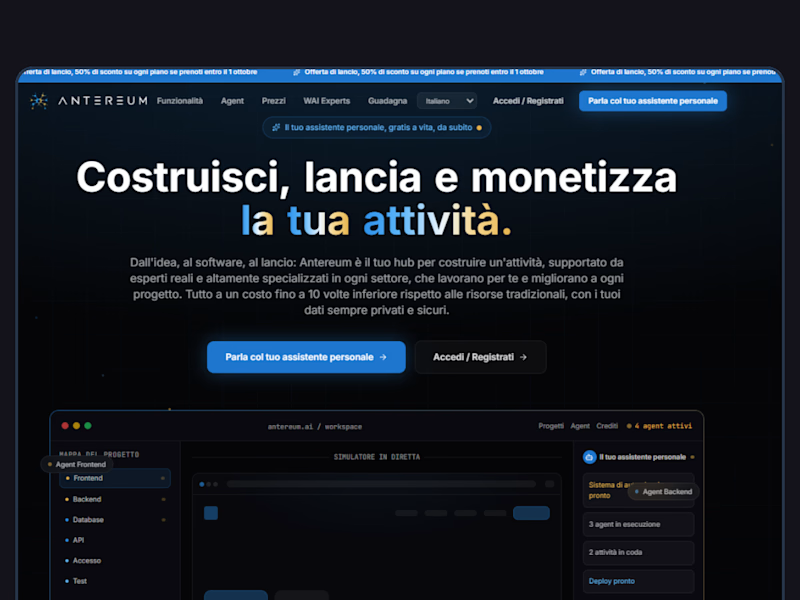
44 voted
96%
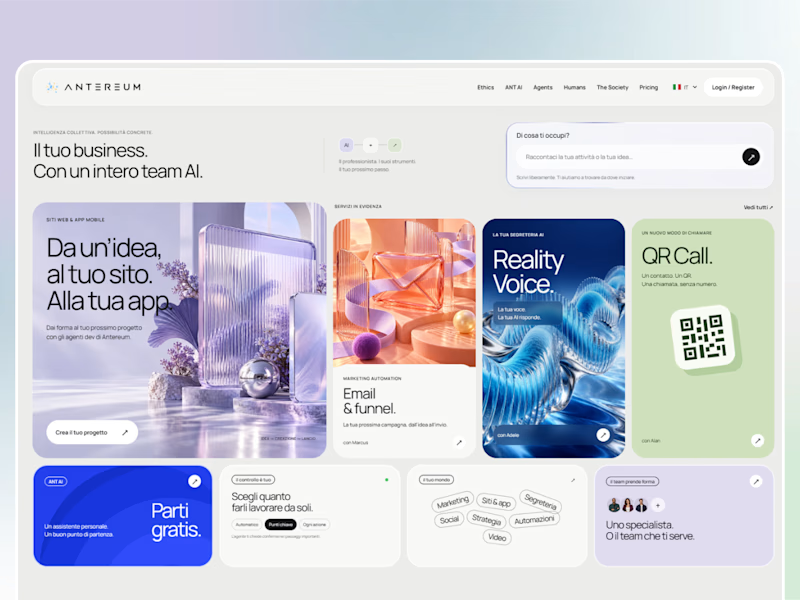
46 votes
Closed

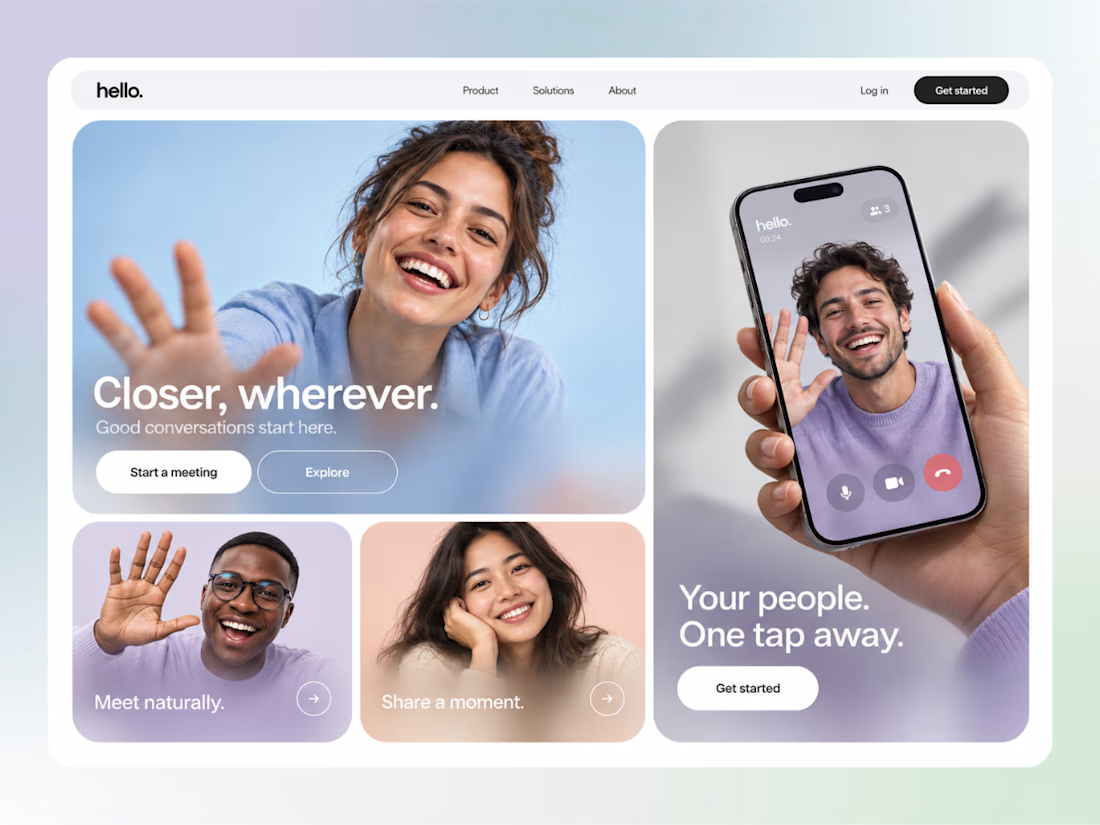

cool

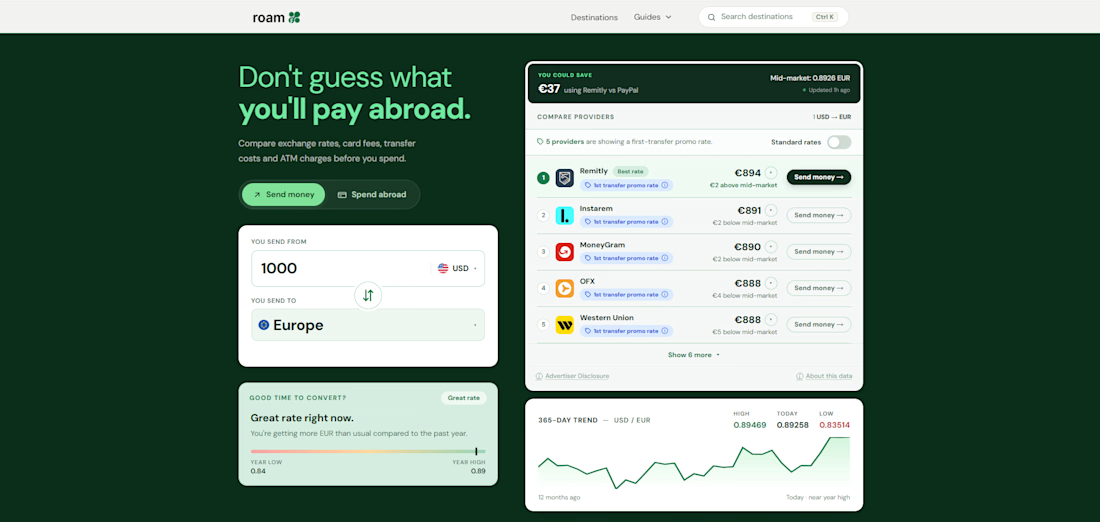
A Beautiful Website Isn’t Always a Website That Converts
A website can look amazing and still fail to turn visitors into customers.
After years of building websites with WordPress and Elementor, I’ve learned that good design is only part of the equation.
Here are 5 things I always consider when building a website:
1. Clear messaging
Visitors should understand what you offer within a few seconds.
2. A clear call to action
Make it easy for visitors to know what to do next, whether that’s booking a call, requesting a quote, or making a purchase.
3. Trust signals
Testimonials, client logos, case studies, and real project examples help visitors feel more confident.
4. A smooth user journey
Every section should have a purpose. Avoid unnecessary distractions that make it harder for people to take action.
5. Performance matters
A slow website can frustrate visitors before they even see what you offer.
My approach is simple: build websites that match the design, work smoothly across devices, and support the client’s business goals.
Because a website shouldn’t just look good. It should work for your business.
What’s the first thing you look at when visiting a new website?
#WordPress #WebDevelopment #Elementor #WebDesign #ConversionOptimization

Clear messaging first is so true, a site can look great and still leave visitors unsure what to do next. Good list, Viet.