The network for creativity
Join 1.25M professional creatives like you
Connect with clients, get discovered, and run your business 100% commission-free
Creatives on Contra have earned over $150M and we are just getting started
Back to feedPost
The 128MB buffer pool trap: Why provisioning a 64GB database server does nothing for query speed if default storage parameters remain untouched.
When database response times slow down, engineering teams often respond by throwing cloud hardware at the problem: upgrading virtual machines from 8GB to 64GB or 128GB of RAM. Yet after the upgrade and reboot, query latencies remain sluggish, disk read IOPS remain pegged at hardware maximums, and disk read latency dominates execution profiles.
The root cause is almost always an unconfigured database storage engine:
In MySQL and MariaDB, the InnoDB storage engine caches table data and secondary indexes in memory via the **InnoDB Buffer Pool**. By historical default, distributions ship with: ``innodb_buffer_pool_size = 128M``.
If you run a 64GB server with this default setting: 1. Artificial Disk Choke: The database allocates a tiny 128MB chunk of RAM for caching data pages. Even though the host has 60GB+ of free, unused memory, every query that touches more than 128MB of data must read physical pages from disk storage. 2. Constant Cache Eviction: As concurrent transactions read records, InnoDB constantly evicts dirty pages to disk to load new ones, causing massive read/write amplification on your storage volumes. 3. Wasteful Cloud Infrastructure Spend: Companies pay thousands of dollars per month for high-RAM cloud instances while their database utilizes only 1% of allocated memory.
Unlocking real in-memory performance requires deliberate, production-aligned buffer pool architecture: • Allocate 70%–80% of Host RAM: On dedicated database instances, size ``innodb_buffer_pool_size`` to consume 70% to 80% of total physical memory (e.g., 48GB–50GB on a 64GB node), reserving the remainder for OS kernel buffers, connection threads, and query sorting. • Enable Multiple Buffer Pool Instances: For buffer pools larger than 1GB, configure ``innodb_buffer_pool_instances = 8`` (or higher) to divide the cache into separate memory regions, eliminating mutex contention between concurrent CPU threads. • Dump and Restore Cache on Restart: Enable ``innodb_buffer_pool_dump_at_shutdown = ON`` and ``innodb_buffer_pool_load_at_startup = ON`` so the database automatically pre-warms its working cache upon reboot, avoiding cold-start latency spikes. • Monitor Buffer Pool Hit Rate: Track ``Innodb_buffer_pool_read_requests`` vs ``Innodb_buffer_pool_reads``; a healthy production cluster maintains a cache hit ratio exceeding 99.5%.
Turn sluggish database disks into blazing in-memory engines.
Deploy hardened, high-availability database infrastructure with our 2-week Database Clustering & Hardening Sprint on Contra: https://contra.com/s/QbN6svWo-high-availability-database-cluster-deployment-and-hardening
#Database #MariaDB #Performance #Backend #DevOps #SRE #Infrastructure


The network for creativity
Join 1.25M professional creatives like you
Connect with clients, get discovered, and run your business 100% commission-free
Creatives on Contra have earned over $150M and we are just getting started

Challenges
View all


Related posts

The NVMe I/O scheduler mistake: Why running legacy disk elevator algorithms on modern enterprise SSDs cripples database IOPS and inflates p99 latencies.
Over the past decade, enterprise storage transitioned from spinning disks (HDDs) to high-speed NVMe and PCIe solid-state drives capable of millions of IOPS and hardware parallel queuing (up to 64,000 queues with 64,000 commands per queue). However, many Linux operating system installations—including default distributions and generic cloud AMIs—still apply legacy rotational scheduling logic to fast non-volatile block devices:
1. The Single-Queue Elevator Bottleneck: Traditional elevators like ``bfq`` (Budget Fair Queueing) or legacy ``cfq`` were engineered for spinning platters, calculating head-seek mechanics and reordering sequential requests. On an NVMe drive with zero rotational seek latency, this scheduling layer introduces severe CPU lock contention and software serialization. 2. Latency Spikes on Write-Heavy Workloads: In high-concurrency database workloads (PostgreSQL, MariaDB, Redis snapshots), CPU cores spend significant time waiting on kernel elevator spinlocks instead of dispatching commands directly to the NVMe controller queues. 3. Inconsistent I/O Distribution: Overly complex queue schedulers create artificial queue depths, turning microsecond hardware flash responses into millisecond p99 latency regressions.
Modern enterprise NVMe storage demands a deterministic, multi-queue block layer configuration: • Enforce the "none" Scheduler for NVMe: For fast PCIe NVMe storage devices, the optimal I/O scheduler is ``none`` (noop). This bypasses software elevator queuing entirely, allowing the Linux kernel block layer to map CPU threads directly to hardware NVMe submission queues with near-zero CPU overhead. • Use mq-deadline for SATA/SAS SSDs: For slower SATA SSDs or managed cloud block volumes (where queue depth is restricted by hypervisor throttling), enforce ``mq-deadline`` to guarantee fair latency bounds without the heavy CPU overhead of ``bfq``. • Automate Persistent Tuning via Udev: Never rely on manual runtime sysfs commands. Deploy an automated udev rule in ``/etc/udev/rules.d/60-ioschedulers.rules`` matching the NVMe subsystem (``ACTION=="add|change", KERNEL=="nvme[0-9]*", ATTR{queue/scheduler}="none"``) and rotational flags for SATA/virtio SSDs (``ATTR{queue/rotational}=="0", ATTR{queue/scheduler}="mq-deadline"``). • Optimize Queue Depth & Read-Ahead: Pair zero-overhead scheduling with balanced read-ahead parameters (e.g., 64KB for random OLTP database workloads) to avoid cache pollution.
Unlock the full hardware throughput of your enterprise flash arrays and eliminate artificial storage bottlenecks.
Audit and optimize your production Linux infrastructure with our 2-week Hardened Linux & Container Infrastructure Sprint on Contra: https://contra.com/s/Xbg7ALqN-hardened-linux-and-container-infrastructure
#Linux #Database #Performance #Infrastructure #SRE #DevOps #Storage



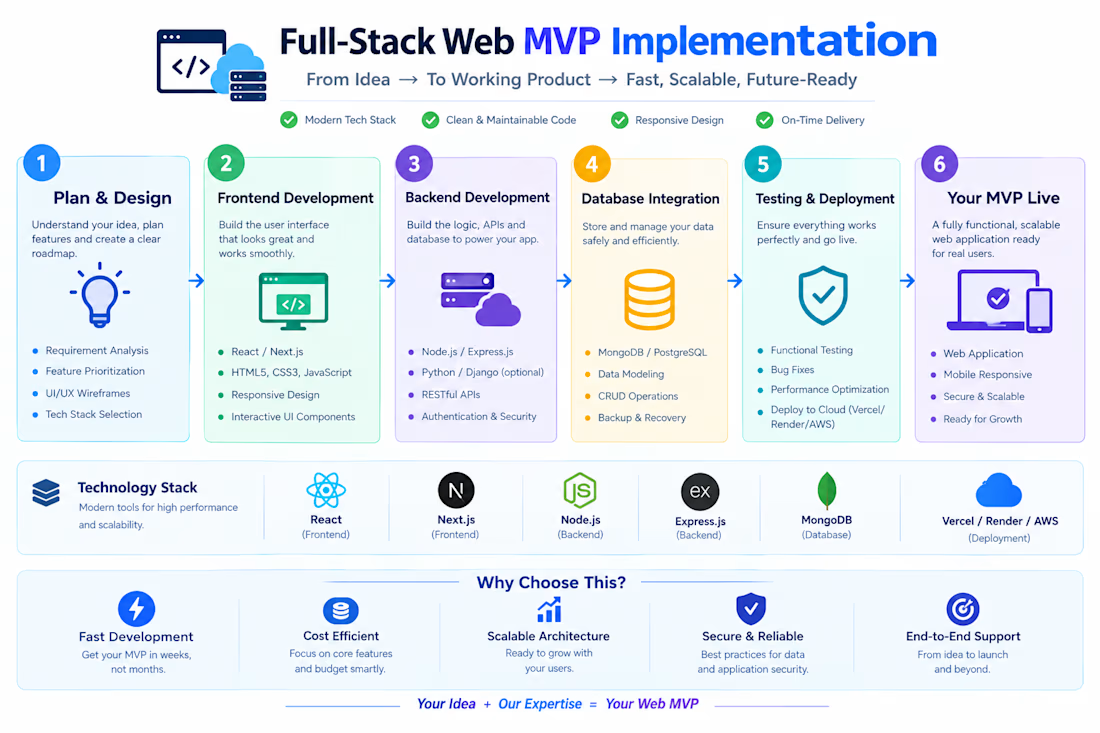
Built a highly responsive web application prototype focusing on smooth user interfaces and swift database connectivity. Optimized web performance to ensure rapid load times and cross-platform compatibility.


Silent service hangs: Why naive systemd service definitions either mask deadlocked processes or destroy clusters in high-speed restart crash loops.
When managing background services on Linux, engineering teams routinely rely on two simplistic systemd settings: ``Restart=always`` and ``RestartSec=2s``. While well-intentioned, this minimal configuration creates two catastrophic production failure modes:
1. The Undetected Deadlock: A multi-threaded daemon enters a database connection pool deadlock or memory thrashing state. The main process does not crash, so systemd reports the unit as ``active (running)``. However, the service stops processing traffic, health checks fail at the load balancer, and on-call engineers are left debugging phantom hangs while systemd does nothing. 2. The Flapping Storm: When a hard dependency fails—such as an unavailable database, corrupted config file, or missing TLS secret—the service crashes immediately on startup. With unthrottled restarts, systemd rapidly relaunches the binary thousands of times per minute. This consumes CPU cycles, fills disk partitions with gigabytes of redundant journald crash logs, and triggers cascade failures across downstream systems.
Modern systemd provides production-grade **hardware and software watchdog orchestration** paired with strict restart rate limiting: • Implement Application Heartbeat Watchdogs: Configure ``WatchdogSec=30s`` in the ``[Service]`` block. Integrate the application event loop with ``sd_notify("WATCHDOG=1")`` so the daemon actively proves it is healthy. If the application deadlocks or its event loop blocks beyond the interval, systemd terminates the hung process with SIGABRT and executes a clean restart. • Define Bounded Restart Intervals: Protect host stability by defining ``StartLimitIntervalSec=300s`` and ``StartLimitBurst=5`` in the ``[Unit]`` block. If a service crashes more than 5 times within a 5-minute window, systemd halts the flapping loop and marks the unit as failed, preventing log exhaustion. • Add Graceful Backoff with RestartSec: Set ``RestartSec=5s`` combined with ``Restart=on-failure`` rather than ``Restart=always``, ensuring planned administrative stops via SIGTERM are respected while unexpected terminations trigger controlled recovery. • Configure Automated OnFailure Handlers: Use ``OnFailure=service-alert@%n.service`` to trigger an automated notification script, capturing stack traces and alerting SRE teams the moment a unit exceeds its restart budget.
Turn unmonitored background daemons into self-healing, deterministic system components.
Harden your production Linux infrastructure with our 2-week Hardened Linux & Container Infrastructure Sprint on Contra: https://contra.com/s/Xbg7ALqN-hardened-linux-and-container-infrastructure
#Linux #DevOps #SRE #Infrastructure #Architecture #SystemsEngineering