The network for creativity
Join 1.25M professional creatives like you
Connect with clients, get discovered, and run your business 100% commission-free
Creatives on Contra have earned over $150M and we are just getting started
Back to feedPost


I’m taking part in the #CapCutDesignStudioChallenge and wanted to share a part of my creation process, even if it goes a bit off topic
But since I used CCDStudio in an important part of this project, I thought it was worth sharing here
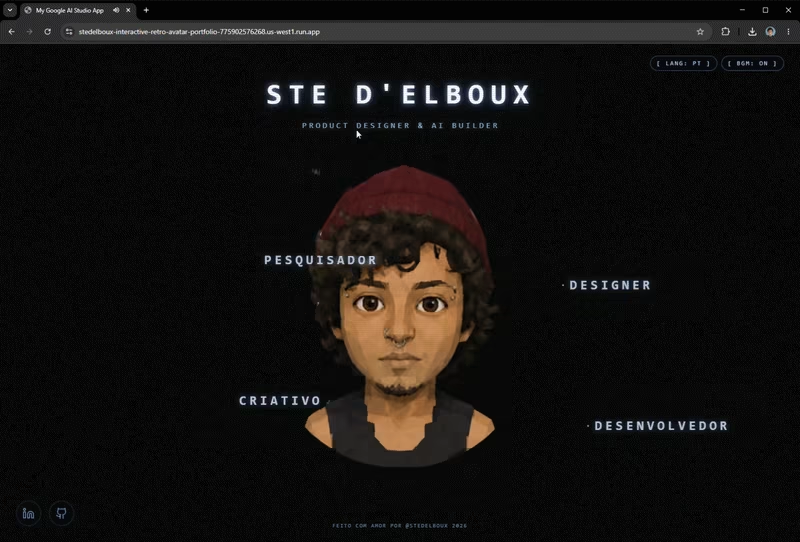
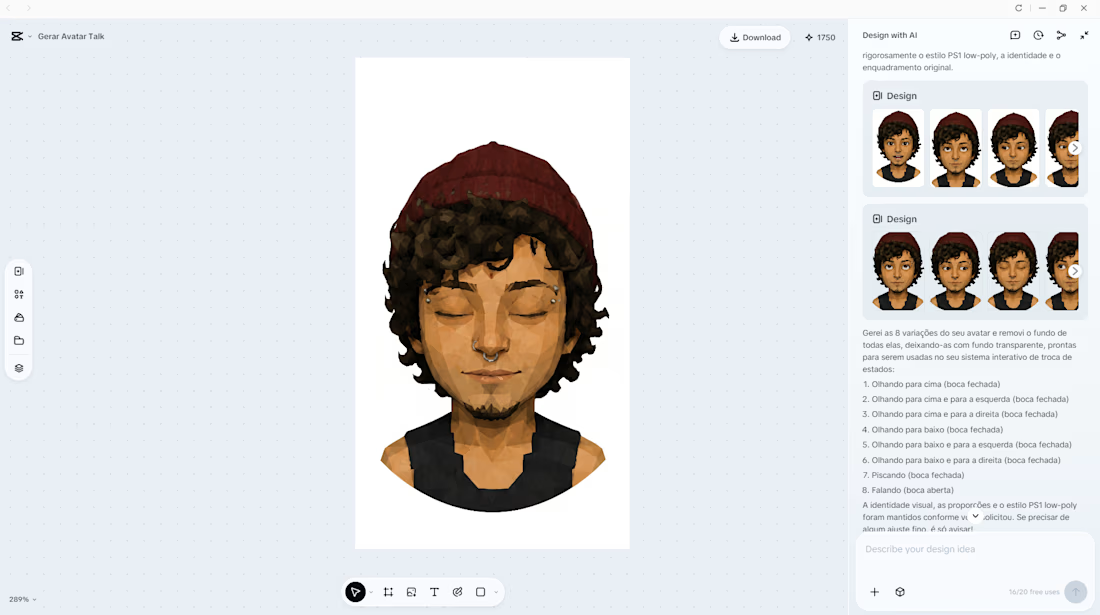
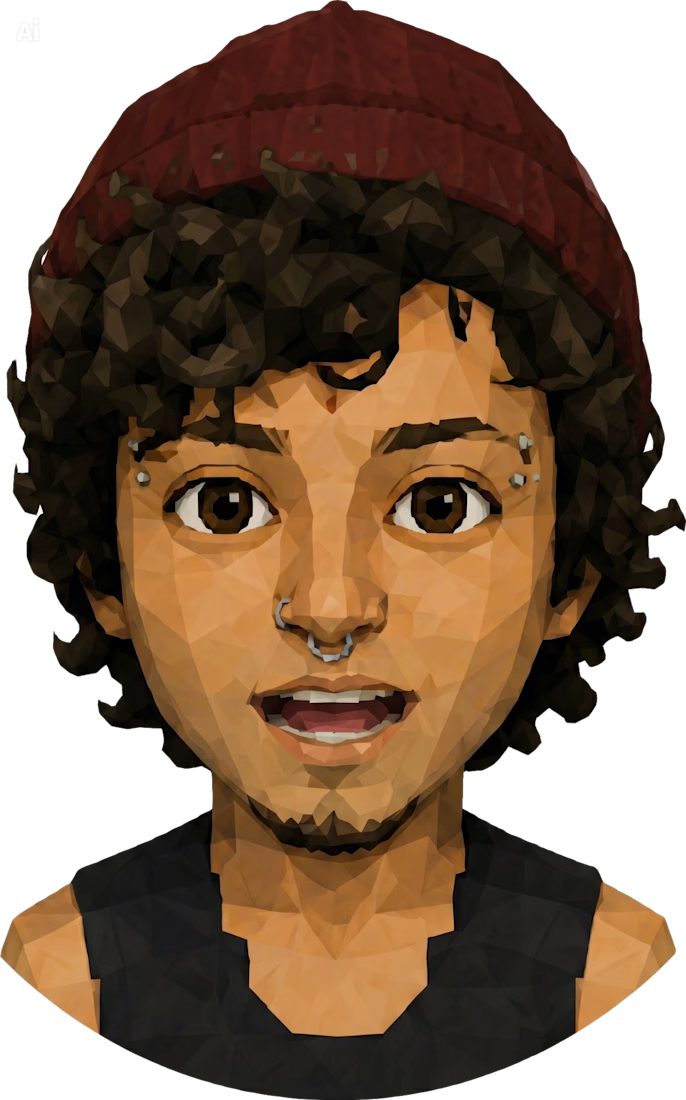
I’m building an interactive PS1-style portfolio, and I used CCDStudio to create the character sprites
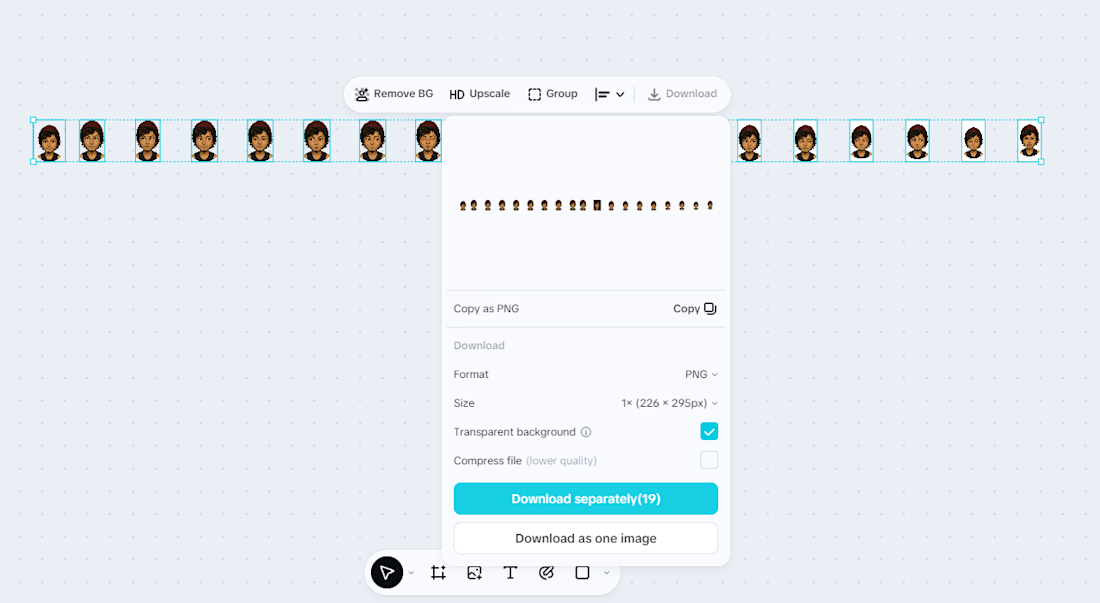
In the process, I organized the character into different expression states like looking, talking, and blinking
The idea was to treat each sprite as a “living state” of the interface, ready to be triggered in real time based on user interaction
CapCut DesignStudio helped me quickly test visual variations, keep consistency between frames, and build a simple but expressive visual language designed for lightweight web animation
It’s still an early-stage project, but I wanted to share this part because it might inspire other ways of thinking about sprites in interactive experiences
#CapCutDesignStudio #Vibecoding #CreativeCoding #UXDesign


The network for creativity
Join 1.25M professional creatives like you
Connect with clients, get discovered, and run your business 100% commission-free
Creatives on Contra have earned over $150M and we are just getting started





Related posts

Built this Framer site from scratch.
The interesting part wasn't the design.
It was building this team section with a flipping interaction and full-card expansion on hover.
Here's the final result.


Really good section with amazing transitions.
Great job Rokas!🙌

From problem to polished product.
I started by identifying the UX problems, then refined the same product through better structure, hierarchy, spacinga navigation, and interactions making the experience clearersimpler, and easier to use.
1 voted
50%
1 voted
50%
2 votes
Closed

Happy to start a new chapter in my career as a Social Media Manager.
I’m excited to share my portfolio, featuring some of my work in social media management, content planning, design, and creative strategy.
I’m looking forward to working with new brands, building strong content systems, and creating social media that feels consistent, engaging, and intentional.
Here’s a quick look at my portfolio 🎥
mrohmanudin.y.id


Congrats on the new chapter! Your portfolio looks like a great start.