The network for creativity
Join 1.25M professional creatives like you
Connect with clients, get discovered, and run your business 100% commission-free
Creatives on Contra have earned over $150M and we are just getting started
Back to feedPost

Why relying on public CAs for internal infrastructure is an operational time bomb: The case for your own private Root and Sub-CA.
How many times has your engineering team been paged at 3:00 AM because an internal TLS certificate expired, taking down database connection pools, internal APIs, or background workers?
When securing internal networks, teams usually fall into one of three traps:
1. The Self-Signed Disaster: Generating ad-hoc self-signed certificates and scattering them across servers. Developers end up adding --insecure or insecure_skip_verify: true to application code, completely gutting transport security.
2. The Public ACME Workaround: Trying to use Let's Encrypt on non-routable internal hostnames (like .internal or RFC 1918 IPs). This requires leaking internal network topology to public DNS or storing sensitive DNS API credentials on every internal host.
3. The Spreadsheet Calendar: Tracking certificate expiration on calendar reminders until an un-tracked intermediate cert inevitably lapses.
Enterprise sovereign infrastructure solves this permanently with a dedicated, multi-tier Private Public Key Infrastructure (PKI):
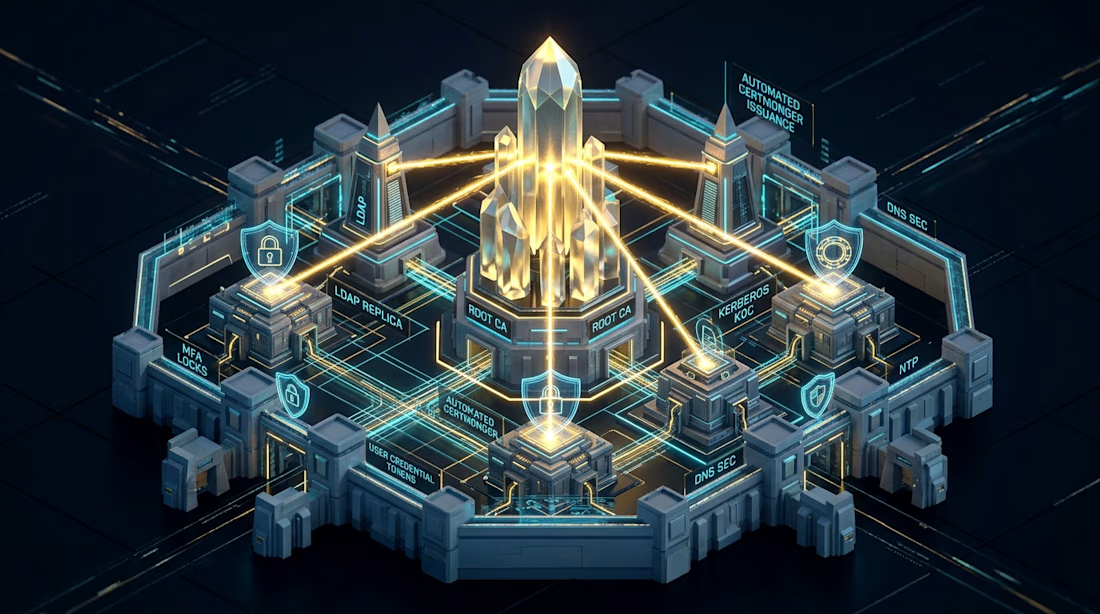
• Offline Enterprise Root CA: An ultra-secure, isolated trust anchor that signs only subordinate issuing authorities and never touches online network traffic.
• High-Availability Subordinate Issuing CAs (Sub-CAs): Domain-level issuing authorities (Dogtag PKI/FreeIPA) handling day-to-day certificate issuance.
• Zero-Touch Automated Renewal: Using certmonger on Linux hosts to continuously monitor certificate lifecycles, automatically re-requesting certificates 30 days prior to expiration and reloading daemons hitlessly.
• Mutual TLS (mTLS) Enforcement: Cryptographic workload identity verifying both server and client authenticity across internal database listeners, microservices, and admin interfaces.
Stop debugging expired certificates during outages. Deploy an automated private PKI foundation.
Deploy your sovereign PKI with our 2-week Enterprise FreeIPA HA & Centralized PKI/CA Sprint on Contra:
#Security #CyberSecurity #Cryptography #Infrastructure #Linux #DevOps #SRE #Architecture


Great 👍🏻
The network for creativity
Join 1.25M professional creatives like you
Connect with clients, get discovered, and run your business 100% commission-free
Creatives on Contra have earned over $150M and we are just getting started
Related posts

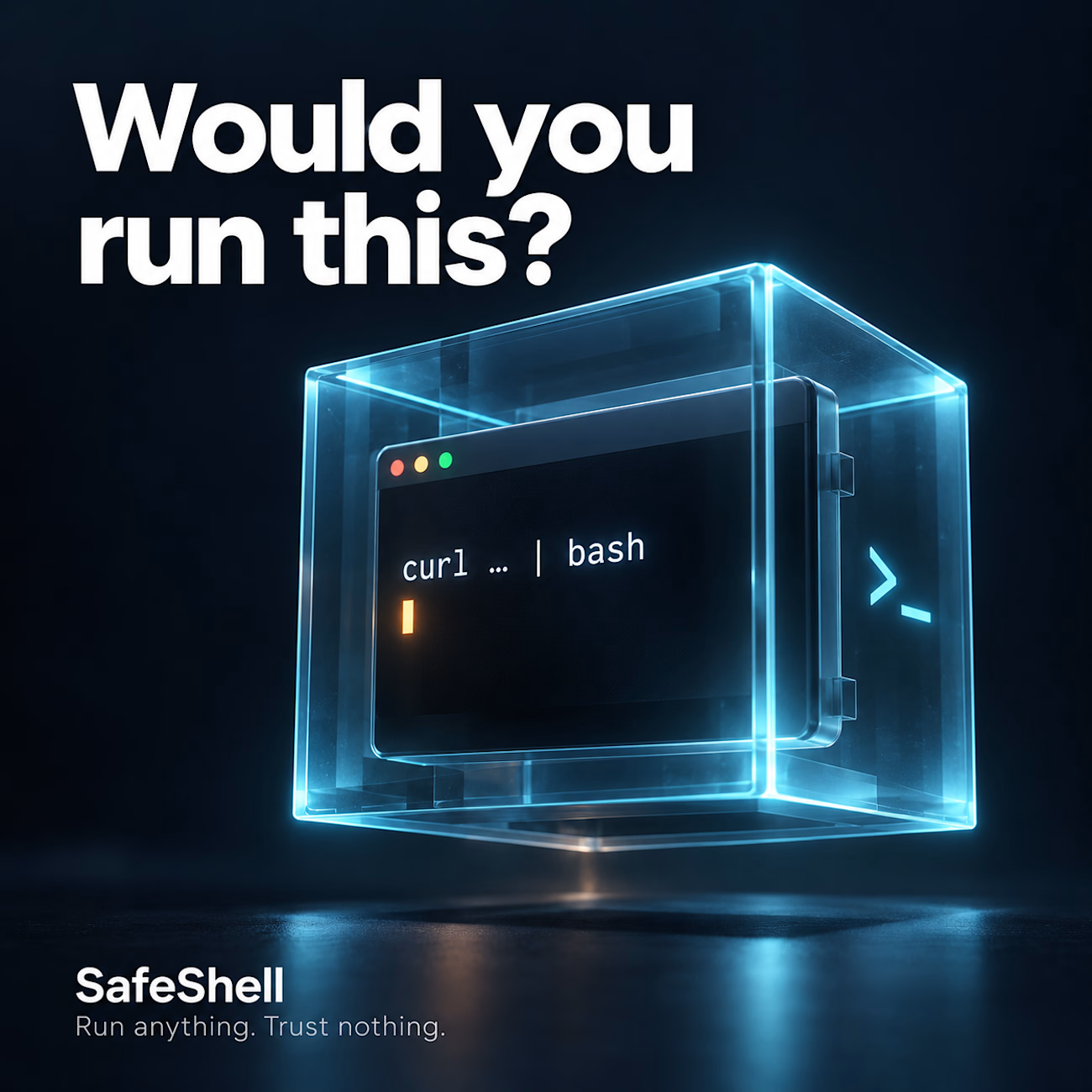
Would you run a command without knowing what it could do?
A copied installation script. An automated workflow. A shell command suggested by AI.
Convenient? Yes. Worth checking before execution? Absolutely.
That’s why I built SafeShell, an open-source tool for inspecting commands, applying security policies, and running permitted commands with sandboxing on Linux.
The goal: help developers and engineering teams work faster with more control over what they execute.
Explore the code, try it, and share your feedback:
https://github.com/HamzaGhebriche/SafeShell
Building automation or CI/CD workflows that need stronger security controls? I’m available for freelance projects in DevSecOps, secure automation, and cloud security. Let’s talk through Contra.




Alden Nuvea - Multidisciplinary Engineering Team 3D Animation

nice work bro 🙌 love that clean white clay look with just the crane and the vest popping in orange, reads super clear


Archevia, Architecture & Design Website Template.
An editorial-style template built for architecture studios.
It features a CMS-powered project portfolio, service pages, testimonials, a contact form, and a blog.
Archevia is a device-friendly template with gallery-first layouts.
This is perfect for visual storytelling for design-led studios.
Check the comment.




nice work