The network for creativity
Join 1.25M professional creatives like you
Connect with clients, get discovered, and run your business 100% commission-free
Creatives on Contra have earned over $150M and we are just getting started
Back to feedPost

I was trying to improve latency in Amanises.
The database wasn't actually the only problem.
Amanises is built with Next.js, Hono, Cloudflare Workers, and AI, so a single user action can end up going through quite a few things:
→ API request
→ Database
→ AI processing
→ Response
→ Back to the client
I started tracing the request flow instead of looking at each part separately.
And I found something pretty simple: some requests were doing work they didn't actually need to do.
Some database calls could be avoided.
Some data could be reused instead of fetched again.
And some AI flows could be handled more efficiently instead of triggering another request every time.
So I started moving the logic around and reducing unnecessary calls.
The result: fewer database calls per request, less repeated fetching, and fewer extra AI requests. The app feels noticeably snappier.
The interesting part was that I didn't need some huge optimization. I just needed to stop doing unnecessary work.
That's probably my biggest takeaway from this:
Performance isn't always about making things faster.
Sometimes it's about asking: "Do I need to do this at all?"
Still building Amanises, but these changes made the request flow a lot cleaner and gave me a much better understanding of how the app behaves once Next.js, Hono, Workers, databases, and AI all start talking to each other.
If your app feels slow and you can't figure out why, DM me, happy to take a look.
What's the most unnecessary work you've found hiding in your own app?
More of my work: unainr.vercel.app


The network for creativity
Join 1.25M professional creatives like you
Connect with clients, get discovered, and run your business 100% commission-free
Creatives on Contra have earned over $150M and we are just getting started
Related posts


I felt something was off with my own website.
Too plain. Not how I envisioned the brand.
So I added more creative touches and built a real story into it. Now everything makes sense.
It finally feels like Outredge 🚀
https://outredge.com/


That big bold wordmark with the corner brackets gives it so much more character. "A marketing site as good as your product" is a strong line too, says exactly what you do.

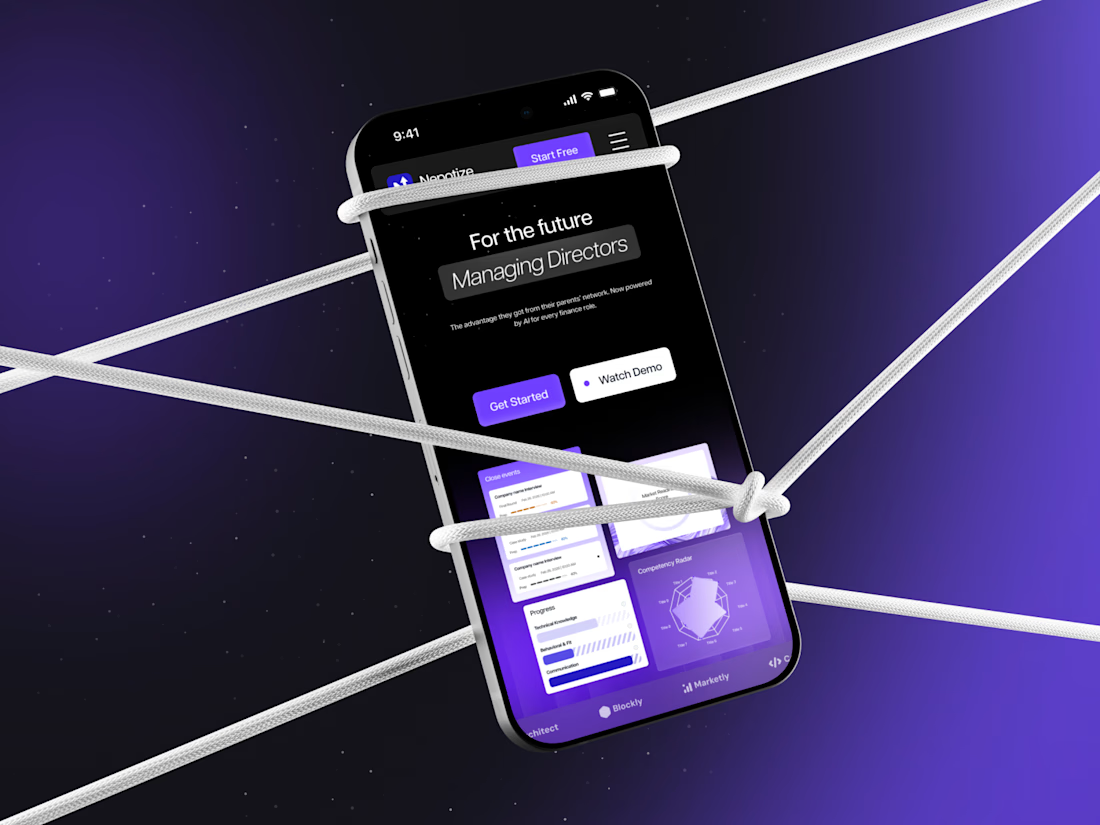
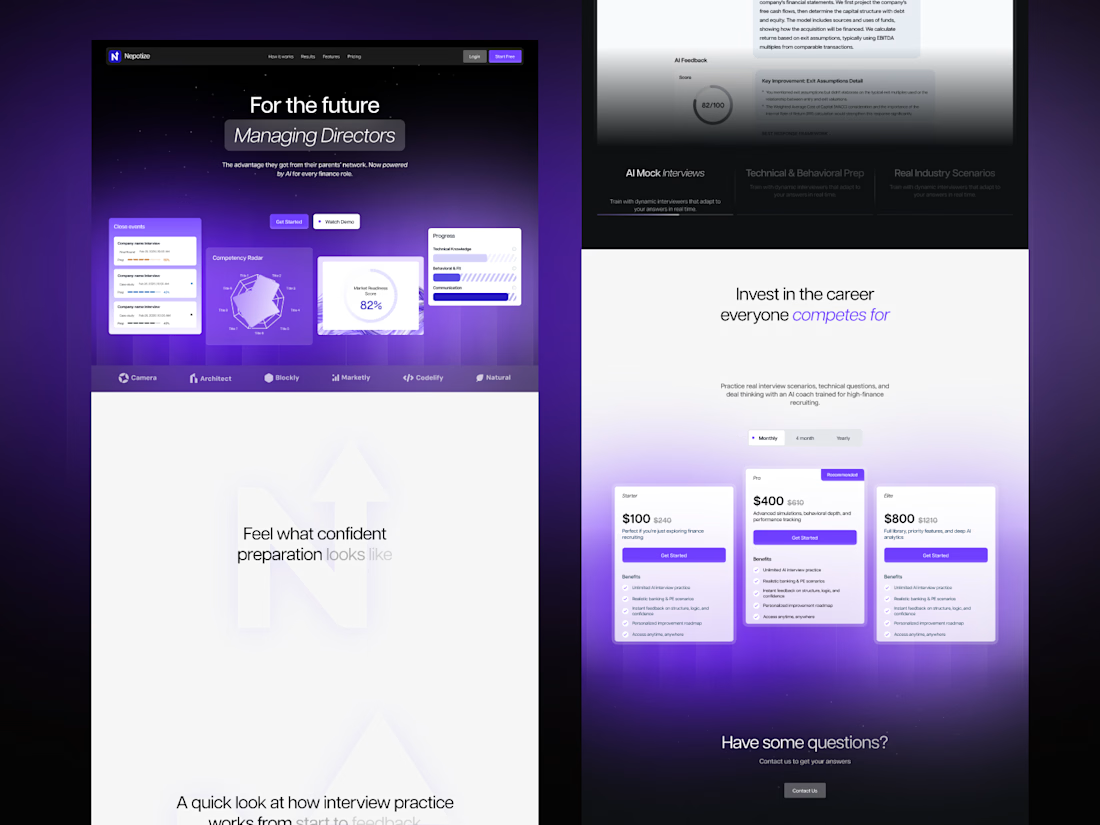
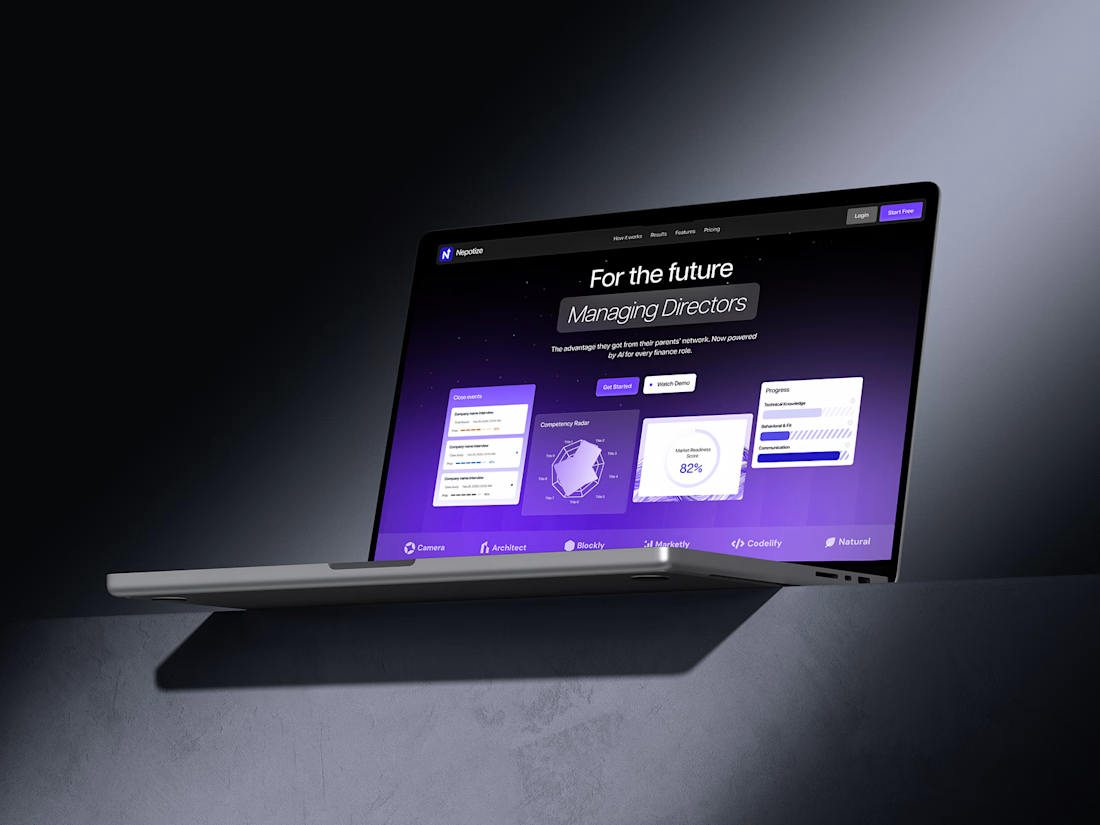
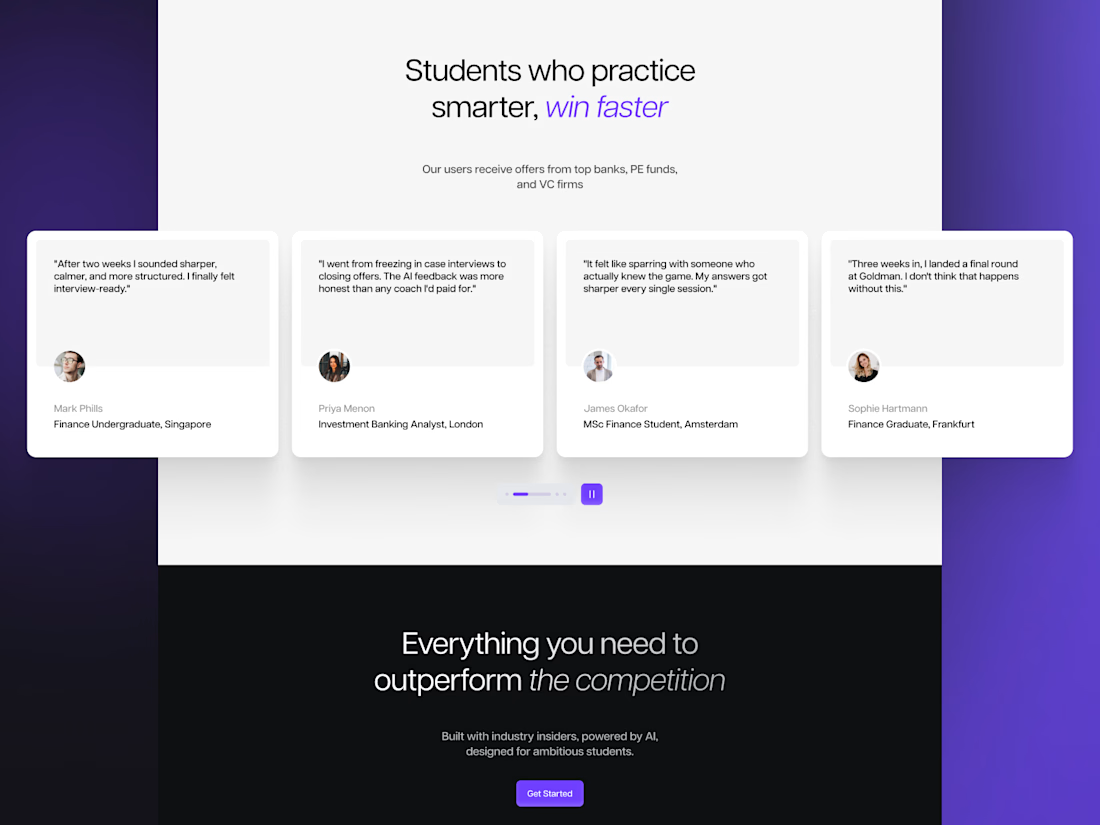
What do you think of this landing page design for an AI-powered finance interview prep platform? 👀
Dark, bold, and built around a strong tech feel.
Would love to hear your thoughts in the comments!


wow!

Most inbound bottlenecks aren't caused by low lead volume—they happen during triage.
When inquiries roll into a Google Sheet or CRM, operations teams often waste 10–15 minutes per submission reading through messy paragraphs, deciphering budget mismatch, and manually deciding who gets an immediate call vs. a standard rate sheet.
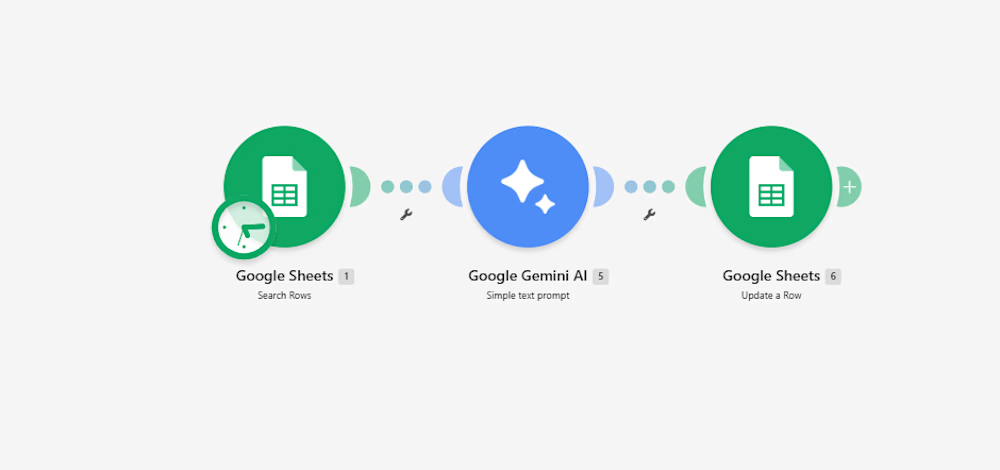
Instead of adding a bulky CRM add-on, I documented a lightweight 3-step automation pipeline built inside Make:
Intake & Extraction: An active listener triggers immediately upon a new submission, extracting core variables: client scope, target deliverables, timeline, and stated budget.
Context-Aware Evaluation (Gemini 2.5 Flash): The payload passes through an AI evaluation node with strict guardrails:
Evaluates budget against minimum agency criteria.
Assigns a triage score: Hot (immediate priority), Warm (nurture), or Cold (disqualified/template reply).
Generates a strict 15-word operational summary—no long paragraphs.
Determines an automated next step (e.g., routing to an account lead or flagging for asynchronous follow-up).
Data Return & Clean Pipeline: Appends the structured classification directly back to the master operational tracker, keeping the sheet filterable and clean.
The outcome: The sales and operations team can filter the entire board by priority status in two clicks, cutting first-touch response time to minutes without manually reading every single submission.
I’ve documented the full scenario map, execution logic, and data schemas below.
Curious how other agency operators and automation leads here handle their lead enrichment layer—are you doing AI scoring at the form level, or later in the CRM pipeline?:


For the budget gate, I'd keep an unstated budget separate from one explicitly below your minimum. Does the Make route ask for clarification when the amount or currency is missing, so a potentially suitable lead doesn't fall into Cold by default?