The network for creativity
Join 1.25M professional creatives like you
Connect with clients, get discovered, and run your business 100% commission-free
Creatives on Contra have earned over $150M and we are just getting started
Back to feedPost

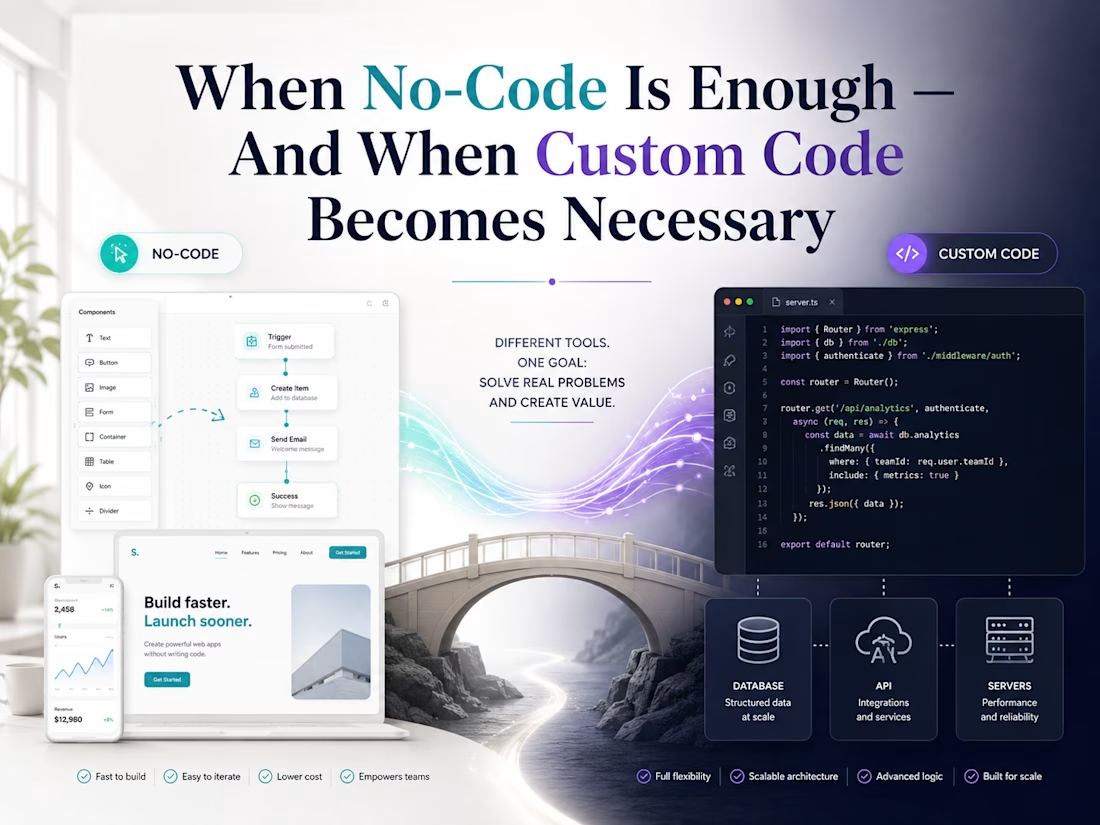
When No-Code Is Enough — And When Custom Code Becomes Necessary
No-code tools are great when speed matters.
They help founders launch landing pages, simple MVPs, internal tools, automations, and early product ideas without spending too much time or budget. If the goal is to test an idea quickly, no-code can be the smartest first step.
But no-code is not always enough.
As a product grows, you may need custom user flows, better performance, stronger security, deeper integrations, or more control over the design and backend logic.
That is when custom code becomes necessary.
The smart approach is not choosing no-code or code forever.
It is choosing the right solution for the current stage of the product.
Use no-code to move fast and validate the idea.
Use custom code when the product needs to scale, perform better, and support real business logic.
A good product does not always need to start big.
It needs to start with the right foundation.
The network for creativity
Join 1.25M professional creatives like you
Connect with clients, get discovered, and run your business 100% commission-free
Creatives on Contra have earned over $150M and we are just getting started
Related posts

Testing doesn't have to slow your team down.
A motion design concept for Hostable focused on simplifying the testing workflow.
A flowing gradient path, glowing UI elements, and smooth transitions turn a technical process into a simple and visually engaging experience.

New week 🥂
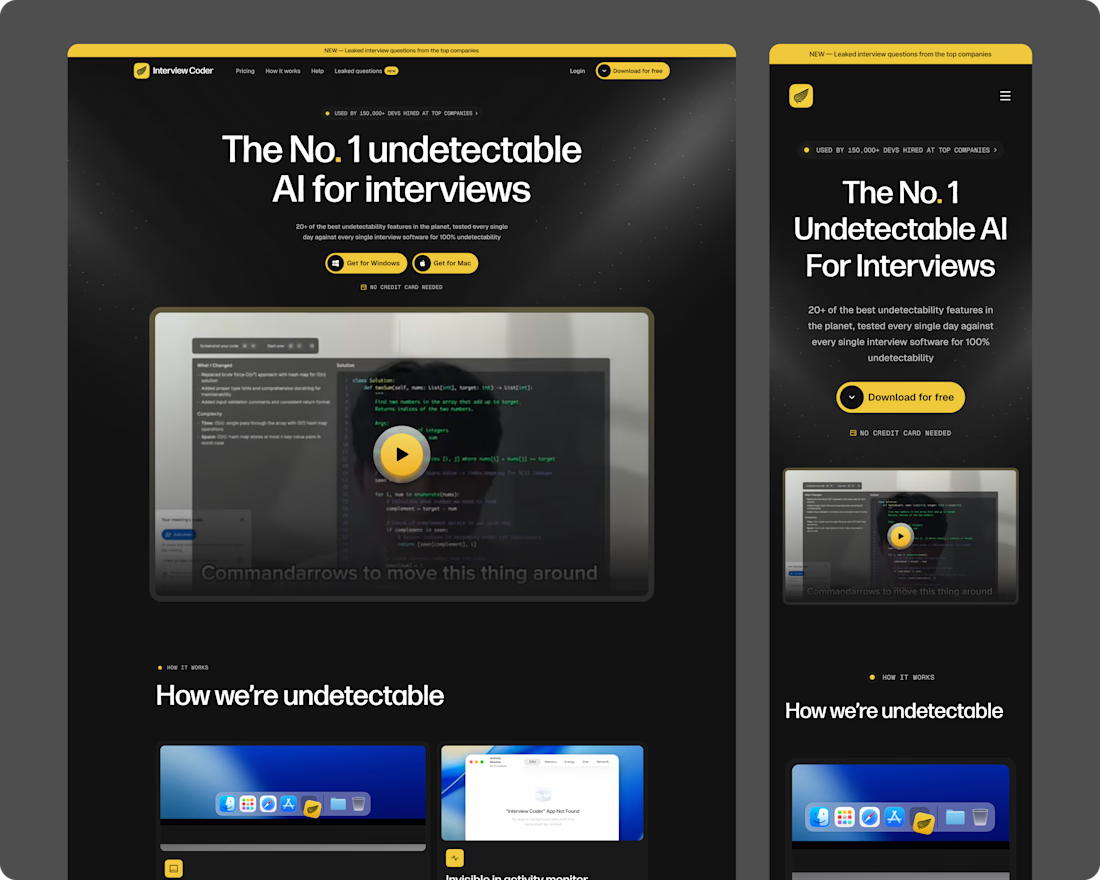
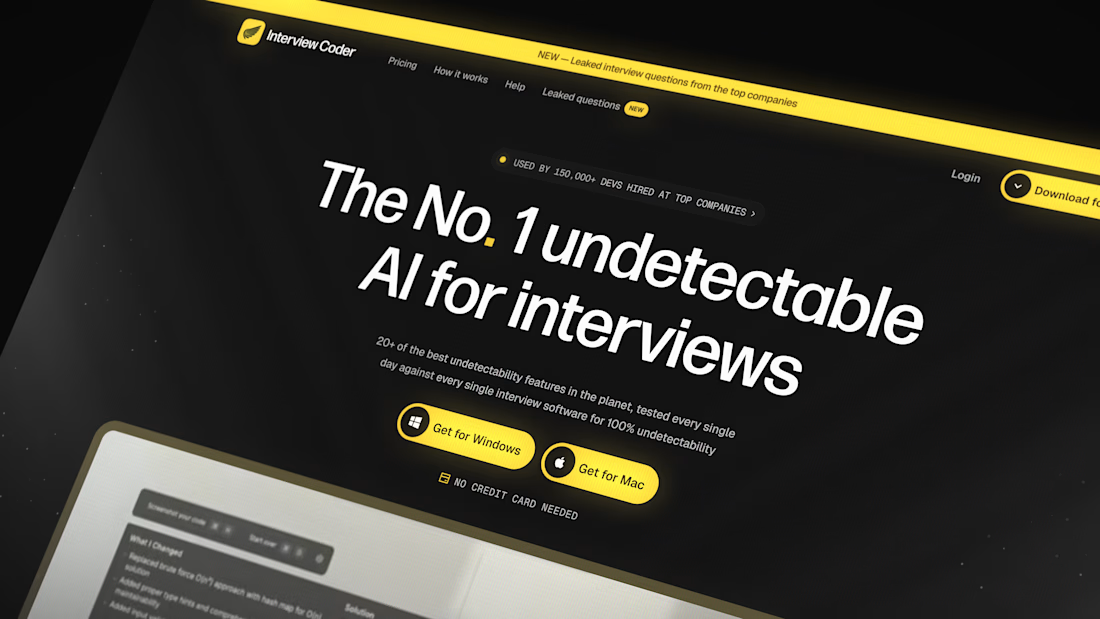
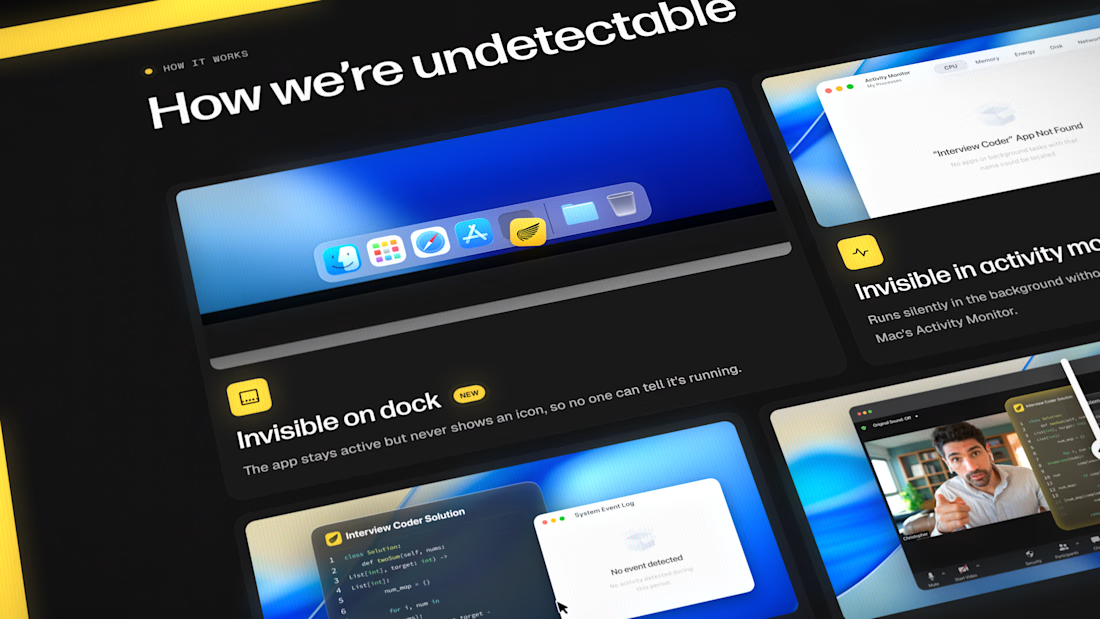
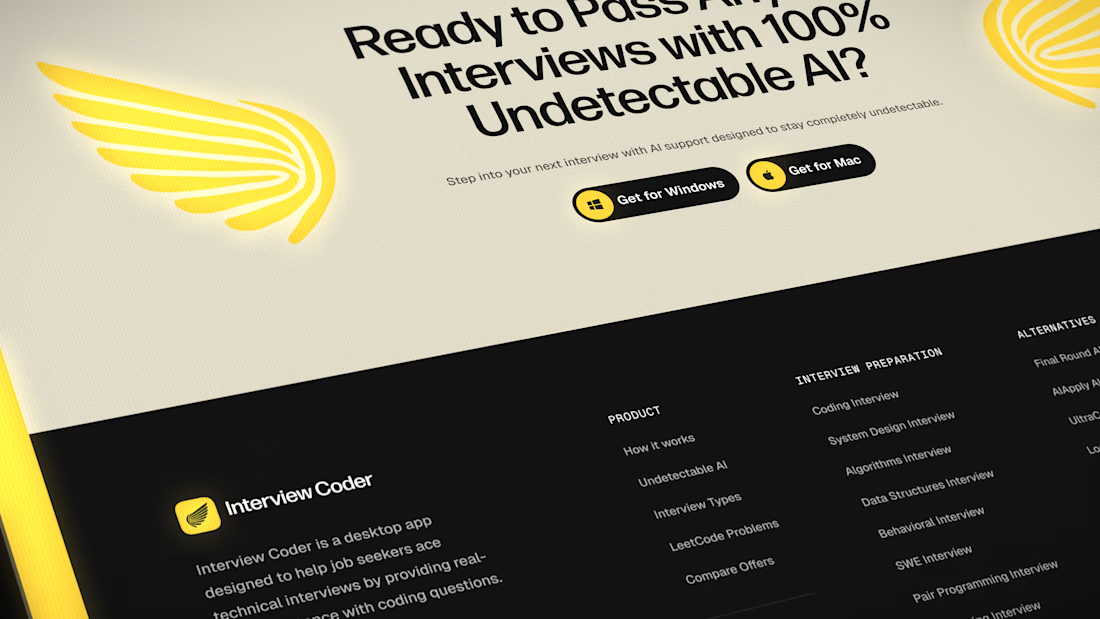
Interview Coder redesign
The goal: make the value clear in the first few seconds, and give visitors one obvious next step. Download.


Myth: once the site is live, the project is done.
Fact: launch is the first day the site meets real visitors. It needs care after that: updates, fixes, content and tracking.
What a monthly check covers on the sites I look after:
• Updates on staging first: core, theme, plugins or apps
• Every form tested end to end. Does the email actually arrive?
• Search Console: new errors, new 404s, pages dropped from the index
• Speed on the top pages, on mobile, not just desktop
Most problems I find in audits weren't there at launch. A plugin update broke a form, a page was renamed without a redirect, a new script slowed the homepage.
None of them are dramatic. They just pile up when nobody looks.
Who checks your site after launch, and how often?
One real site, one real tip, every day. Follow for more videos.
Follow for more videos: instagram.com/sellwrightstudio · youtube.com/@sellwrightstudio
