The network for creativity
Join 1.25M professional creatives like you
Connect with clients, get discovered, and run your business 100% commission-free
Creatives on Contra have earned over $150M and we are just getting started
Back to feedPost

One character over — here it is with a single word trimmed:
https://tofu-ebony-72499793.figma.site
We spent decades making computers easier to touch. Then AI arrived — and handed us a text box. The promise was an interface that meets you where you are. Instead, it made you meet it.
Touch to Tweak replaces the most common AI refinements with gestures directly on the text. Pinch to adjust length from 20 to 300 percent. Slide to place expertise on a continuous scale. Touch a heading to scope edits to just that section. Three fingers opens tone controls across six dimensions. Queue changes, accept once.
No prompts. Just hands. Best on phone or tablet.
Your intent is analog — the interface should be too.
TactWrite is the demo. Touch to Tweak is the interaction.
The network for creativity
Join 1.25M professional creatives like you
Connect with clients, get discovered, and run your business 100% commission-free
Creatives on Contra have earned over $150M and we are just getting started



Related posts


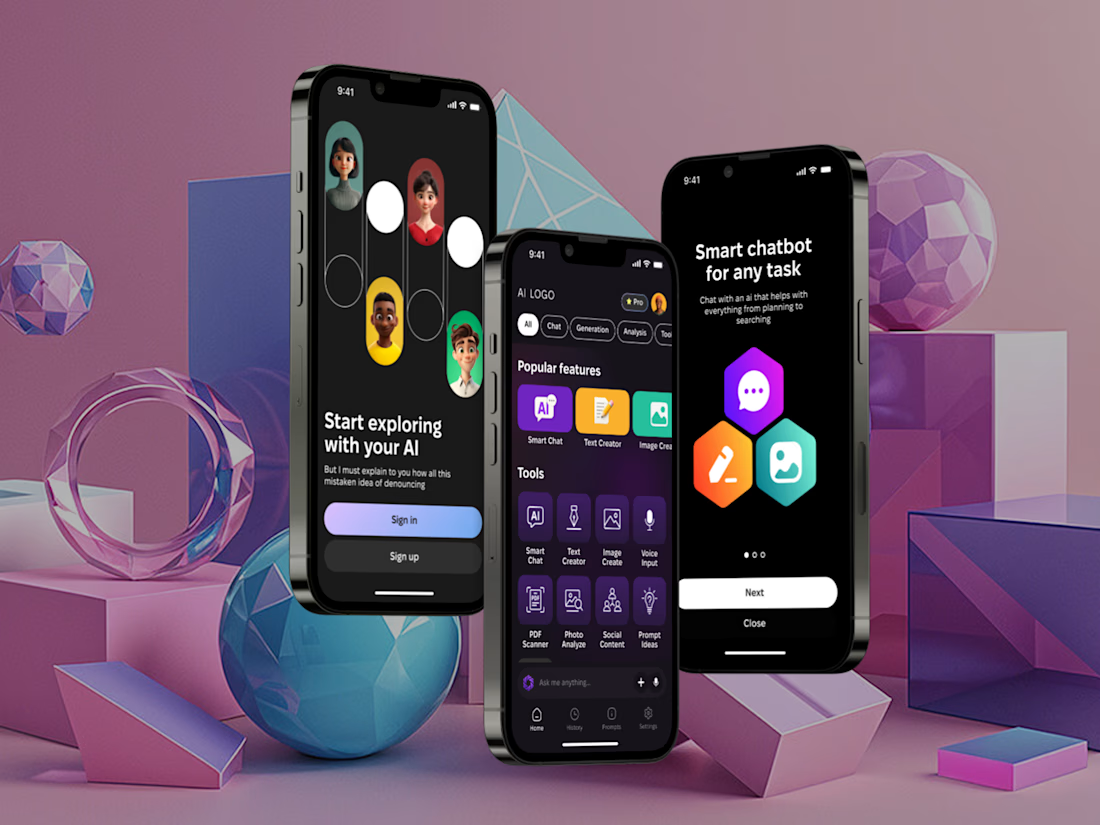
I've built a new mobile AI assistant that brings chat, text and image generation, voice input and document analysis into one app.
It have Smart Chat, Text Creator, Image Create, Voice Input, plus PDF Scanner, Photo Analyze, Social Content and Prompt Ideas, filtered by category.
Almost everything AI can do, just in one place.


The AI handles all routing automatically.
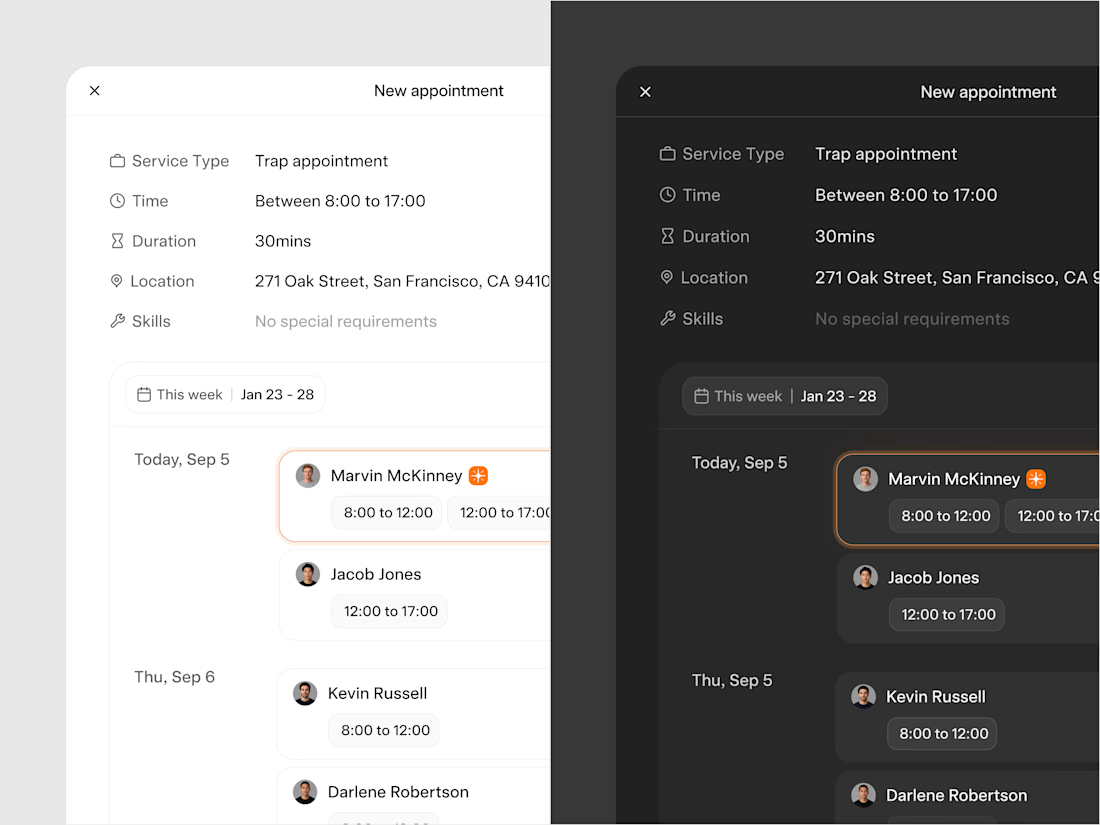
Thus, manual appointment creation is an edge case, something that happens when a specific customer request or exception requires human intervention.
When that happens, the system surfaces available technicians ranked by fit and shows how much distance and time the appointment adds to their route for that day. The manager picks from a ranked list rather than guessing.
The typography and color choices were made with one thing in mind: the platform needs to feel embedded in whatever system the client is already using rather than standing out as something foreign. We kept everything deliberately neutral.
Light and dark mode both follow the user's system preference automatically.

Just letting you know that I added documentation to my Tweakpane adaptation component, it includes a video tutorial and explanations. Now you don't have an excuse to not try it for yourself 🫣✊🏽 (Link in the comments)