The network for creativity
Join 1.25M professional creatives like you
Connect with clients, get discovered, and run your business 100% commission-free
Creatives on Contra have earned over $150M and we are just getting started
Back to feedPost

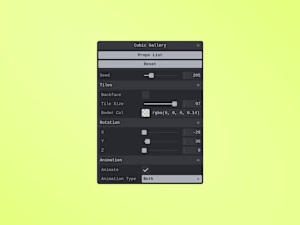
Just letting you know that I added documentation to my Tweakpane adaptation component, it includes a video tutorial and explanations. Now you don't have an excuse to not try it for yourself 🫣✊🏽 (Link in the comments)
The network for creativity
Join 1.25M professional creatives like you
Connect with clients, get discovered, and run your business 100% commission-free
Creatives on Contra have earned over $150M and we are just getting started



Related posts

I designed a custom Video.js skin to improve the video playback experience through a modern, clean, and intuitive interface. The design focuses on usability, visual consistency, and accessible playback controls, while maintaining the flexibility of Video.js.
My goal was to create a player interface that feels polished, responsive, and suitable for modern web applications.

The simple 'Drop in and play' start makes AFTERFRAME feel welcoming. Nice work keeping that first step so clear.
Building a Custom Video.js Skin
I've been exploring how to transform the video playback experience through a custom Video.js skin.
My focus is on creating a modern, clean, and intuitive interface with thoughtful control layouts, smooth interactions, and a visually polished experience.
This project is helping me explore creative UI design, frontend development, and the possibilities of customizing modern video players.
I'm excited to continue refining the experience and sharing more of the process.
Feedback and ideas are always welcome! 🎬

Edit bay turns the Video.js player into a small edit suite. The picture is the program monitor, and the controls are a timeline and transport: frame-accurate timecode, J, K and L shuttle, frame stepping, chapters as colored clips, and subtitles on their own lane. While the video plays, the panel hides and leaves a 3px progress line. Clean feed, in settings, removes that line too. The layout holds at every player width, with AirPlay and Cast in settings on small players, and every control works from the keyboard with a visible focus ring. Press the question mark key to see all the keyboard shortcuts.

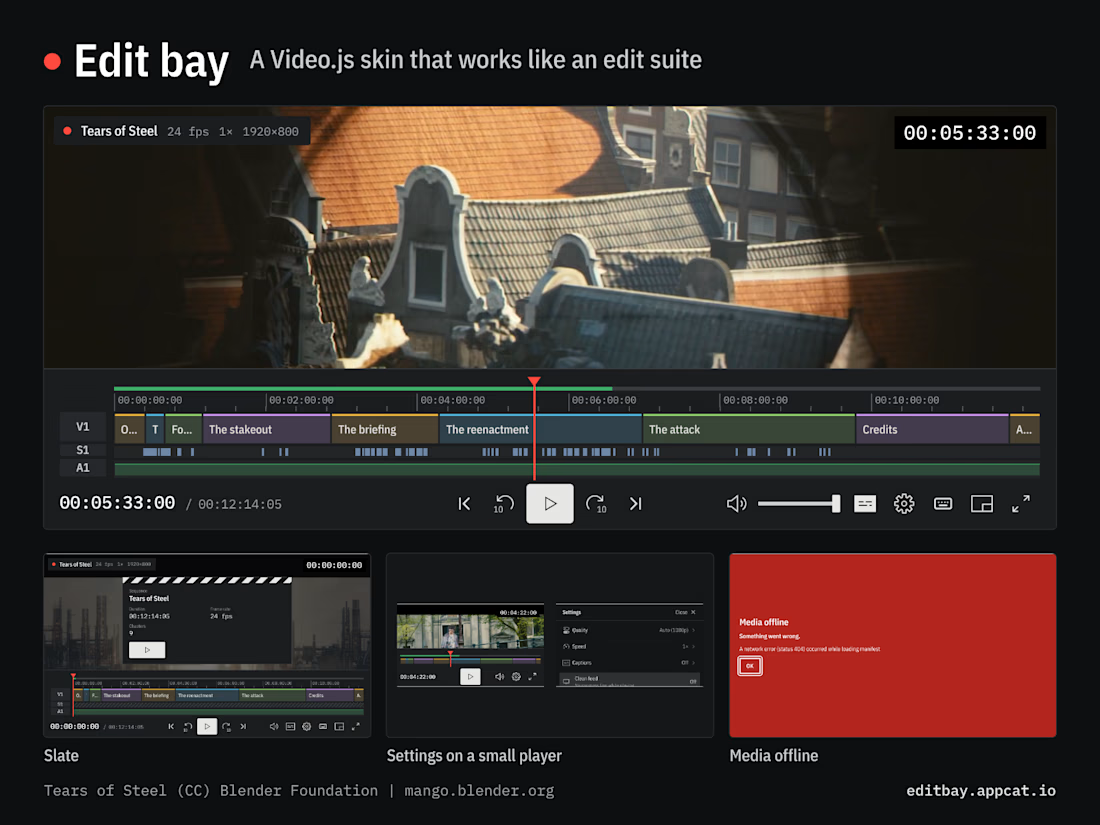

Getting the timecode honest, frame-accurate in a browser that doesn't report a video's frame rate, is the kind of invisible work that makes the whole edit-suite idea believable. The subtitle lane drawing each subtitle as a block, with overlapping cues in separate rows, is a...