The network for creativity
Join 1.25M professional creatives like you
Connect with clients, get discovered, and run your business 100% commission-free
Creatives on Contra have earned over $150M and we are just getting started
Back to feedPost
🚨 TYPOGRAPHY ISN'T JUST AESTHETICS—IT'S USER PSYCHOLOGY & PERFORMANCE
Most people choose fonts solely based on looks. High-performance engineers optimize typography based on visual hierarchy, eye-scanning psychology, and load speed.
When a visitor lands on a digital product, typography dictates where their eyes move in 0.05 seconds. If your custom web fonts cause Layout Shifts (CLS) or slow down initial rendering, you lose user trust before they even read your headline.
How I engineer typography directly in VS Code:
• Fluid Typography: Using CSS clamp() to build smooth, proportional text scaling across every screen size without bloated libraries.
• Zero Layout Shift: Preloading critical variable fonts and executing fallback strategies so rendering is instant and crisp.
• Typography in Code: Blending monospace code fonts with modern UI elements (using RML & WGSL Shaders) to create deep visual contrast.
Great typography captures attention. Hand-coded optimization ensures it delivers results without sacrificing speed.
💬 Quick Question for Designers & Engineers:
What is your go-to typography stack for modern web applications, and how do you handle web font performance?
👇 Drop your favorite font pairings below—let's connect and share workflows!
#Typography #WebDevelopment #UIUX #CleanCode #DesignSystems #VSCode #FullStack



What caught my attention was the preload of critical variable fonts to kill CLS; swapping in a fallback instantly keeps the layout steady while the font loads.

Exactly — that's the piece most people skip. I also like pairing
font-display: optional with a size-matched fallback (using
size-adjust in @font-face) so even the swap itself doesn't nudge
layout. Combined with preload, CLS basically disappears.
What's your usual fallback stack for variable fonts?


clamp() for fluid type saved me so many breakpoints. inter plus a variable serif usually
100% agree. Inter + a variable serif is a great combo when you want UI clarity without losing character. I’ve also been experimenting with IBM Plex Mono for technical interfaces—it gives the UI a much stronger engineering feel. The interesting part is balancing readability,...
The network for creativity
Join 1.25M professional creatives like you
Connect with clients, get discovered, and run your business 100% commission-free
Creatives on Contra have earned over $150M and we are just getting started











Related posts

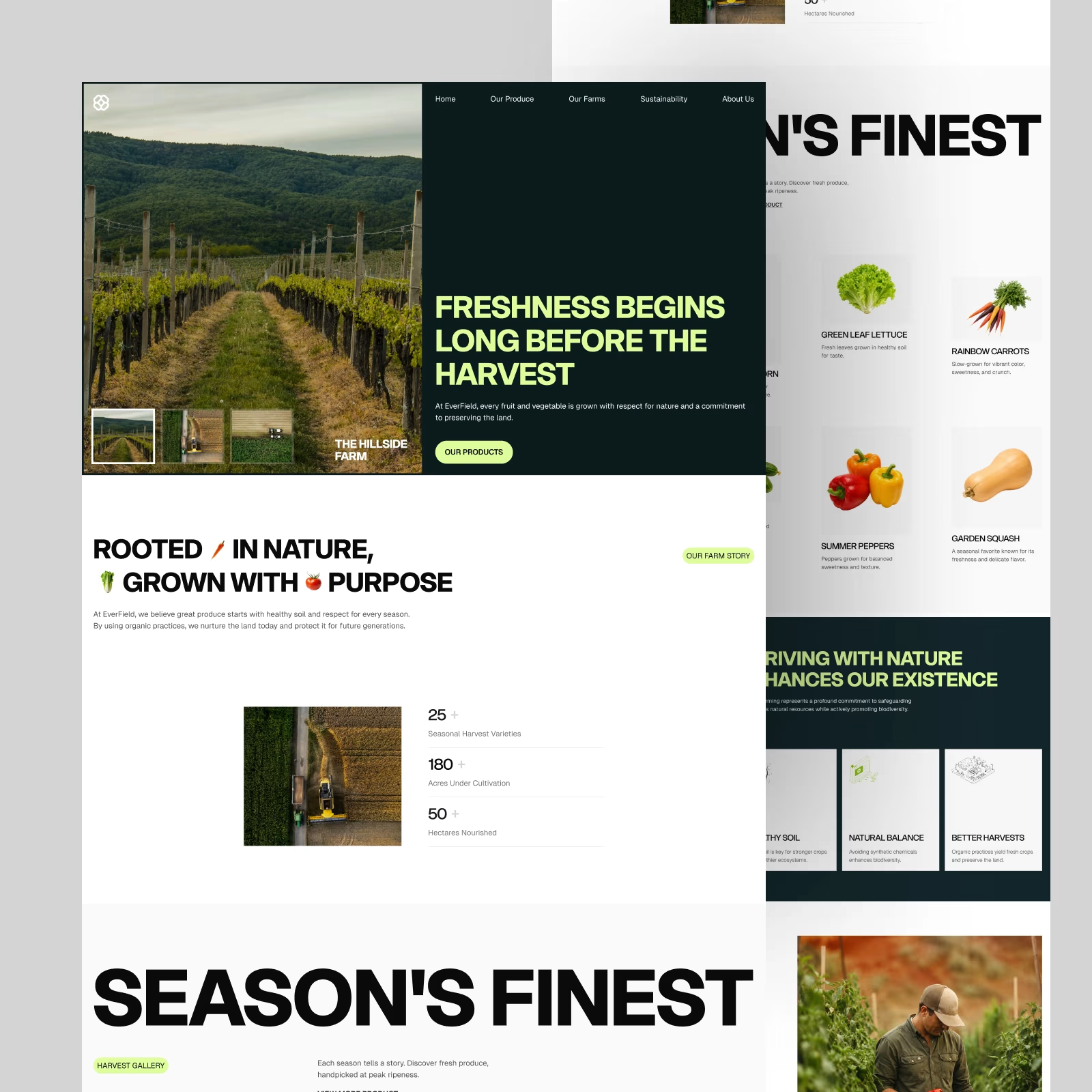
EverField — Farm & Produce Website. One of the favorite hero sections from this exploration.
Big imagery, bold type, and a simple split layout. Does this direction work for an agriculture brand?

Neon based varied type fx
created directly inside
Seedance2.5
using text based prompts
and omni references.
.
.
Interested to know your thoughts.

So pretty!
love how the text effects came out with no missed spells..!

New Exploration 🎉
Spatial intelligence for the built world.



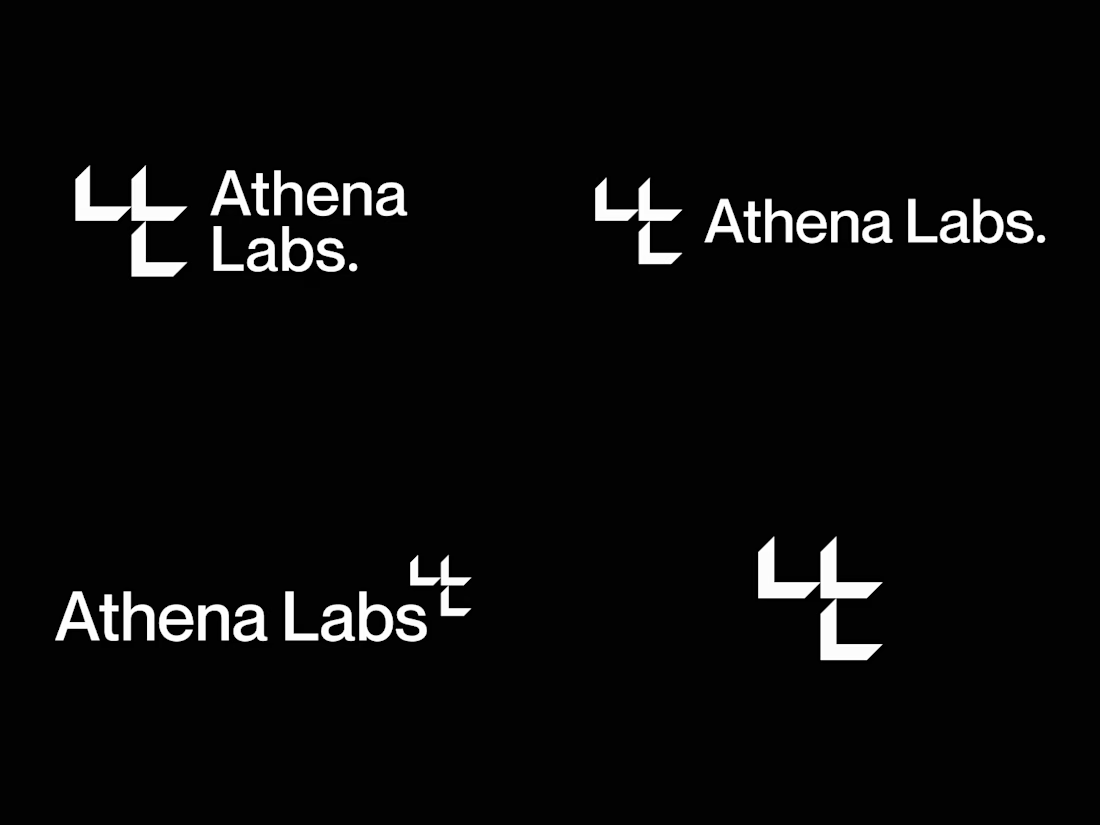
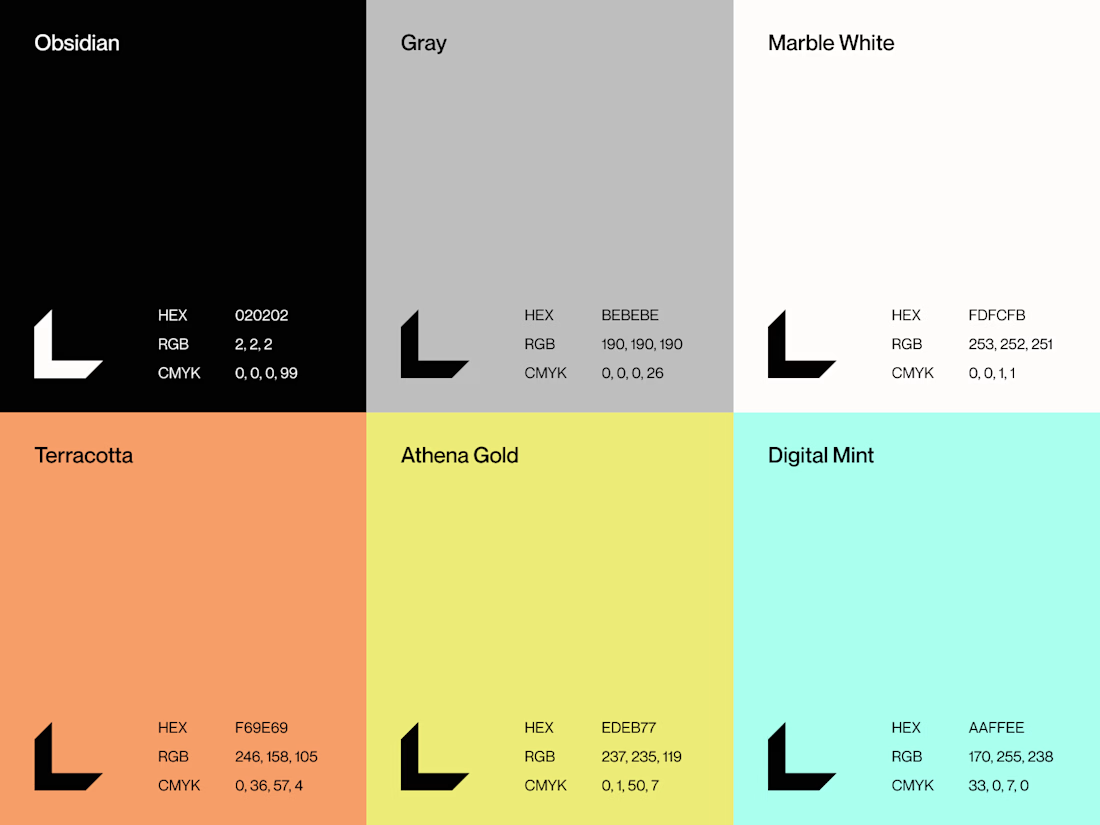

The exploration turns nothing but well