Kamran Ali - Web Developer | Contra
Work by Kamran Ali
Sign Up
Post a job
Sign Up
Log In
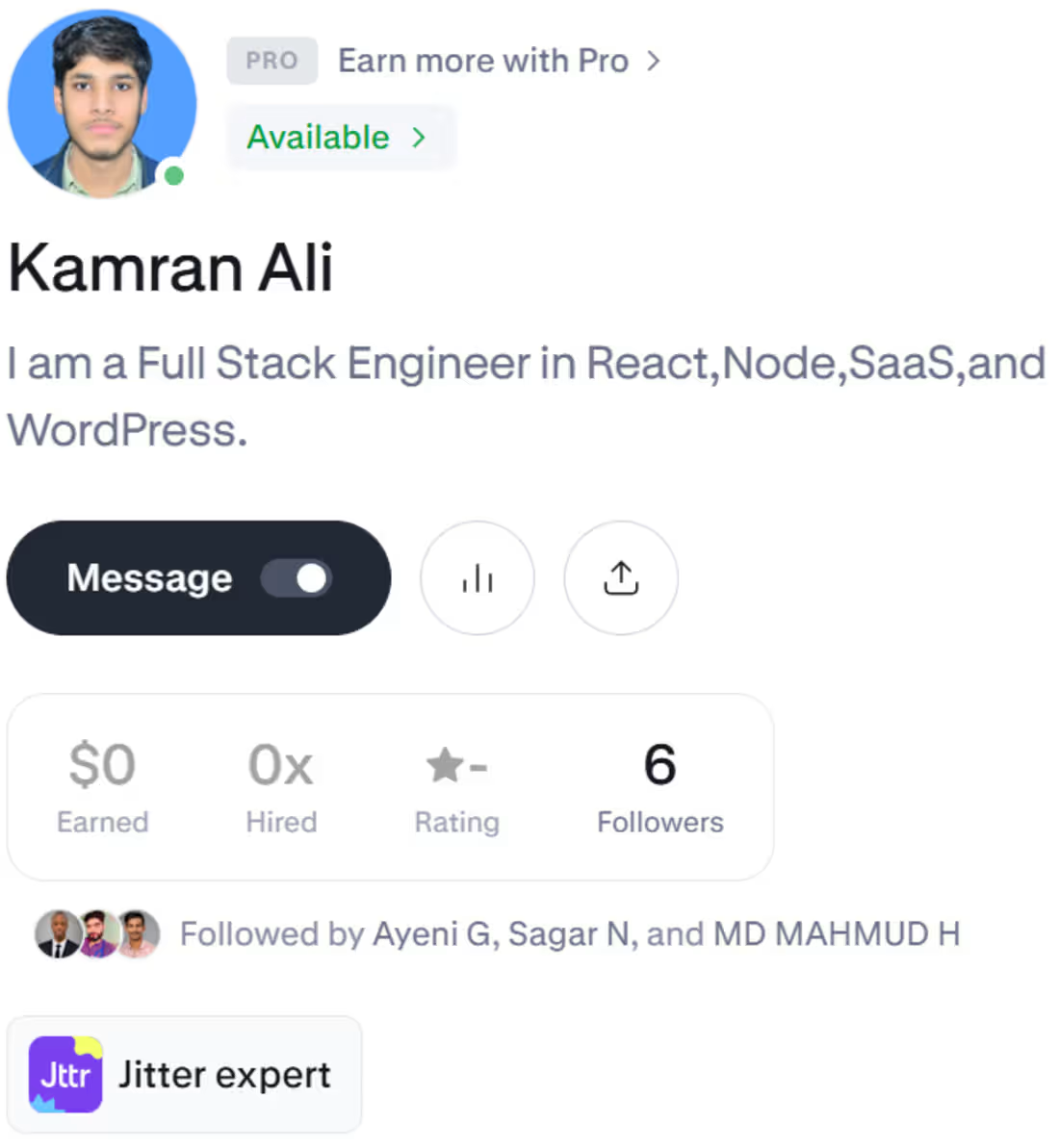
Kamran Ali
I am a Full Stack Engineer in React,Node,SaaS,and WordPress.
Message
Follow
New to Contra
Kamran is ready for their next project!
Faisalabad, Pakistan
Work
Posts
Services
About
Faisalabad, Pakistan
0
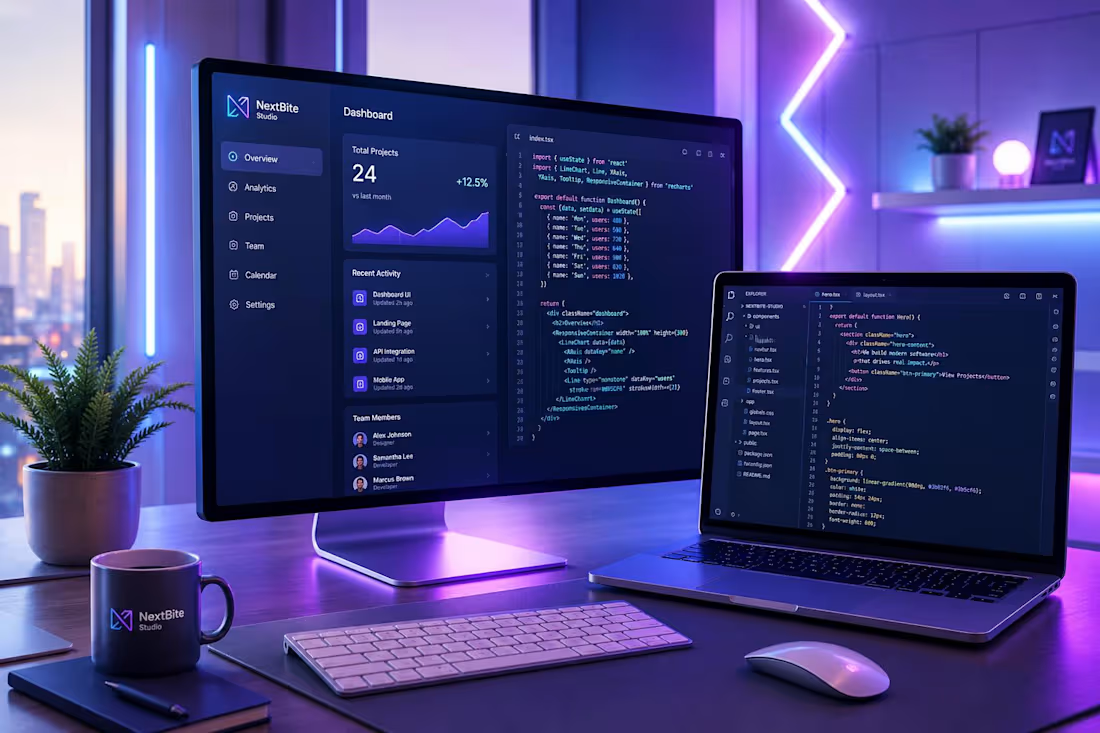
🚨 CLEAN CODE ISN'T A LUXURY—IT'S A HIGH-CONVERSION STRATEGY. Most web applications fail not because of bad visual design, but because of messy, unoptimized architecture underneath. Heavy DOM trees, unhandled state management, and bloated plugin spaghetti kill performance before a client even sees your offer. A 1-second delay in load time can drop conversions by up to 20%. In web development, speed is trust. ⚡ How I engineer high-performance web applications in VS Code: • 100% Hand-Coded React & Node.js: Zero page-builder bloat. Every line of code is written specifically for your core business logic. • Sub-Second Load Times: Optimized bundle sizes, clean state management, and server-side efficiency for 100/100 speed scores. • Security-First Architecture: Built-in protection for REST APIs, database queries, and user data to prevent vulnerabilities. • Scalable & Maintainable: Modular component architecture built to grow with your business without technical debt. Stop relying on slow, unoptimized templates. Build web products that scale effortlessly and perform at peak efficiency. 💬 Question for Full-Stack Developers & Tech Founders: In your production web applications, what is the #1 performance bottleneck you fight most often? • Option A: Heavy client-side JS bundles & unoptimized rendering • Option B: Slow database queries & uncached REST API endpoints 👇 Drop your stack, tips, and bottlenecks below—let's discuss best practices and build better web tech! #WebDevelopment #FullStack #ReactJS #NodeJS #CleanCode #VSCode #SoftwareEngineering #RESTAPI #WebPerformance
0
10
0
🚨 A BEAUTIFUL WEB DESIGN THAT DOESN'T CONVERT IS JUST EXPENSIVE ART. Most web designs look stunning in Figma, but fail the moment they go live. Why? Because heavy visuals, unoptimized layouts, and messy page builders ruin user experience and slow down load times. Users form an opinion about your brand in 0.05 seconds. If the UI lags or looks broken on mobile, they leave immediately. 🎨 How I approach Code-Driven Web Design in VS Code: • Pixel-Perfect Execution: Translating complex UI/UX wireframes directly into clean, responsive React.js & Tailwind CSS code. • Fluid Animations & UX: Smooth scroll dynamics, micro-interactions, and zero layout shift (0 CLS) without bloating the site. • Conversion-First Hierarchy: Structuring typography, CTA buttons, and visual balance to guide visitors straight to conversion. • 100% Hand-Coded Speed: Blazing-fast performance engineered from scratch—no slow page builders or unnecessary plugins. Great web design is not just what it looks like—it's how fast it works and how seamlessly it converts. 💬 A/B Question for the Web Design Community: When designing for high-ticket clients, which layout strategy yields better conversion rates for you? • Option A: Minimalist, high-contrast, lightning-fast code-driven UI • Option B: Heavy interactive animations with rich multi-layered graphics 👇 Drop your thoughts and preferred UI stacks below—let's connect and trade ideas! #WebDesign #UIDesign #UXDesign #WebDevelopment #ReactJS #TailwindCSS #VSCode #CleanCode #FigmaToCode
0
14
0
🚨 90% OF PEOPLE USE CHATGPT FOR TEMPLATES. ENGINEERS USE IT TO BUILD SCALABLE ARCHITECTURE. ChatGPT is a game-changer, but relying on raw AI output without engineering depth leads to slow, unoptimized, and insecure code. As a Full-Stack Engineer, I don't use ChatGPT to replace hand-coded logic—I use it inside VS Code to supercharge speed, refactor complex algorithms, and engineer high-performance web applications. ⚡ How I integrate ChatGPT into my Full-Stack Workflow: • API & Backend Integration: Building custom Node.js & REST API endpoints that seamlessly connect OpenAI models directly to web apps. • Prompt Engineering in Code: Crafting precise system prompts to handle dynamic user input, data parsing, and context management. • Cybersecurity & Clean Logic: Validating AI-generated UI/UX and logic to ensure zero security vulnerabilities and maximum performance (React.js / Tailwind CSS). • 100% Hand-Coded Foundation: Clean architecture built from scratch—zero bloated plugins, zero template lag. AI won't replace developers, but developers who engineer with AI in VS Code will replace those who don't. 💬 Question for the AI & Dev Community: How are you integrating ChatGPT into your production workflow—are you using raw ChatGPT web UI or building direct API integrations inside your IDE? 👇 Drop your stack and workflows below—let's connect and build the future of web tech! #ChatGPT #OpenAI #FullStack #WebDevelopment #ReactJS #NodeJS #VSCode #CleanCode #AIWorkflow
0
7
0
🚨 TYPOGRAPHY ISN'T JUST AESTHETICS—IT'S USER PSYCHOLOGY & PERFORMANCE Most people choose fonts solely based on looks. High-performance engineers optimize typography based on visual hierarchy, eye-scanning psychology, and load speed. When a visitor lands on a digital product, typography dictates where their eyes move in 0.05 seconds. If your custom web fonts cause Layout Shifts (CLS) or slow down initial rendering, you lose user trust before they even read your headline. How I engineer typography directly in VS Code: • Fluid Typography: Using CSS clamp() to build smooth, proportional text scaling across every screen size without bloated libraries. • Zero Layout Shift: Preloading critical variable fonts and executing fallback strategies so rendering is instant and crisp. • Typography in Code: Blending monospace code fonts with modern UI elements (using RML & WGSL Shaders) to create deep visual contrast. Great typography captures attention. Hand-coded optimization ensures it delivers results without sacrificing speed. 💬 Quick Question for Designers & Engineers: What is your go-to typography stack for modern web applications, and how do you handle web font performance? 👇 Drop your favorite font pairings below—let's connect and share workflows! #Typography #WebDevelopment #UIUX #CleanCode #DesignSystems #VSCode #FullStack
0
5